
Dolphin, the GameCube and Wii emulator, released new 2512 version yesterday! Ubuntu PPA updated for all current Ubuntu 22.04, 24.04, 25.04 and 25.10 releases.
The new release of this free open-source Nintendo video game console emulator added two new options Rush Frame Presentation and Smooth Frame Presentation.
Rush Frame Presentation is a new throttling mode to reduce latency which however generally make frame pacing worse. And, Smooth Frame Presentation can improve frame pacing with Immediately Present XFB and/or Rush Frame Presentation, while still maintaining most of the input latency benefits.
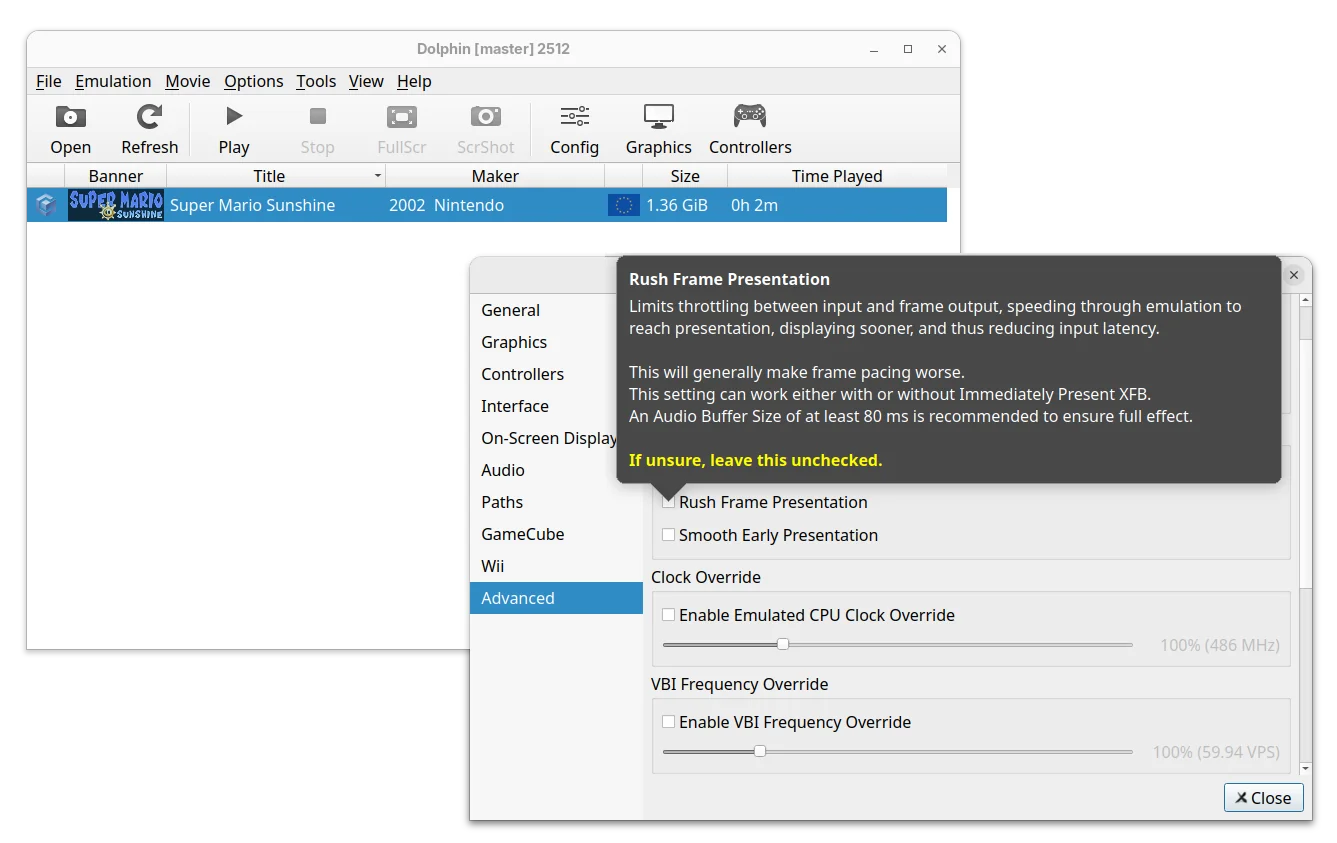
Both options are available in the Advanced settings page, where, a new “Reset All Settings” button is added to restore everything to default, without manually deleting the Dolphin settings files.
For Linux and Windows, the new version added new Broadband Adapter (BBA) IPC mode for the GameCube by using the cpp-ipc library. It allows running multiple Dolphin instances on the same machine to share memory and communicate directly without the need for a host network.
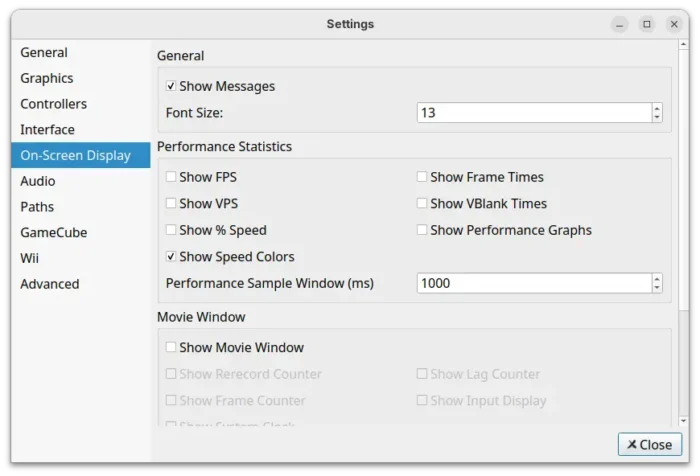
The emulator now uses Vera Sans Mono as default font for On-Screen Display, which looks clear regardless of DPI scaling. While, user can override it by adding any TrueType font to the “Load” folder of the User directory and name it “OSD_Font.ttf”.
And, On-Screen Display settings page added more options to configure what to be displayed, font size, or if to disable them all together.

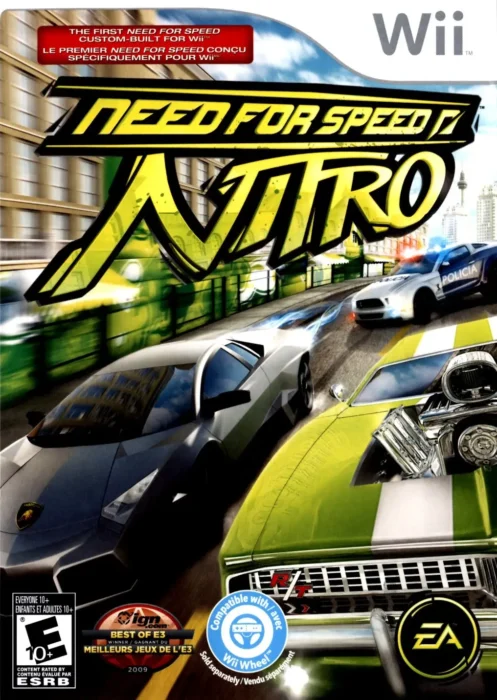
The 2512 version added a patch to detect and skip complex idle loops in Need for Speed: Nitro and Rayman Raving Rabbids, results in massive performance boosts, especially in lighter areas.
It also added small patches for Hulk (2003), Conduit 2, Driver: San Francisco, Monsters Inc. Scream Arena, Tetris Worlds, The Simpsons Hit & Run, etc games that either increased emulation performance or fixed specific issues.

For Android, the RetroAchievements support is finally added. User can log in and unlock achievements in supported GameCube games. However, some menus are incomplete, it may be best to have the RetroAchievements website open in the background for achievement lists and other things.
Other changes in Dolphin 2512 include:
- Emulate Logitech Microphone with any standard PC microphone.
- Add SDL Gamepad (Stock) profile to speed up GameCube controller mapping.
- Make InetAToN function async to prevent stutter for online gaming.
- Fix CSD/CID emulation. It now properly works with virtual SD cards up to 32GB in size.
- Fix broken audio in NFL Blitz Pro.
For more about the release, see the official announcement.
Install Dolphin 2512
Dolphin provides official installer packages which are available to download via the link below:
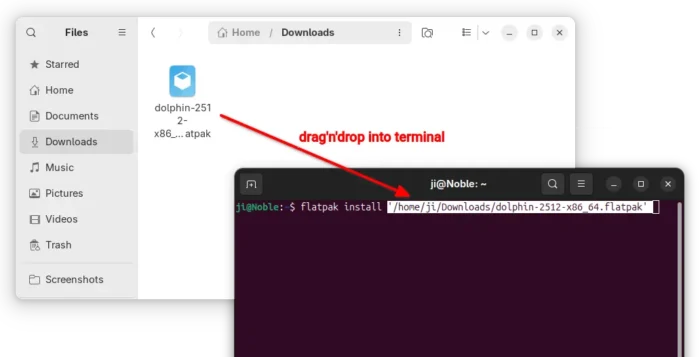
For Linux, it’s Flatpak package that runs in sandbox environment. Just download it, then run the command below in terminal to install it:
flatpak install /path/to/flatpak
Besides typing path to the flatpak manually, you may simply drag’n’drop it into terminal to auto insert the path.

For Ubuntu users who prefer the classic .deb package, I’ve built the package into this unofficial PPA for Ubuntu 22.04, Ubuntu 24.04, Ubuntu 25.04 and 25.10.
You may open terminal (Ctrl+Alt+T) and run the commands below one by one to add the PPA and install the emulator:
sudo add-apt-repository ppa:ubuntuhandbook1/dolphin-emu
sudo apt update
sudo apt install dolphin-emu
NOTE for Ubuntu 22.04 & Ubuntu 24.04, the PPA contains updated version of Vulkan loader library which is needed for building (and MAYBE properly running) Dolphin 2512, though they are NOT tested. Use it at your own risk!