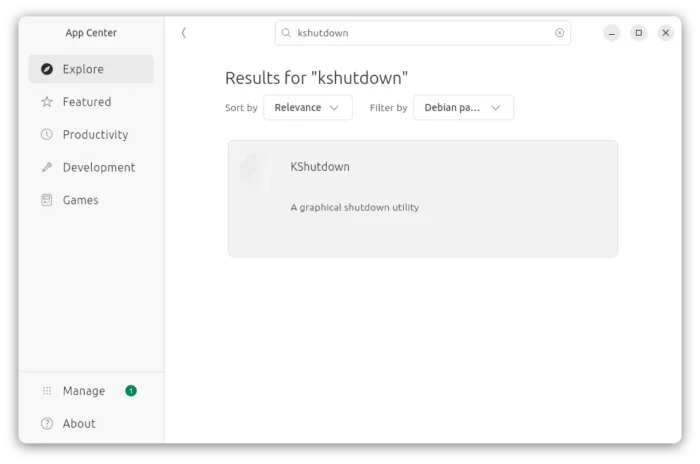
KShutdown, the graphical shutdown utility for Windows and Linux, released new 6.2 version few days ago.
The new version of this free open-source application added some minor new features, UI tweaks, and basic D-Bus help dialog for those who would like to automate the process via a widget or script.
As you may know, KShutdown is a small utility designed for KDE desktop, which also works in other desktop environments without KDE libraries.
The app can automatically shutdown, restart, hibernate, suspend your system, log-out or lock/un-lock your screen, as well as run custom command or popup a message dialog.
The action can be performed at given date and time, time from now, on application exit, or when a file is created/deleted.
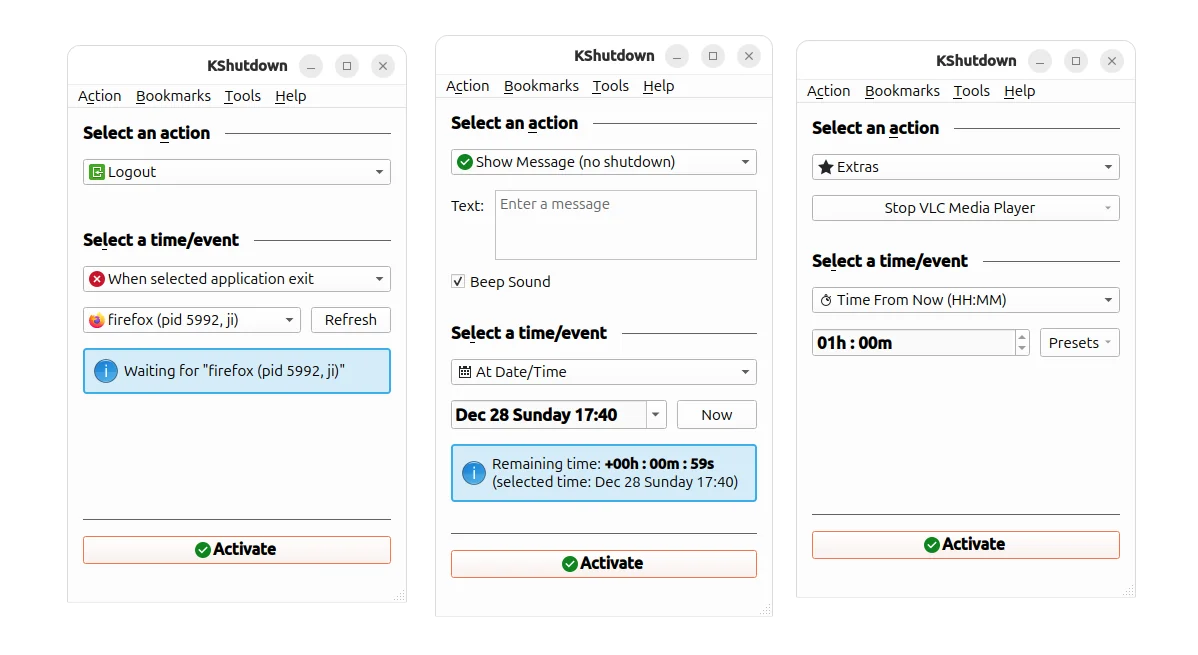
As you see in the screenshot above, the new 6.2 version added “Beep Sound” option when you choose “Show Message” action. In my case in Ubuntu, it will play the event sound (only once) when popping up the message dialog.
For those who would like to use Kshutdown in command line, e.g., for scripting or automation purpose, the new version added the D-Bus help dialog which can be launch from Help menu.
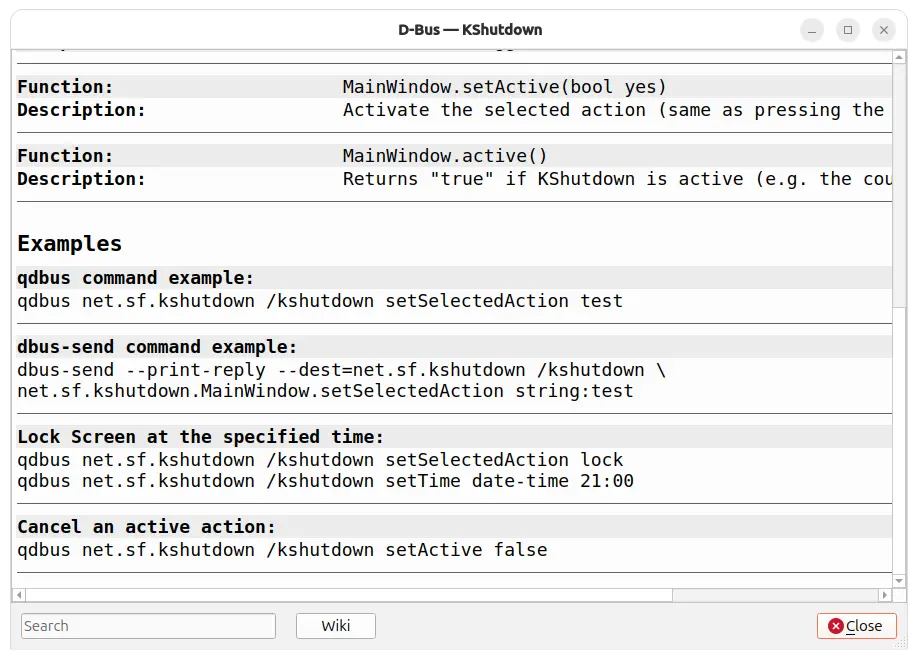
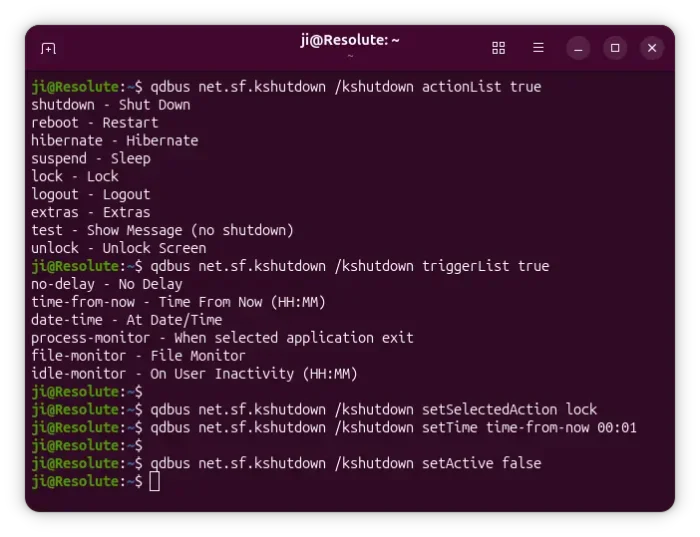
It shows the basic D-Bus commands to perform user-like actions. While, the Wiki page shows more about how to use it from command line.
NOTE: Ubuntu may need to first run the command below in terminal (Ctrl+Alt+T) to install the required runtime libraries for being able to use the d-bus commands.
sudo apt install qtchooser qdbus-qt6 qdbus-qt5

Besides that, the release also added more date and time presets, optimized app startup time by skipping loading of non-existent icons, and fixed some minor bugs.
Get KShutdown
The source code and Windows installers are available to download in its website via the link below:
For Linux, KShutdown is available in most Linux system repositories, though a bit old. Simply, search & install it from your system package manager or software app.