For KDE users, the new plasma desktop 6.6 is now in Beta stage for testing purpose.
The new version of this free open-source Linux desktop environment introduced many new features and tons of improvements.
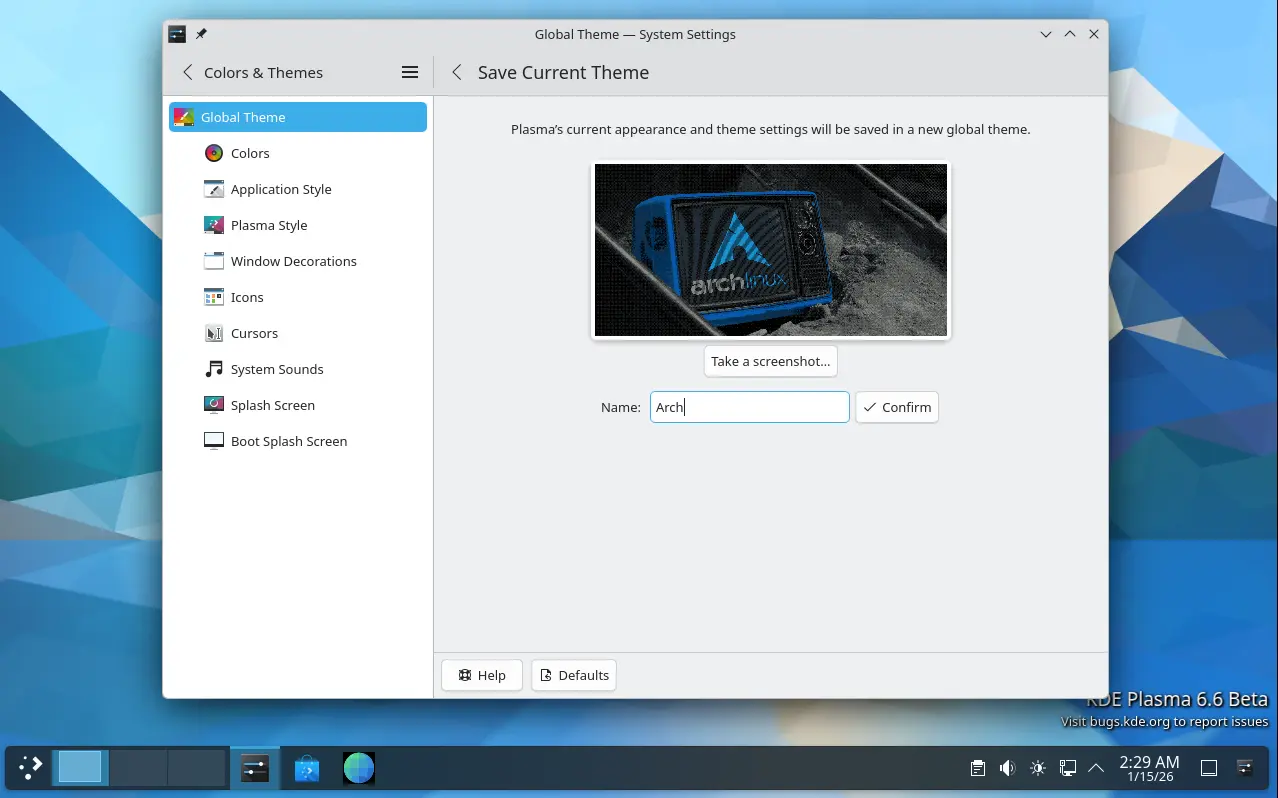
First, in Colors & Themes setting page, it now provides a “Save Current Theme” button, allowing to save current settings (e.g., colors, window decoration, icons, cursors, desktop and window layout) as a custom global theme with unique name and thumbnail image. After that, it’s displayed as one of the global theme choices.
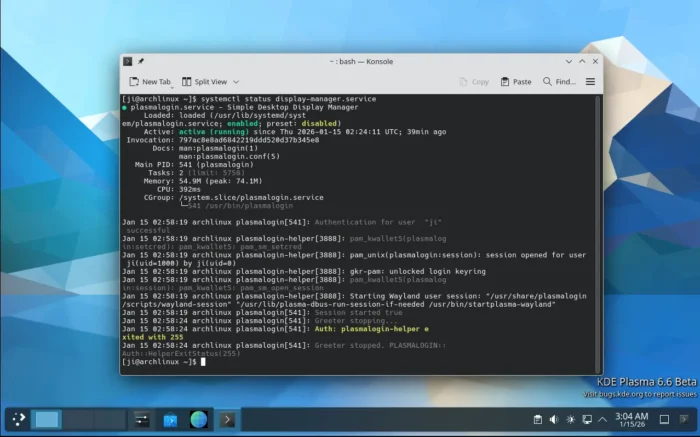
The desktop now features new plasma-login-manager. It’s a fork of the previous SDDM display manager with no big visual difference, but features wallpaper plugin integration and System Settings module (KCM), and better out-of-box experience for multi-minitor, HDR and HiDPI setup.
It as well introduced new plasma-keyboard as a replacement for the Maliit virtual keyboard for better Wayland compatibility, and new plasma-setup as a wizard for out-of-the-box or OEM setup.

The screenshot tool Spectacle has been updated with a “Cancel” button during screen capturing which is useful for touchscreen users. It features new OCR support for extracting text from screenshots with multiple languages support, though you need to install tesseract first. And, an option is added to skip automatic saving during OCR text extraction.
And, for any app window, a new “Hide from Screencast” option is added into the window header right-click menu.
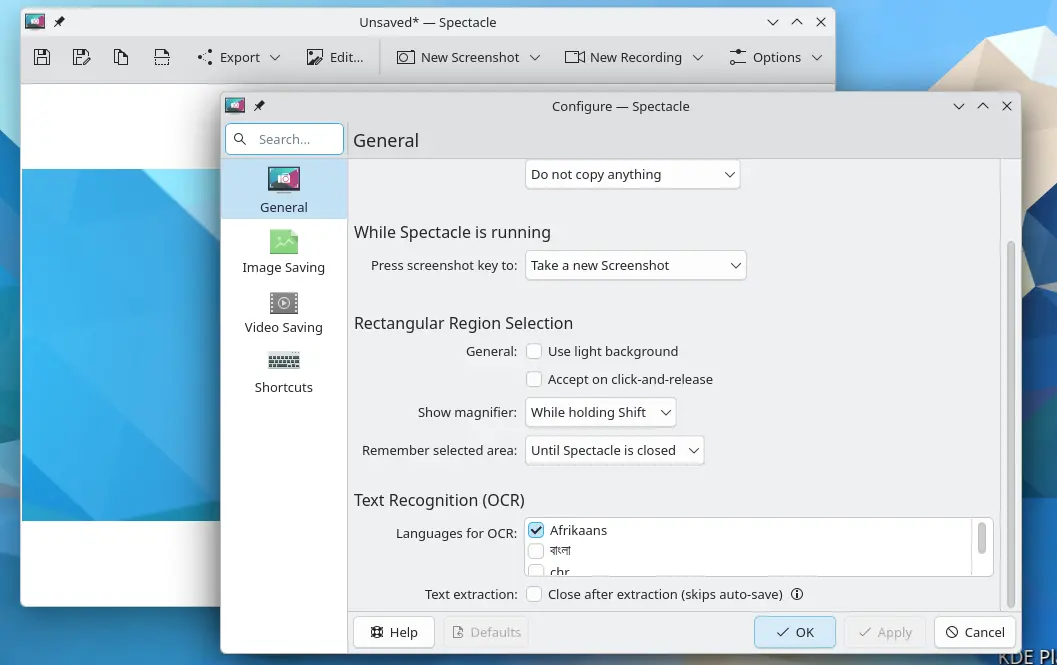
Spectacle now has OCR support
Plasma 6.6 also re-implemented the “Tiled” wallpaper type. And, it added portrait orientation support for Bing Picture of the Day, which detects portrait displays (height > width) and fetches 1080×1920 images for them automatically. However, Vertical UHD images are unfortunately not available.
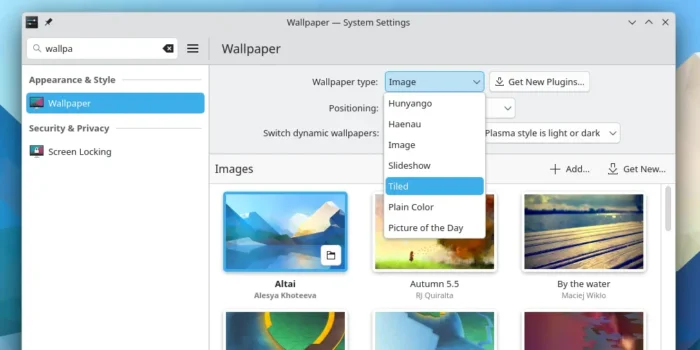

Window List widget has been updated with open on hover ability and option for window list item visibility. And, Lock/Logout widget now supports changing the order of icons.
For Wayland, the desktop added Slow keys support, per-DRM-plane color pipelines, custom screen mode, smoother animations on high refresh-rate screens, and improved screen mirroring support.
Other changes include:
- Automatic brightness adjustment for computer with an ambient light sensor.
- Add three finger pinch gesture for zoom function.
- Global Shortcuts for seeking forward and backward.
- Add forget device functionality to Bluetooth applet.
- Prevent system going idle while any gamepad is used.
- Add
Meta + Ishortcut for opening System Settings. - Add ability to only allow a defined list of shortcuts.
- Display Hardware/engine based adaptive sharpening.
- Connect Wi-Fi network via QR code.
- Add “Centered (Strict)” mouse tracking mode to Zoom/Magnifier.
- Adjustable monochromatic or greyscale mode to the colour blindness correction (built-in) effect.
There are many more other changes and numerous bug-fixes in the desktop release. See the announcement for details.
Get Plasma 6.6
The new desktop version is now available in kde-unstable repository for Arch Linux. And, it will probably be made available in Fedora 44 and (K)Ubuntu 26.04.
Sadly, the current (K)Ubuntu 25.10 will not likely to have this version through KUbuntu PPA as the most plasma 6.6 components now require Qt 6.10.0 or higher.