
For developers and those who need most recent or different but non-default Python versions, Ubuntu now has an “official” backport PPA for Ubuntu 22.04, Ubuntu 24.04, and Ubuntu 26.04 LTS.
Ubuntu has Python pre-installed, but it won’t update the major version number. It has Python 3.10 for Ubuntu 20.04, Python 3.12 for Ubuntu 24.04, and Ubuntu 26.04 so far defaults to Python 3.13.
It also includes latest non-default Python versions in system repositories, but usually for Ubuntu editions released after that Python release date. For example, Python 3.14 was released on 7 October 2025, the date after Ubuntu 25.10 final freeze, so it’s made available in Ubuntu 26.04 repository.

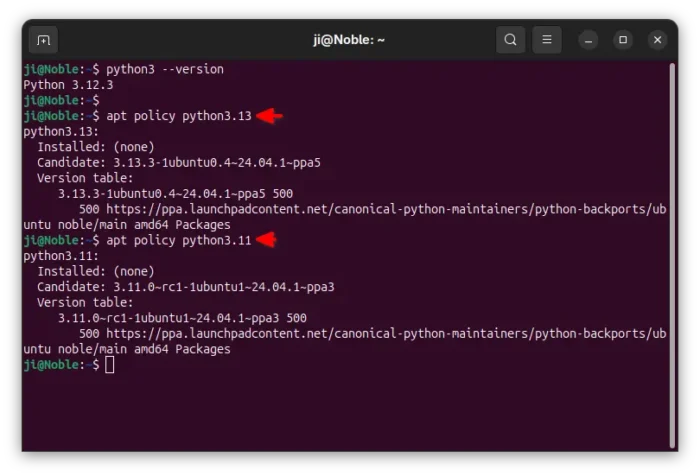
Python 3.11 & 3.13 backports for Ubuntu 24.04
Previously, user may choose the popular Deadsnakes PPA or build from source for different or newer Python versions. Now, a new choice for Ubuntu LTS is available by the “Canonical Python Maintainers” team.
The PPA features:
- maintained by Ubuntu developer team, considered as official.
- Ubuntu specific patches and security vulnerability fixes.
- Support all Ubuntu supported CPU architecture types.
As a backport PPA, it does NOT include the latest versions (meaning the minor version number), but the ones from system repositories, e.g., Python 3.11.0~rc1 from 22.04, 3.12.3 from 24.04, 3.13.3 from 25.04, and 3.14.2 from 26.04.
Meaning, the PPA packages would also benefit from the upstream system updates, e.g., security fixes and minor version updates.
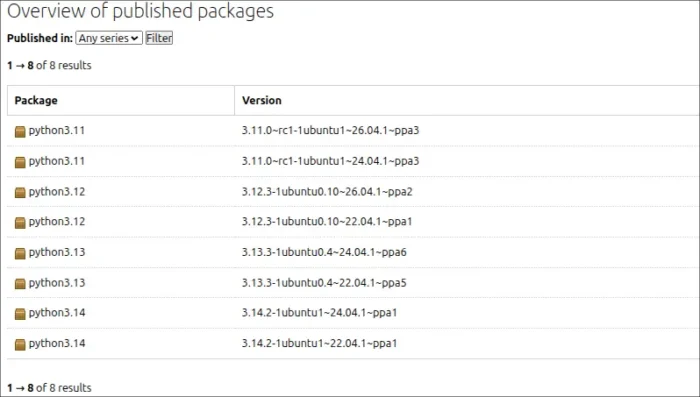

However, the PPA so far is only a month old. And, it contains some issues at the moment of writing.
The python3.11-venv and python3.12-venv packages are not installable due to dependency issue, python3.13-tk conflicts with default python3-tk, and Python 3.14 build is broken.
But the minimal subset, with the interpreter and some essential modules, works great in my case.
How to Add the new Python PPA
The link to the new PPA is available via the button below:
To add the PPA, simply press Ctrl+Alt+T on keyboard to open terminal, and run command:
sudo add-apt-repository ppa:canonical-python-maintainers/python-backports
Type user password for sudo authentication and hit Enter to continue.
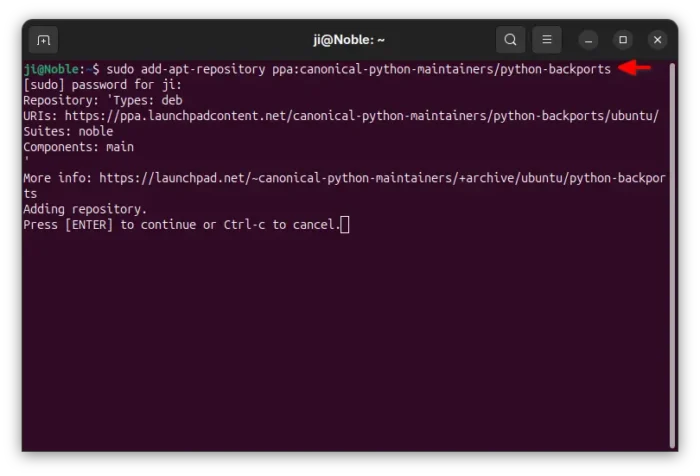
Linux Mint needs to manually refresh cache (unless adding PPA via “Software Sources”) by running the command below, while the command above does it automatically in Ubuntu.
sudo apt update
Finally, run the command below to install python3.13 minimal setup:
sudo apt install python3.13-minimal
Or replace 3.13 with 3.12 or 3.11 for the corresponding versions.
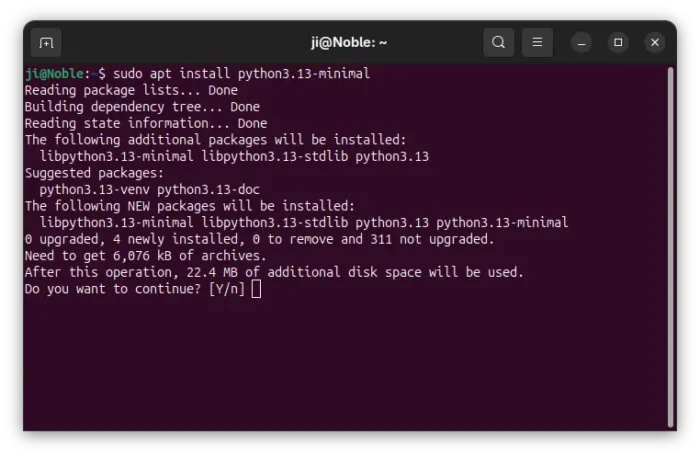

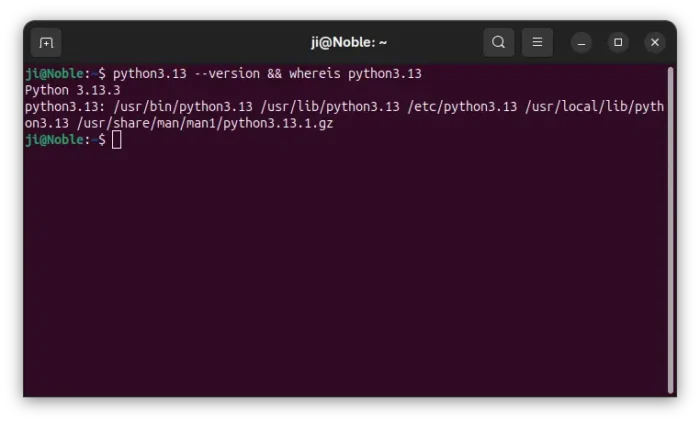
After installation, use whereis command to see where it was installed.
python3.13 --version && whereis python3.13

Uninstall:
To remove the PPA, either run the command below to install ppa-purge, then use it to purge the PPA, which also remove all the packages installed from it.
sudo apt install ppa-purge && sudo ppa-purge ppa:canonical-python-maintainers/python-backports
The ppa-purge may fail due to internet interruption or 3rd party repository issues (e.g., missing public key). In the case, run the command below instead to remove the PPA:
sudo add-apt-repository --remove ppa:canonical-python-maintainers/python-backports
Then, remove the Python packages via command (replace version number 3.13 accordingly):
sudo apt remove --autoremove python3.13-minimal