



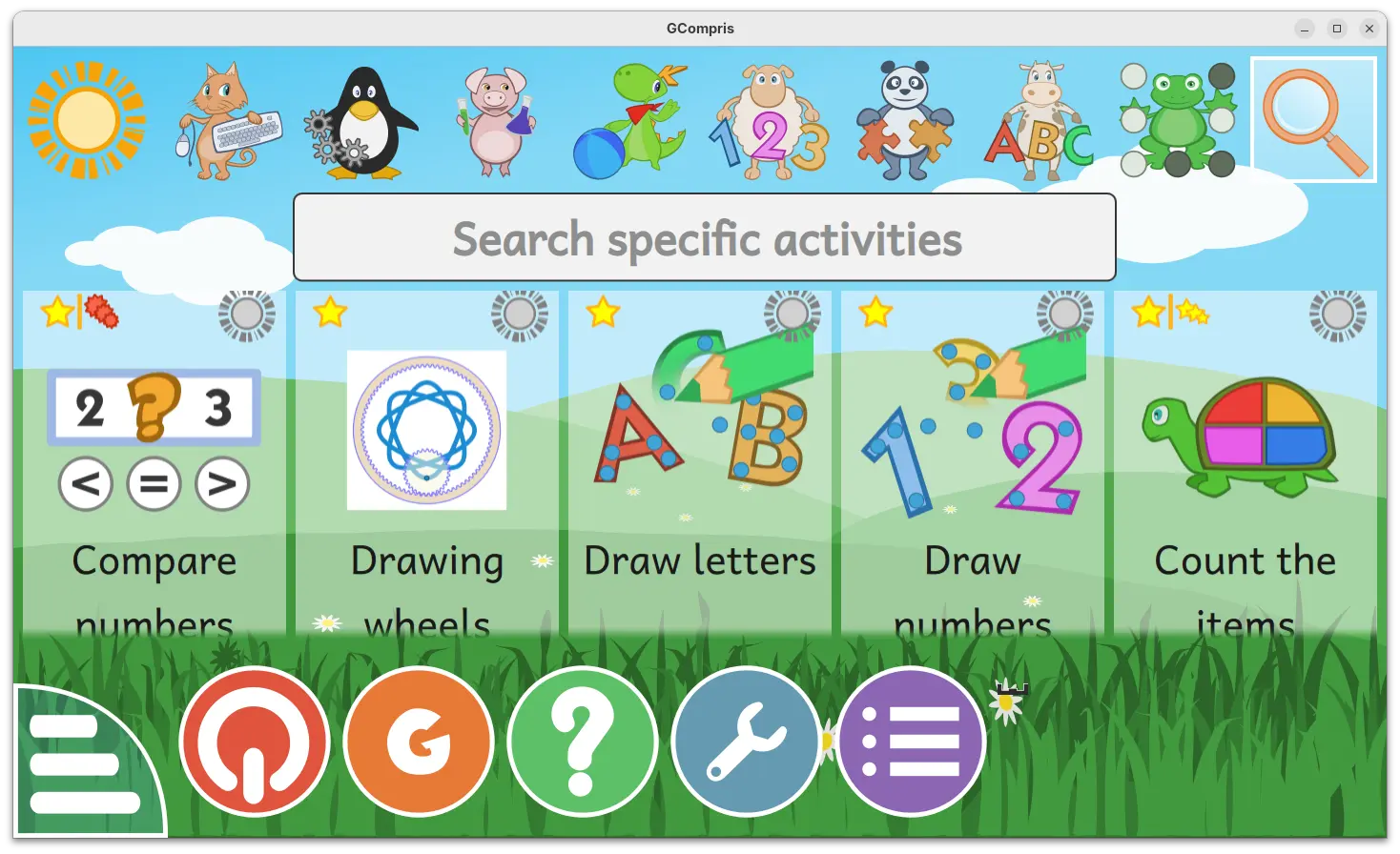
GCompris, KDE’s educational software suite, released new 26.0 version few days ago.
The new version introduced official companion tool for teachers, added two new activities, and fixed various bugs.
For those who don’t know about the software, it’s a free open-source educational software for children aged 2 to 10, which works on Linux, Windows, BSD, macOS, and Android.
It includes 190+ activities, some of them are game orientated but nonetheless still educational, providing training exercises within and outside the classroom.
With the new 26.0 version, the official teachers tool is introduced. It allows teachers to create and manage pupils groups, create specific work plans, connect and send a work plan to pupils, visualize the work results per group and pupil, and analyse pupils answers.
The GCompris-teachers app is so far only available for Linux and Windows, and teachers should use the same version of the main GCompris application.
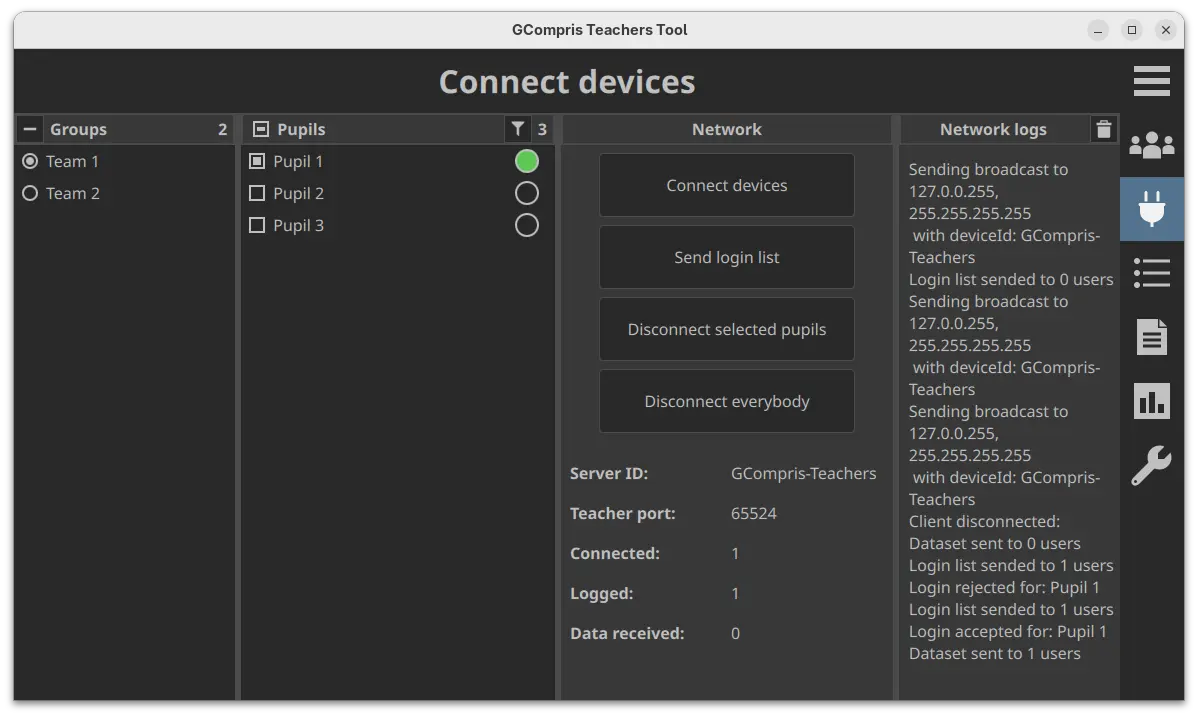
Gcompris teachers app
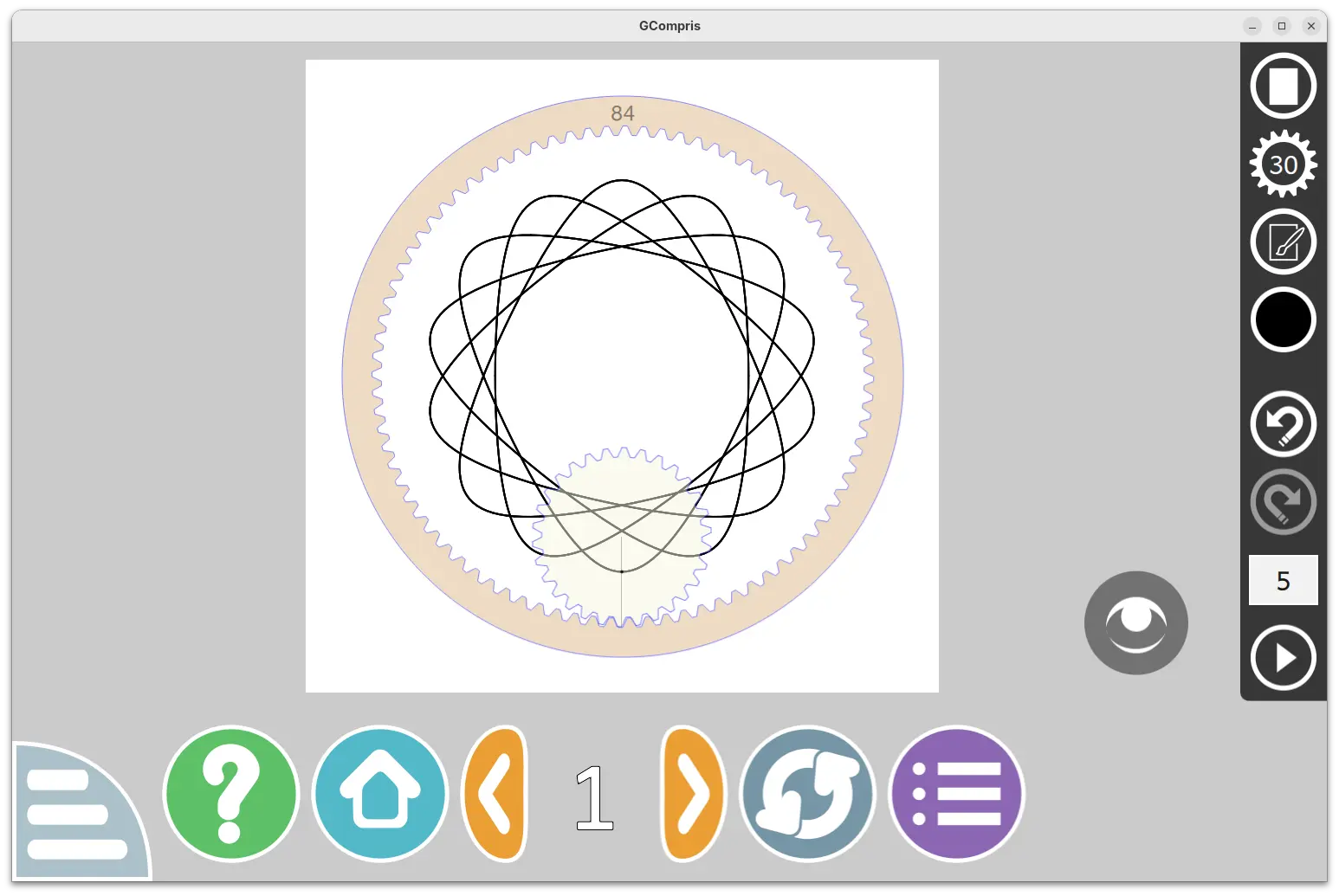
The new version also introduced two new activities. They include “Drawing wheels”, an activity to make beautiful drawings by rolling the gear in the cogwheel.
Pupils can choose wheel size, gear size, pen settings and color, and finally click play to roll the gear to start drawing. An eye icon is available to hide the gear and the cogwheel to view the final drawing. And, it supports saving image as SVG along with PNG, and load again (SVG only) from the activity.
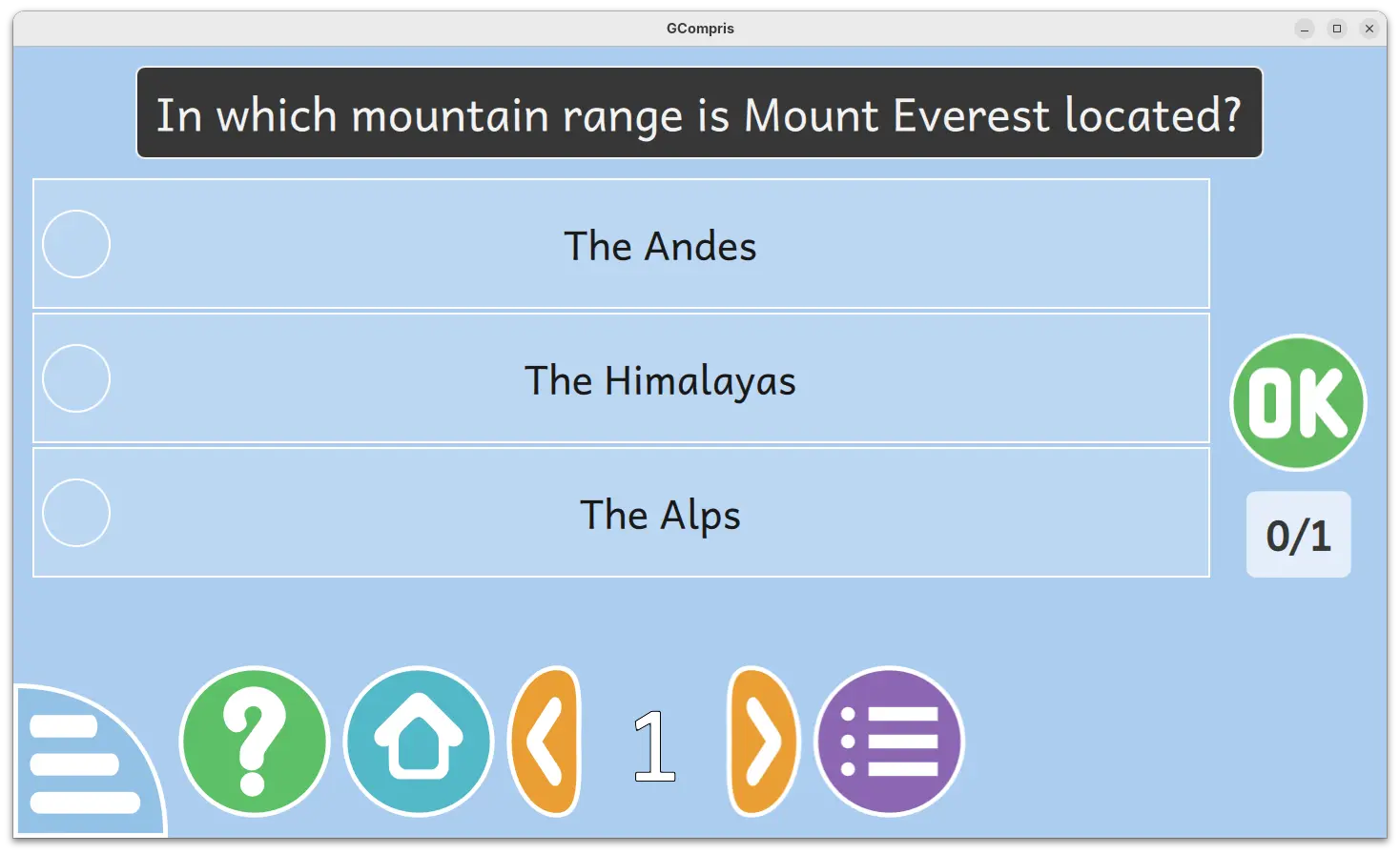
Another one is “Multiple choice questions“, a MCQ activity that’s hidden by default. It’s only visible after teacher created the questions and sent to clients. Pupils need to click an answer to select then press OK to answer the questions sent by teacher. After validating, a feedback text (if set by teacher) panel will be displayed, and click anywhere will close it.
Other changes include two new Kannada and Tamil languages support, as well as bug-fixes and improvements. See the NEWs page for details.
How to Get GCompris 26.0
The software provides official installer packages for Linux, Windows, macOS, Android, and Raspberry Pi, which are available to download in its website:
For Linux, either download the .sh installer and follow the guide in the link above, or select install the Flatpak package or Snap package (from App Center).















if you want to compile in debian:
#!/bin/bash
#
#
#
sudo killall -9 gcompris
sudo apt install -y git cmake build-essential extra-cmake-modules pkg-config gettext python3 qt6-base-dev qt6-base-private-dev qt6-declarative-dev qt6-declarative-private-dev qt6-multimedia-dev qt6-svg-dev qt6-sensors-dev qt6-graphs-dev libqt6graphs6 qml6-module-qtgraphs qml6-module-qtquick-dialogs qt6-tools-dev qt6-tools-dev-tools libssl-dev qt6-wayland-dev qt6-wayland-dev-tools pkg-config qt6-base-private-dev qt6-declarative-private-dev libqt6graphs6 qt6-quick3d-dev qml6-module-qtquick3d qt6-languageserver-dev qt6-quick3d-dev-tools
cd /app/
git clone https://github.com/gcompris/GCompris-qt.git
cd /app/GCompris-qt/
git reset –hard
git pull –recurse
git submodule update –init –recursive
mkdir build
cd build
cmake ..
make -j$(nproc)
sudo make install -j$(nproc)
ls -la /app/GCompris-qt/build/bin/gcompris*
ls -la /usr/bin/gcompris*
exit 0
Thanks for the guide!