
SuperTux, the classic 2D jump and run game, released new major 0.7.0 version yesterday!
It’s been more than 4 years since the last version. The new 0.7.0 features completely redesigned character (the Tux), new background, music, and levels, multi-player mode, as well as revived Android support.
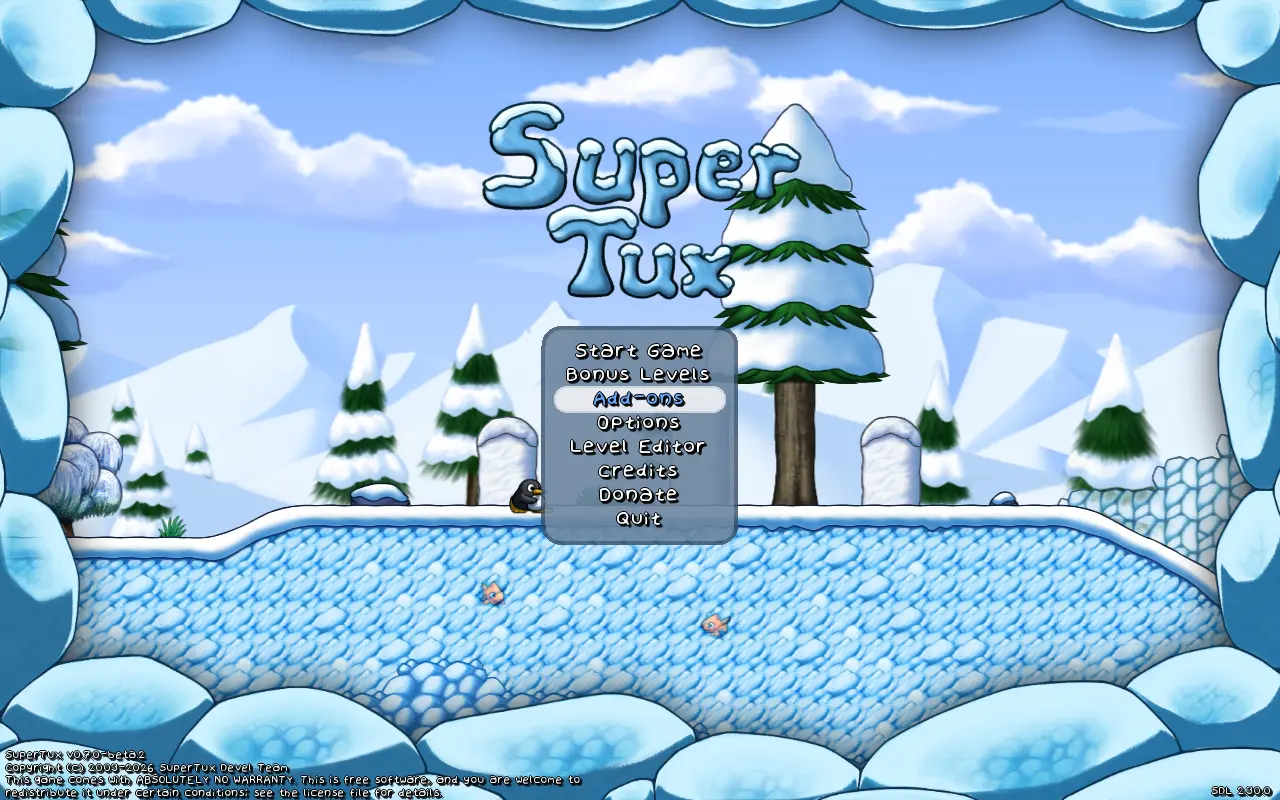
First, the penguin has been completely redesigned. It now looks stereoscopic, runs and jumps more like a human. And, it features new creep forward action triggered by press’n’holding down and moving left/right.
The penguin body now turns fiery-red instead of wearing a cap after ate a fire-flower, and, the fireballs now feature new animation with burning effect. When idle (you’re not controlling it), it will play on its own and even sit on the ground and take a load off.
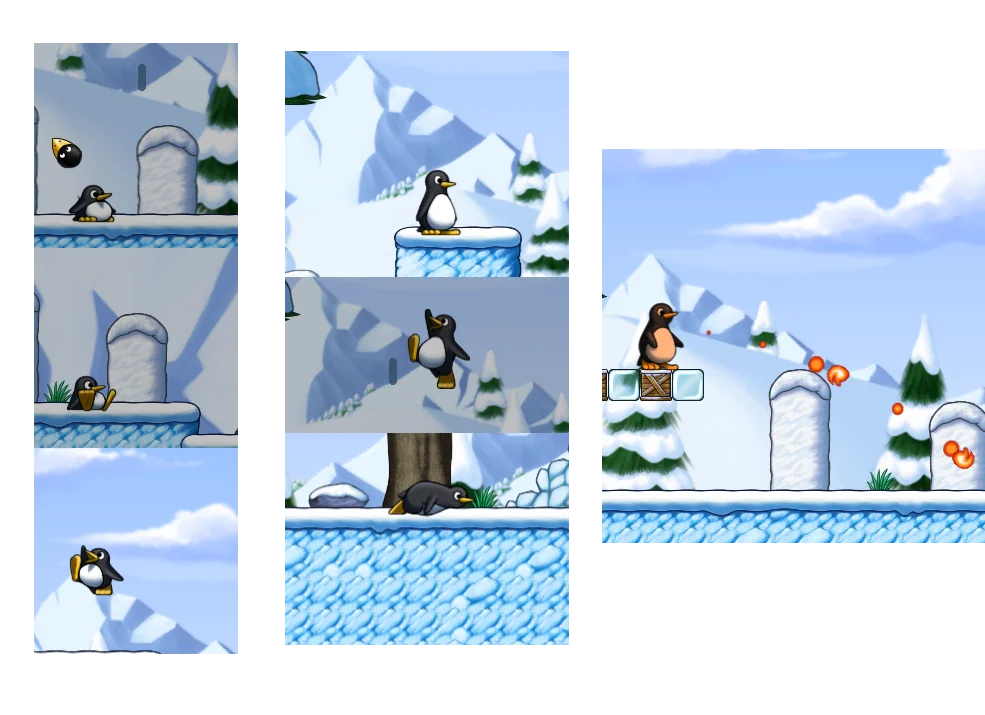
This version also overhauled the world I (aka Icy Island) and world II (aka Rooted Forest). And, user can now press the action key (left Control by default) to switch between different worlds, though in my case only Icy Island is available.
SuperTux 0.7.0 also added some new enemies and NPCs. They include Granito – a friendly npc within Rooted Forest levels, Root Sapling – spawns small roots pointing upwards like Ghost Tree, and Corrupted Big Granito– a hostile version of the friendly Granito NPC.
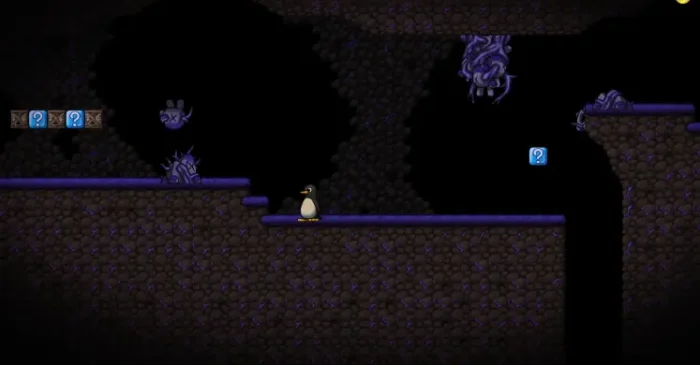

The 0.7.0 version as well added local multiple player mode, allowing to play with your friends on same screen with up to 4 players (penguins) with different or even same input devices (e.g., a keyboard).
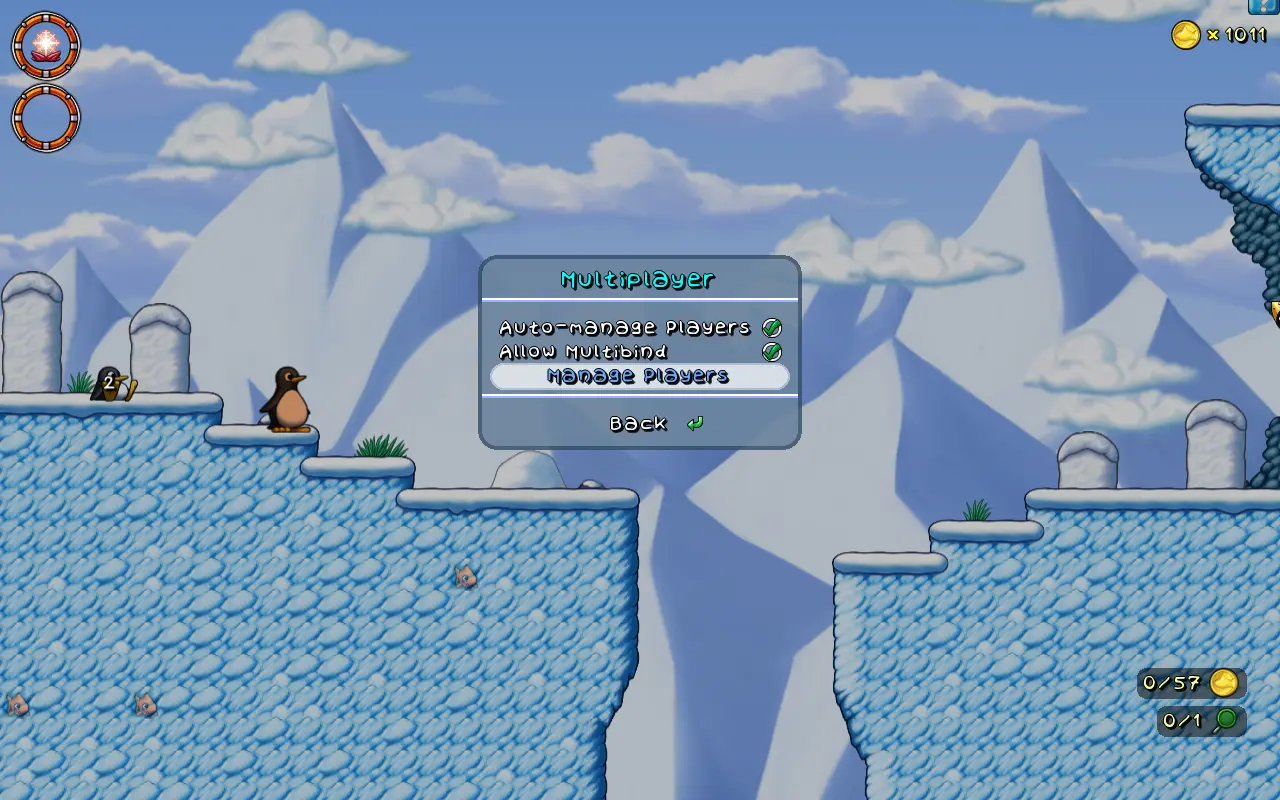
The Level Editor now always starts in tile mode. It has been updated with support for WASD keyboard keys scrolling, new node circle graphics, draggable EditorComment, and many other improvements.
Other changes include:
- New Cutscenes, Ghost Tree, and new Yeti Boss fight.
- New music.
- Revamped backgrounds, tiles, objects, and badguys.
- New options dialog.
- Glinting BadGuys that will drop coins on death.
- Revived Android support.
- Add Linux Flatpak package.
Get SuperTux 0.7.0
For more about the release, and the official installers (under Assets section) for Linux, Windows, and macOS, go to the Github release page via the link below:
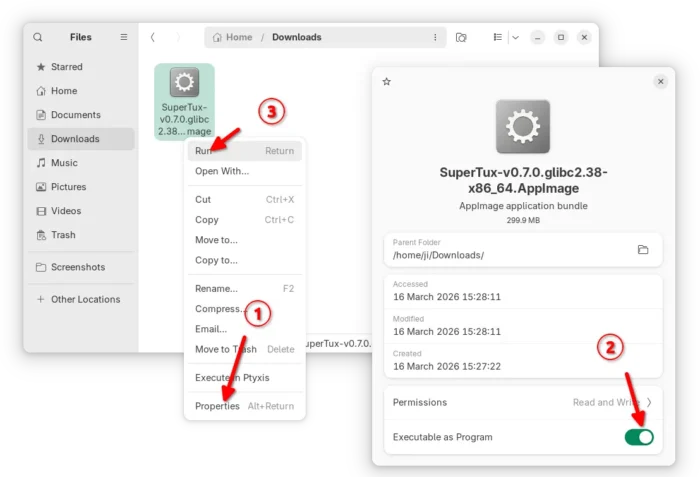
For Linux on AMD/Intel platform, either select download the AppImage package, add executable permission, and run to launch the game.
As the package name says, it requires glibc >= 2.38. For Ubuntu, it means you need 24.04 LTS and higher, and make sure the libfuse2 library is installed via the command below in terminal (Ctrl+Alt+T):
sudo apt install libfuse2
For choice, select download the Flatpak package, then run command below in terminal (Ctrl+Alt+T) to install:

flatpak install drag-and-drop-flatpak-package-into-terminal
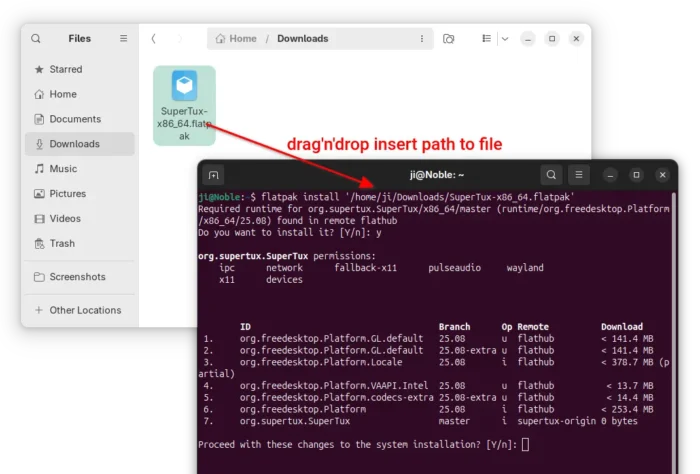
Tips: run sudo apt install flatpak to install the daemon if your don’t have Flatpak support in Ubuntu, or follow this setup guide to enable Flatpak support in other Linux.

If the app icon is not visible, either log out and back in to apply the path environment change, or run the command below instead to start it from terminal:
flatpak run org.supertux.SuperTux
(Optionally) For any reason, you may use the command below to uninstall the Flatpak package from your system:
flatpak uninstall --delete-data org.supertux.SuperTux