
Google Chrome web browser announced the new stable 146 version on Tuesday for Linux, Android, macOS, ChromeOS and Windows users.
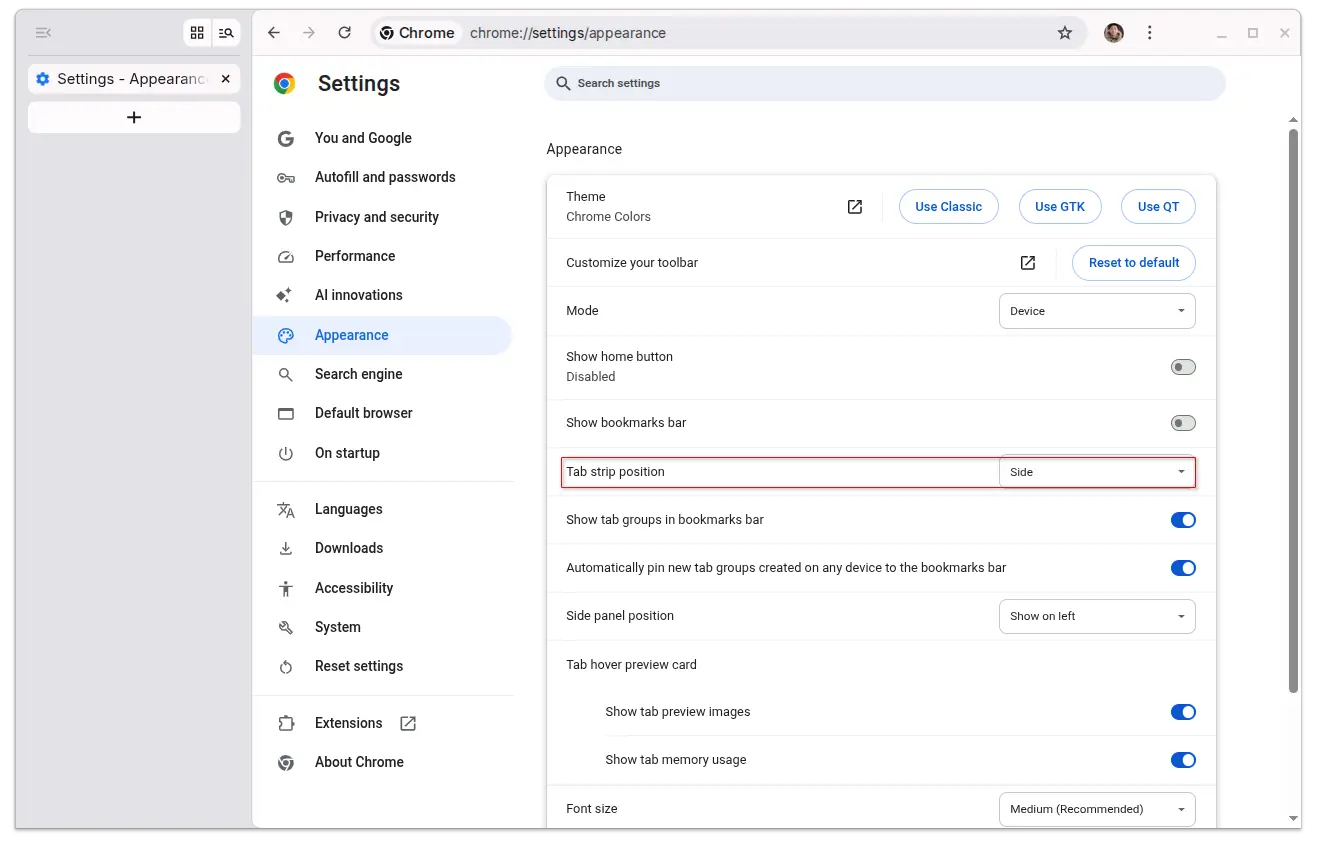
The new monthly release finally merged the feature Vertical Tabs, allowing to move the tab bar from top to the left side. And, the side-bar can be resized to either show both icons and titles or display only site icons.
To enable the feature, first go to chrome://flags/ in address bar, search and enable Vertical Tabs and restart the browser. Then, go to browser Settings -> Appearance -> Tab strip position to make switch at any time as you want.
For developer, Chrome 146 introduced WebGPU Compatibility mode, an opt-in subset of the WebGPU API. It makes possible for old hardware, that do not support modern standards like Vulkan or Metal, to run modern WebGPU apps or games with restrictions such as no storage buggers and restricted texture views.
It also implemented scroll-triggered animations. Without using JavaScript, it allows using CSS to play, pause, reset animations according to scroll positions. So that browser can leverage hardware acceleration and offload animations to the GPU.
There are as well new web-audio playback statistics API allowing web apps to monitor audio playback quality and detect glitches, CPU performance API that exposes some information about how powerful the user device is.
Other changes include:
- Support the trigger-scope property, to prevent collision when multiple elements define the same trigger name.
- Add
meta name="text-scale"tag, allowing to adjust webpage text size based on the OS level font size setting. - Selective Permissions Intervention, allowing to grant permissions to a website, but not third-party scripts running on the site.
- Sanitizer API to prevent Cross-Site Scripting (XSS) attacks.
- Implement Web Neural Network API (WebNN), allowing web apps to run machine learning (ML) models using user’s local hardware, such as CPU, GPU, and NPU.
- Focusgroup feature allows using arrow keys navigation within grouped elements like menus and toolbars.
For more about Google Chrome 146, see this release note for developers, or go to chrome://whats-new/ in browser though it seems not telling the release-specific changes.
Get Chrome or Chromium 146
Google Chrome browser is available to download in Google website via the link below:
For Linux, besides using the official .deb/.rpm packages, there’s also a community maintained Flatpak package that runs in sandbox environment. And, here’s a step by step guide shows how to install them in Ubuntu desktop.
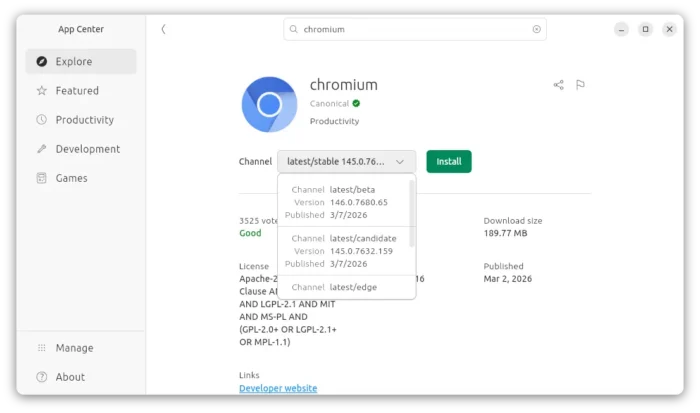
For those who prefer the open-source Chromium browser, Ubuntu provides the official Snap package, which can be installed directly from App Center (Ubuntu Software).

Chromium browser is also available to install through community maintained Flatpak package and Ubuntu PPA.