

Budgie, the independent free open-source desktop environment, released new 10.10 version today.
This is the final feature release in the 10.x series, as the dev team has formally put it into maintenance mode, and focus on the development of the next Budgie 11.
Budgie 10.10 switched to Wayland session by default for better security and improved performance. And, it promoted that “the experience of using Budgie Desktop under Wayland remains the same as it was under X11”.
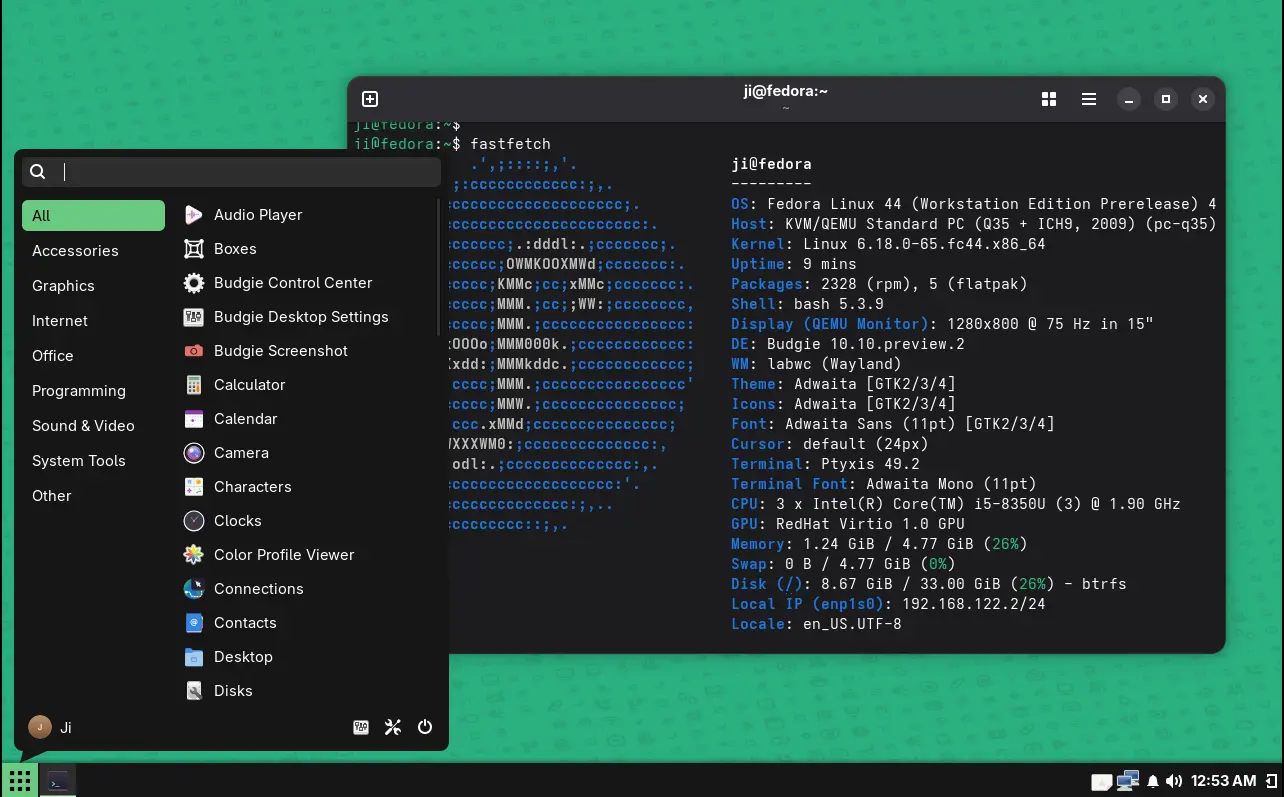
Budgie 10.10 on Fedora 44
It by default uses the lightweight openbox inspired labwc compositor for Wayland, that’s automatically configured to support default shortcuts for essential actions, input acceleration, and window management features.
It uses xdg-desktop-portal-gtk protocol for apps to securely use the most desktop features, xdg-desktop-portal-wlr protocol for screenshots and screencasts, and ext-session-lock protocol for screen locking and idle management.
The screenshot functionality is handled by grim for full-screen and slurp for area selection. The background wallpaper is handled by swaybg. And, it integrated swayidle, gtklock or swaylock, and wlopm for screenshot and idle management.
The classic Xorg session seems no longer being supported. Ubuntu Budgie 26.04 snapshot 2 installer does not launch, so I tried it in Fedora Rawhide which only shows the Wayland session for Budgie desktop in my case with either GDM or LightDM display manager.
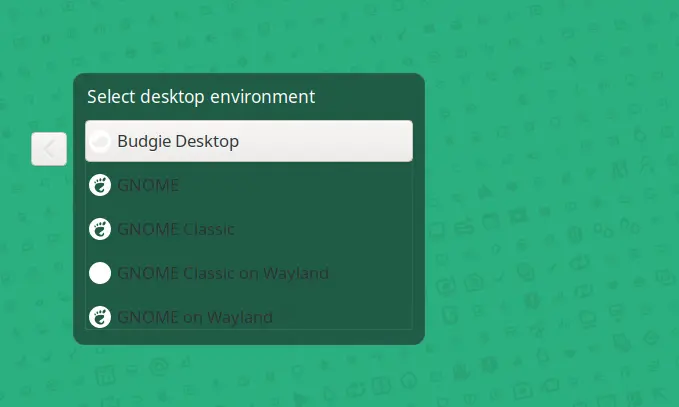

Besides Wayland, the new version included many applet updates. The Night Light applet now comes with color temperature control. User can now middle-click on notifications applet icon to toggle ‘Do Not Disturb’. The tasklist has been completely rewritten, and IconTasklist applet received numerous bug fixes and improvements.

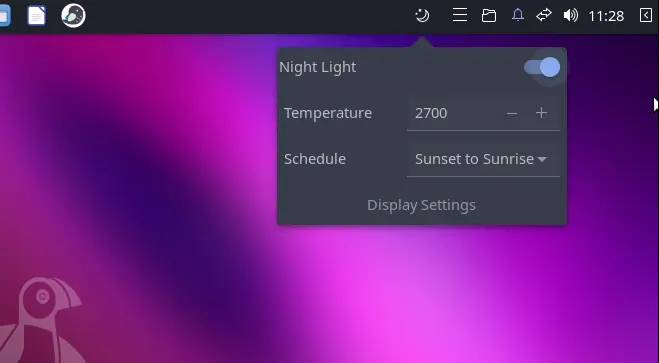
Night Light applet in Ubuntu Budgie 26.04
Other changes include:
- Hide the X11 specific Color settings.
- Wayland support for the Multitasking panel.
- Move screen lock to Privacy settings.
- Make bluetooth panel optional
- New Accessibility options.
For more, see the official release note in buddiesofbudgie.org.
Get Budgie Desktop 10.10
The source code of this desktop environment is available in this Github page.
For normal users, it’s recommended to wait Ubuntu Budgie 26.04 and Fedora 44 spins that will ship Budgie 10.10, while Arch has already made it into extra testing repository.
For users of the current Ubuntu releases, keep an eye on the Ubuntu Budgie team PPA while might backport the new desktop for current 24.04 LTS.