GIMP image editor announced the third RC release for the next 3.2 major version last night!
This is probably the last development release before the final GIMP 3.2, which is due next week (Mar 14, 2026) according to the issue.
This RC improved user experience by changing the way that Welcome Dialog appears. It will no longer show the Welcome Dialog when you launch GIMP with an image either from ‘open with’ context menu or command line.

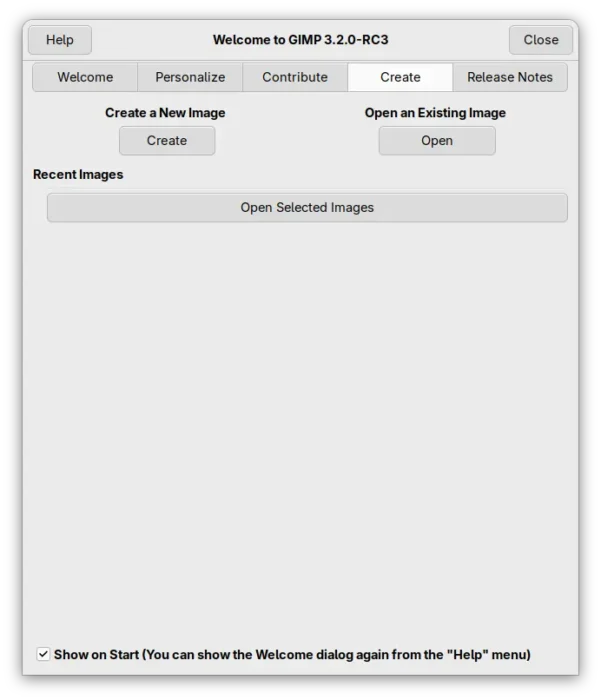
Welcome Dialog no longer appear when launch GIMP along with image opened
For keyboard user, the Flip tool has been updated with support for using Left and Right arrows to flip image horizontally, and Up and Down arrows to flip it vertically.
Similarly, the Shear tool now supports using Left and Right arrows to shear image horizontally, and the Up and Down arrows to do the same vertically, as well, you can hold Shift key to shear with a larger value.

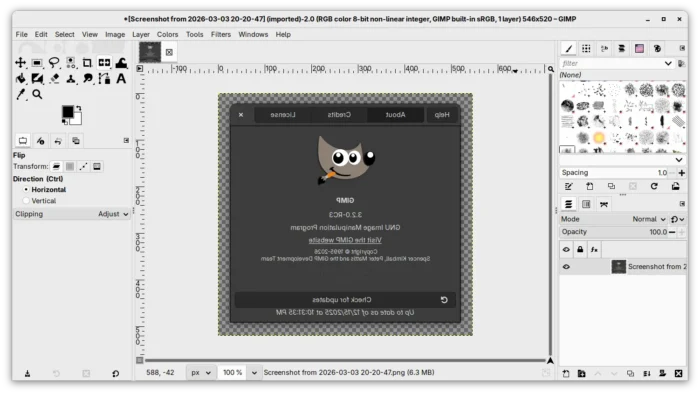
Flip and Shear tools now support allow keys
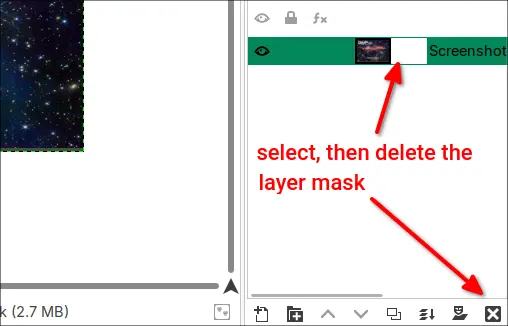
There are also some other UI/UX improvements. The Crop Tool now automatically adds transparency to a layer if you set it to fill with transparency. And, the Delete button in layer dockable now deletes the layer mask if selected instead of deleting the layer.

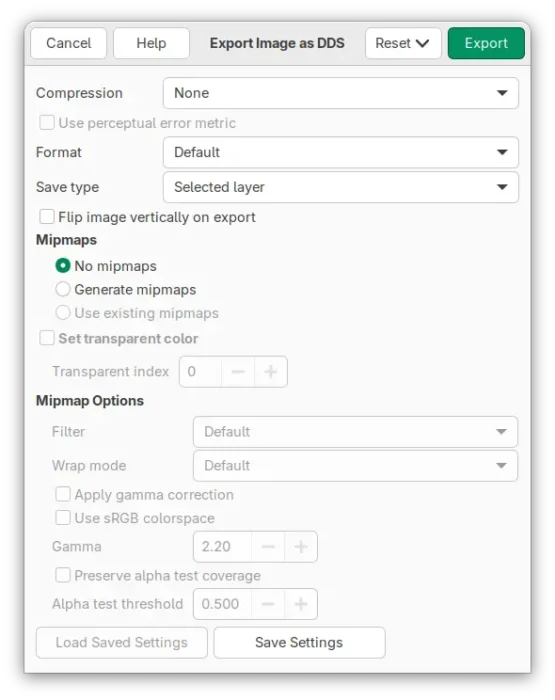
Besides the UI/UX changes, the new version also improved file formats support. It now supports BC7 (.dds) format export, as import added since 3.0. The lossless WebP export and JPEG 2000 export issues caused by quality settings were fixed.
As well, it now supports importing palette swatches from the Procreate art program, and, OpenEXR import supports YR and YB color channels.

GIMP 3.2 RC3 also improved its installers. The macOS (.dmg) and Windows installers now have custom icon and scripts to generate custom background matching the splash screen.
The Linux AppImage has been updated with fixes for AArch64 (ARM64) and third-party plugins support. And, Flatpak package now has initial Global Menu support by specifying GIMP_GTK_MENUBAR = 1 environment variable.
Other changes in this RC include:
- New splash screen.
- Reordered Hue Saturation GUI.
- Support drag’n’dropping color or pattern swatches on a vector layer to change the fill.
- Levels, Curves, Equalize, and White Balance filters now default to Linear precision.
- Curve-Bend plug-in support in scripts.
- Use GimpColorScales and GimpColorSelect functions in plugins and scripts.
- Added
gimp_config_get_xcf_version ()andgimp_config_set_xcf_version ()functions. - Create GimpCurve objects in plug-ins.
There are as well some security and other bug-fixes. See the official announcement for details.
Get GIMP 3.2 RC3
GIMP provides the dev installer packages for Linux, Windows, and macOS, which are available to download in the link below:
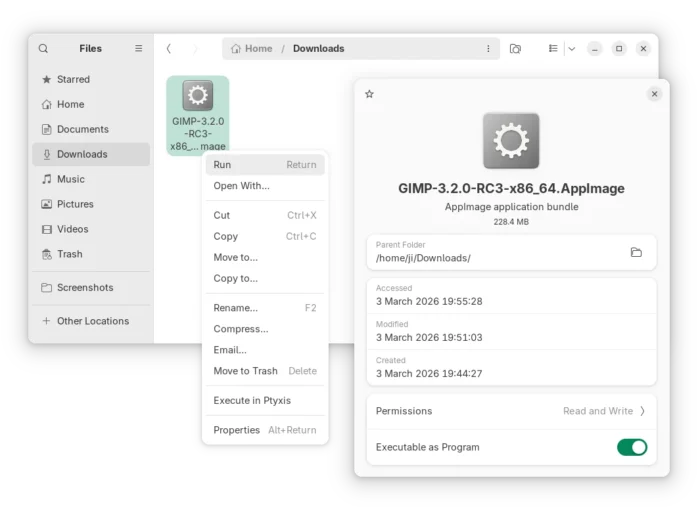
For Linux, simply select download the AppImage, add executable permission from its properties dialog, and finally run to launch the image editor.

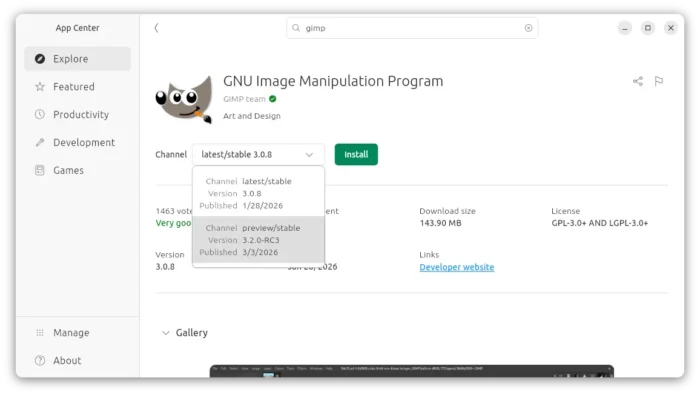
While, Ubuntu user may simply search & install the Snap package from App Center (or Ubuntu Software) by switching to the preview channel.

Or install the Flatpak package in sandbox environment for most Linux by running command after enabled flatpak support:
flatpak install --user https://flathub.org/beta-repo/appstream/org.gimp.GIMP.flatpakref
And, launch the Flatpak package via the command below in case you also has the stable version installed as Flatpak.
flatpak run org.gimp.GIMP//beta