
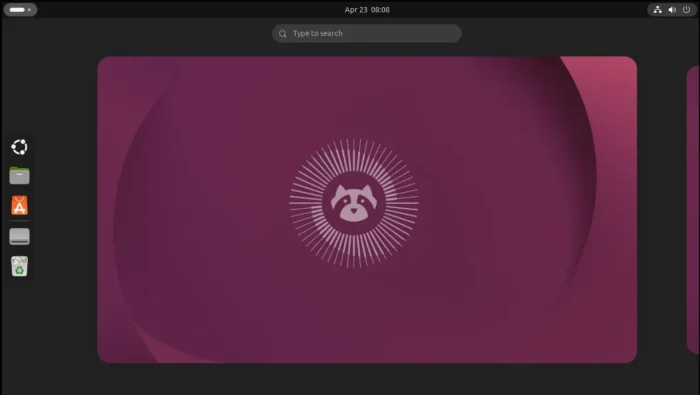
Ubuntu 26.04, code-name Resolute Raccoon, was released after 6 months of development. Here are the changes since the last Ubuntu 24.04 LTS.
Ubuntu 26.04 is a new Long Term Support (LTS) release with 5 years of standard support, another 5 years expanded security maintenance, and 5 years more legacy addon for paid users. Meaning a total of 15 years support for paid users.

Linux Kernel 7.0
Ubuntu 26.04 by default is powered by the latest Linux Kernel 7.0.
The new kernel features multi-threading boost on newer Intel CPUs, improved EXT4 file-sytem writing performance, better gaming performance on old AMD GPUs, and new hardware support, such as multi-touch for eGalaxTouch EXC3188 and Lenovo Yoga Book 9i, Fn lock and WMI fan control for various ASUS laptops, and more.
Compare to Kernel 6.17 in Ubuntu 24.04, there are even more hardware support thanks to 6.18 and 6.19 kernels. They include Haptic touchpad, Qualcomm Snapdragon X1 laptops, Logitech G Pro X Superlight 2, Logitech G13 gaming keypad, Legion Go 2 handheld, and many more others. See kernelnewbies.org for more kernel changes.
Ubuntu Desktop (GNOME 50)
The default Ubuntu desktop is based on GNOME 50. The desktop has completely removed the classic Xorg support. If you still required X11/Xorg session for specific reason, then try the official flavors, e.g., XUbuntu 26.04.
For parents, the new desktop now supports daily screen time limit and bed-time for child accounts, and allows to monitor screen-time usage with the new Wellbeing panel in Settings. Though, user need to install malcontent-gui package via command below to enable this feature.
sudo apt update && sudo apt install malcontent-gui

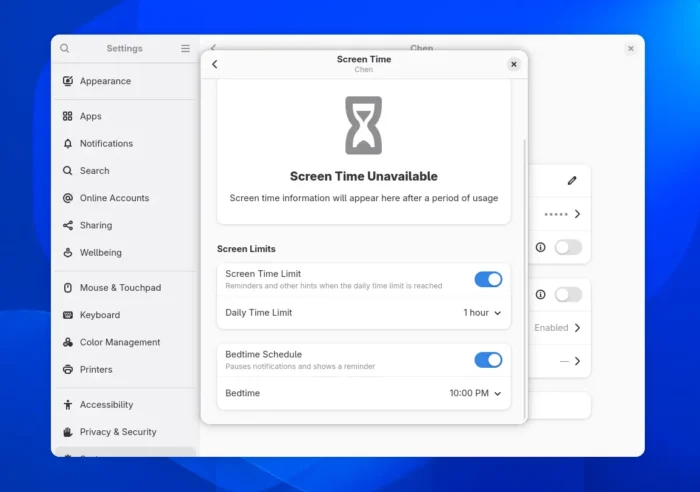
Set daily screen time limit and bedtime
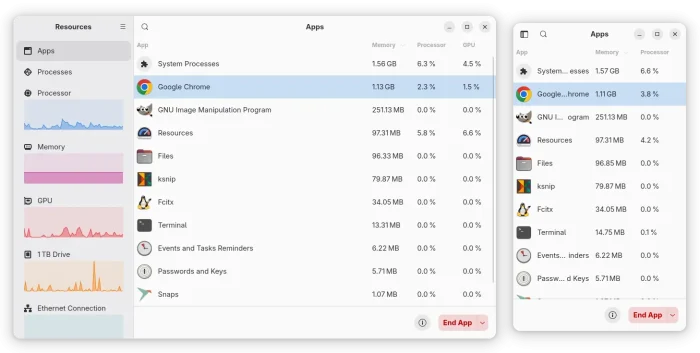
The new Ubuntu desktop introduced two new default applications. They are Resources system monitor that can manage running apps, system processes, and monitor CPU, GPU, Memory etc hardware utilization, and, Showtime video player that Gnome introduced since version 49.

Compare to Ubuntu 24.04 LTS, it also has new Secure Center allowing to manage Ubuntu Pro, disk encryption, and permission control for Snap applications to access user files, and hardware such as camera and microphone.

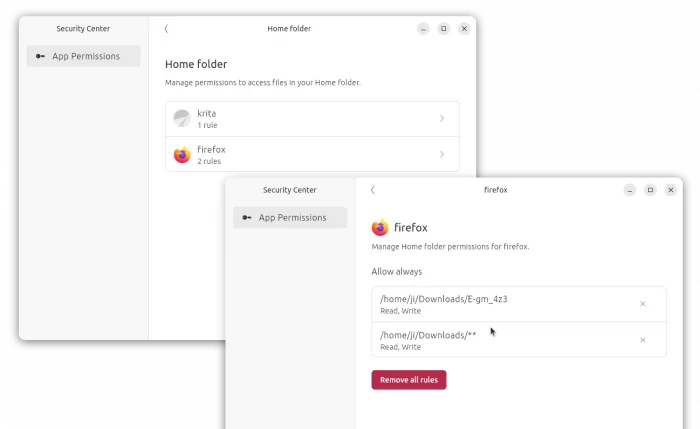
Manage Snap app permission in Security Center
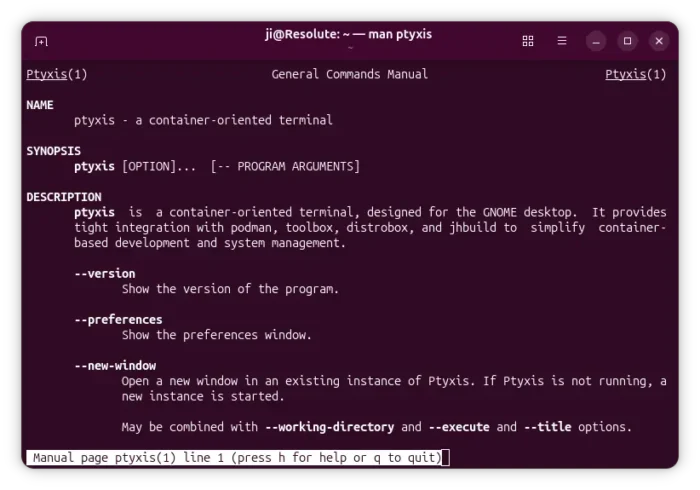
There are as well new default Ptyxis terminal emulator allowing to quickly access your containers, papers document viewer with basic editing support, new touch friendly Loupe image viewer, and few other new default applications.

Besides new apps, Ubuntu 26.04 “removed” the “Software & Updates” (along with Additional Drivers) utility to avoid confusing beginners, and hide some less useful options.
Part of the features have been moved to either Security Center or App Center. And for users who need it, simply install it back from either App Center or by installing software-properties-gtk package via apt command.

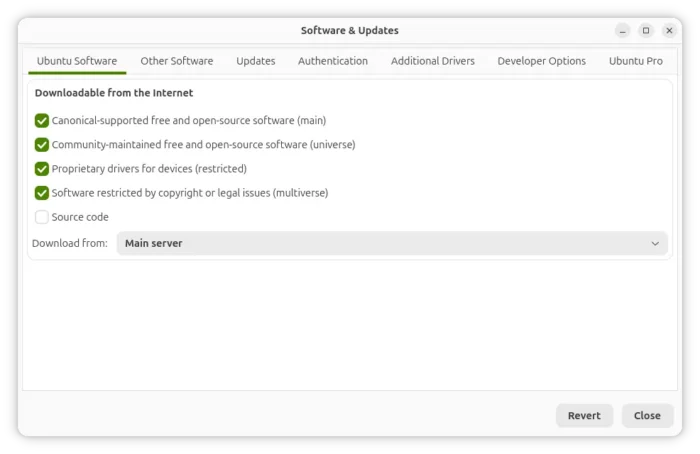
Software & Updates is NOT pre-installed in 26.04
Startup Applications has also been removed since Ubuntu 25.10, due to favor of the new options in built-in “Apps” settings page. And, I’ve written about how to manually add startup apps for custom commands, scripts, or apps with delay.

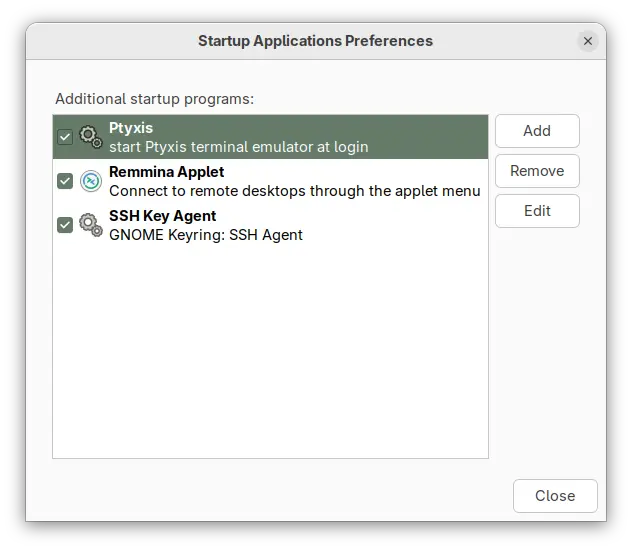
Startup Applications tool no longer available in Ubuntu 26.04
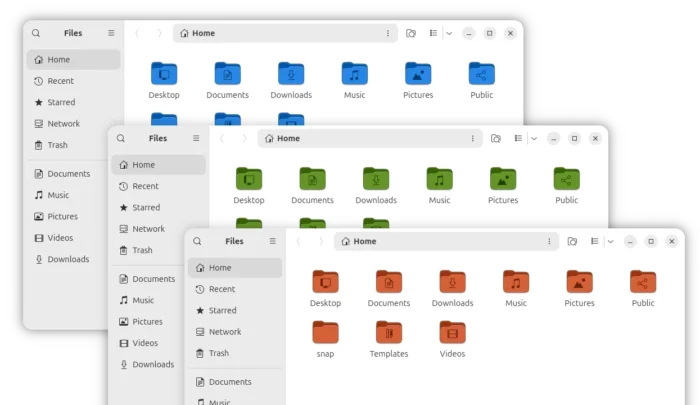
Ubuntu 26.04 desktop also updates its default folder icons. The folder icons are now full adapt to the accent colors. In my mind, they are however look a bit over bright. And, I wrote a step by step guide about how to restore to the previous icon theme.

Other changes include:
- New Rust-based sudo implementation.
- New default fonts.
- Hardware accelerated screencast and remote desktop.
- Variable Refresh Rate (VRR) for supported hardware.
- Battery charge limit support.
- Media playback control in lock screen.
- Faster directory & thumbnail loading.
- New disk encryption options in Security Center.
- Ubuntu Pro support on WSL.
There are as well many toolkit updates for developers and/or server use. They include glibc 2.42, LLVM 21, Rust 1.93.1, OpenJDK 25, systemd 259.5, as well as PHP 8.5.2, Nginx 1.28.2, Apache 2.4.65, Samba 4.23, Docker 29, Libvirt 12.0.0, QEMU 10.2.1, MariaDB 11.8.6, MySql 8.4.
For more changes about Ubuntu 26.04, see the official release note.
Download or Upgrade to Ubuntu 26.04
The iso images for the new LTS is available to download at the link below:
For ARM, go to this page instead. And for faster downloading speed, you may choose a download mirror that near to you.
NOTE: Ubuntu 26.04 now requires at least 6 GB RAM for the desktop edition, see release note page for detailed hardware requirements.
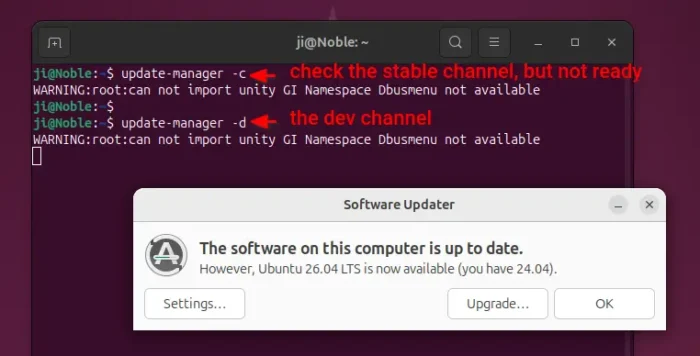
The upgrade channel is NOT open at the moment of writing! Don’t do following on production machine.
Ubuntu 24.04 LTS and Ubuntu 25.10 may try upgrading to the 26.04 Beta through DEV channel, then install all available updates to upgrade to stable version, though it might fail due to unknown bugs or other interruptions.
First backup, then install all available updates via either software updater or apt command.
Finally, either launch Software Updater wia update-manager -d to get the upgrade button, or run do-release-upgrade -d to start the upgrade in command line.
NOTE: the upgrade may fail due to bug, power or network interruptions. Do backup first!