Inkscape, the free open-source GTK based vector graphics editor, released new 1.4.3 version few days ago.
This is a maintenance release that features around 124 bug and crash fixes, improved PDF import, and other improvements.
First of all, the new 1.4.3 version added support opening the document created by the next v1.5 (still in dev stage).
As you may know, inkscape 1.5 is going to move from the ‘old’ format of pages, that only works in inkscape, to the new format that uses svg:view element, which is standardized and can work in other SVG viewers and browsers.
The current 1.4.3 version added the compatibility for 1.5 page elements. It can now open the pre-1.5 format, but saving it will convert it back to the current ‘old’ page format.
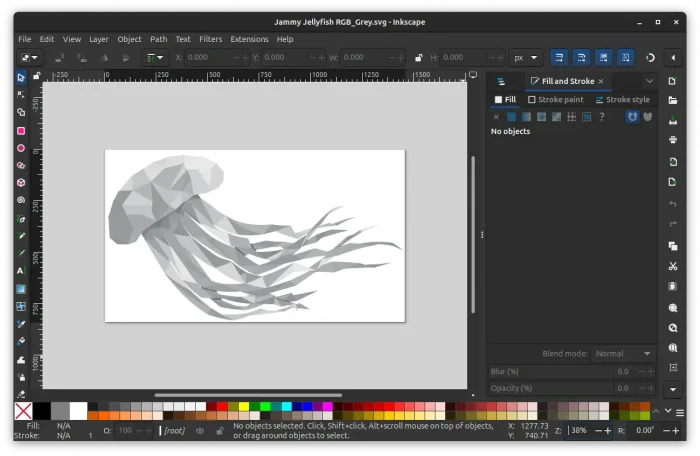
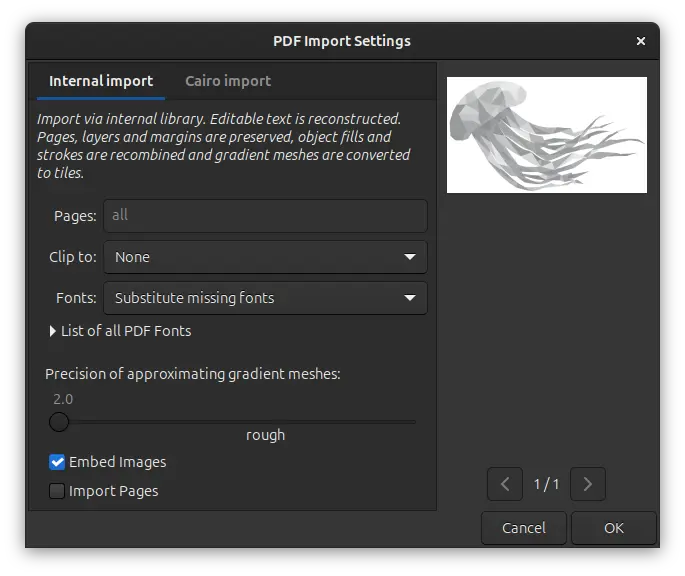
The new version also improved PDF support. It now remembers user’s selection in the PDF import dialog, and uses Substitute missing fonts as the default font import strategy.
And, it does no longer imports unnecessary (in SVG) clipping paths from PDF files, and accurately suggests substitution fonts when importing PDF with text.
The macOS app now supports importing jpg, jpeg, and webp image files. User interface texts should now always show up in real letters instead of rectangle-shaped placeholders. And, it’s now less flickering when resizing the app window and working better on multiple monitor setup.
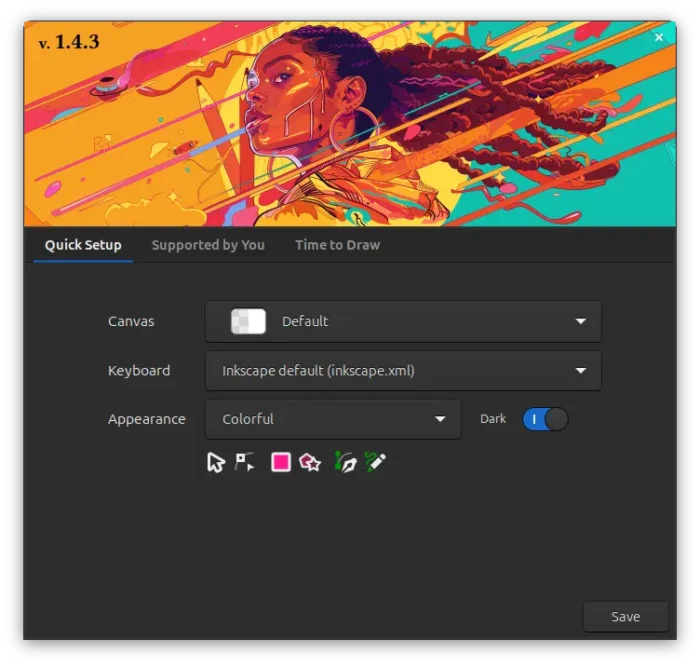
For Linux, the Snap package now supports opening files in /home and /media by either drag’n’dropping from file manager into app window, or using the context menu open with dialog. And, on smaller screens, it fixed the issue that the Welcome dialog bottom buttons go outside of the screen on Linux with Wayland session.
Other changes in the release include:
- Fix JPEG/JPG export for Windows.
- Add option to disable interface animations.
- Add color support for ‘Abstract 1’, ‘Polka dots, medium’ and ‘Polka dots, large’ patterns.
- Add option for changing the current page on selection to the selection and the node tools.
- Splash screen and Welcome dialog can now be disabled individually.
- Hide the experimental “LPE Tool” from tool-bar.
- Add pasting options to canvas context menu.
- Allow text-on-path for rectangles.
- Allow to override theme styles via
user.cssormac.cssin settings’ ui folder. - Effect extensions can now be written in the XSLT language.
For more about the release, see the official release note.
Get Inkscape 1.4.3
The official packages for Linux, Windows, and macOS are available to download in app website via the link below:
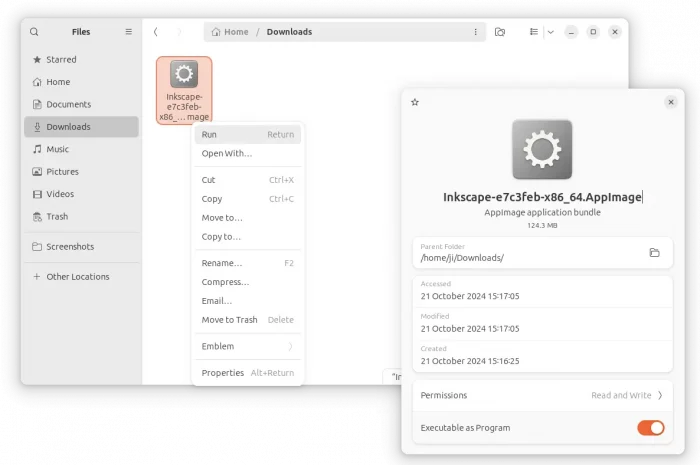
For Linux, there are 4 choices. They include AppImage package which can be downloaded from the link above. Just add executable permission from file properties dialog, then run to launch the image editor.
Tips: For Debian and Ubuntu 22.04+, you may first run the command below to install libfuse2 package first:
sudo apt install libfuse2
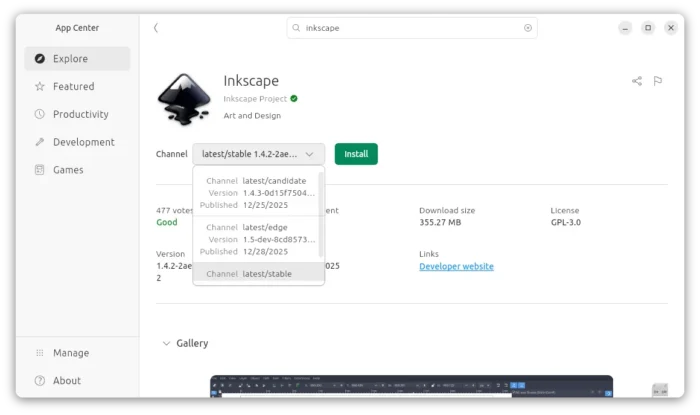
For Ubuntu, it’s also available to install as Snap package, which can be installed from either Ubuntu Software or App Center. Though. it’s not updated to the new 1.4.3 at the moment of writing.
If you don’t like running the app in sandbox environment, then you may also choose the official PPA that contains the native .deb packages for Ubuntu 22.04, Ubuntu 24.04, Ubuntu 25.04 and 25.10.
To add the PPA and install the deb package, open terminal (Ctrl+Alt+T) and run the commands below one by one:
sudo add-apt-repository ppa:inkscape.dev/stable
sudo apt update
sudo apt install inkscape
And, Linux Mint may search & install the Flatpak package directly from Software Manager.