
Blender, the free open-source 3D creation software, released new major 5.1 version on Tuesday.
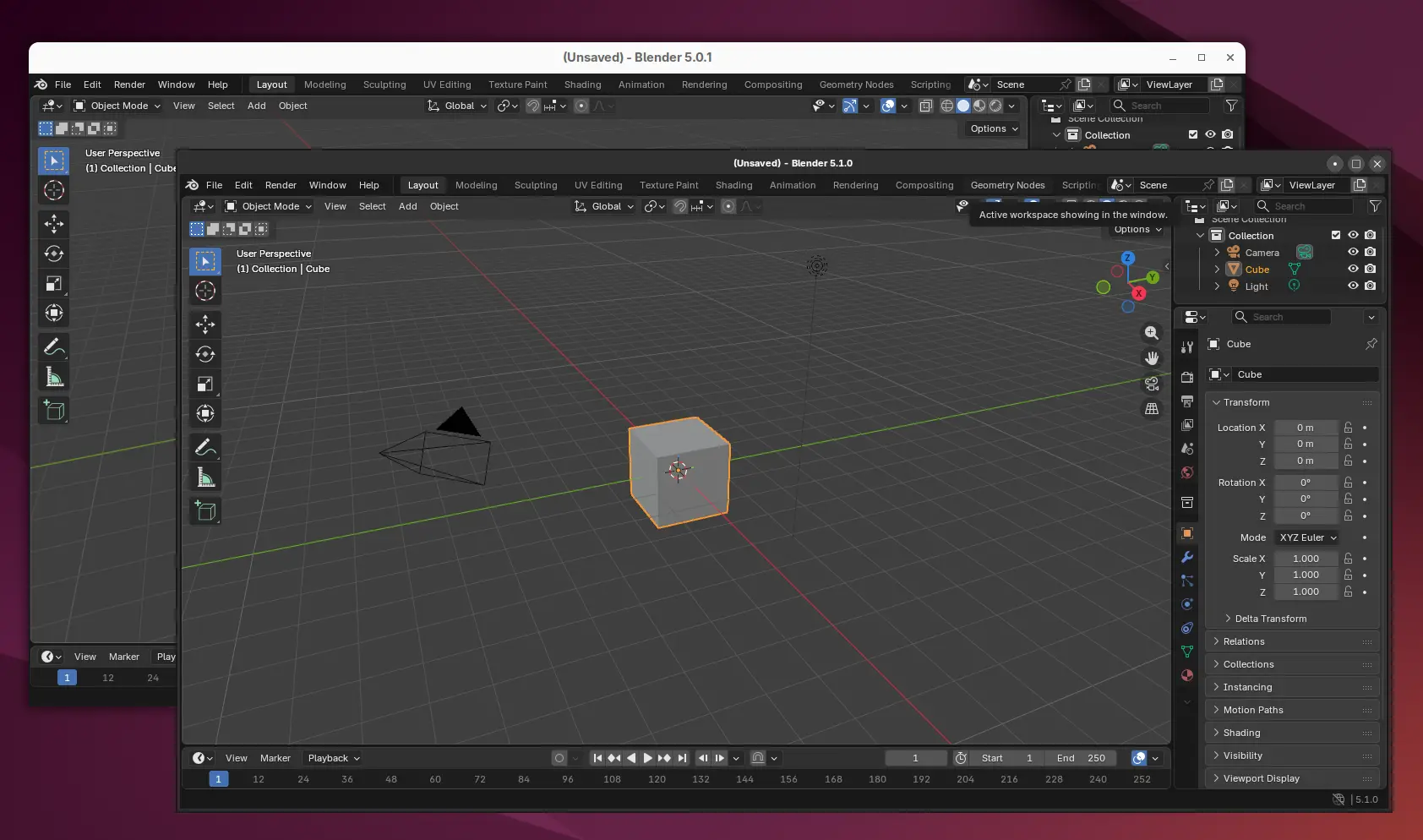
The new version updated its UI with Client-Side Decorations for Linux, which draws window border and unifies the look of title-bar with other parts of app window.
According to this commit, the initial implementation of client side decorations (CSD) so far supports Wayland only, Hi-DPI & fractional scaling, and mouse, tablet & touch input.
And, user has choice to open Blender window without decorations by using --no-window-frame option.
Besides the UI change, the new version introduced new Raycast node allows to cast rays against scene geometry for shaders in both Cycles and EEVEE, added support for Light Path node in World as well as ability to control Light Path intensity.
It also introduced new Sequencer Strip Info node, that returns information about the Video Sequencer strip (e.g., frame range, position, rotation, and scale) to which the Compositor modifier is applied, new Mask to SDF node to turn any image or shape into signed distance fields, as well as new compositor workspace layout.
There are as well new geometry nodes including Bone Info to provide access to armature bone transforms, new Get Bundle Item and Store Bundle Item nodes, new Matrix SVD (Singular Value Decomposition) node, as well as new Fill Rule socket in Fill Curve node and new font socket.
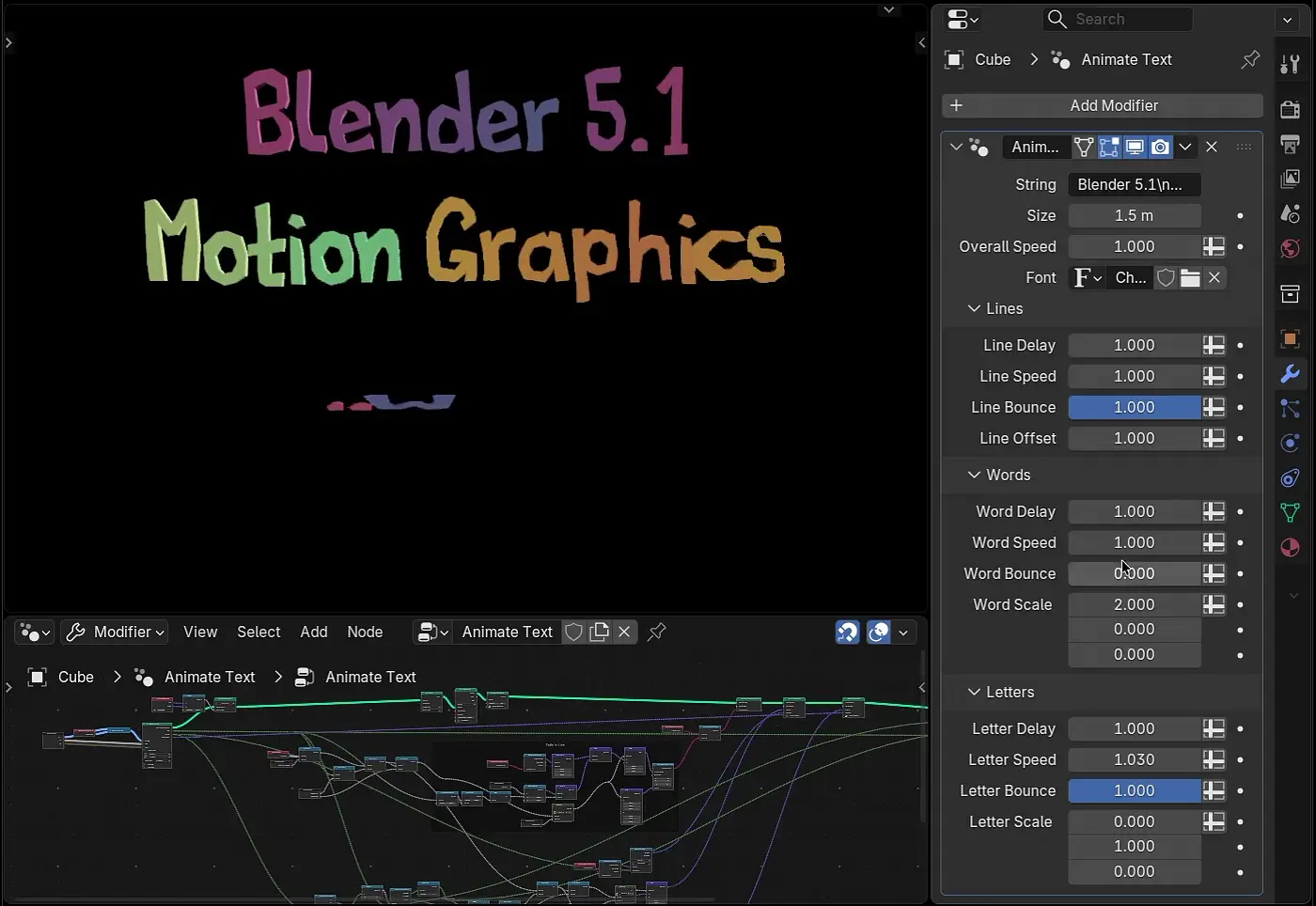
fully customizable text animation
Snap to Face Center, the highly requested feature, is added allowing to snap the selection to the center point of the face under the mouse cursor. Loop and ring selection now support delimiters.
Blender 5.1 also features many performance improvements. They include major boost to animation playback performance, much faster EEVEE materials and GPU shaders compilation.
CPU rendering performance on Windows is now up to 20% faster. GPU rendering performance is now up to 10% on various benchmark scenes. And, hardware ray-tracing is now enabled by default for AMD GPUs for better performance.
In addition, the new version improved the stability by fixed few hundreds of bugs. It also improved input/output support by introducing:
- support AVIF image.
- multi-threading to speed up JPEG 2000 file saving
- new lossless encoding option for openEXR
- Custom quality level for video encoding.
- audio bitrate higher than 384kb/s.
There are as well updated libraries, such as Python 3.13, OpenColorIO 2.5, OpenEXR 3.4, and OpenVDB 13.0, and tons of other changes. See the official release note for details.
Get Blender 5.1
The source code and installers for Linux, Windows, and macOS are available to download in its website via the link below:
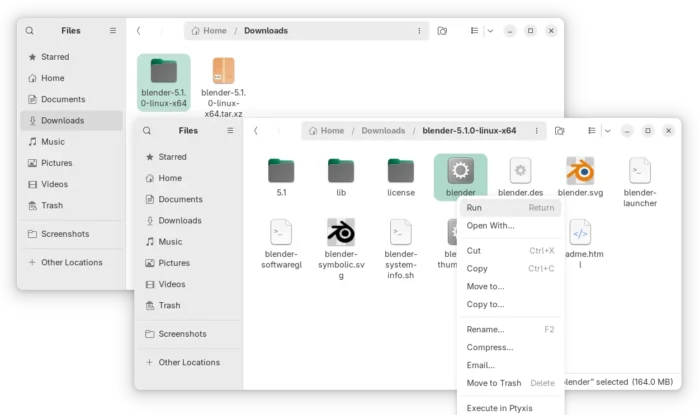
For Linux, select download the tarball, then extract and run the executable file to launch the software.
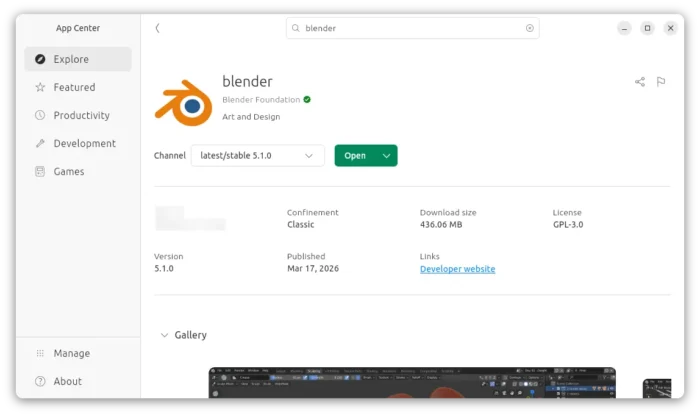
Ubuntu may choose install the Snap package from App Center (or Ubuntu Software).
And, there’s a community maintained Flatpak package which is not updated at the moment of writing.
For Ubuntu users who prefer the native .deb package, keep an eye on this unofficial PPA which however includes many dependency libraries that are easy run into dependency hell.