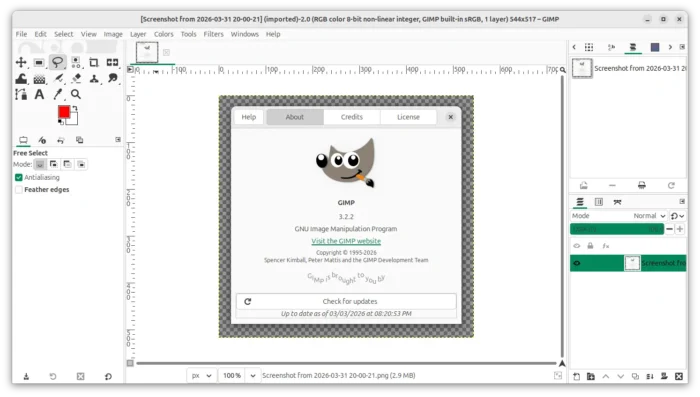
GIMP, the popular GTK-based image editor, released new 3.2.2 version few days ago for Linux, Windows, and macOS.
This is the first maintenance update for the 3.2 major release that was introduced 2 weeks ago. And, it features mainly bug-fixes, UI (user interface) and UX (user experience) improvements.
First, GIMP dropped 32-bit Windows support since the last 3.2.0 release. The new version cleaned up the data in .exe installer, so it’s more than 100MiB smaller and running faster than before.
It as well removed support for a separate folder for loading 32-bit binaries on 64-bit Windows, which was being used for core plug-ins for the TWAIN plug-in only, and, introduced new build option to disable TWAIN plug-in by default.
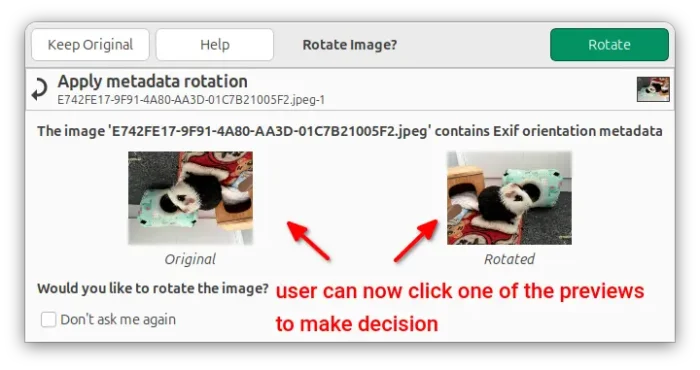
When loading an image with rotation metadata, GIMP will pop-up a dialog asking whether to rotate the image, and provides the thumbnail previews.
Besides clicking on either “Keep Original” or “Rotate” button, user now can also click on one of the thumbnail preview images to make selection.
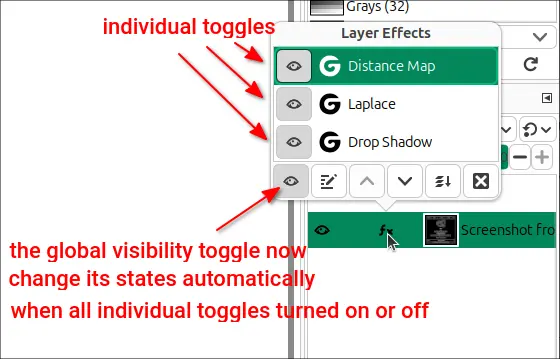
The global Toggle Visibility button in the non-destructive filter pop-over menu is now adaptive.
When you turn ON or OFF the visibility of all the filter stacks individually, the global button will automatically change its states accordingly.
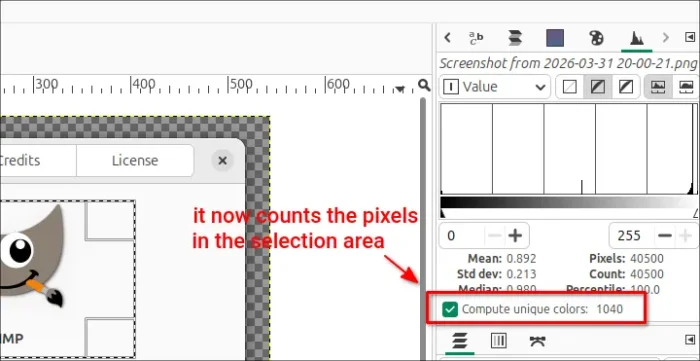
The Compute unique colors option in the Histogram dock (Colors -> Info -> Histogram) will now count the pixels for the selection area instead of always counting for the full image.
The “Resource” selection buttons in plug-ins (such as fonts, brushes, gradients, and patterns) now support mnemonics! User can now hold the Alt key to see the underlined letter in their label, then press it to trigger the button press. I don’t clearly know what buttons they are, so skipped screenshots here.
GIMP 3.2.2 also improved the Linux packages. It enabled “Send by email” for the AppImage package, and MIDI (Alsa) support for the Snap package which can be installed from Ubuntu’s App Center.
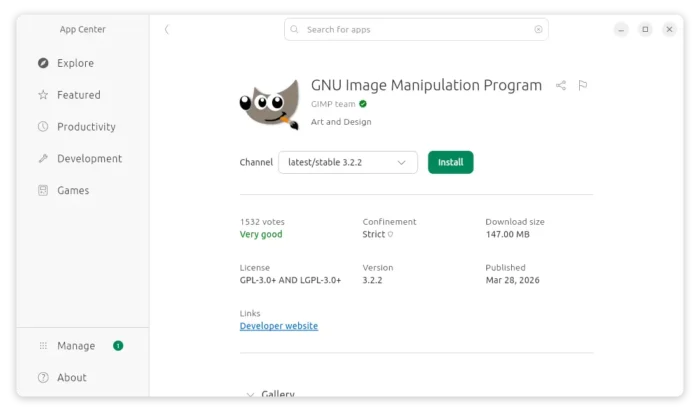
GIMP snap package now has MIDI (alsa) support
Other changes include:
- Display ‘Tab’ shortcut key for “Hide Docks” menu option.
- Build on macOS fully without patches (to add automatic build).
- Improve support of FITS, TIM, PAA, ICNS, PVR, SFW, JIF, PSP, PSD.
- The legacy Tile filter now carry over the source image’s profile to the newly created image.
There are as well many bug-fixes. The Paintshop Pro plug-in now correctly loads the active selection shape; The PSD plug-in now imports all of the channels in a Multichannel mode PSD image. And, adding layers with certain filters (like Drop Shadow) to layer groups will not stop rendering.
For more about GIMP 3.2.2, see the official release note.
How to Get GIMP 3.2.2
The official packages for Linux, Windows, and macOS are available to download in GIMP website via the link below:
For Linux, either select download the AppImage, add executable permission (file file properties dialog), and run the launch the image editor.
Or, install the Flatpak package which is available in Fedora Workstation GNOME Software and Linux Mint Software Manager.
Ubuntu user may choose install the Snap package by using either Ubuntu Software or App Center.
And, for those who prefer the native .deb package, I’ve built GIMP 3.2.2 into this unofficial PPA for Ubuntu 22.04, Ubuntu 24.04 and Ubuntu 25.10.
To add the PPA and install GIMP deb package, use commands:
sudo add-apt-repository ppa:ubuntuhandbook1/gimp-3
sudo apt update
sudo apt install gimp libbabl-0.1-0 libgegl-0.4-0t64