The 25.12.0 version of Kdenlive video editor is finally available to download!
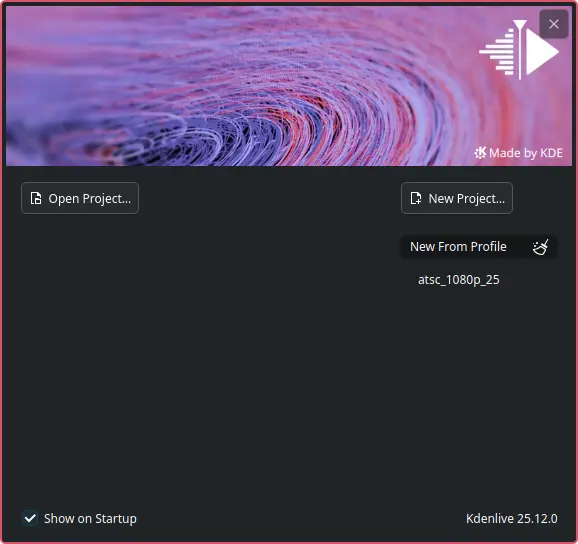
The new version of this KDE’s software added a welcome dialog at app start, allowing to open or create new project, or create new from a profile.
In my case, the welcome screen looks a bit different to the one introduced in the RC release note, which also provides visual options to choose between vertical or horizontal layout, and select audio/video tracks numbers.
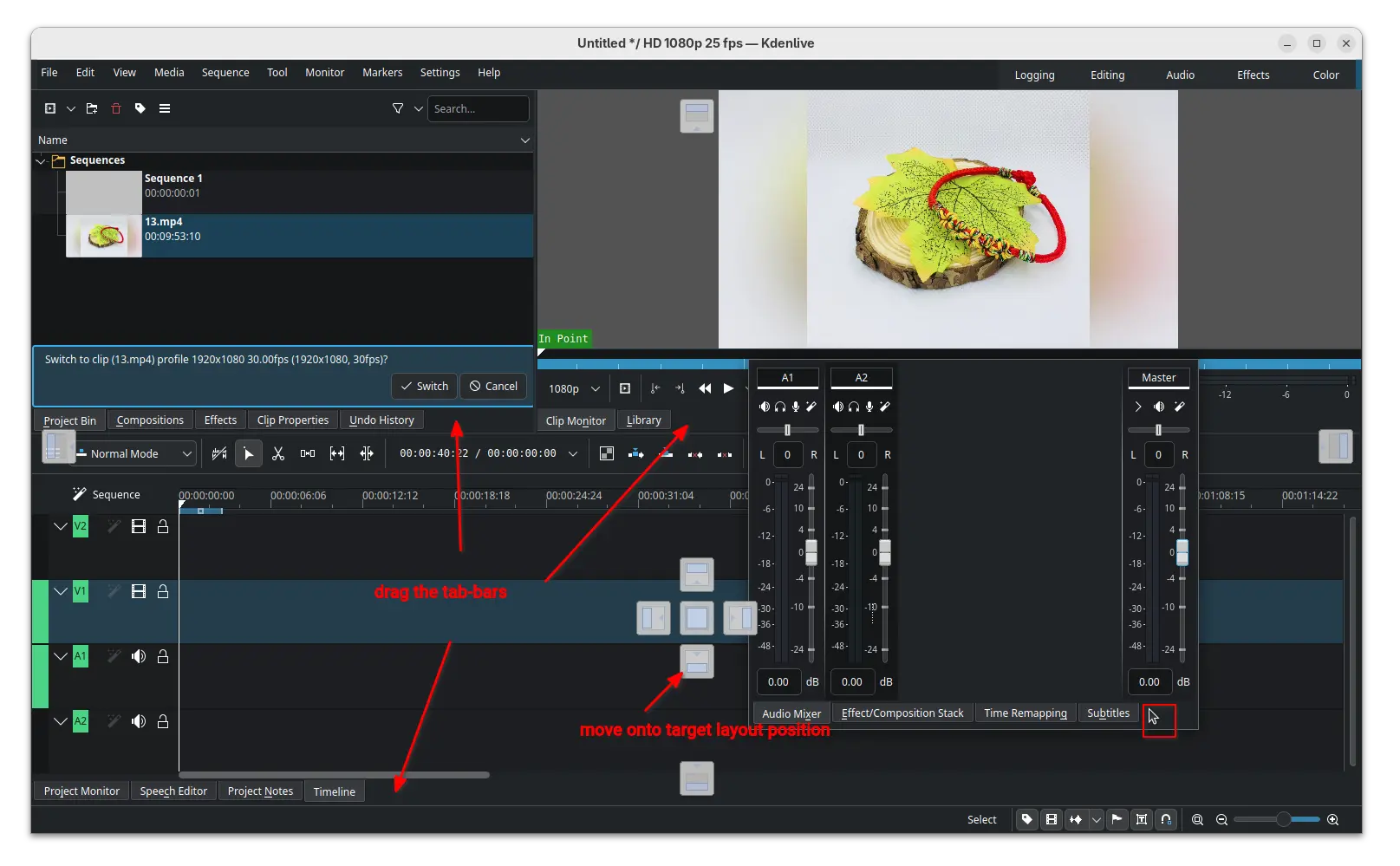
The new version also introduced new widget docking system, allowing to easily re-arrange the video editor components by dragging on their tab-bars.
Simply click down on the tab-bar of the target component then drag, it will show you the layout thumbnails. Just drag the cursor icon onto target layout position, then you’re done moving the component. Or, you may double-click (on tab-bar) to cancel the dragging, or even leave it to be outside of the video editor window.
Besides that, the release also updated the clip monitor and project monitor (video preview section) with enhanced audio display, 1080p monitor scaling, and hamburger menu options to create mark from zone.
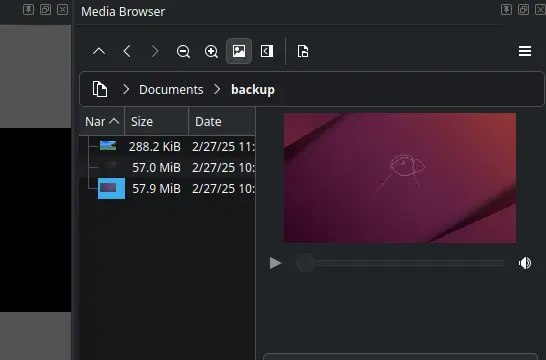
The add marker dialog now has time span support, letting to easily set the end time and duration. Media browser now has preview support, making easy to find out the file that you want. And, Safe Zone button is added in monitor toolbar, vertical safe zone layout and zoom reset.
The new version also updated audio waveform support by adding reset/cycle actions, and moving zoom control from A1 track header to status bar.
It brings back snapping when resizing for non-rotated frames, supports snapping when moving a rotated frame, and snapping for all edges when moving instead of only top-left.
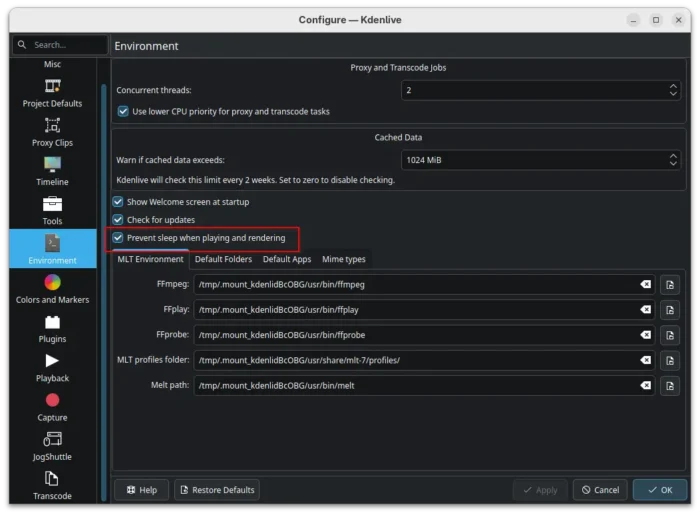
And it added power management option to disable sleep while rendering and playing, switched av1 encoder to the highly optimized software dav1d encoder, and added SVT-AV1 to codecs which use crf option.
Other changes include:
- Two new frei0r filters.
- Add xsd for effects.
- Add vertical editing profile.
- Quality and speed control to svtav1 preset.
- Duration support in MarkerListModel import/export.
- Add XML files for LADSPA TAP effects.
- Allow appending video clips directly to a project in command line.
There are as well numerous other improvements and tons of bug-fixes in this release. For details, see the change-log in the KDE announcement page.
Get Kdenlive 25.12.0
The official packages for Linux, Windows, and macOS are made available in the KDE website via the link below:
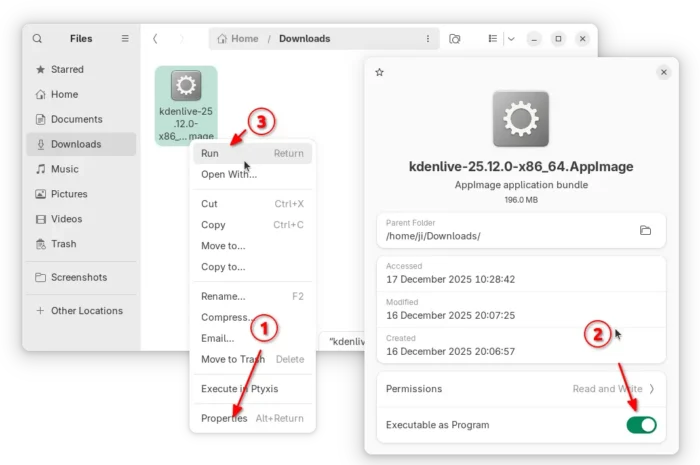
For Linux, it’s an AppImage for AMD/Intel platform, which can be run directly to launch the video editor, after adding executable permission.
There’s also an official Flatpak package for most Linux on both amd64 and arm64 processors, though not updated at the moment of writing.
For Ubuntu user who prefer native .deb package, the new release has been made into Ubuntu 26.04 repository, and I’m going to update this unofficial PPA for Ubuntu 25.10 in next few days.