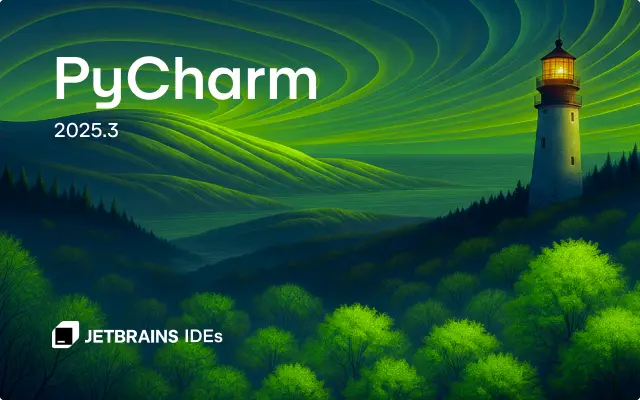
After 4 months of development, JetBrains finally announced the release of PyCharm 2025.3 today.
The new version of this Python IDE does NO longer have Community Edition, but introduced an unified version that brings everything together in a single product. While, Community users can continue using the IDE for free.
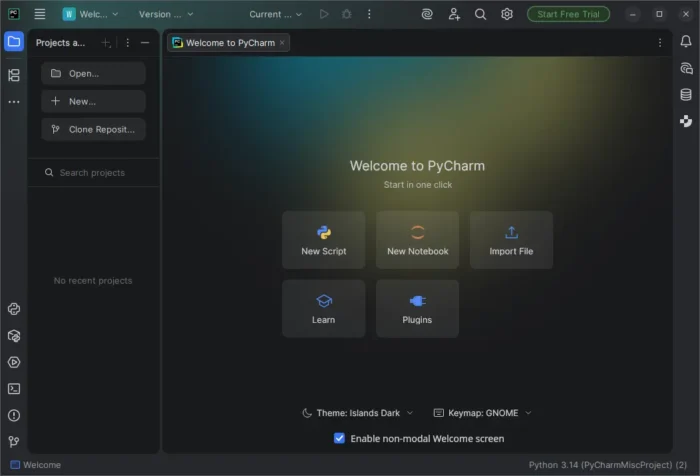
The IDE updated its UI with new default Islands theme for both light and dark mode.
It introduced new welcome screen for new users, with ability to create new script or notebook, clone a repository or connect to a remote development environment, and import files into your workspace.
For existing users who would like to try out this welcome screen, just enable “Show the Welcome screen in non-modal mode by going to Settings -> Advanced Settings -> Welcome Screen.
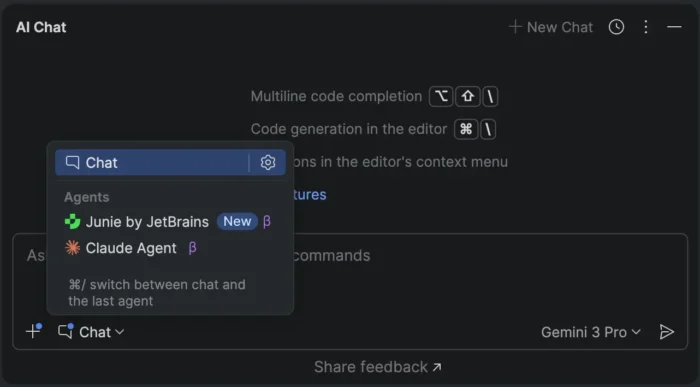
Besides the built-in Junie by JetBrains, the new version now supports Claude AI Agent from a single chat. And, it’s going to introduce Bring Your Own Key (BYOK) feature, that supports OpenAI API-compatible local models in next point releases.
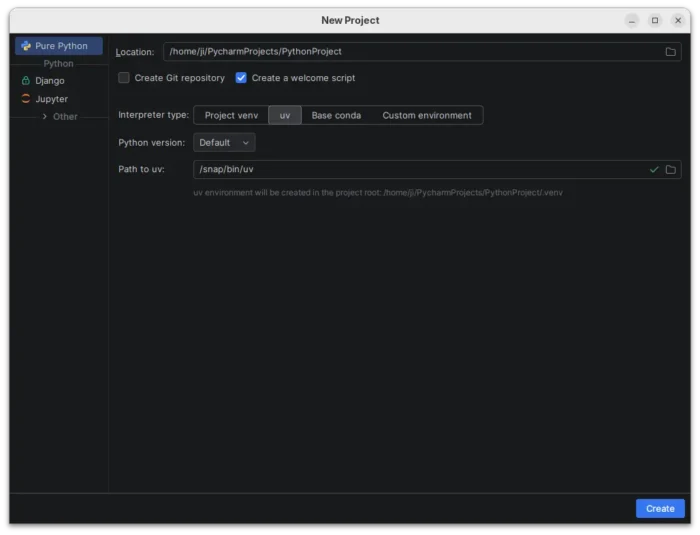
For users with uv installed, Pycharm now automatically suggests uv as the default environment manager in the New Project wizard. And, for projects managed by uv, uv run will be used as default command for run configurations.
And, uv will use user selected Python version either by selecting the corresponding system version or downloading and managing the right one for you.
If you’ve previously selected a different environment manager (e.g., venv or Conda), it will remember that preference and continue using it by default.
The release also expanded its language server protocol (LSP) integration with new tools from the Astral, Microsoft, and Meta ecosystems, including ty, Pyright, and Pyrefly.
Other changes include:
- Support for PEP 765 (Python 3.14+) that disallow using
return,break, orcontinueto exit afinallyblock. - Support the
asdfruntime version manager. - New dedicated Python Process Output tool window that displays every command run by the IDE along with its full standard input, output, and error streams.
- Package and version completion for any filename that includes “requirements”.
There are also professional only features, including:
- Fully Jupyter notebooks supporte in remote development
- Latest updates from the DataGrip 2025.3 engine.
- Latest improvements from WebStorm 2025.3.
- Automatically analyze pandas DataFrames to detect the most common data quality issues.
Get Pycharm 2025.3
The official release note for version 2025.3, as well as the download link are available in the link below:
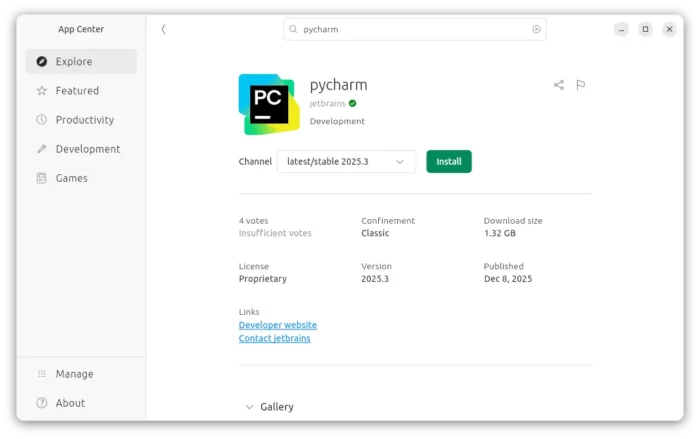
For Ubuntu, user may choose install the official Snap package from App Center (or Ubuntu Software for 22.04 and earlier).
For beginners, I’ve written a step by step guide shows how to install the IDE in Ubuntu via different ways.