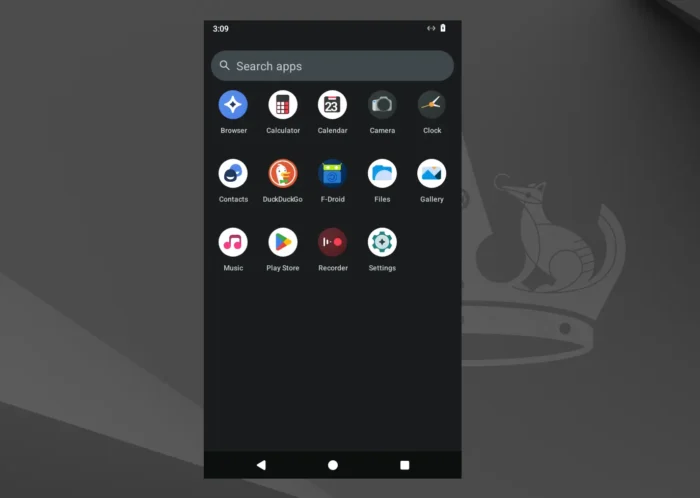
Waydroid, the free open-source software for running full Android OS and Android apps in Linux, released new 1.6.2 version yesterday.
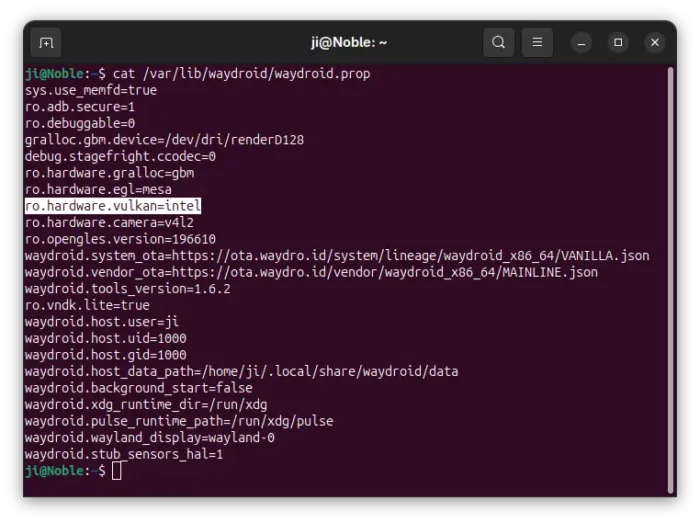
The new version of this container-based software added Vulkan support for Intel GPUs that use xe kernel driver, fixed few issues, and improved the command line interface.
As you may know, Linux introduced xe graphics driver as an alternative to the legacy i915 driver for Intel Tigerlake (Gen12) and newer GPUs since Kernel 6.8. The xe driver features better performance and lower latency. And, it’s been default for Battlemage and Lunar Lake GPUs since Kernel 6.12.
If you use Waydroid to run Android on Linux desktop, and happen to have an Intel GPU with xe driver in use, then the new 1.6.2 version will have better performance, as well as more games and graphics apps support due to modern Vulkan API support.
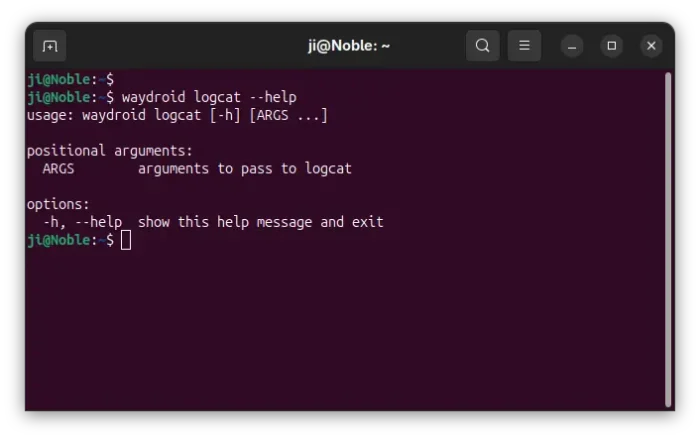
For debugging purpose, the Android logcat command has been updated in the release with support for passing arguments.
According to the request, advanced users or developers can now pass arbitrary arguments to the logcat command, enabling filtering and formatting options like:
waydroid logcat -s MyTag
waydroid logcat -e "pattern"
waydroid logcat -v time -d
Though, user can also run waydroid shell -- logcat <params> instead to do the same job.
Besides that, the new version updated the user manager logic for headless apps. So it will remove previously installed desktop file (if any) and skip creating new one, thus the app icon will be not visible in the launcher on Linux.
Other changes include fix to avoid multiprocessing spawn errors, handling paths with Python pathlib module, and few other improvements.
Get Waydroid 1.6.2
For more changes about Waydroid 1.6.2 as well as the source tarball, go to the Github releases page:
Besides building from source, you can see the official documentation for how to install it in your Linux. And, I’ve written a step by step guide for Ubuntu users.