Flowblade, the free open-source Linux video editing software, released new 2.24 version few days ago.
The new release of this multi-track non-linear video editor focused mostly on UX improvements, bug fixes and GTK 4 port, while there are also some new features.
First, the new version improved support for Compound Clips, the way to group multiple clips into a single container clip on the timeline, by adding 2 new ways to create it.
Previously, user may either select multiple clips (via Ctrl or Shift + click) and use right-click menu to create Compound Clips, or go to menu Project -> Create Container Clip -> From Current Sequence to use the entire current timeline/sequence.
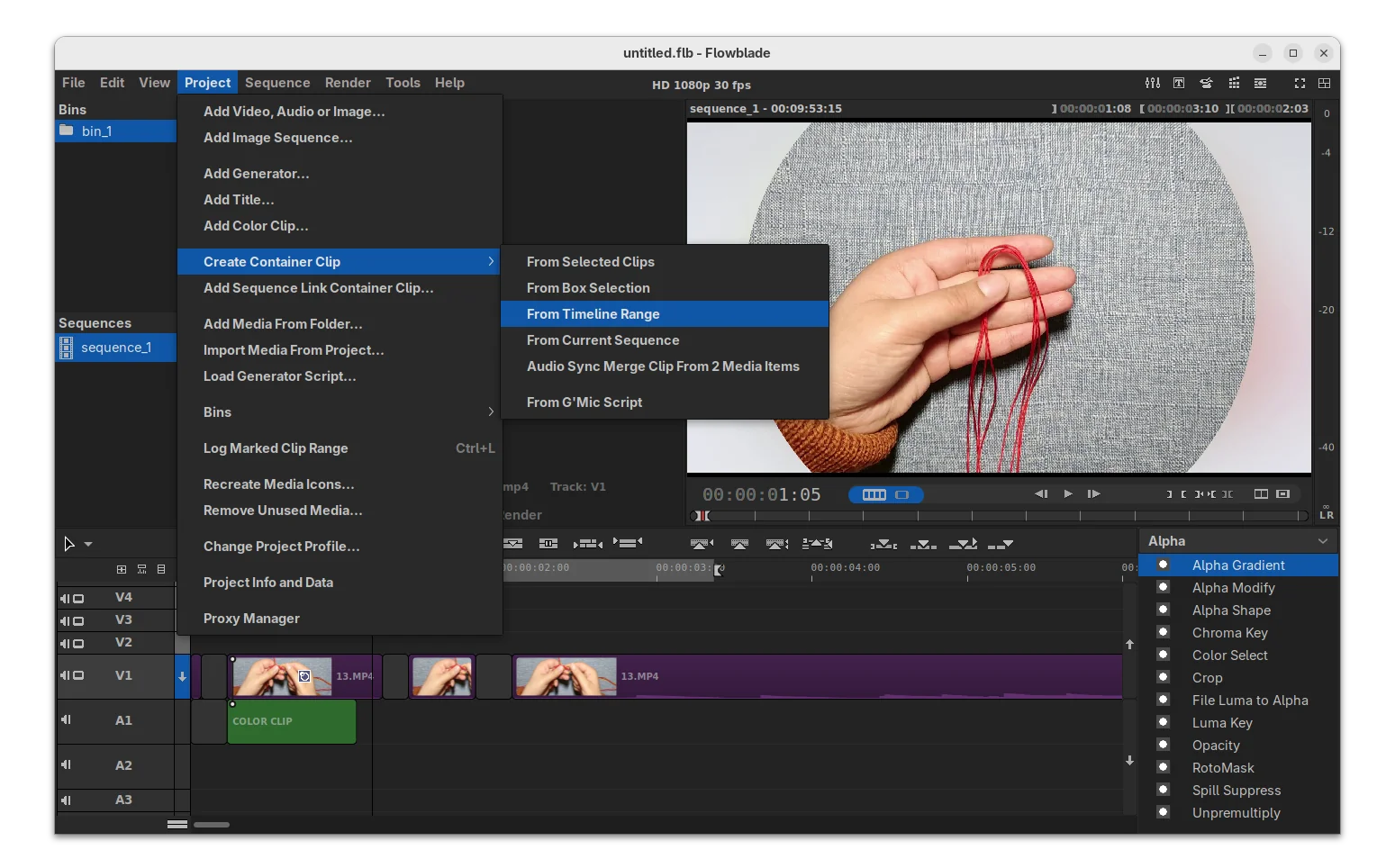
In the new version, user may also select a timeline range (press I in timeline for start point, and O for the end) or use box selection method to create the container clips.
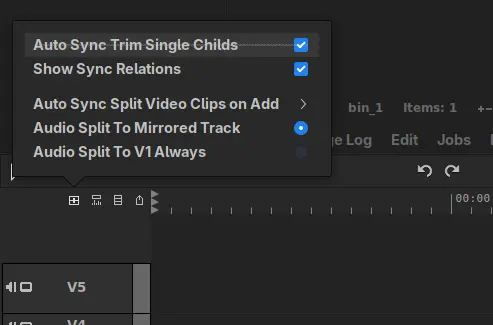
It also added new Auto Sync Trim Single Childs feature, so that child clips now follow the their parent clips to be trimmed automatically when trimming the parent clips, though there’s an option available in “Syncing” menu to toggle on/off the function.
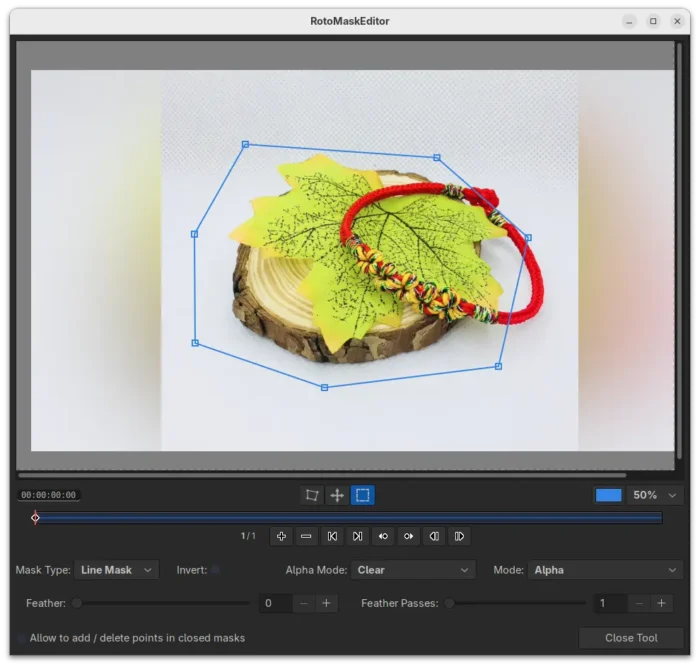
The release also improved the Rotomask editor with new Box Select Move edit mode, allowing to move a selection of edit points as a group. And, the line color is now editable through a new color picker tool.
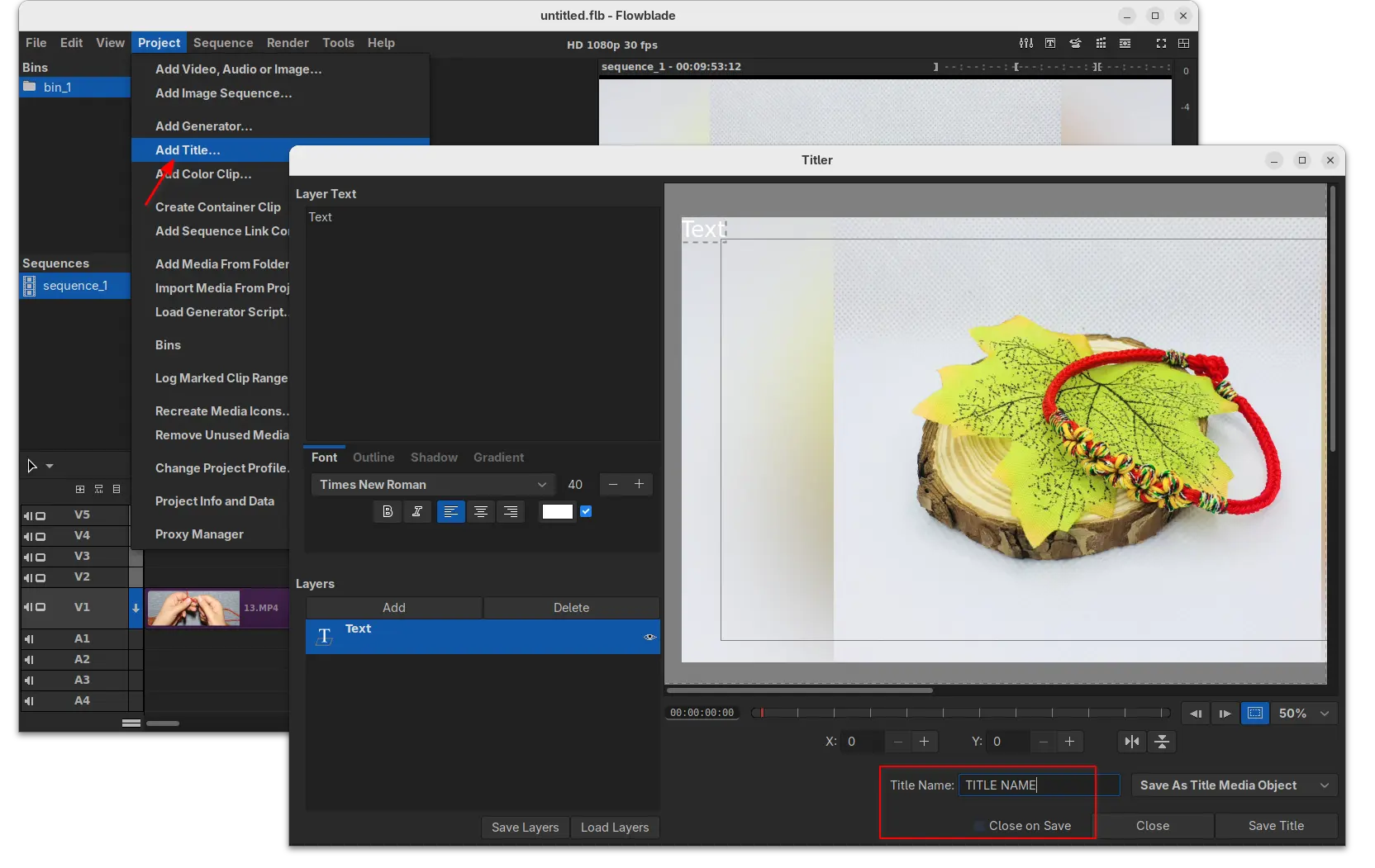
Moreover, new “Add Title” option is added to both “Project” menu and Media panel context menu, allowing to launch the titler dialog. And, the titler dialog added options to set the title name, and close the dialog automatically when clicking save.
Other changes include new Alt+J keyboard shortcut to mark selection range, new “Warning on Disk Cache Size” limit (4 GB and 8 GB), warn if estimated size exceeds 60% of the available disk space, as well as following changes:
- Allow moving audio master meter position to bottom row.
- Add ‘To Marks In’ and ‘To Marks Out’ buttons to player button panel.
- Fix Audio Sync Split undo bug.
- Add progress bar dialog for “Duplicate sequence…” action.
- Make keyframe info bigger and move it to the left side in keyframe editors.
- Fix ripple trim undo.
- Clear box move data on undo/redo.
- And various other minor improvements and fixes.
As mentioned, the release also includes some GTK4 port, such as new keyboard shortcut framework with per widget shortcuts, and more. See the RELEASE NOTE for details.
How to Install Flowblade 2.24 in Ubuntu & other Linux
Flowblade provides official installer for Linux through Flatpak package, which runs in sandbox environment.
Linux Mint and Fedora workstation (with 3rd party repository enabled) can search & install it from either Software Manager or GNOME Software.
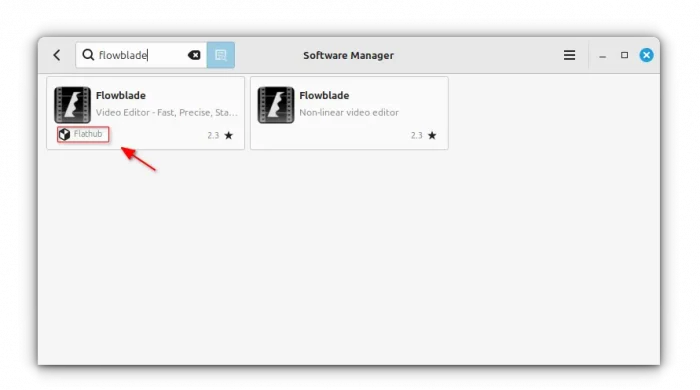
flowblade Flatpak package in Linux Mint Software Manager
While, Debian/Ubuntu and other Linux may do the following steps one by one to install the package.
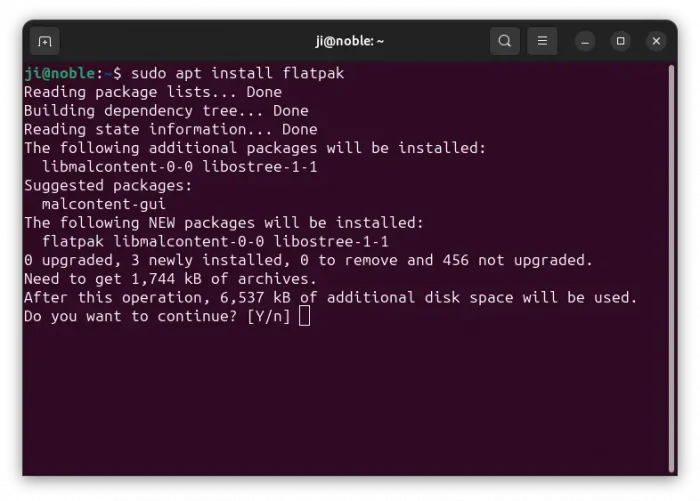
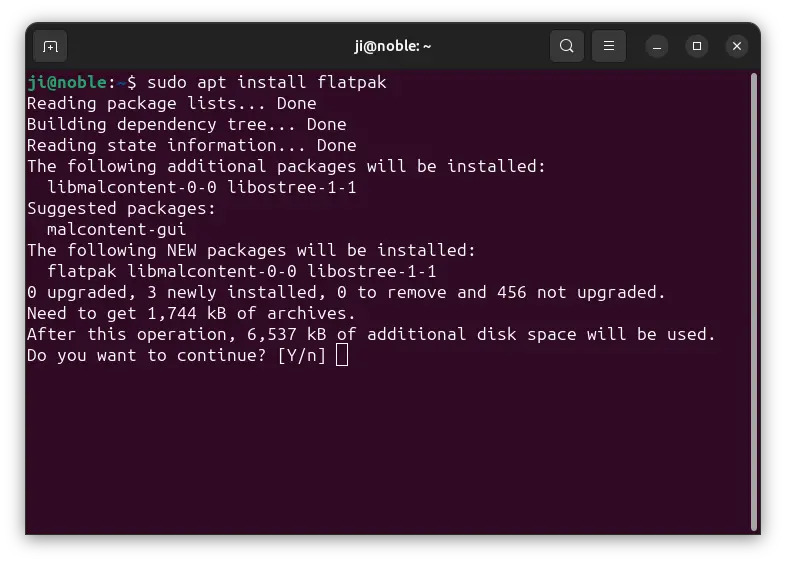
- First, Debian/Ubuntu users can open terminal (Ctrl+Alt+T) and run command to install the Flatpak daemon:
sudo apt install flatpak
For other Linux, follow the official setup guide to enable Flatpak support.
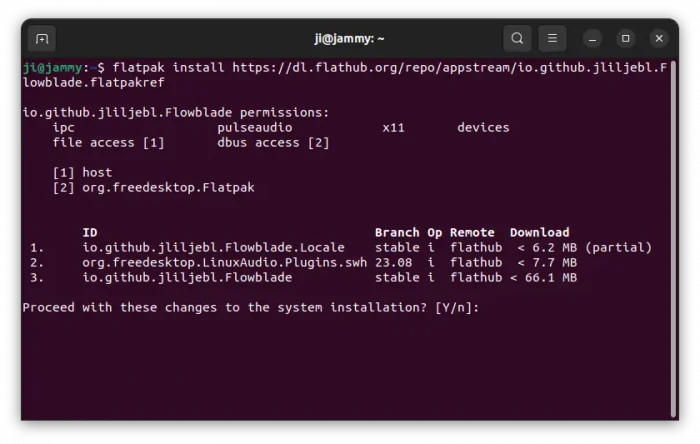
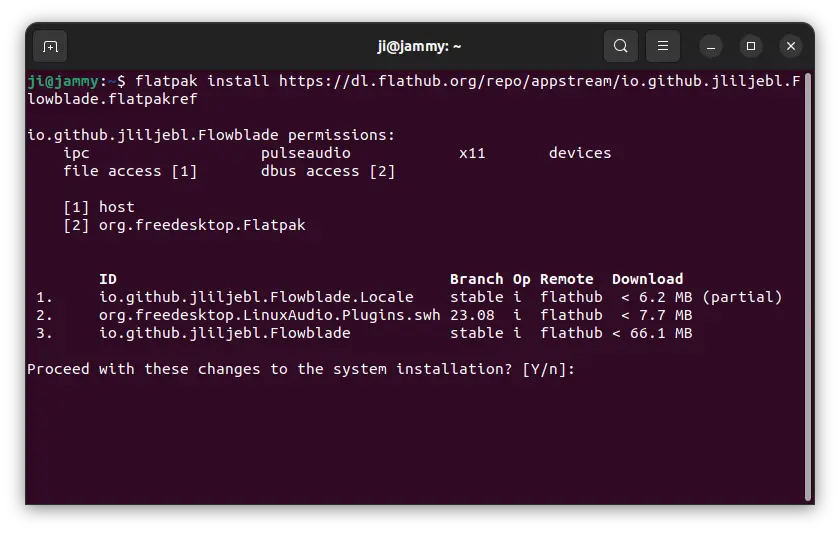
- Then, run the single command below to install the Flowblade flatpak package:
flatpak install https://dl.flathub.org/repo/appstream/io.github.jliljebl.Flowblade.flatpakref
After installed the software package, either start it from start menu (log out and back in if app icon not visible). Or, run the command below to launch it from terminal without re-login.
flatpak run io.github.jliljebl.Flowblade
And, you may replace run in last command with update to check & install updates.
Uninstall Flowblade
To uninstall the Flowblade Flatpak package, open terminal (Ctrl+Alt+T) and run command:
flatpak uninstall --delete-data io.github.jliljebl.Flowblade
Optionally run flatpak uninstall --unused to remove useless run-time libraries.