Want to enable the Unity AppMenu (Global Menu) support for NetBeans IDE, IntelliJ IDEA, Android Studio, etc in Ubuntu?
UPDATE: This tutorial does NOT work anymore for Ubuntu 16.04 and later!
Thanks to open source, there’s a project called java-swing-ayatana that enables Global Menu as well as HUD support for all Java Swing Applications in Ubuntu Unity desktop.
Here are some applications with Global Menu enabled via java-swing-ayatana:
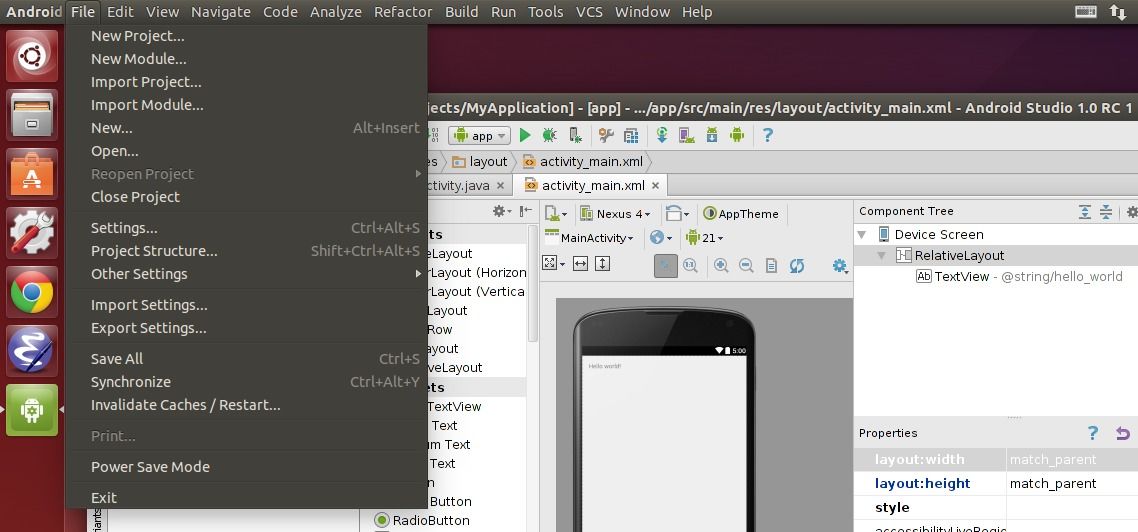
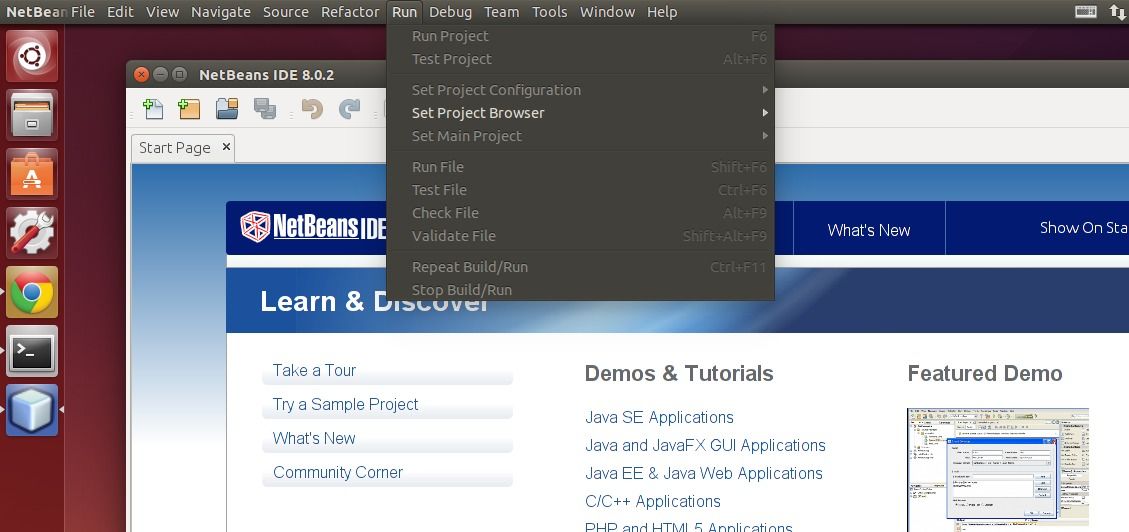
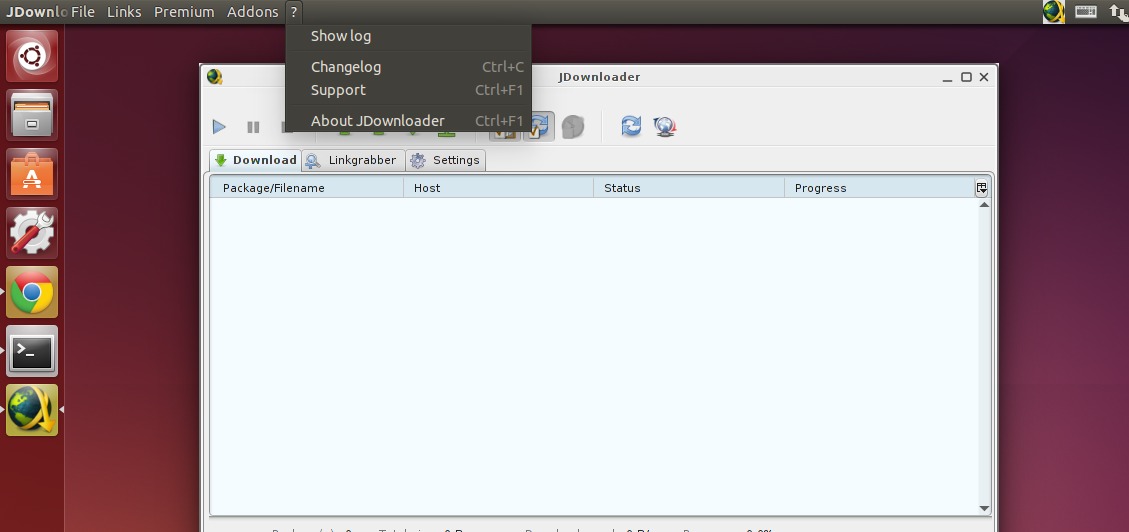
Install java-swing-ayatana in Ubuntu:
The developer has made a PPA contains the packages for Ubuntu 14.04, Ubuntu 14.10. An old version also available for Ubuntu 13.10.
Press Ctrl+Alt+T on keyboard to open terminal. When it opens, run the commands below one by one:
sudo add-apt-repository ppa:danjaredg/jayatana

sudo apt-get update

sudo apt-get install jayatana
Above commands will add the developer’s PPA, update your system cache and finally install the java-swing-ayatana.
Once you installed the package, log out and back in to apply changes.
(Optional) To restore settings, just run the command below to uninstall the project:
sudo apt-get --purge remove jayatana libjayatana libjayatanaag libjayatana-java libjayatanaag-java
That’s it. Enjoy!