Blender, the popular 3D creation software, released new 5.2 version yesterday.
The new version of this free open-source software is a new Long Term Support release that will have 2 years support until July 2028.
It features a new Sample Sound Frequencies node and Sound socket allowing to load sound files directly into the node system, and hear the audio while previewing the animation by adding to the Video Sequencer and enable “Sync to Audio” in playback settings.
It also introduced Mesh Bevel mode allows to create adjustable, automatic edge rounding/chamfering in Geometry Nodes, new node-based physics (XPBD Solver) for customizable hair and cloth simulations, as well, it allows to attach bundles to geometry and keep it with the object as it moves through your workflow.
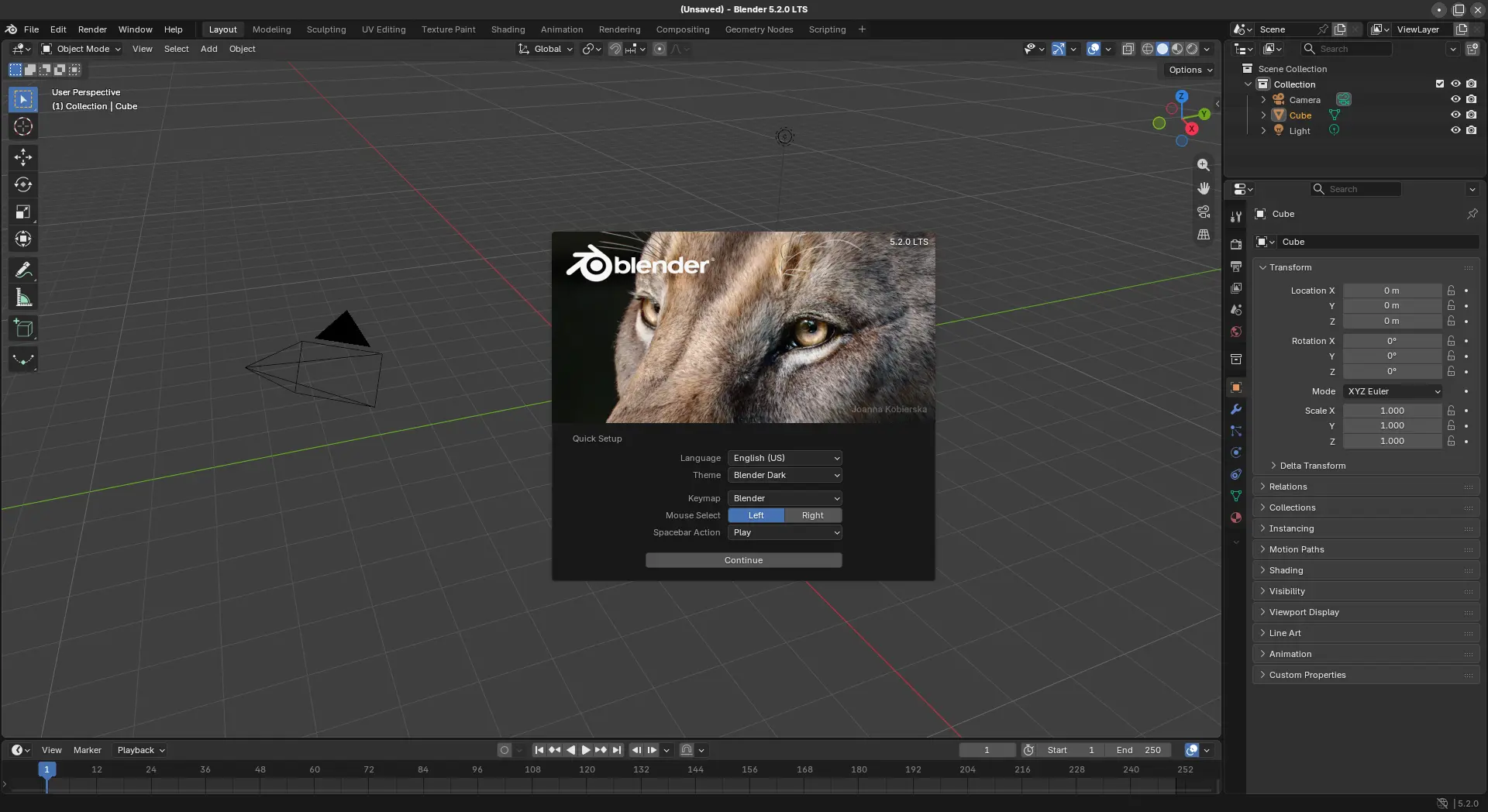
The new 5.2 version also updated the Cycles & EEVEE render engines by introducing new Texture Cache significantly reduces memory usage and startup time by automatically generating smaller, optimized texture files that load only the tiles and resolutions needed for rendering. However, using Texture Cache comes at the cost of a small rendering performance impact and increased disk space usage.
This version as well added new Thin Wall mode in the Principled BSDF node to render physically accurate thin materials such as paper, leaves, and window sheets, new input color spaces for Apple, ARRI, Blackmagic Design, Canon, and Sony cameras, and new Backface option under Screen Tracing controls how rays that intersect the back faces of visible geometry are handled.
It also has dozens of new parametic materials, compositing effects, HDR world backgrounds, Geometry Nodes setups and many more assets added to the Essentials library, six new socket types and 35 new nodes supported in the Compositor, as well as:
- New playback loop modes.
- Compositor gizmos support auto keying.
- New Add Primitive tool in Sculpt Mode.
- Apply Compositor node trees directly in the timeline.
- GPU-accelerated VSE effects.
There are also tons of other new features and improvements, see the official release note for details.
Get Blender 5.2
Blender installer for Linux, Windows, and macOS as well as the source tarball are available to download in its website via the link below:
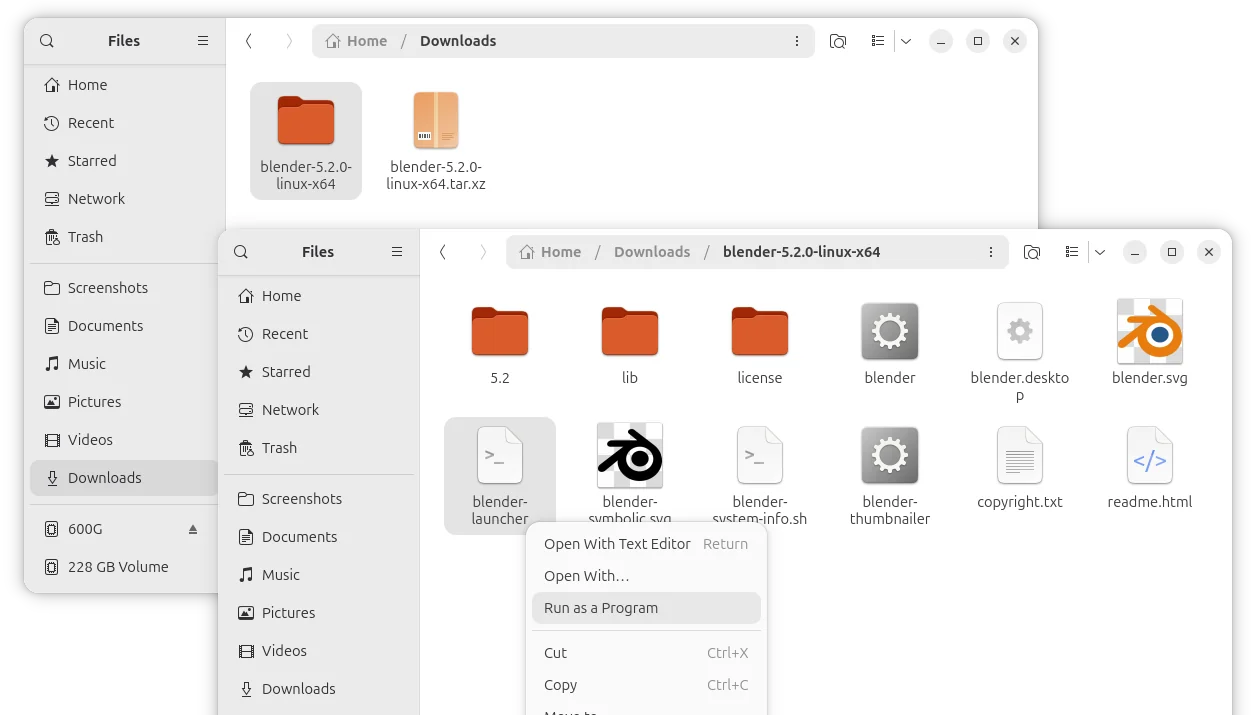
For Linux, either select download the Linux tarball, extract, and run the executable file from extracted folder to launch the software.
Or, choose install the community maintained Flatpak package which runs in sandbox environment.
While, Ubuntu user may simply search & install the official Blender snap package from App Center (or Ubuntu Software) which also runs in sandbox environment.
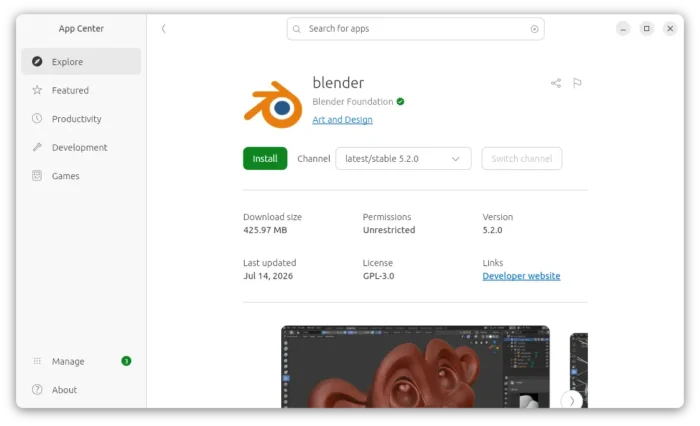
Blender’s official snap package in Ubuntu App Center