KDE Rounded Colors, the kwin effect for KDE Plasma Desktop 5 and 6, released new 0.10.0 version today!
The new version of this open-source project introduced gradient outlines support, which draws window borders with color gradually changes from one color to another, rather than having a single solid color.
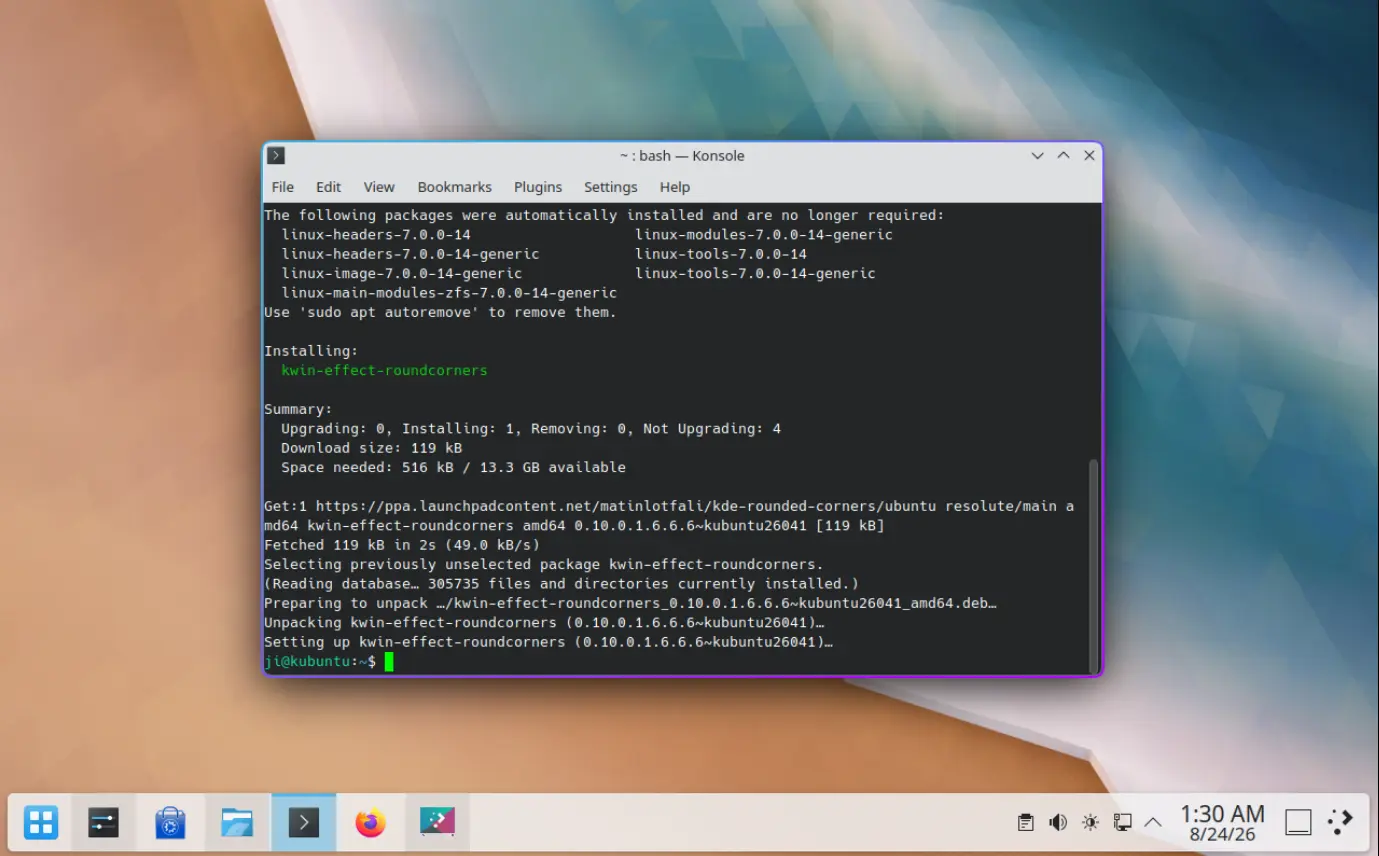
Each outline (primary, second, or outer outline for active or inactive window) can independently have its own gradient settings. Besides choosing the first and second color for an outline, user can also change the angle that controls the direction in which the color changes.
Same to the first color, the second color also support alpha channel (available in color chooser dialog), so the gradient can fade toward transparency.
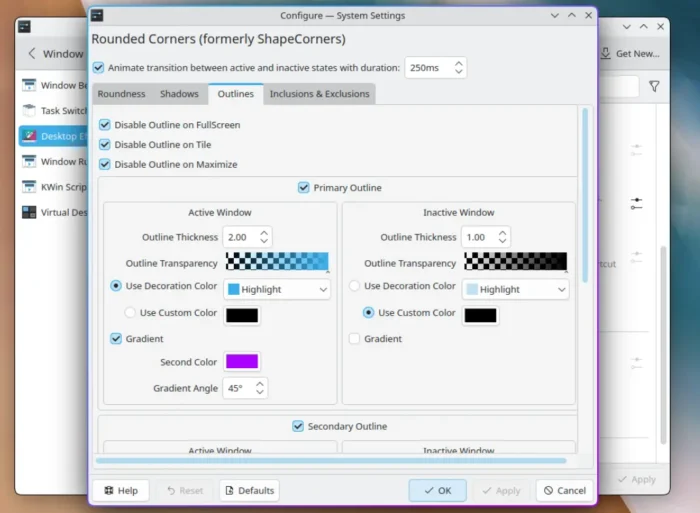
In addition to the new gradient colored outline, the new 0.10.0 version also fixed the compatibility for the upcoming KWin 6.8 (Plasma 6.8).
It also changed the way it detects the maximized window, so it will less likely show outline for app windows that are maximized. It now asks kwin the actual maximize area and compare the window against it. And, it adds 1-pixel tolerance for tiled windows and the case for fractional display scaling.
Other changes include:
- Fix the issue that shader failing to load on Plasma 6.7+, especially on some NVIDIA systems.
- Add vulkan-headers dependency for Arch on Plasma 6.7, or it won’t build.
- Fix rounded corners and outlines appearing on KDE’s logout screen.
For more, see the official release note in the Github project page.
How to Install KDE Rounded Colors 0.10.0
KDE Rounded Corners is available to install through this copr repository for Fedora 43/44/45/Rawhide, Ubuntu PPA for Kbuntu 22.04, KUbuntu 24.04, and KUbuntu 26.04.
And Arch Linux can get the package from the AUR repository, though it’s not updated at the moment of writing.
After installed the kwin effect, go to Settings -> Window Management -> Desktop Effects to enable and configure the rounder corners.