COSMIC desktop, the default desktop environment for Pop!_OS, released new 1.3.0 version today.
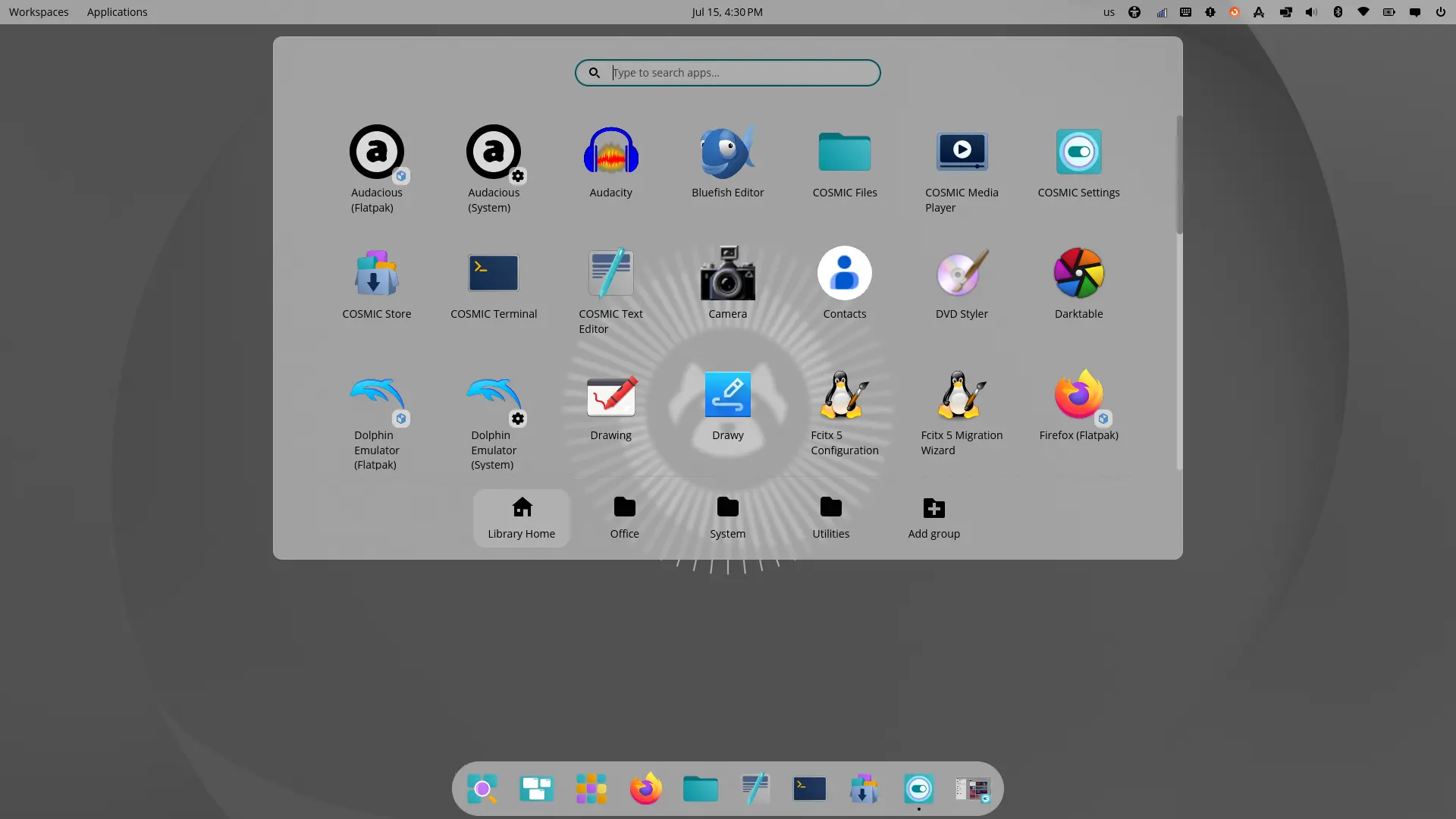
The new version of this free open-source System76 developed desktop environment introduced cool new frosted glass UI design, which can apply translucent glass effect for the backgrounds for most desktop components.
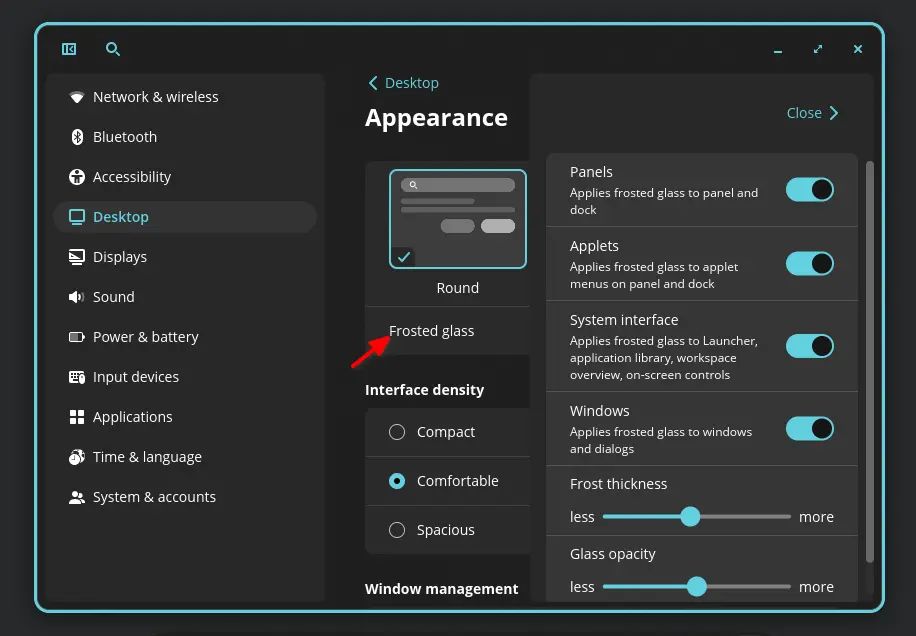
Simply open Settings, then navigate to Desktop -> Appearances, then you can enable frosted glass for panels, menus, app windows, and other places, such as overview, and on-screen controls, as well control the frost thickness and glass opacity.
The design works great for the default launchers, panels, menus, and most core apps, but it does not work for some apps such as Firefox, and IMO it’s not looking so good in apps with left side-bar.
Besides the new design, the new desktop release also added AVIF image support for background wallpapers using libdav1d library, added always hide option for panels, and option to preserve panel/dock style on window maximize.
It as well updated the system monitor app to allow NVIDIA GPU suspend, monitor power usage for AMD/Intel GPUs, and GPU memory usage for Intel GPUs.
Other changes are mostly bug-fixes and small improvements. They include:
- Fix mouse scroll on tray icons (for e.g., workspace switch, volume change).
- Fix that bluetooth did not show known devices.
- Restore fullscreen surface back to stack, for a more responsive user experience.
- Fix file picker cannot handle .iso files.
- Fix texture corruption and screen flicker on multi-GPU setup.
- Use nmrs 3.4.0 for NetworkManager state, device lists, Wi-Fi operations, VPN imports/activation, and secret-agent handling.
- Fix some touchpad gestures.
- Fix wrong app window size after un-minimizing animation.
- Fix crash when right clicking mounted path in nav bar.
For more changes as well as the source tarball, see Github release page.
Get COSMIC Desktop 1.3.0
Besides building from the source, Fedora has made the new release into the system repository for the next 45 version. Arch also include COSMIC desktop in its Extra repository, though it’s at version 1.2.0 so far.
For Ubuntu 26.04, there’s an unofficial PPA that includes the packages for both amd64 and amd64v3 architecture types.
Simply open terminal (Ctrl+Alt+T) and run the commands below one by one to install:
sudo add-apt-repository ppa:hepp3n/cosmic-epoch
sudo apt update
sudo apt install cosmic-session
Or see this tutorial instead for the step by step how to install or uninstall guide.