KDE Plasma 6.7, the next major release of the popular Linux desktop environment, is now available for Beta testing.
The new version of this free open-source desktop environment introduced many new features with better AMD laptops, and Intel GPUs support.
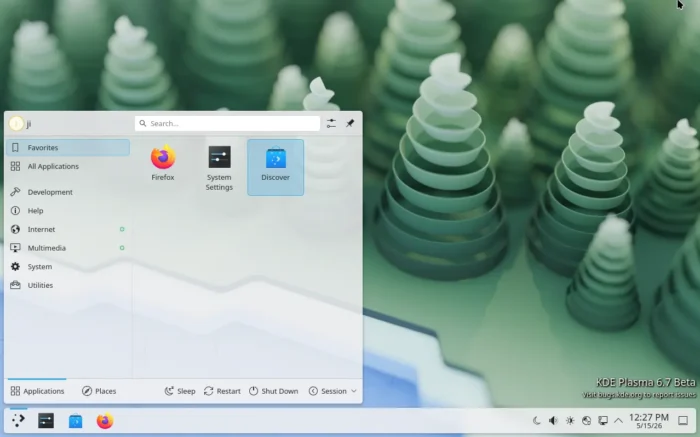
The new desktop version added adaptive backlight management support. It’s AMD laptops feature that reduces power use by reducing screen backlight brightness and modifying colors in an attempt to preserve readability with the reduced brightness.
For Intel GPUs with i915 or Intel XE drivers, the 6.7 version now enables “Overlay planes” feature by default, which improves the video playback and effects performance, as well reduces the power usage.
Besides the hardware specific features, this version also introduced new sliding notifications effect that provides eye candy animation when a notification appears or disappears.
It added dark mode toggle in the brightness indicator, GNOME-style “background apps” in system tray, Vietnamese lunar calendar, as well as time zone offsets display (how many hours local time differs from other locations) in Digital Clock widget.
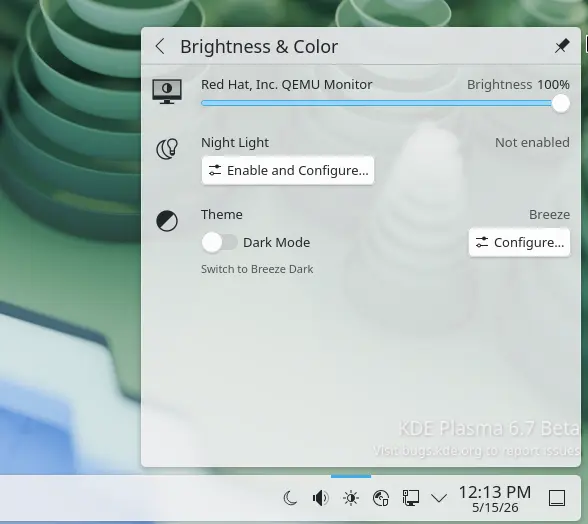
Dark Mode Toggle in brightness applet
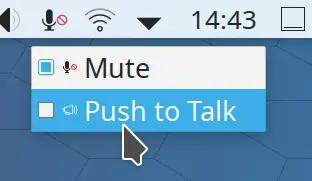
The microphone indicator now has a new Push to Talk feature which is useful for online meetings. With the feature enabled, user may press and hold “Meta + B” key combination then start talking, and release to stop. And, click on the microphone icon will disable this push to talk feature.
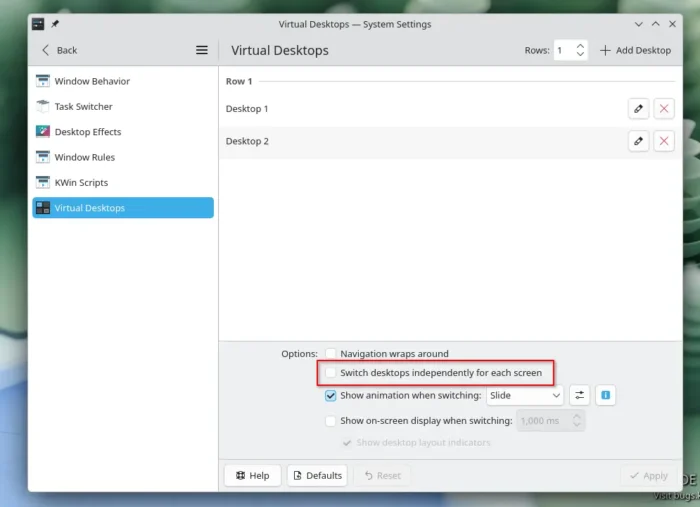
For users who have multiple monitors setup, plasma 6.7 now features per-monitor virtual desktops. With the feature enabled, virtual desktops exist independently on different screens. It supports switching virtual desktops independently for each screen, and, switching desktops via keyboard shortcuts or other methods affects the currently active screen only.
For artists, the new version added an option to sync tablet cursor position with the mouse, as well as the ability to set an ICC profile with HDR enabled.
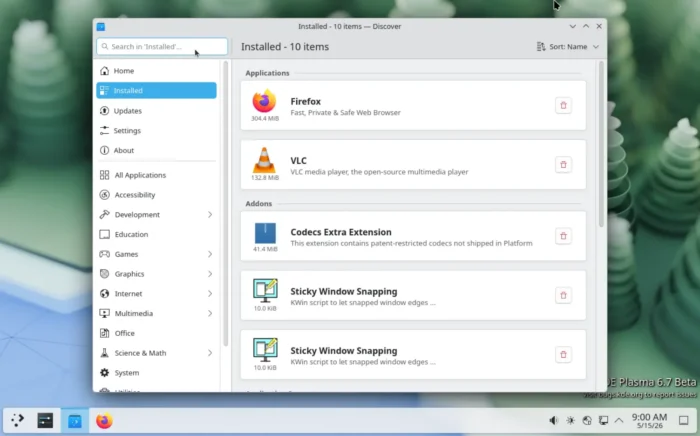
Discover, the software app has been updated with “Applications”, “Addons”, “Runtimes” etc categories in Installed page, new option to Close Discover ‘On Completion’, and some fixes and improvements for Flatpak apps and repositories.
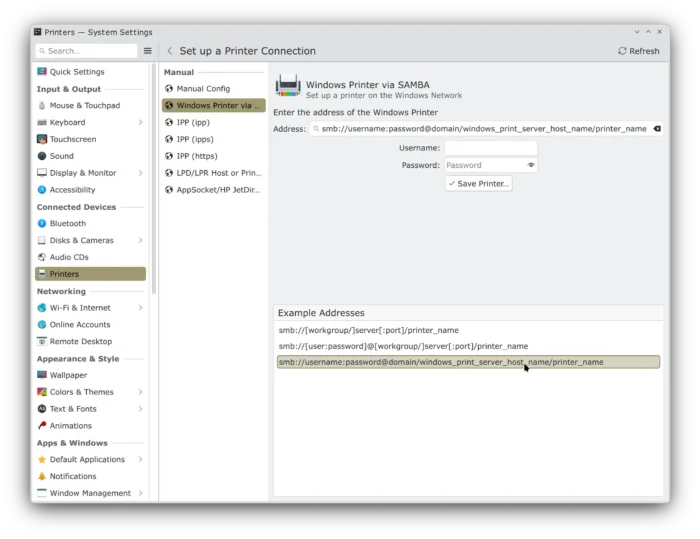
It also updated the printing system with easy options to setup printers shared from Windows network, new print queue manager app, and “Number of active and queued print jobs” badges on Printers widget.
Other changes include:
- RGB lighting control for qmk/via keyboards.
- PageUp/PageDown to switch virtual desktops.
- Option to choose default calendar.
- Add Projects directory to xdg-user-dirs.
- Microphone test capability in audio settings.
- Middle-click on digital clock to open calendar app.
- Option to whether show global menu on all monitors.
- Option to show Alt+Tab switcher only in primary screen.
- Press-and-hold keys for special characters (e.g., á, ê, õ).
- Drag’n’drop adding/removing favorites for Kickoff, Kicker, Dashboard.
For more about this Beta, see the announcement.
Try out KDE Plasma 6.7 Beta
Like GNOME, Plasma now has a KDE Linux available for testing purpose.
For Arch Linux, the new 6.7 Beta has already been made available through its KDE Unstable repository. And, (K)Ubuntu users may keep an eye on the KUbuntu PPAs, which may or may not build Plasma 6.7 for 26.04 in near future.