



Want an email app between Evolution and Geary? Check out Gnome’s modern new “Stamp” app which is working in progress.
Stamp is an open-source mail, contact, and calendar suite application for Linux, which was unveiled at OpenSUSE conference 2026:
The project provides a complete mail client with integrated contact and calendar functionality. It features a modern UI built on GTK4, using WebKit for content rendering, and supports features like account management, email signatures, pgp/smime signed and encrypted mails, BIMI support and more….
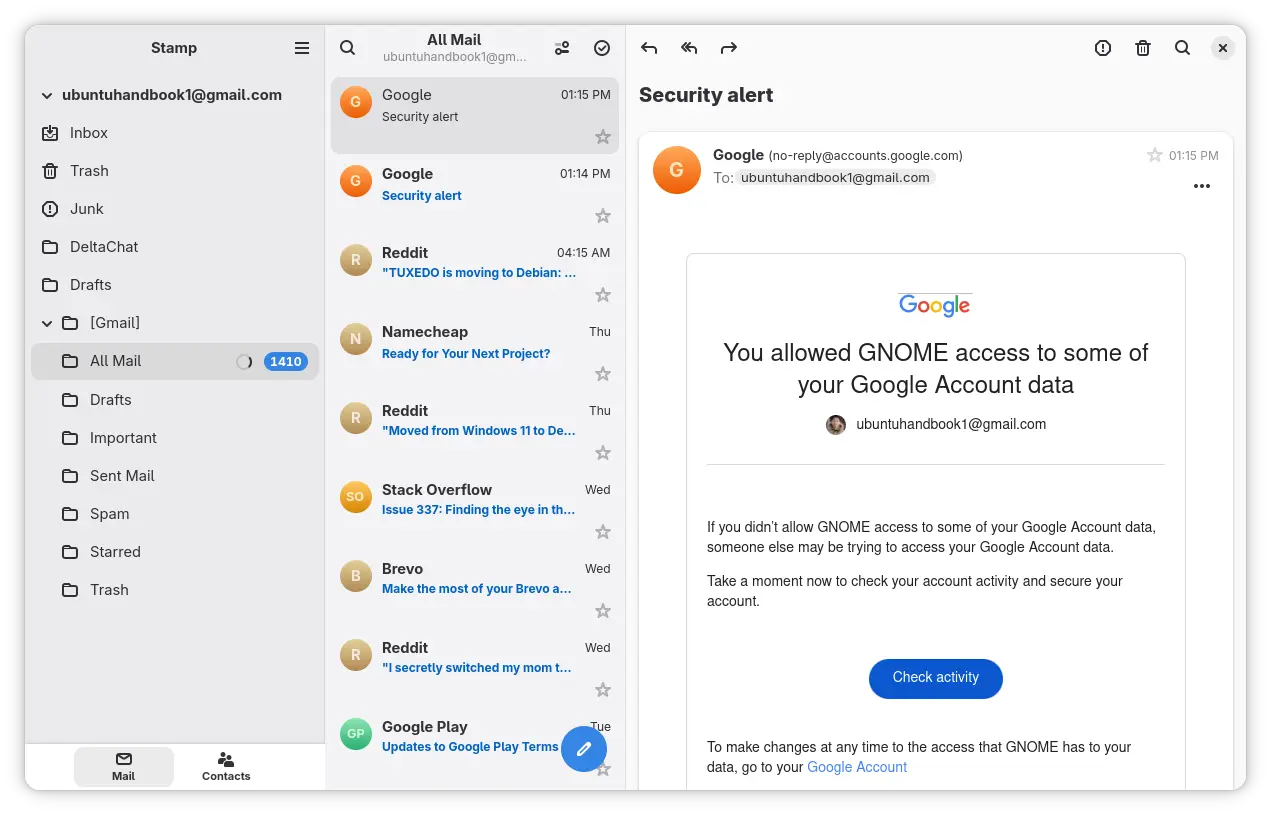
Stamp 3 column layout
The full app windows features Geary look style 3 columns layout, but it’s built on GTK4 and LibAdwaita with modern user interface that looks native in recent Gnome Desktop releases.
And, it’s adaptive that can automatically adjust the UI to be 2 columns or single column layout which well fit in small displays.
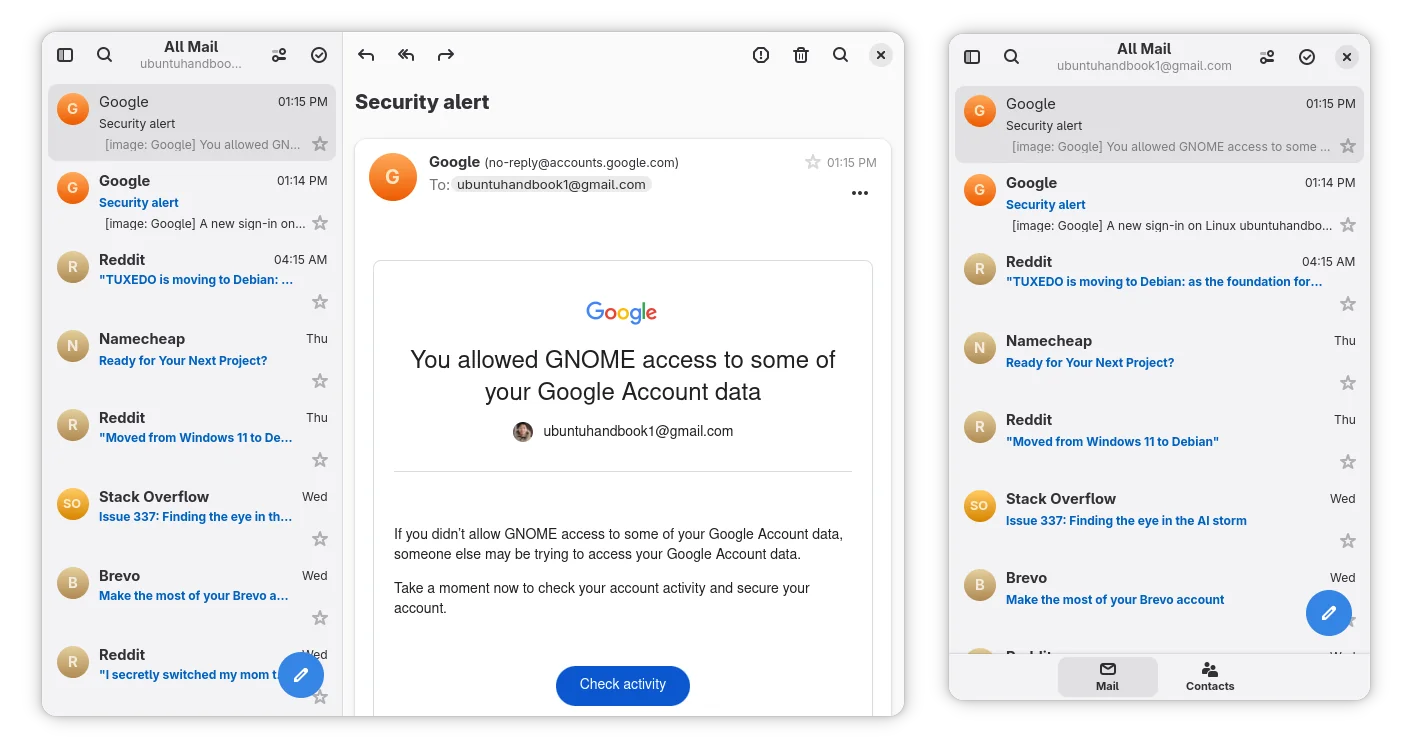
Stamp 2 column and single column layout
The app uses Evolution Data Server, the central personal‑information backend used by GNOME, as the backend for contacts, calendars, tasks, and email data.
Meaning it will automatically add your email account, according to your GNOME Online Accounts setup. It also handles contacts and calendaring by embedding GNOME Calendar as a widget.
Stamp so far is in very early stage. Besides using it as a PIM (Personal Information Management), it will allow to use as a standalone mail app in future versions. See more in the app source page.
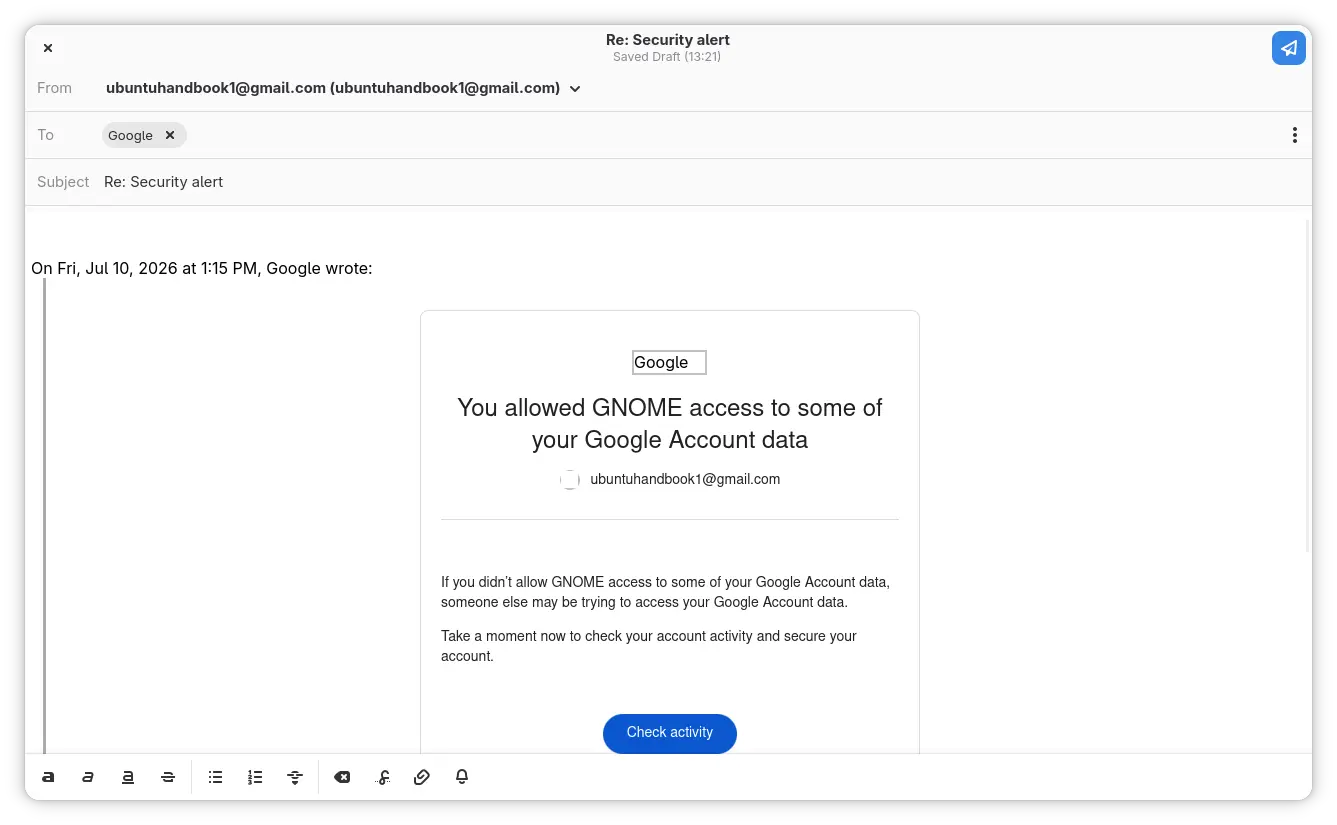
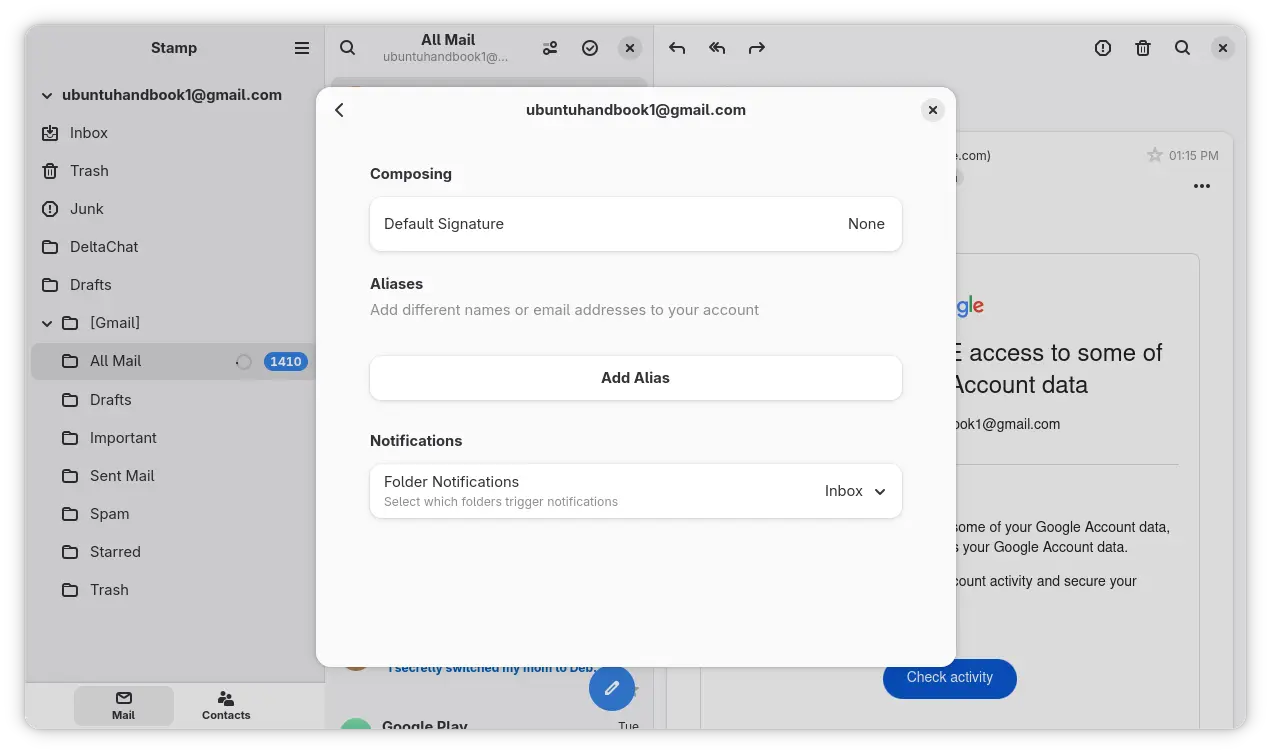
More app screenshots:
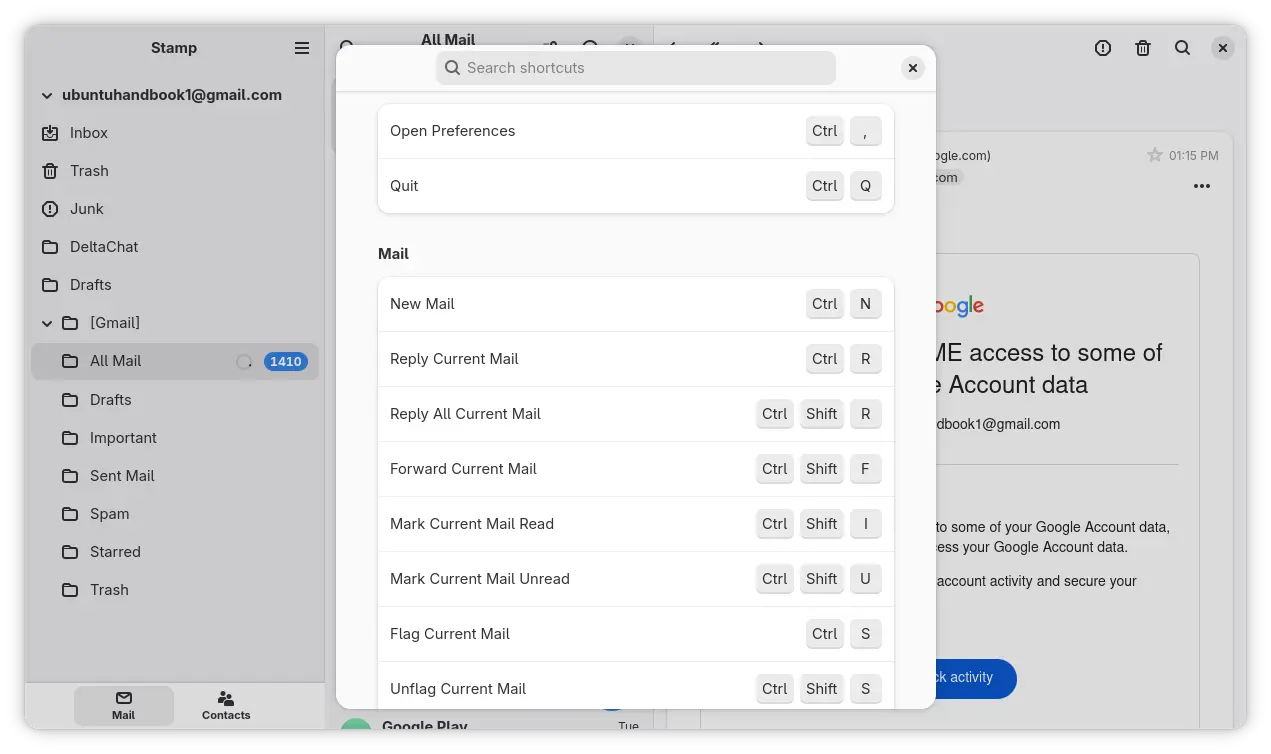
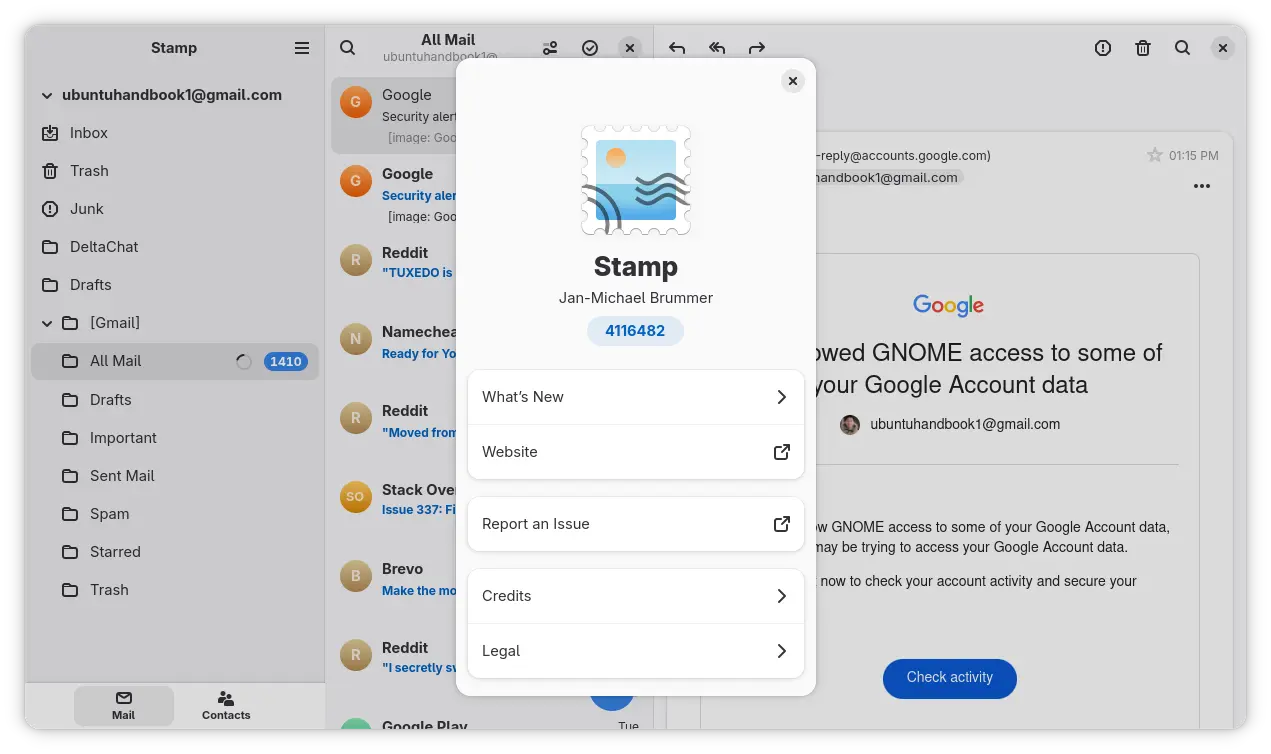
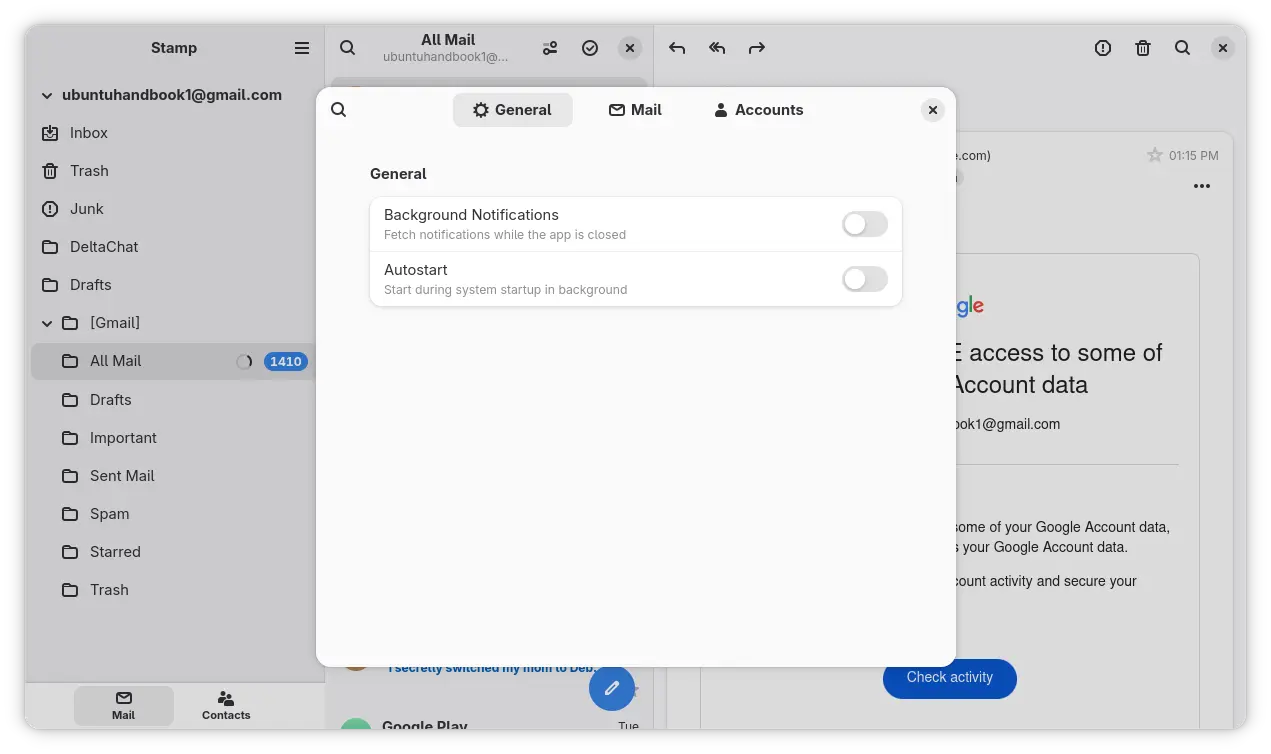
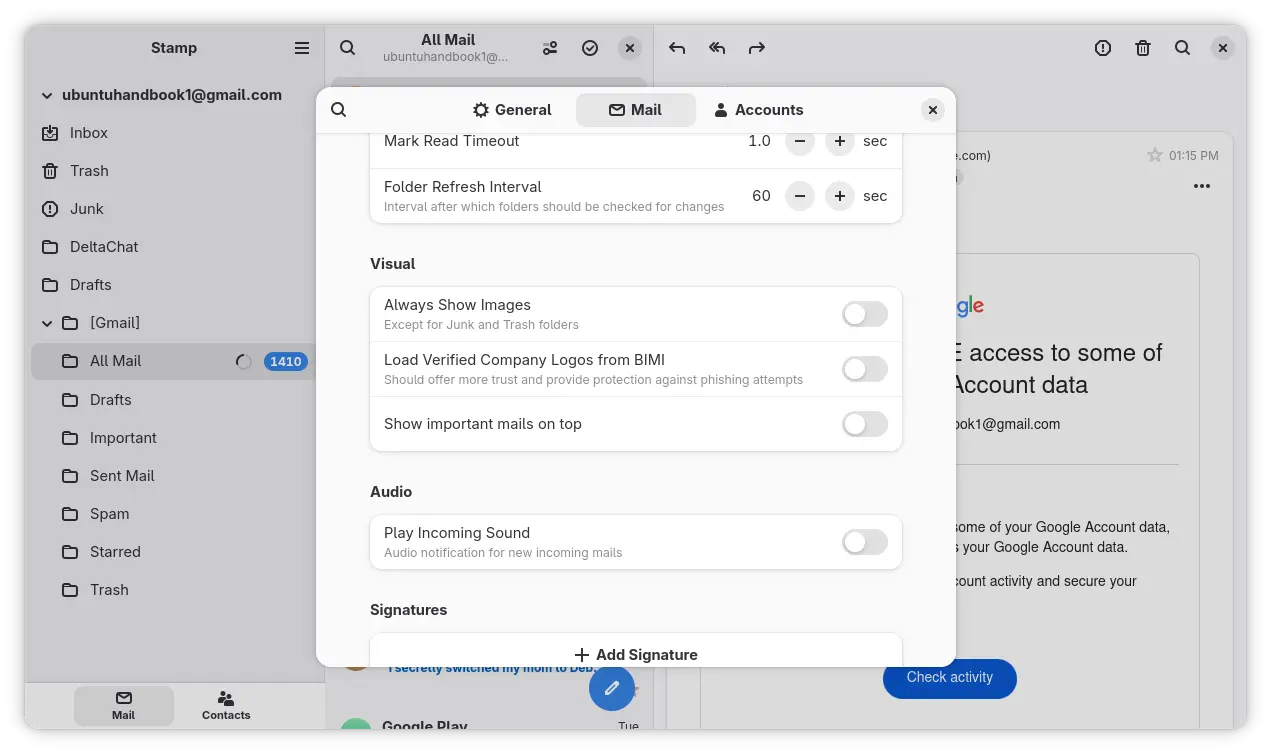
Try out GNOME Stamp Email App
The app so far does not provide any pre-build packages.
Arch Linux can easily install the application through AUR repository, and, openSUSE Tumbleweed may try it out through this community build package.
For Debian, Ubuntu, and Fedora, there’s even no community build package as far as I know. You need to manually build it from the source, and Debian/Ubuntu also need to build the most recent evolution-data-server package manually.


















Geary in GTK4. I dig it. I hope the project has continuity. Although I’m happy with Thunderbird, I’d like a mail client that is more integrated into GNOME so I can use GNOME Calendar too.
Forgot to mention that the project is developed by one of the GNOME Foundation members. It has the potential (I also hope it will) to be default GNOME app.
Meantime i’m also working on a e-mail client, worth checking out as its Geary but in GTK4 and ready to use
https://github.com/gxanshu/postcard