After a few week of 26.7.16 pre-release testing, Shotcut 26.7.30 was finally released for Windows, Mac and Linux users.
The new version of this free open-source Qt and MLT based video editor is the latest stable release that features built-in emojis, new video filter, and various fixes.
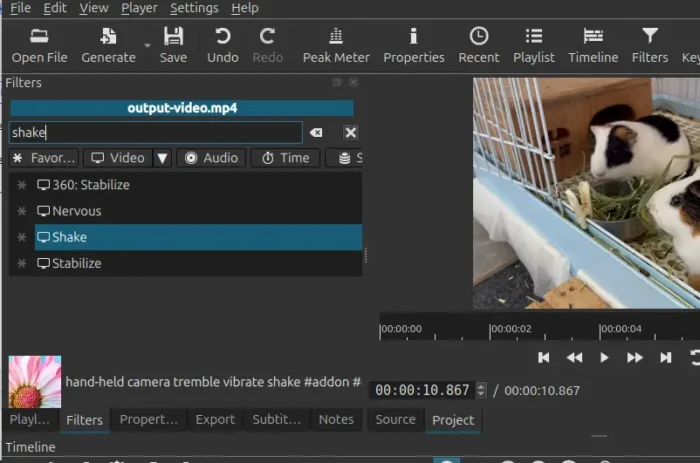
First, the new version introduced a new shake video filter which can apply effect to your video clip, so it looks like it was recorded by someone holding a camera with slightly unsteady hands.
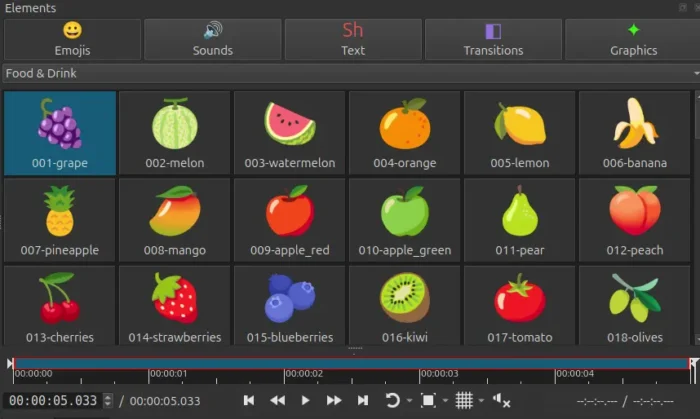
This version also added new “Elements” widget which can be enabled by File -> New / View menu, Generate button, or Ctrl+Shift+2 keyboard shortcut.
With it you can quickly add emojis, such as smileys & emotion, animals, food, drink, objects, and other digital icons, in your videos, add noise sounds (e.g., fire, laugh, whistle, cartoon bubbles and more), insert transitions to connect your video clips, and create other items, such as animated text, speech bubbles.
All the elements are royalty free, including for commercial use, and, they do not require attribution.
For Linux and Windows users with multiple GPUs, there’s now Graphics Adapter submenu under Settings, allowing to choose which physical GPU that the video editor renders, decodes, and encodes with.
Even when you have integrated GPU driving the display, and a discrete GPU (such as NVIDIA graphics card) with no monitor attached, it supports direct preview rendering, hardware decoding and hardware export to the discrete GPU.
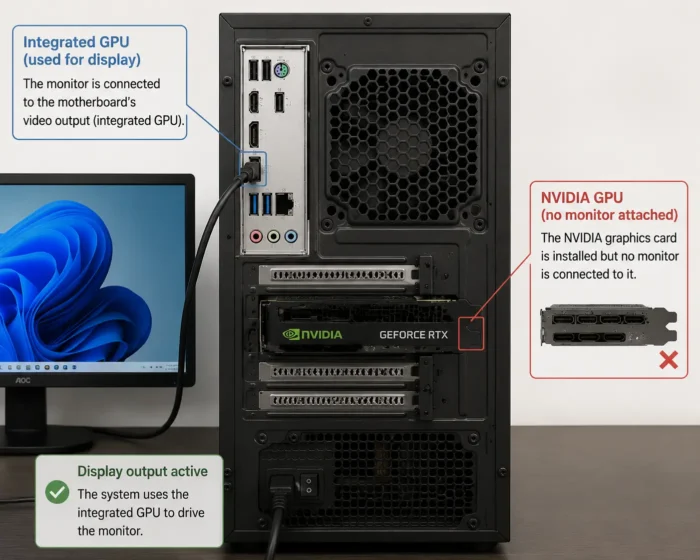
image created by ChatGPT
The --experimental UI generator introduced in the last release now also generates a meta.qml metadata description file. And, the Fusion Dark and Fusion Light themes have been updated to make active tab more obvious.
Other changes are mostly bug-fixes. They include:
- Better HDR support.
- Fix missing of VST2 and LV2 audio plugins support.
- Fix Motion Tracker keyframes not applying after save/reload.
- Fix opening a
.mltfile from a file manager on macOS. - Enable console logging on Windows in debug mode.
- Remove unused Creative Commons license.
Get Shotcut 26.7.30
The official release note, as well as the source tarball are available in Github project page via the link below:
The installer packages under “Assets” section somehow are not ready at the moment of writing.
Linux user may choose install the Flatpak package in flathub. And, Ubuntu may search & install the Snap package from App Center (or Ubuntu Software), while, both run in sandbox environment and work in most Linux distributions.
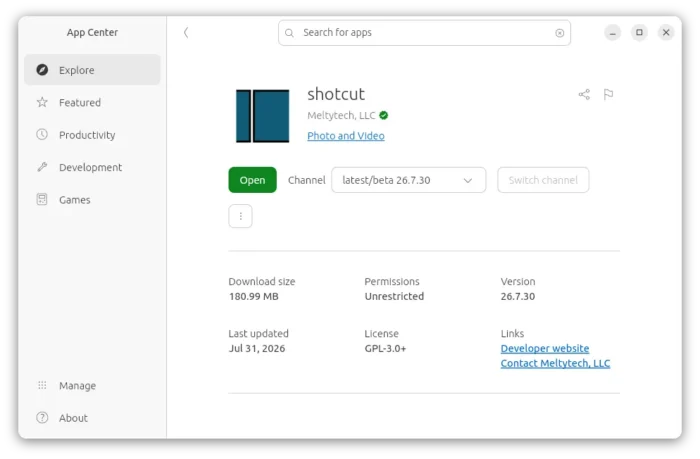
Shotcut 26.7.30 snap package in Ubuntu App Center