



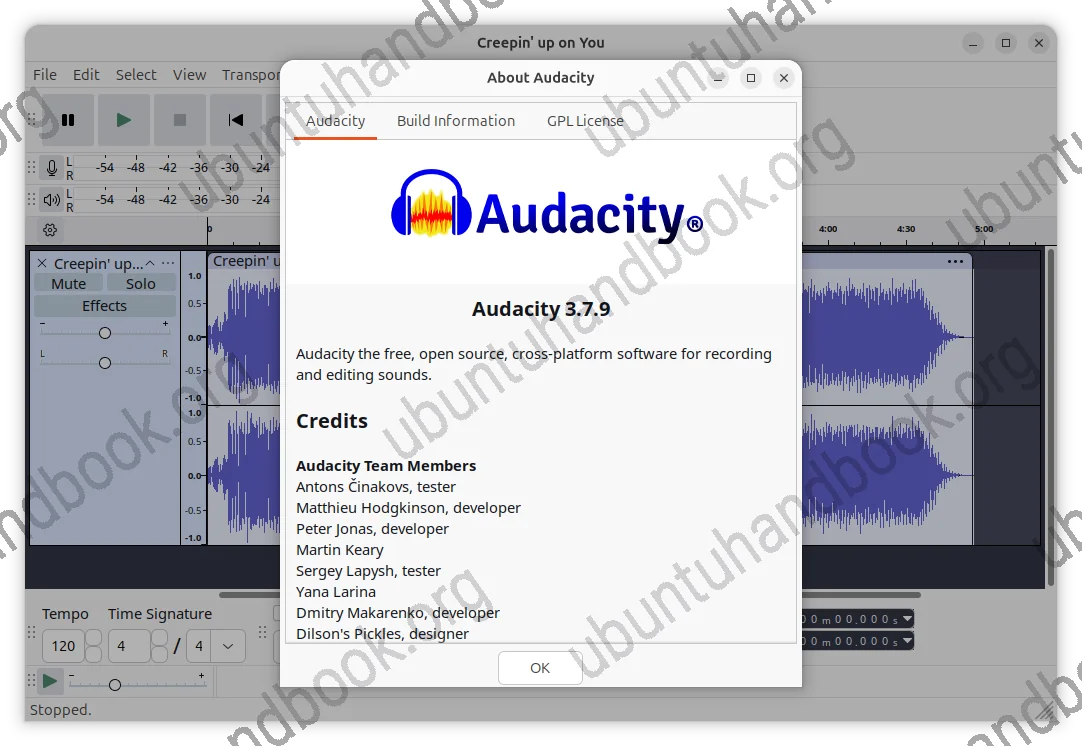
Audacity, the popular open-source audio editor and recorder application, released a new stable maintenance update for the 3.7 series yesterday.
It’s Audacity 3.7.9, the 9th maintenance release, that includes two features backported from 4.0 development release and several bug-fixes.
First, the new version added ASIO support, which was first introduced in the 4.0 Beta released several days ago.
It’s a Windows only feature that allows to use ASIO (Audio Stream Input/Output) drivers to communicate with an audio device. It offers lower latency because it provides direct access to the audio interface. And, it supports more input/output channels that’s useful for audio interface that has many microphones/outputs.
In addition, this version added FFmpeg 9.0 support for more audio decoding support, such as the HE-AAC audio variant where each AAC frame contains 960 audio samples instead of the more common 1024 samples.
Audacity 3.7.9 also brings newer project-corruption and data-recovery fixes to make project-saving and recovery system more reliable.
It fixed app startup hang on Linux caused by an infinite font-sizing loop, when using Chinese locales with certain Kubuntu font configurations. It as well fixed an issue where audio clips could have the wrong tempo after reopening a project.
Others are fixes for crashes or freezes when a realtime effect dialog saves settings on close, when double-clicking timeline with a midi track present, or when canceling a recording.
How to Install Audacity 3.7.9
The official release note, as well as the installer packages for Linux, Windows, and macOS, are available to download in Github via the link below:
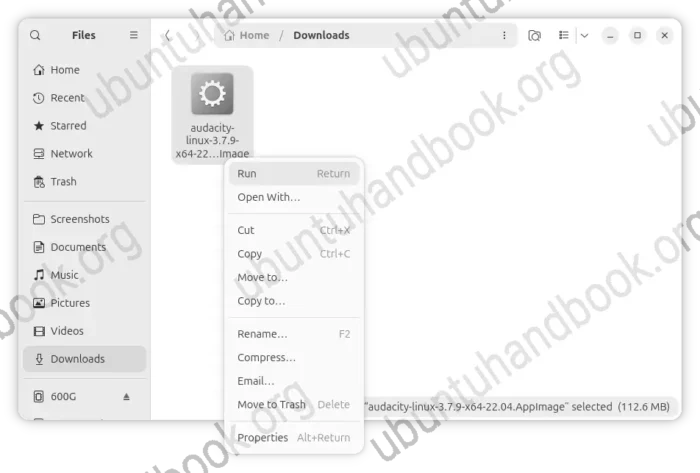
For Linux, select download the AppImage under “Assets” section, add executable permission from file properties, finally run to launch the editor.
Though, Ubuntu needs to install libfuse2 first in terminal (Ctrl+Alt+T) for being able to run the package.
sudo apt install libfuse2
There are also community maintained Flatpak and Snap packages, which run in sandbox but both are not updated at the moment of writing.
For Ubuntu users who prefer the native .deb package, I’ve built the new release package into this unofficial PPA with Ubuntu 26.04 (amd64v3 included), Ubuntu 24.04, and Ubuntu 22.04 LTS releases.
Simply open terminal and run the commands below one by one in terminal (Ctrl+Alt+T) to add PPA and install Audacity .deb package:
sudo add-apt-repository ppa:ubuntuhandbook1/audacity
sudo apt update
sudo apt install audacity
NOTE: the PPA package does not have networking (meaning audio.com integration) support, because the launchpad build farm does not have internet connection during the building process.


















Thanks, my dude.
4.0 is already available as AppImage:
https://www.audacityteam.org/download/linux/
Dear Jim,
Hello. First of all, I would like to thank you for all your efforts in providing information and maintaining the updated PPAs.
Audacity 4.0 has just been released, and I hope you can add it to the PPA.
https://www.neowin.net/news/audacity-40-is-out-with-a-major-redesign-and-new-editing-tools/
Regards,
Laqido
Working on it. It takes time, because the building system changed quite a lot.
UPDATE: Ubuntu 26.04 only, as it requires Qt6 >= 6.8 that old Ubuntu LTSs do not match:
https://launchpad.net/~ubuntuhandbook1/+archive/ubuntu/audacity4