


After a month of RC testing, Linux Lite 8.0 was finally released today!
Linux Lite 8.0, code-name Hematite, is a lightweight Linux Distribution that features XFCE Desktop 4.20 with custom themes and core apps, high performance custom Kernel 7.0, and Ubuntu 26.04 package base.
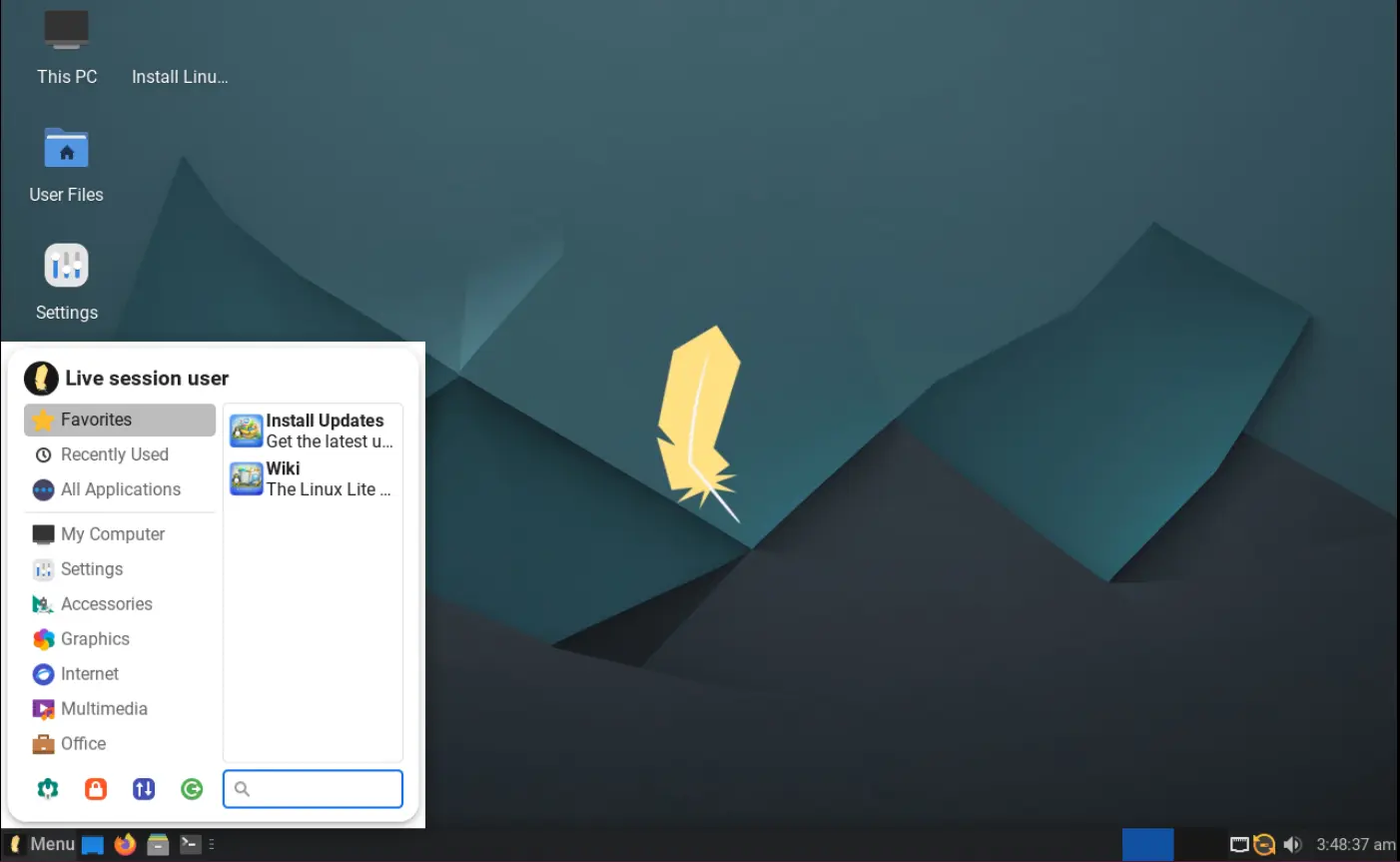
Linux Lite 8.0 Desktop
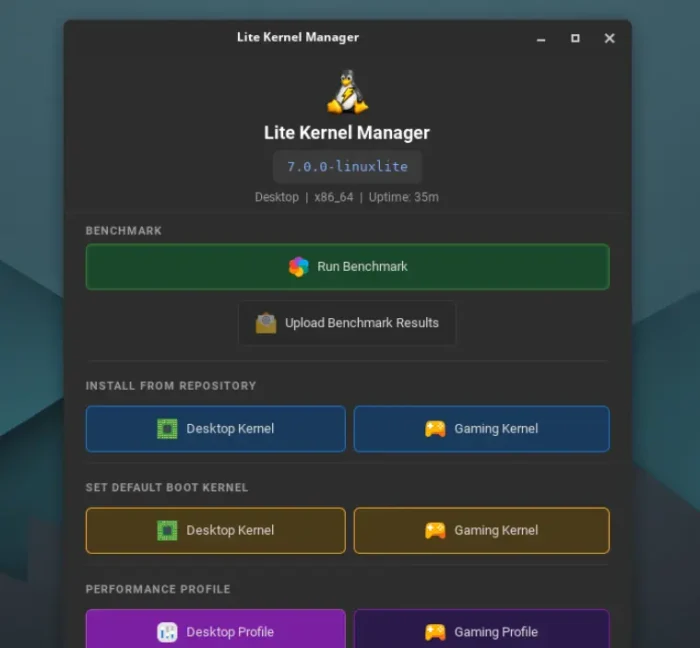
The new version features a high performance custom kernel built specifically for desktop and gaming use on everyday hardware.
The default kernel is built for smooth and responsive desktop experience for everyday tasks, such as web browsing, office work, and media playback. While, an optional gaming kernel can be installed afterward, which targets for users who play games regularly or run audio/video production software care about timing.
Both kernels include the full BORE scheduler modification, but with different preemption to allow the scheduler to interrupt running work.
And, a new Linux Kernel Manager utility is available for users to install and switch between the two kernels, manage profiles, and run benchmark!
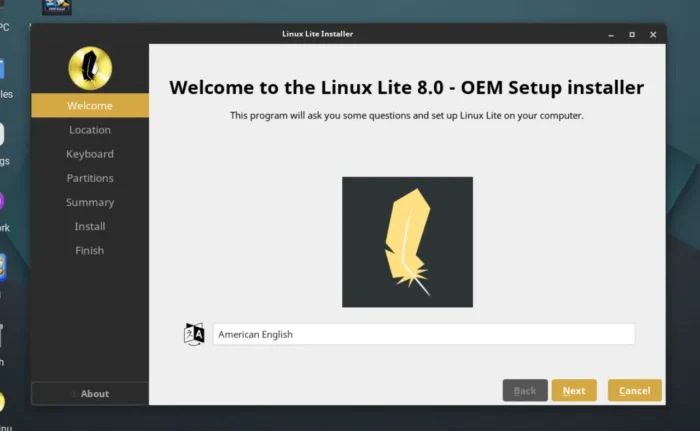
Besides the new kernels, Linux Lite 8.0 switched to Calamares installer that’s also default in Debian (live image), KUbuntu etc Linux distributions. As Ubuntu has switched to new Flutter based installer, and slows down the development of the legacy Ubiquity installer.
It as well added OEM installer for hardware vendors, which will not create end-user account during installation. Instead, when the customer powers the machine for the first time, it pops-up a setup wizard to create a personal account.
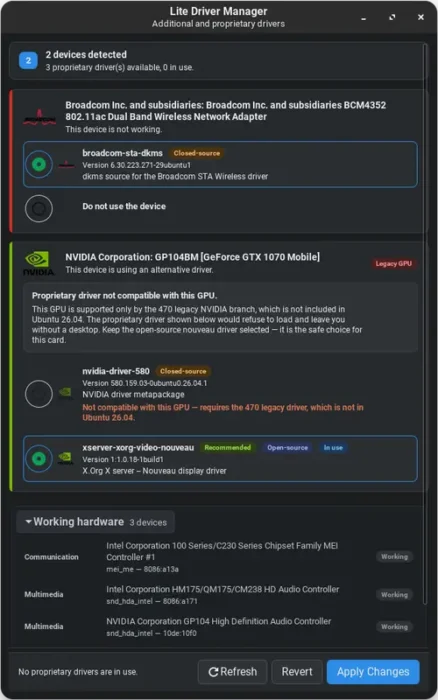
As you may know, Ubuntu 26.04 removed the graphics tool for managing drivers and software sources. Linux Lite takes up the job by introduced its own new graphical Lite Driver Manager app, making easy for beginners to install network adapter, NVIDIA etc drivers by simply using a few mouse clicks.
And, it added new Lite Software Sources app for managing software repositories, such as changing download mirror, adding PPA, and managing key files.
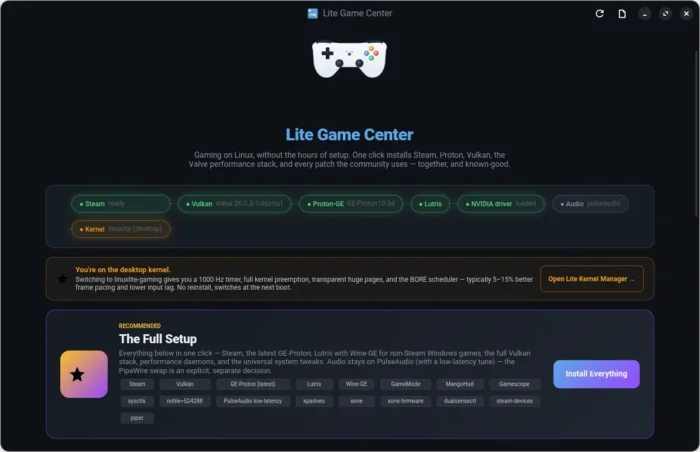
It as well introduced new Lite Game Center, allowing to one click enable game-mode, install drivers, Steam, Lutris, Proton, Wine, game controller support, or install/uninstall them individually.
It also introduced new “About” utility that displays hardware details, e.g, CPU, GPU, Memory and storage, new System Monitor app for real-time CPU, memory, storage, and network monitoring.
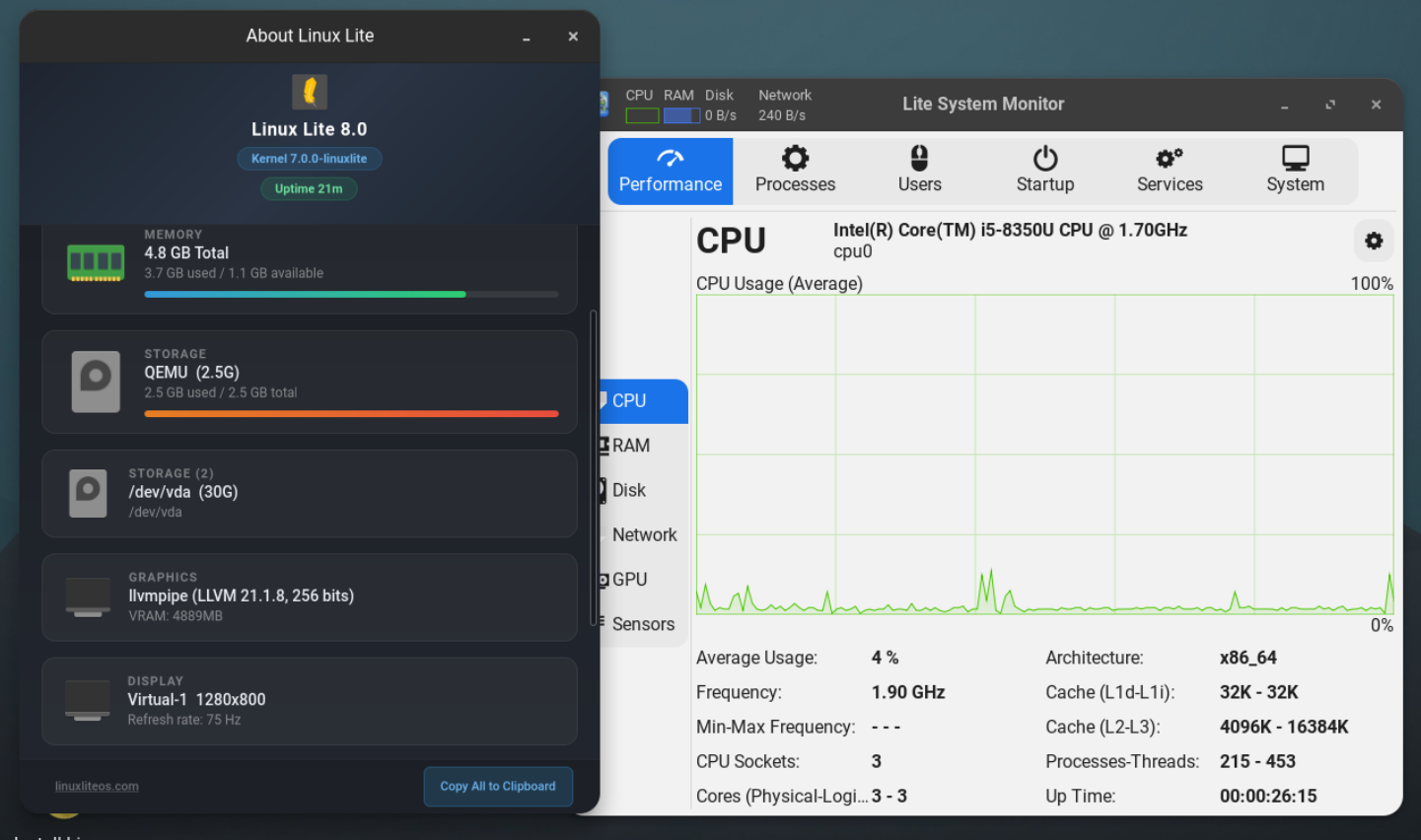
New About Lite, and system monitor apps
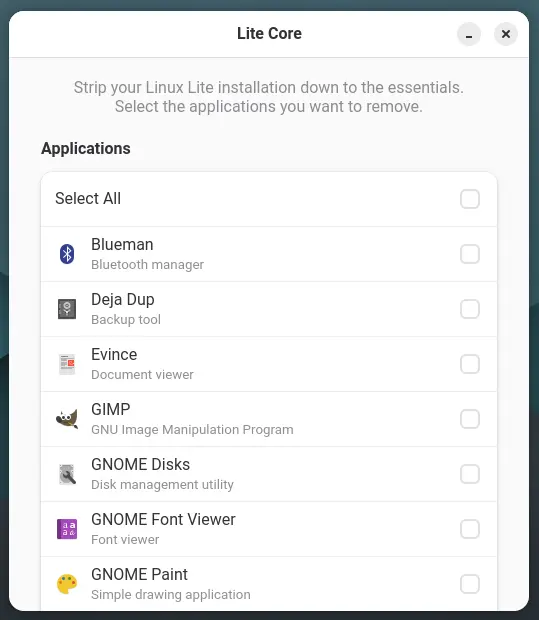
After installed Linux Lite, user can minimum the system by launching the new Lite Core app and remove all the unwanted applications with few clicks. As well, a new Lite Distro Builder app is available to easily create your own version of Linux Lite and share it with others.
Other changes include new Starship command prompt in terminal app for significant start up difference, new boot animation screen (Plymouth theme), and apt sources ported to DEB822 (change from .list to .sources config file).
And, it seems that the start menu (Lite Whisker Menu) has been ported to round corners, though, not sure if it’s bug or virtual machine issue it has a white and sharp background.
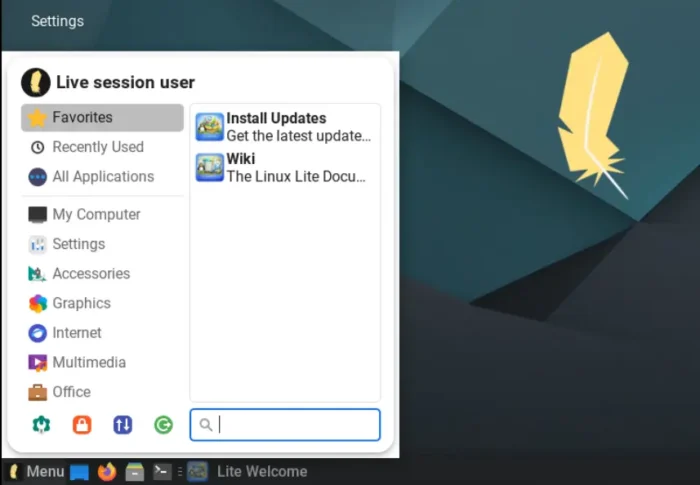
rounded start menu, though with a sharp background (not sure bug or VM issue)
More in Lite Lite 8.0 include:
- Port most core apps to GTK4.
- Use Firefox (DEB version) as default browser.
- Local AI in Firefox.
- Ability to sort apps in Lite Menu in alphabetical order.
- New GTK4 welcome screen with autostart toggle.
- New folder icon theme choices.
- Lite folder share
- And more!
Get Linux Lite 8.0
For more about the new 8.0 release as well as the .iso installer image, go to its website via the link below:
Or go directly to the sourceforge page for the ISO image.
And, Linux Lite 7.x can upgrade to the new 8.0 release by using “Lite Series Upgrade”. Sadly, upgrading from 8.0 RC is NOT supported.
Recommended computer requirements include:
- 1.5 Ghz dual-core 64-bit Intel/AMD processor.
- 4 GB Memory.
- 40 GB Storage (HDD/SSD).
- 1366×768 resolution display.














One of the best distros out there. Jerry just added the 32-bit libraries when installing Lutris and Wine from the Game Center. Perfect for noobs now.