Ubuntu developer team announced the default wallpaper for the upcoming Ubuntu 26.10 yesterday, along with the winning images from the wallpaper competition.
As before, the new default wallpaper is made of a purple background with mascot (stingray) in center. Similar to the one for 26.04, it uses a large, curved origami crease in the background.
NOTE: all images below are optimized for faster loading. Please choose download original images from the link in bottom.
The default wallpaper as well as its light, dark, and dimmed variants are available to download in both PNG and JPG formats.

Ubuntu 26.10 default wallpaper
For desktop, the wallpapers are available in 4K, 2K, and 1080p resolutions. For mobile phones, the wallpapers are available in 1564×3840, 1728×3840, 1818×3840, 1925×3840, and 2160×3840 resolutions.
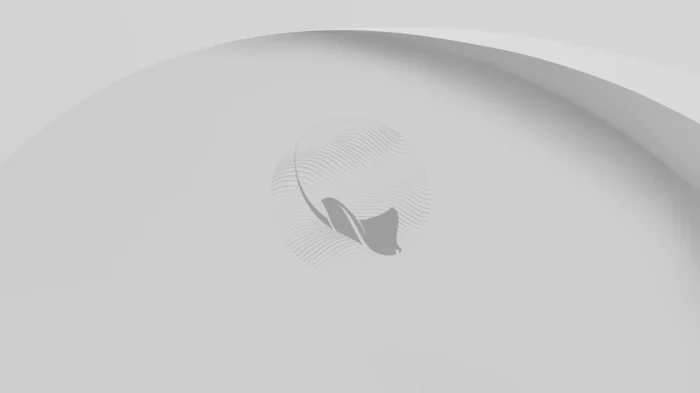
Ubuntu 26.10 light wallpaper
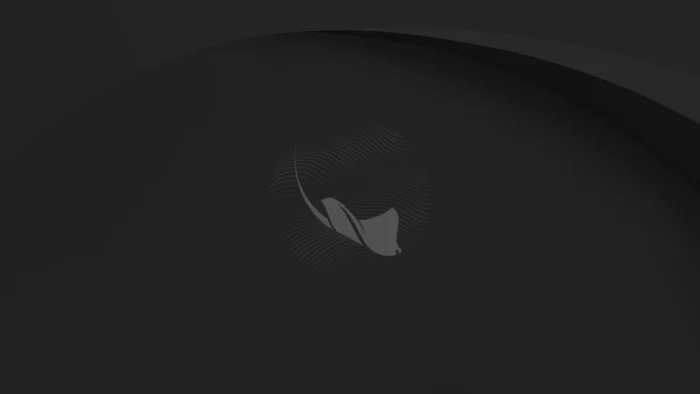
Ubuntu 26.10 Dark wallpaper

Ubuntu 26.10 Dimmed wallpaper
Not only the full wallpapers, the Mascot artwork and the blank wallpaper without Mascot are also available to download.
And, the release introduced animated wallpaper that’s available in MP4 and WebP file formats.
Below are the optional wallpapers that will be shipped by default in Ubuntu 26.10 iso images. They are the winner images from the wallpaper competition.
NOTE: Also scroll down for the link to download the original images!









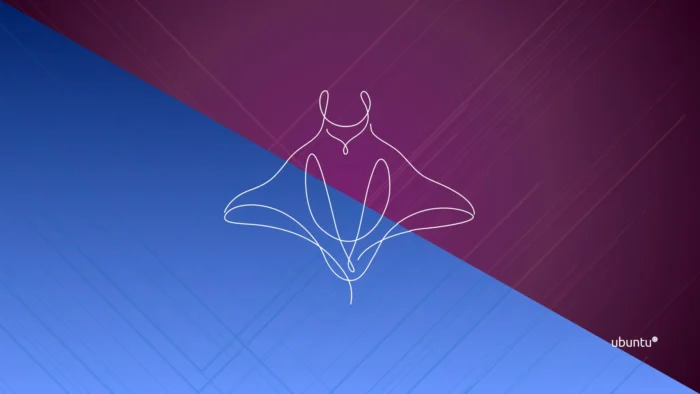


Download Ubuntu 26.10 Wallpapers
The new wallpapers will soon be available to users running the Ubuntu 26.10 development release.
As time goes on, future Ubuntu releases (27.04 and later) will be able to install the wallpapers by simply running the command below in terminal:
sudo apt install ubuntu-wallpapers-stonking
For the direct download links:
Ubuntu 26.10 wallpaper: drive.google.com/drive/folders/14hcgS7OUmJXs-OIrUiYSTr1wl_sYHbdt
Ubuntu 26.10 wallpaper competition: discourse.ubuntu.com/t/stonking-stingray-26-10-wallpaper-competition/86058
Ubuntu 26.10 Wallpaper announcement: ubuntu.com/blog/grace-on-the-currents-stonking-stingray