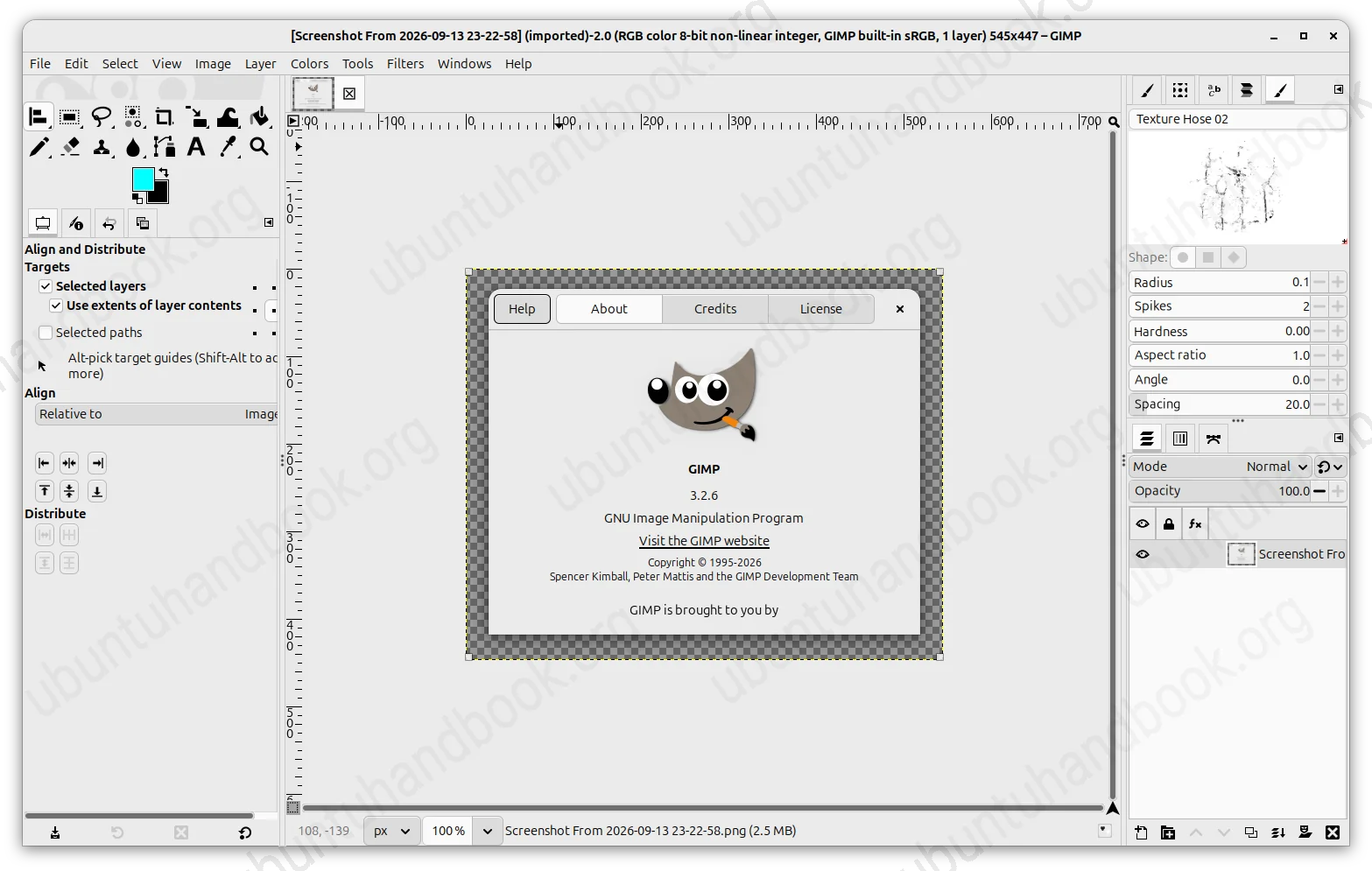
GIMP image editor released new 3.2.6 version a few days ago. Here’s the PPA update for Ubuntu users who prefer the native .deb package.
GIMP 3.2.6 is a stable maintenance release that features various bug fixes, security updates, performance improvements.
This version introduced new dynamic input for painting – Rotation (aks Barrel Rotation), allowing supported styluses, such as Wacom Art Pens, to control brush behavior based on pen rotation.
The app startup is now faster when loading a large number of fonts. Dialogs on KDE desktop now use “Server-side Decorations” instead of GNOME Style “Client-side Decorations”.
For Windows, GIMP 3.2.6 now uses system’s accent color for the System Theme, and, it now supports using “Open With” on multiple files on start without creating multiple instances of the image editor.
For macOS, GIMP finally provides official .dmg package. And, the macOS version of GIMP is now much more integrated with system-specific features.
Other changes include:
- C plug-ins and GEGL filters support for AppImage, Windows and macOS packages.
- Replace some deprecated GTK/GDK API to prepare for GTK4 port.
- A large number of CVEs and other security issues.
For more about GIMP 3.2.6 as well as the official packages, see the release note in GIMP website.
Install GIMP 3.2.6 through DEB package in Ubuntu
For those who prefer the native .deb package, I’ve built the new release into this unofficial PPA for Ubuntu 26.04 (amd64v3 also supported), Ubuntu 24.04, and Linux Mint 22.x.
The Ubuntu 22.04 build is no longer updated, because the system gobject-introspection library that’s used for scripting and plug-ins, especially those written in Python, does not match the minimum requirement.
To add the PPA and install GIMP 3.2.6, launch terminal (Ctrl+Alt+T) and run the commands below one by one:
sudo add-apt-repository ppa:ubuntuhandbook1/gimp-3
sudo apt update
sudo apt install gimp gir1.2-babl-0.1 gir1.2-gegl-0.4 gir1.2-gexiv2-0.10
For any issue, run the commands below to install ppa-purge tool and use it the purge the PPA which will also downgrade all the installed packages:
sudo apt install ppa-purge
sudo ppa-purge ppa:ubuntuhandbook1/gimp-3