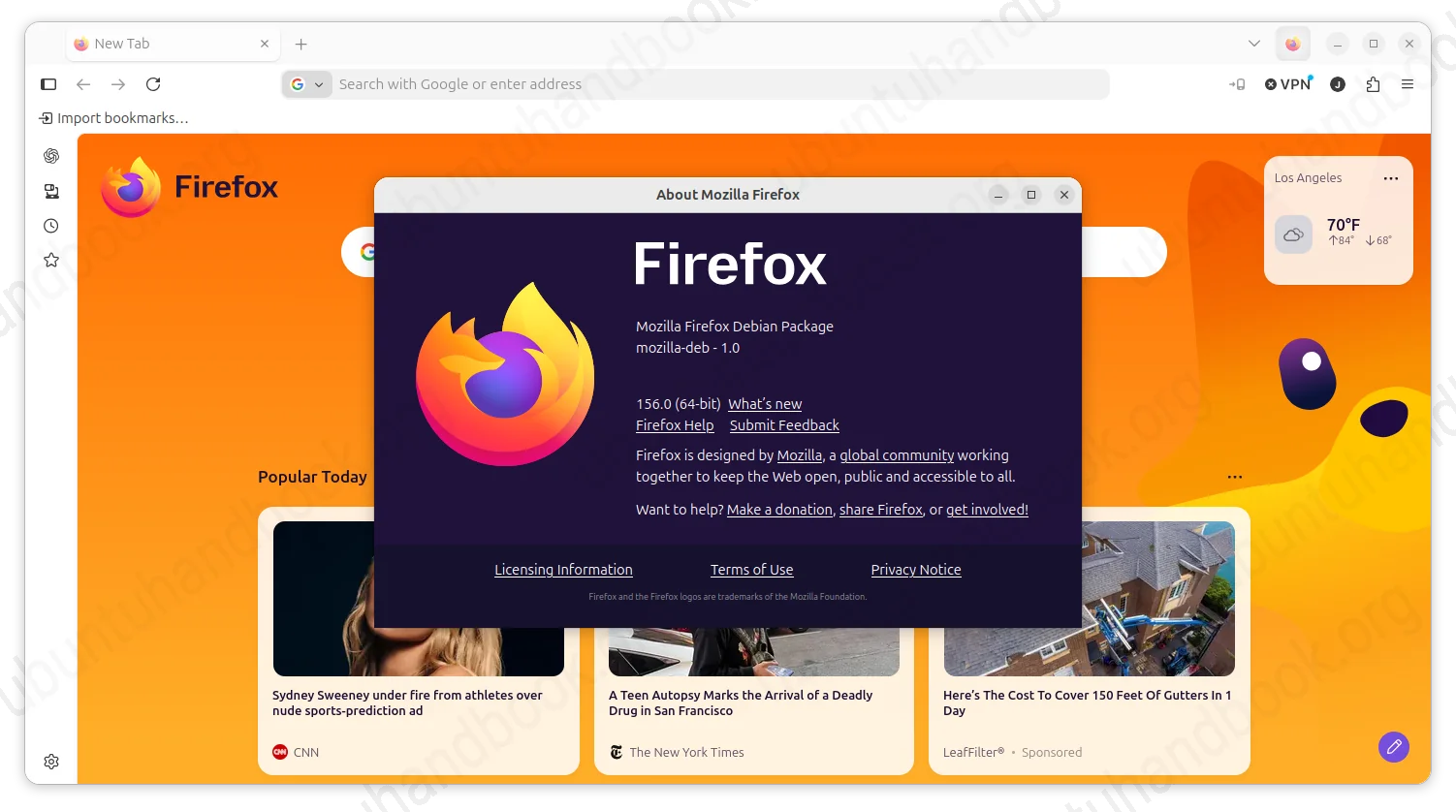
Firefox 156.0, the new biweekly release of Mozilla’s web browser, is now available to download.
According to the Github release page, the new 156.0 release introduced some improvements to its Windows and MacOS app, improved the performance loading large JPEG images as well as the built-in PDF viewer, and fixed various bugs.
For Windows on ARM64 devices, e.g., Surface, XPS 13 etc laptops with Snapdragon X Elite, the WebRTC video calls may now use GPU accelerated hardware H264 decoding that offload the CPU and save power. And, it fixed the issue that Firefox could block auto-hiding taskbar from showing.
On macOS, Firefox now provides an option in “Settings -> Home and startup”, allowing to automatically launch the web browser when your computer starts up.

image from mozilla.org
Firefox Suggest that provides localized Wikipedia and occasional sponsored suggestions when you typing in address bar now is available in France, Germany, and Italy. While, user has the choice to turn if off in search settings.
When loading large JPEG images that are scaled down to fit web page, it now uses less memory and CPU. And, the built-in PDF viewer now starts up to 45% faster.
Other changes are mostly bug-fixes. They include:
- Fix Bilibili high-sample-rate FLAC audio playback.
- Fix subtitles not appearing in the Picture-in-Picture window in certain cases.
- Fix connectivity issue when the built-in VPN enabled.
- Fix non-https website loading issue when DNS over HTTPS is enabled.
Get Firefox 156.0
For the official release note as well as the download link, go to Firefox website via the link below:
If you can’t wait, simply go to this Mozilla Archive page for the source as well as installer packages for Linux, Windows, and macOS.
For Linux, besides waiting for the distribution update or use the package in the link above, there’s also the official Flatpak package that works in most Linux Distributions.