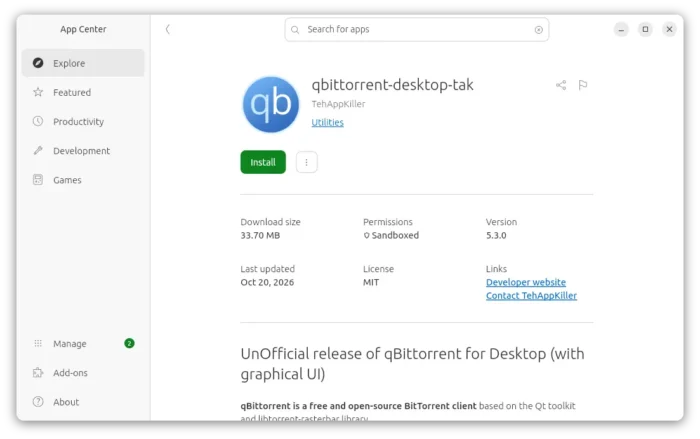
qBittorrent, the popular qt-based bittorrent client, released new major 5.3.0 version a few days ago.
The new version of this free open-source application implemented several new libtorrent settings, introduced numerous improvements to its Qt and WebUI, and fixed various bugs.
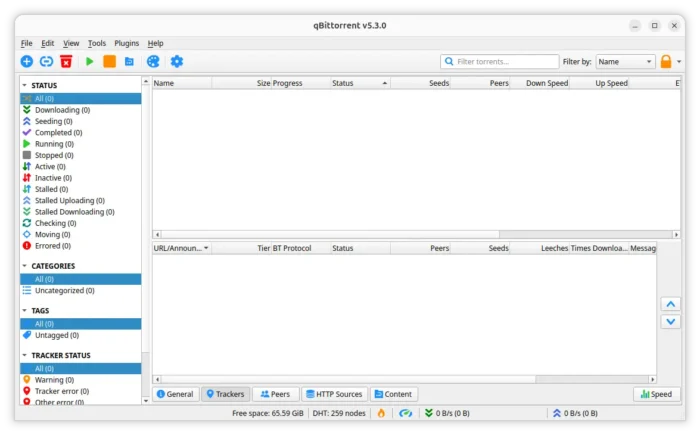
First, the new version added I2P PeX (I2P Peer Exchange) support. It allows peers to share torrents over the I2P anonymous network discovering other peers by exchanging peer information directly, rather than relying only on trackers.
It implemented seeding_outgoing_connections libtorrent setting, allowing to control whether seeding or finished torrents can initiate outgoing connections to other peers.
It also implemented max_allowed_in_request_queue controls the maximum number of piece-block requests a peer is allowed to have queued at one time.
And, it added allow_multiple_connections_per_pid advanced settings that controls whether your client can accept multiple connections from peers using the same Peer ID.
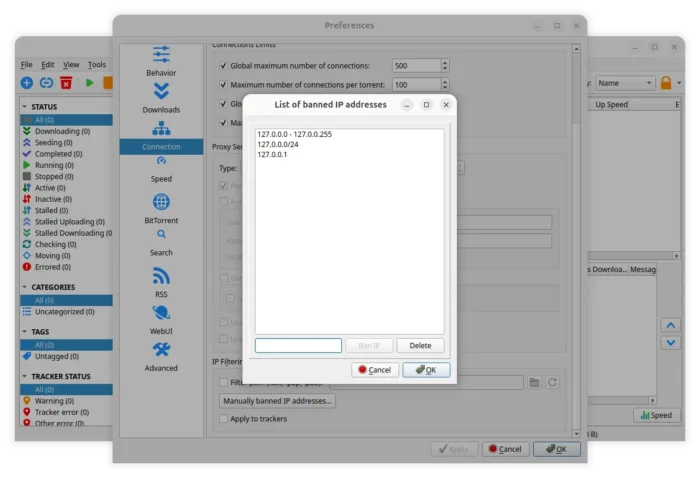
qBittorrent 5.3.0 now allows banning IPs using ranges instead of being limited to single IP. For example, you can ban IP or IP range in the following format:
- 127.0.0.1
- 127.0.0.1/24
- 127.0.0.0 – 127.0.0.255
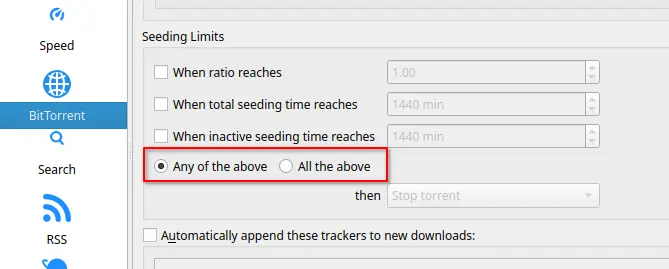
The seeding limits that determine when a torrent should stop seeding has been updated with AND/OR support.
Users can choose whether to stop seeding when any one of the three limits is reached (OR), or only when all three limits are reached (AND) through the new setting options.
For email notifications, it now displays Email examples as placeholder text (light-colored hint text) to prevent user accidentally really sending an email to the pre-filled server.
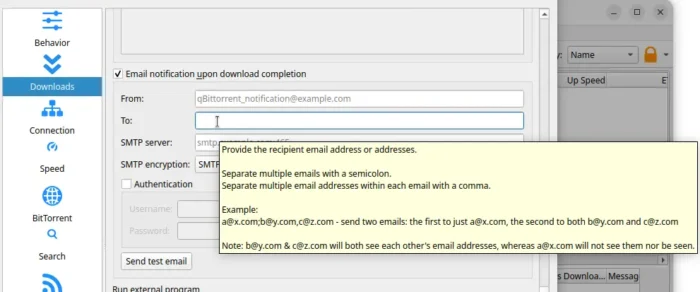
And, it now supports sending email notifications to multiple recipients instead of only single email address, by adding email addresses separated with either comma or semicolon.
- Comma (,) — Send one email to multiple recipients
- Semicolon (;) — Send separate emails to recipient groups
For webUI, virtual list is now enabled by default. So web browser renders only the visible rows on screen and updates them as you scroll, making the WebUI smoother and more responsive when managing large numbers of torrents.
It now supports downloading completed torrent files, pausing and resuming BitTorrent session, and exporting/importing RSS rules. And, new controls are added to start BitTorrent session paused and set session shutdown timeout.
Other changes in qBittorrent 5.3.0 include:
- Support
soparameter in magnet links. - JPEG and WebP support in HTTP server.
- Add “Contribution” column to Peers list.
- Display “Queued tracker announces” and “request latency” in Statistics dialog.
- Options to toggle display “free disk space” and “external IP” in status bar.
- Add ‘Open Destination Folder’ button to toolbar.
- Add “Force start torrents” context menu option to left pane.
There are as well numerous other improvements and bug-fixes. See the official release note for details.
Get qBittorrent 5.3.0
The source tarball, as well as the official packages for Linux, Windows, and macOS are available to download in its website via the link below:
For Linux, besides the non-install AppImage (add executable permission and run to launch software), there is also the official Flatpak package that runs in most Linux Distributions in sandbox.
And, Ubuntu user may simply search & install community maintained Snap package from App Center (or Ubuntu Software), which also runs in sandbox.