The Ubuntu team finally announced the release of Ubuntu 26.10 today after 6 months of development!
Ubuntu 26.10, codenamed “Stonking Stingray”, has now arrived. Building on the foundations of Ubuntu 26.04 LTS, this release continues to advance security, performance, and hardware support while introducing new capabilities that look towards the future of Ubuntu.
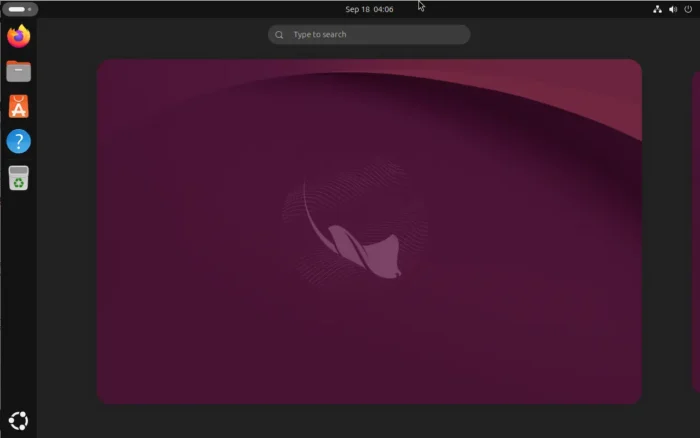
What’s New in Ubuntu 26.10
Ubuntu 26.10 is a regular release with 9 months support until July 2027. It features Linux Kernel 7.3 with most recent hardware support and the latest GNOME Desktop 51.
Ubuntu Desktop now has amd64v3 ISO image. Installing this image on modern AMD/Intel platform will allow software to use more advanced processor instructions to speed up certain operations.
It as well introduces new official desktop images for RISC-V, with support for the SpacemiT K3 boards and QEMU.
Thanks to GNOME 51, the default desktop now features smoother desktop animation, out-of-the-box “New Document” context menu, automatic screen rotation for display with an accelerometer.
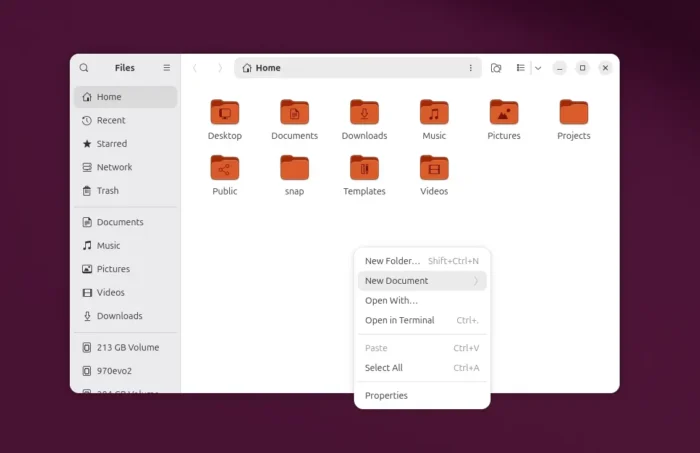
out-of-the-box “New Documents” context menu option, finally
However legacy NVIDIA driver may no longer work as GNOME 51 removed the code for it. See GNOME 51 Release note for details.
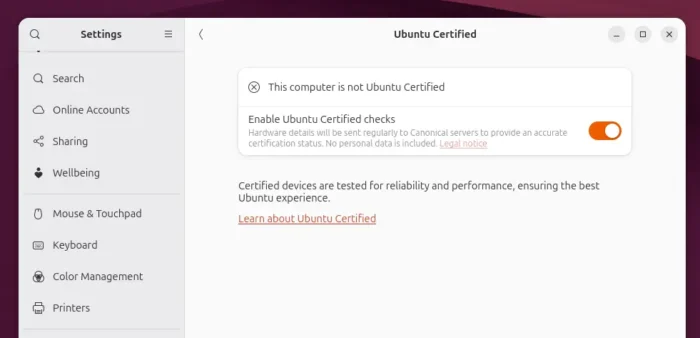
In addition, Ubuntu added new hwctl command line tool and option in “Settings -> System” to check if your computer is one of the certified devices that are tested for the best Ubuntu experience.
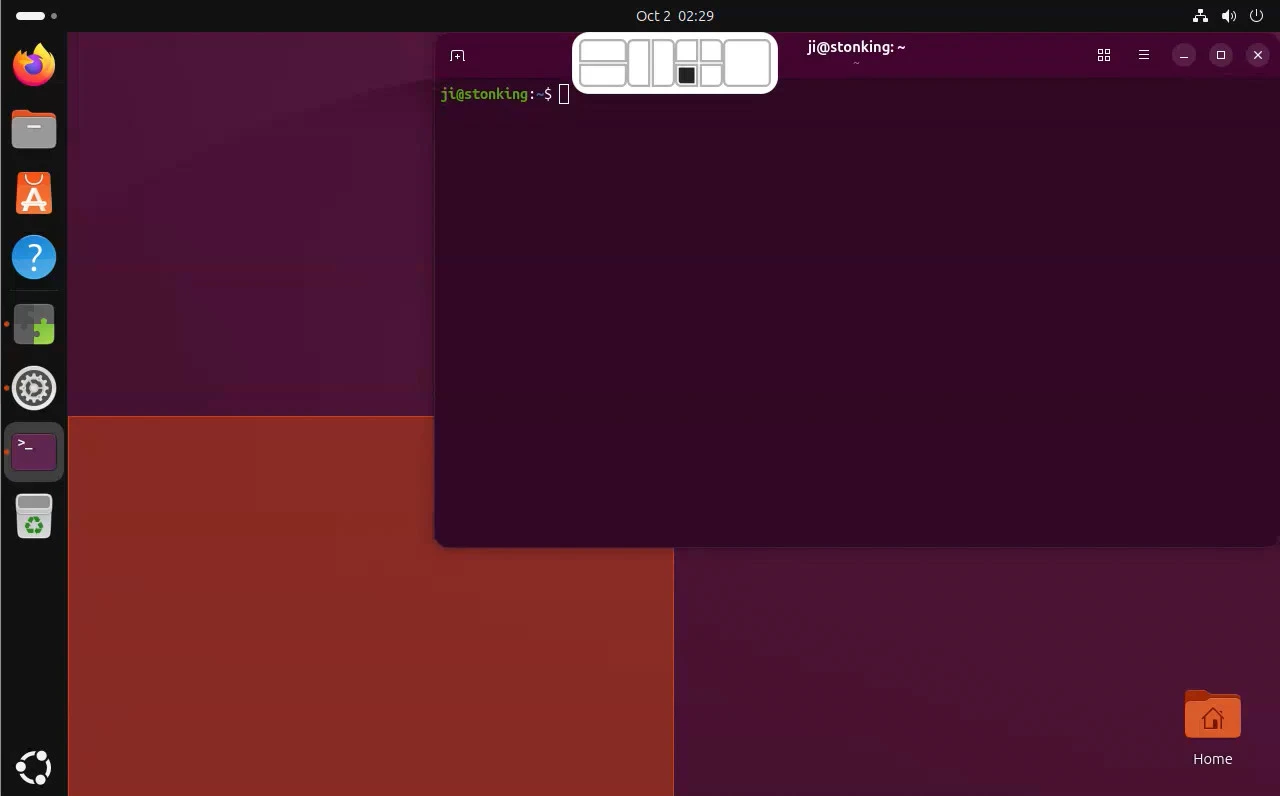
The window tiling system has been improved with a layout indicator. When you dragging a window to top center, it will show you the layout grid, allowing you to quickly snap the window into a specific grid section.
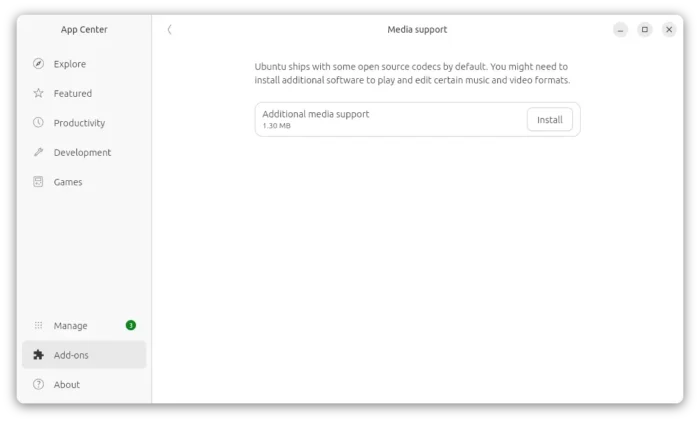
App Center (aka Snap Store) has been updated with unified app-details view for Debian and Snap package.
It now provides option to install additional media codec. And, a dedicated Drivers page is added (though I don’t see it in my case) where you can review the available graphics drivers, including NVIDIA driver branches.
Other changes include:
- Rust-based
cp,mv, andrm. - TPM-backed full-disk encryption for computers without a hardware root of trust.
- Change default D-Bus from
dbus-daemontodbus-broker. - Toolkit updates, including GCC 15.2.0, .NET 10.0.112, Go 1.27, LLVM 22.1.8, OpenJDK 25.0.4, Python 3.14.7, Rust 1.97.1, Zig 0.16.
For more about Ubuntu 26.10, see the official release note.
Download Ubuntu 26.10
The images for Desktop, Server and WSL on modern Intel and AMD are available to download in the link below:
For amd64v3, arm64, and other CPU architecture types, they are available to download HERE.
The channel for upgrading from Ubuntu 26.04 seems not ready at the moment. You can try out by following the steps below:
- First install all available package updates via either “Software Updater” or
sudo apt update && sudo apt full-upgradecommand. Then restart computer. - Edit
/etc/update-manager/release-upgradesfile and change Prompt=lts to Prompt=normal, so it check every new Ubuntu releases rather than only LTS. - Finally, either run
update-manager -cto launch Software Updater and check if a new Ubuntu release is available, or rundo-release-upgradeto do the job in CLI.