
Ubuntu introduced Myna Speech to Text project a few months ago. Now, it’s officially available for testing in Ubuntu 26.04 | 24.04 through an official PPA.
The Ubuntu team announced the technology preview for Myna project yesterday in Ubuntu blog:
Today, we’re making it available as a technology preview to the wider Ubuntu community. Whether you regularly rely upon speech-to-text dictation, or only use it for certain use cases, we want to hear your feedback.
Myna is an opt-in AI feature in Ubuntu 26.10. Just press a keyboard shortcut and speak naturally, then it will record your voice, convert to text, and insert in current focused app’s input box.
It installs AI models locally on your computer, and does all the process offline. So far, only Whisper, Parakeet, and FunASR AI models are supported.
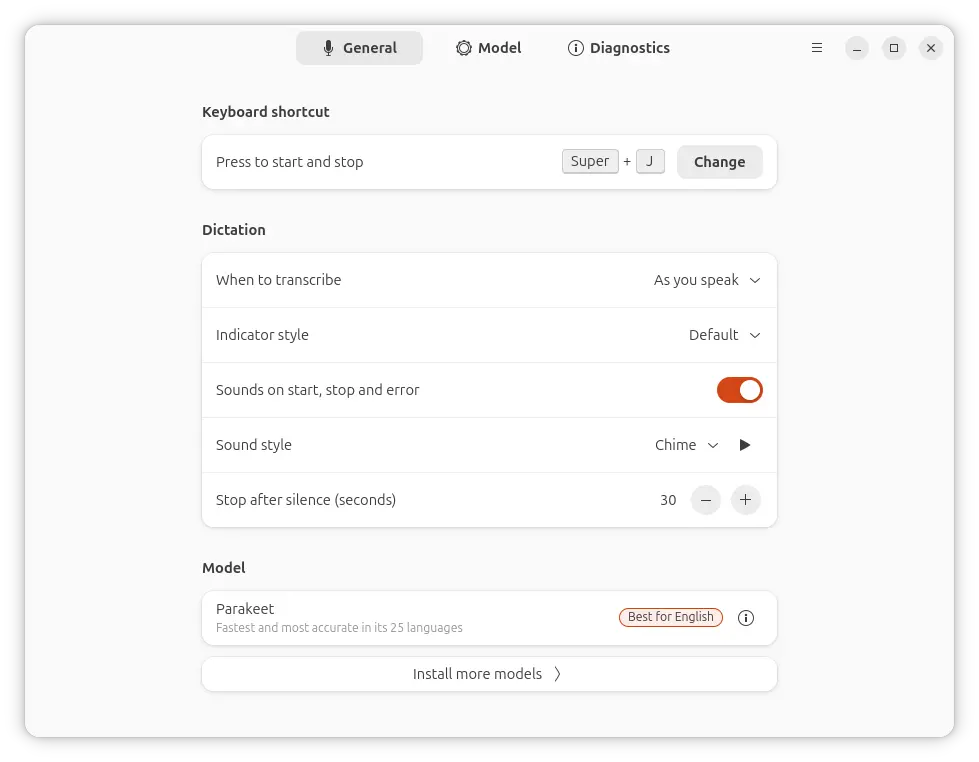
Myna configuration dialog
The Myna project so far is made up of following components:
- Myna Settings, which provides graphical interface to install client, AI models, and configure dictation and models.
- Myna Client,
- AI models,
- A Gnome Shell extension (Optional).
The Myna Settings is now available to install as .deb package through the new official PPA in Ubuntu 24.04, Ubuntu 26.04, and Ubuntu 26.10 on modern Intel and AMD platforms.
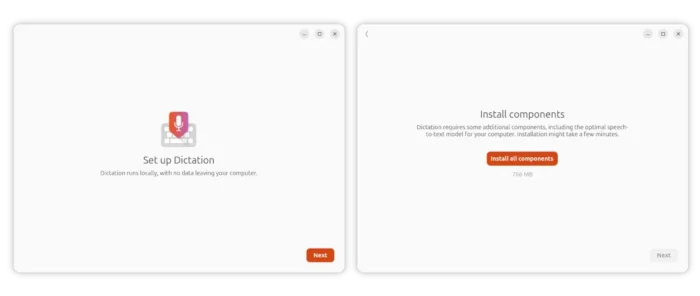
At the first launch of the Myna Settings app, it will show you a button to install the Myna client and AI models with one mouse click. Though, both will be installed as Snap packages that run in sandbox.
Tips: Linux Mint has snap apps blocked! If you want to try it out in that distribution, then you need to delete nosnap.pref file under /etc/apt/preferences.d directory.
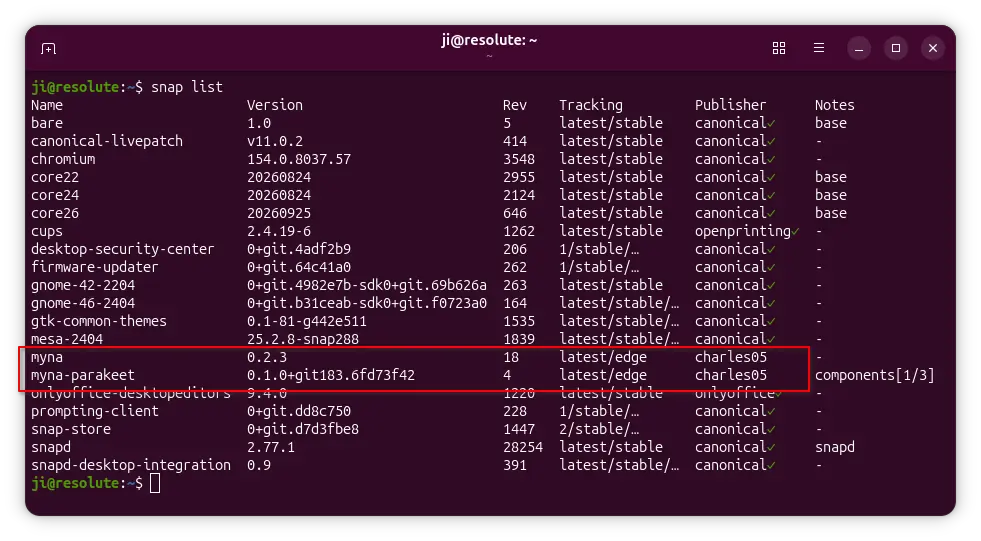
Myna client and AI models are installed as Snap packages
For the default GNOME Desktop, there’s also an optional extension called Myna Shell that hosts the myna-hud renderer application as a focus-safe overlay.
Get Myna in Ubuntu 24.04 | 26.04
To try out the new speech to text app, simply press Ctrl+Alt+T on keyboard to launch terminal, then run the commands below one by one:
- To add the PPA:
sudo add-apt-repository ppa:canonical-desktop-team/myna
- Refresh cache:
sudo apt update
- Install Myna Settings app:
sudo apt install myna-config
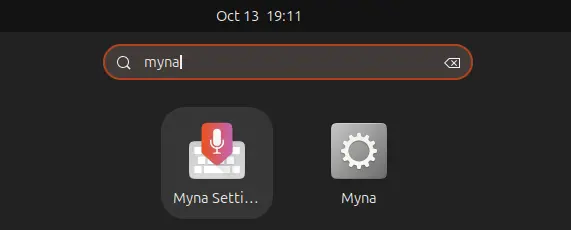
Finally, launch Myna Settings, follow the wizard to install client and AI models, and enjoy!
For issues and requests, report to github.com/canonical/myna.