Archives For KDE

KDE 4.12.2 Ubuntu

KDE 4.12.2 was released two weeks ago. Now it’s available in the Kubuntu Backports PPA for Ubuntu 13.10 Saucy.

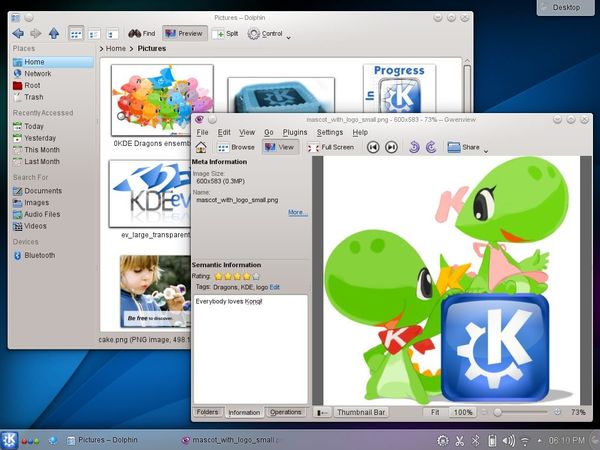
KDE 4.12.2 brought more than 20 recorded bugfixes include improvements to the personal information management suite Kontact, the UML tool Umbrello, the document viewer Okular, the web browser Konqueror, the file manager Dolphin, and others. This release also included an updated Plasma Workspaces 4.11.6.

Upgrade / Install KDE 4.12.2:

Press Ctrl+Alt+T one your keyboard to open the terminal. When it opens, run the command below to add Kubuntu PPA:

sudo add-apt-repository ppa:kubuntu-ppa/backports

Update package lists and upgrade KDE:

sudo apt-get update

sudo apt-get dist-upgrade

If you’re going to install Kubuntu Desktop, run below command after updating package lists:

sudo apt-get install kde-standard kubuntu-desktop

Tips: The binary packages will soon be available for Ubuntu 12.04. By then, you can run previous commands to upgrade KDE in Precise.

Linux Mint 16

Linux Mint 16 “Petra” KDE & Xfce has been released on 22 Dec. Both releases feature Xfce 4.10 / KDE 4.11, MDM 1.4, a Linux kernel 3.11 and an Ubuntu 13.10 package base. Let’s see what’s NEW in these two release and how to upgrade from a previous version of Linux Mint.

New features in Mint 16 Xfce (complete overview):

  • Xfce 4.10 Desktop
  • Whisker Menu 1.2
  • Pulse Audio (allow to switch back to ALSA)
  • Login Screen (MDM 1.4)
  • USB Stick support
  • Performance improvements
  • Bug fixes and performance improvements on Software Manager
  • Lots of system improvements
  • Artwork Improvements

Mint16-xfce

New Features in Mint 16 KDE (See complete overview):

  • KDE 4.11
  • Samba Mounter -mount network shares graphically and locally
  • Login Screen (MDM 1.4)
  • USB Stick support
  • Performance improvements
  • Bug fixes and performance improvements on Software Manager
  • Lots of system improvements
  • Artwork Improvements

Mint-16-Petra-kde

Download Links & Upgrade instructions

Both releases can follow this instructions to upgrade from a previous version of Linux Mint.

Download Links:

Linux Mint 16 Petra KDE 32-bit | 64-bit

Linux Mint 16 Petra Xfce 32-bit | 64-bit

KDE 4.12 ubuntu

The KDE community has announced KDE Software Compilation 4.12 recently. This tutorial shows you how to install / upgrade to KDE 4.12 via PPA in Ubuntu 13.10, Ubuntu 12.04 and their derivatives.

According to the announcement, KDE Applications 4.12 bring huge step forward in personal information management and improvements all over.

  • Kate added several features including initial Vim-macro support, and games and educational applications bring a variety of new functionality.
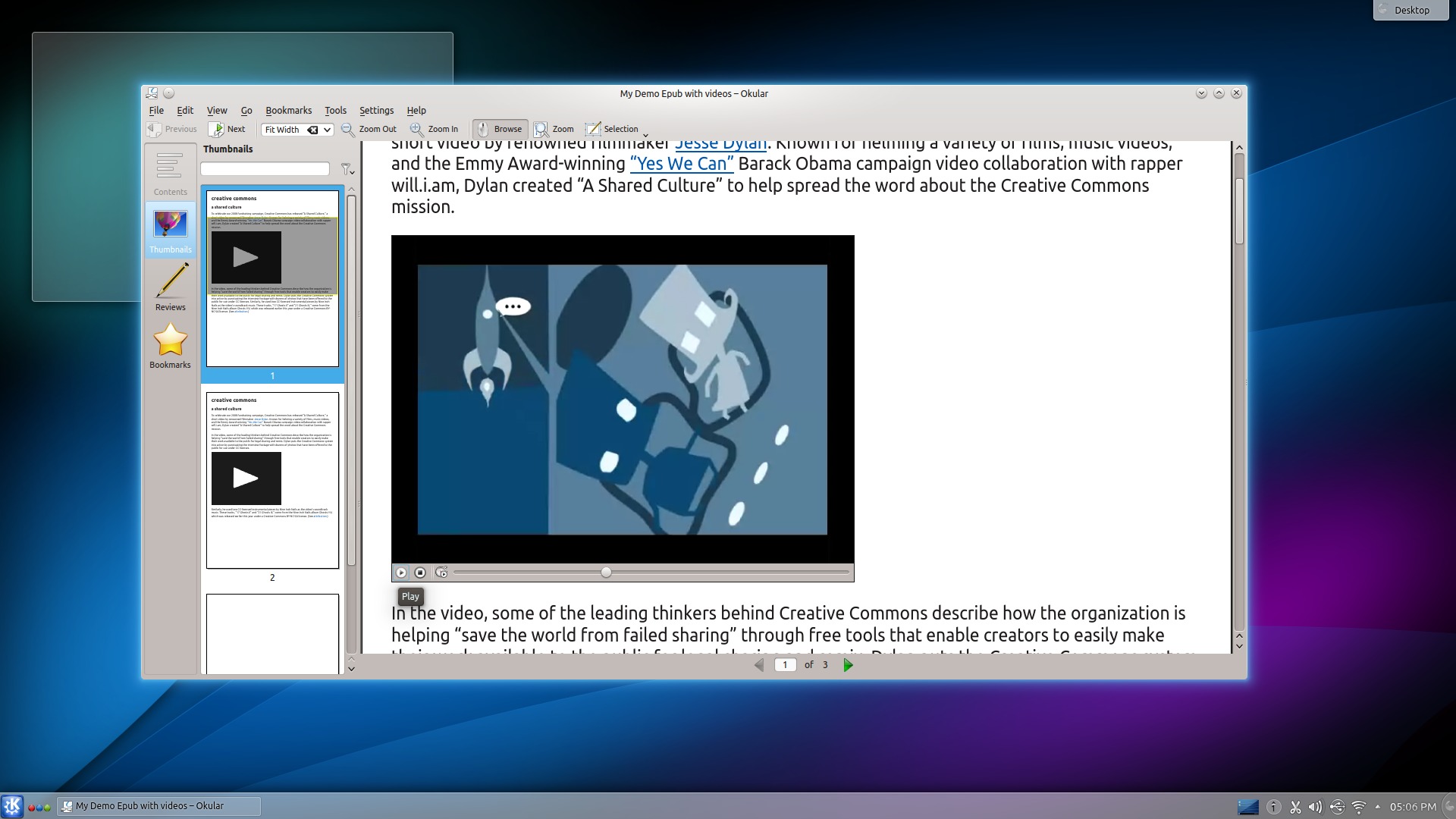
  • Document viewer Okular now takes printer hardware margins into account, has audio and video support for epub.
  • KWebKit adds the ability to automatically scale content to match desktop resolution.
  • For KMail, there is now AdBlock support (when HTML is enabled) and improved scam detection support by extending shortened URLs.
  • See the announcement for the KDE Applications 4.12 for more information.
Kate added initial Vim-macro support

Kate added initial Vim-macro support

okular advanced matching code, handling abbreviation and partial matching in classes

okular advanced matching code, handling abbreviation and partial matching in classes

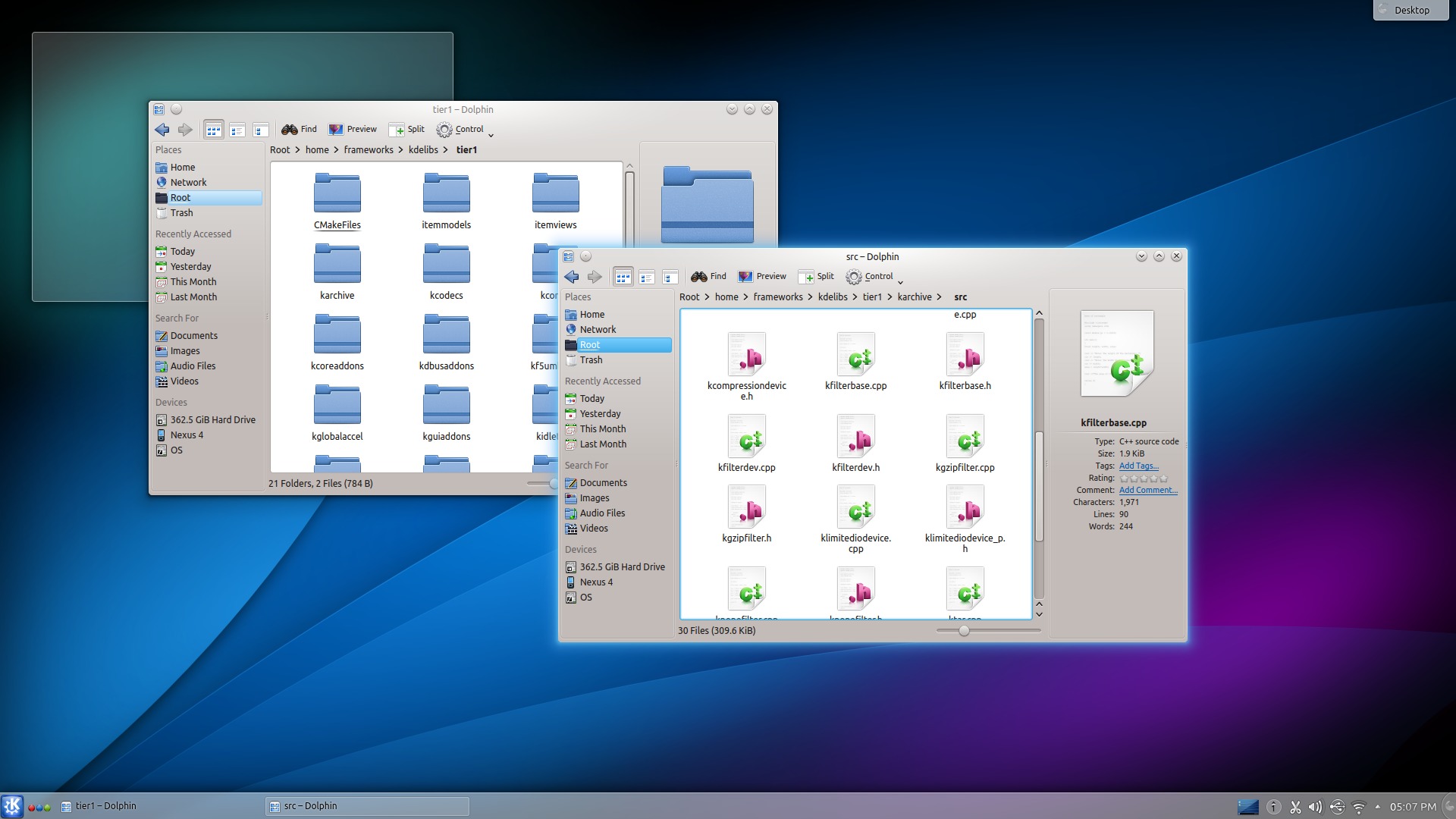
Dolphin performance improvements,  reduce memory usage and speed things up

Dolphin performance improvements, reduce memory usage and speed things up

This release of KDE Platform 4.12 only includes bugfixes and minor optimizations and features. About 20 bugfixes as well as several optimizations have been made to various subsystems, including KNewStuff, KNotify4, file handling and more.

Install KDE 4.12 via PPA:

This release has been made into KUbuntu PPA for (K)Ubuntu 13.10, (K)Ubuntu 12.04 and their derivatives.

To install or upgrade to KDE SC 4.12, press Ctrl+Alt+T on keyboard to open terminal and run commands below one by one:

sudo add-apt-repository ppa:kubuntu-ppa/backports

sudo apt-get update

sudo apt-get install kde-standard kubuntu-desktop

If you already have KDE, you may replace the last command with:

sudo apt-get dist-upgrade

That’s it. Enjoy!