



Ubuntu MATE, the official Ubuntu flavor features MATE desktop environment, will quite possibly have a 26.10 release few months later in October!
As you may know, the prior team lead stepped down thus there’s no Ubuntu MATE 26.04 LTS release.
Many users asked about how to upgrade if there was no 26.04 release, and/or the future of Ubuntu MATE. The Ubuntu Core developer, Thomas Ward, answered that MATE is not going away and a new development team has been working on it.
MATE as a flavor has a new development team who have stepped up in place of it’s last leader and developers, and they are working hard to fix bugs, update the software, etc. for the future!
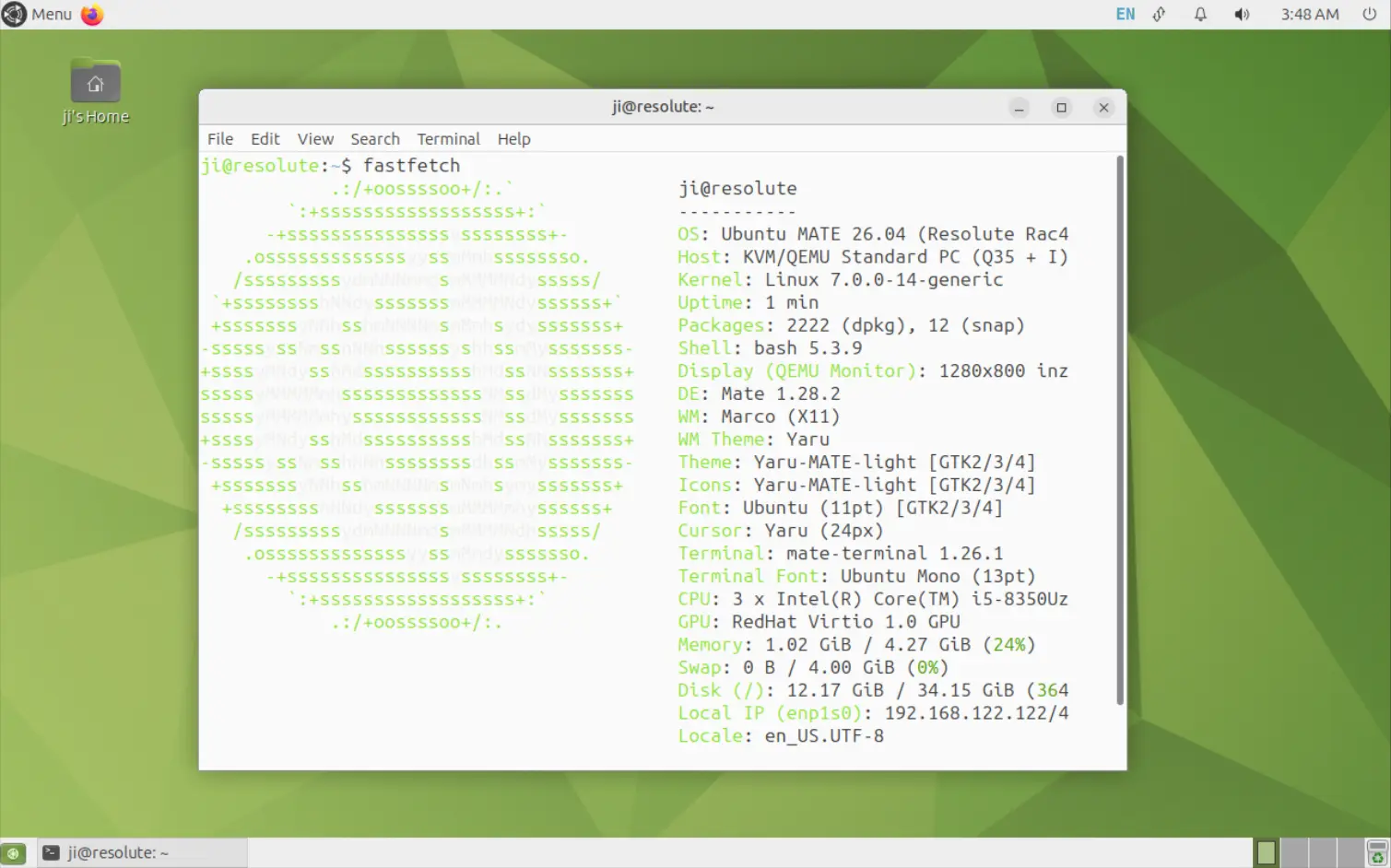
Ubuntu 26.04 with MATE desktop
The new developers haven’t formally introduced themselves yet, but they are already working to cover the missed items and gaps, and may quite possibly have a 26.10 release in October of 2026 according to the answers.
Besides preparing for the next 26.10 release, the new development team will also cover the fixes for the MATE desktop packages in current 26.04 LTS. Except no 26.04 installer image, nothing has changed!
For those who want Ubuntu MATE 26.04, either install the standard Ubuntu 26.04 Desktop or Server then install the MATE desktop environment, and, I’ve written a step by step guide for it.
Or, upgrade from Ubuntu MATE 25.10 via the commands below:
- Press Ctrl+Alt+T to open terminal, and run command to refresh apt cache:
sudo apt update
- Then, install all available package updates.
sudo apt full-upgrade
Some updates may need a system restart afterward to apply.
- Finally, run the command below and follow terminal screen to start the upgrading process.
sudo do-release-upgrade
For Ubuntu MATE 24.04, the upgrade channel is not opened yet. You probably need to wait after the 26.04.1 point release. See the official Ubuntu 26.04 upgrade guide.
See HERE for more about the future of Ubuntu MATE,















I found your article linked here: https://linuxcommunity.io/t/ubuntu-mate-in-the-news/9096 Thanks for helping shed light on MATE! It’s not dead yet. So many distros offer it. It would be a major loss to the Linux ecosystem if left to die. Its coverage like this really helps draw attention to MATE.