Audacity, the free open-source audio editor, released new 3.7.8 version yesterday along with the Beta for next 4.0 major release.
The new version introduced some minor new features, improved UI for Linux, and fixed various issues. And, Ubuntu PPA has been updated for those who prefer native .deb package.
First, the new version fixed a number of UI/UX issues for Linux users with HiDPI diplays. They include huge labels on time signature, snapping and selection toolbars, and huge dB labels on playback and recording meters.
The HiDPI issues were reported more than 6 years ago, which however closed as won’t get fixed at all. Because it’s something to do with wxWidgets, but Audacity 4.0 won’t be using that library at all.
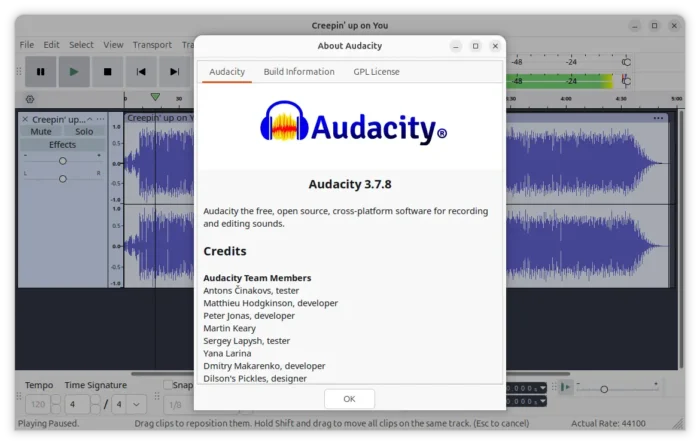
Besides waiting for the next Audacity 4, someone contributed half a year ago to make current 3.x version work better on HiDPI displays for Linux, and, the improvements were finally merged in the new 3.7.8 release.
Audacity 3.7.8 added ability to export label track as a Podcast2.0 chapters json file. This is useful for users who use Audacity to create podcasts and want to use chapters to help people navigating or finding what to listen to, by using the label tracks to mark the chapters while editing and exporting the track as a json with the correct markup.
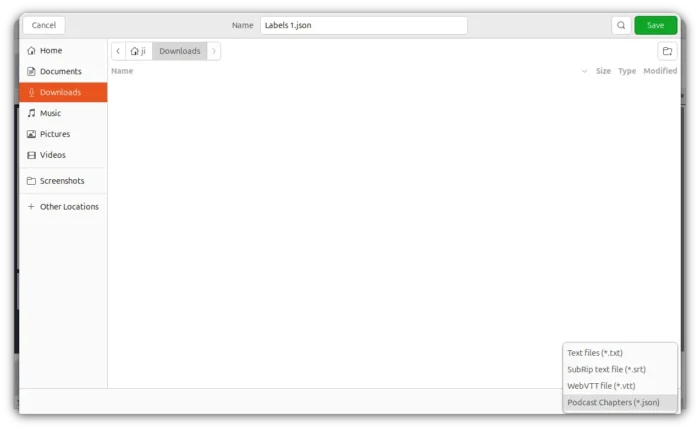
Support exporting Podcast 2.0 chapters
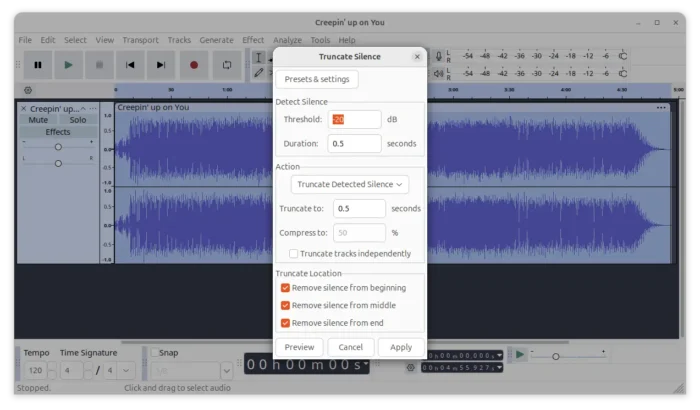
This version also improved the Truncate Silence effect by adding 3 new options, allowing user to select remove silence from beginning, middle, or the end only without affecting intentional pauses.
While editing the label text, the AltGr modifier was previously inhibited. The new version removed this restriction, so user can freely access the third and fourth level of keys to type certain regional characters, such as ż, ź, ś, into a label.
Other changes are mostly bug-fixes, they include fixes for tone generation, waveform-scale setting, SetClip Name parameter, and clip-boundary command names for scripting and macros, loading presets for the Distortion effect, multichannel flac import, as well as an internal error due to project tempo.
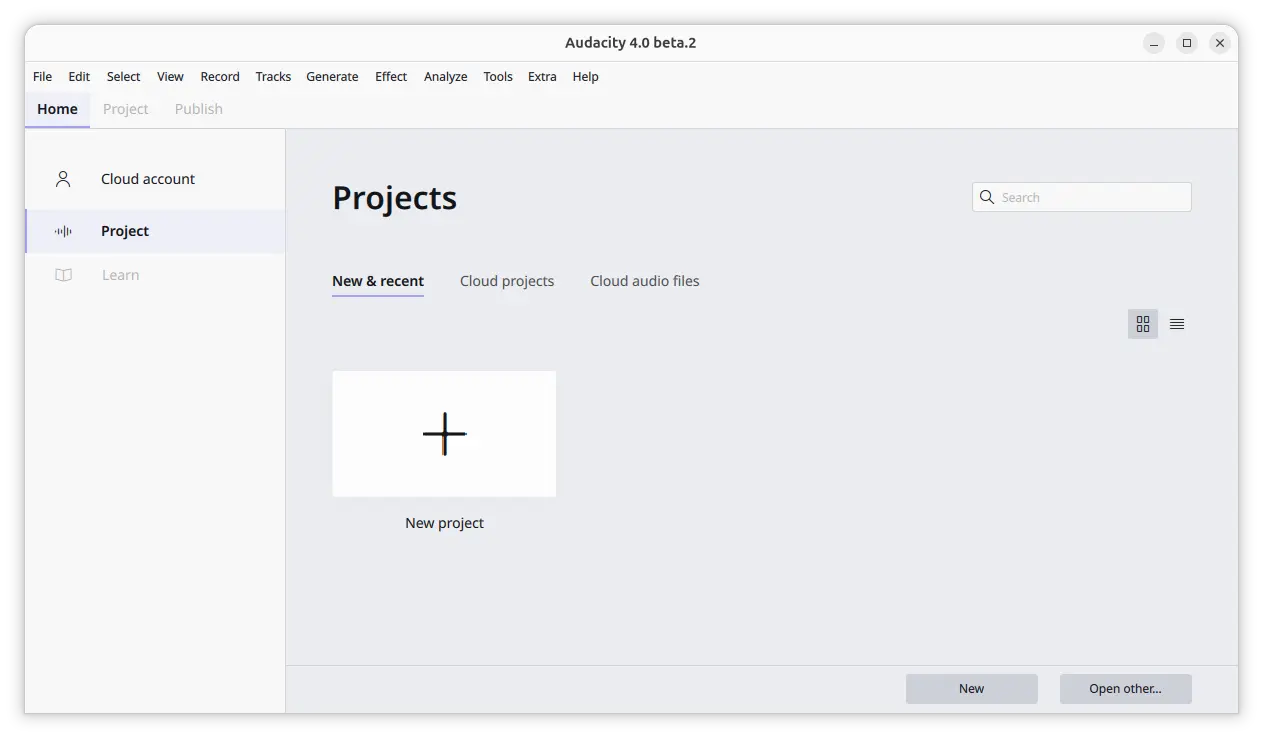
For those who are interested in the next major version, Audacity 4.0 features new Qt6-based UI, home page to manage projects and cloud account, multi-sessions support, and more. See this page for details.
Get Audacity 3.7.8
The official release note, source tarball, and installer packages for Linux, Windows, and macOS are available to download in Github via the link below:
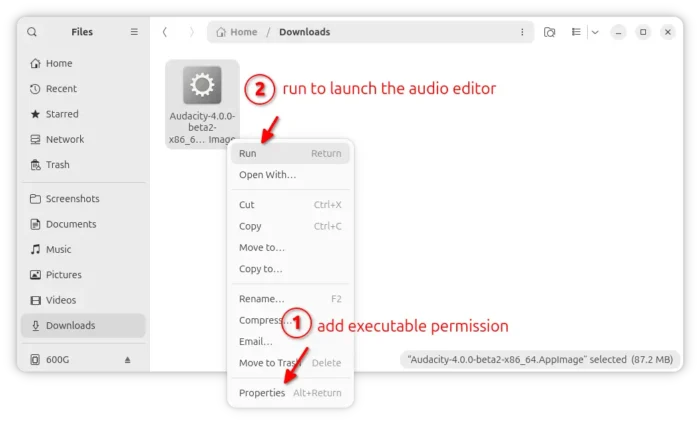
For Linux, select download the AppImage, add executable permission, then run to launch the audio editor.
There are as well community maintained Flatpak package and Snap package (available in Ubuntu App Center) which run in sandbox environment.
For Ubuntu and Linux Mint users who prefer the native .deb package format, I’ve built the new version into this unofficial PPA for Ubuntu 22.04, Ubuntu 24.04, Ubuntu 26.04 on amd64 and arm64/armhf platforms.
To add the PPA and install Audacity 3.7.8, open terminal (Ctrl+Alt+T) and run commands below one by one:
sudo add-apt-repository ppa:ubuntuhandbook1/audacity
sudo apt update
sudo apt install audacity
For any issue, you may remove the PPA by using command:
sudo add-apt-repository --remove ppa:ubuntuhandbook1/audacity
Then refresh cache via sudo apt update. And, if you want, remove audacity deb package via:
sudo apt remove audacity audacity-data