
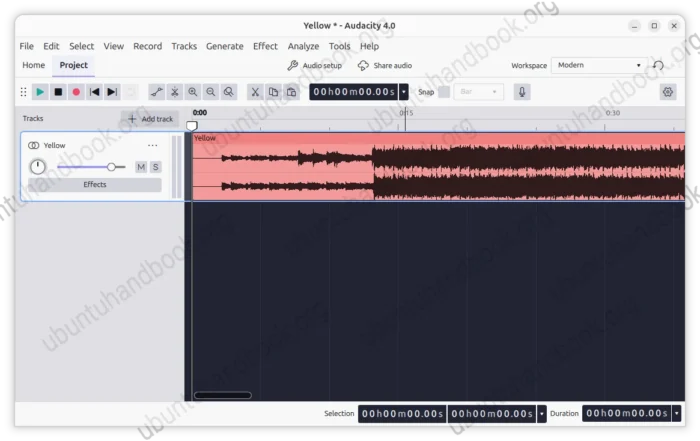
Audacity, the free open-source audio editor and recorder, released 4.0.2 version yesterday.
The new Audacity 4.0.2 is the second maintenance release that includes many bug-fixes for crashes and project corruption issues.
It fixed the crashes when opening projects with sample snapping enabled, when selecting Repeat Last Effect after closing a project, and when the Split shortcut is not set.
It also fixed project corruption when copying between projects and when loading projects that contain empty clips.
As well, the release fixed duplicate .aup4 extensions and errors when replacing projects during Save As, and the incorrect pitch and clip loss when moving clips across tracks with different sample rates.
As a major release that switches from wxWidgets to Qt 6, some features are still missing.
Audacity 4.0.2 restores automatic saving during recording, which can prevent data loss if the application crashes while recording.
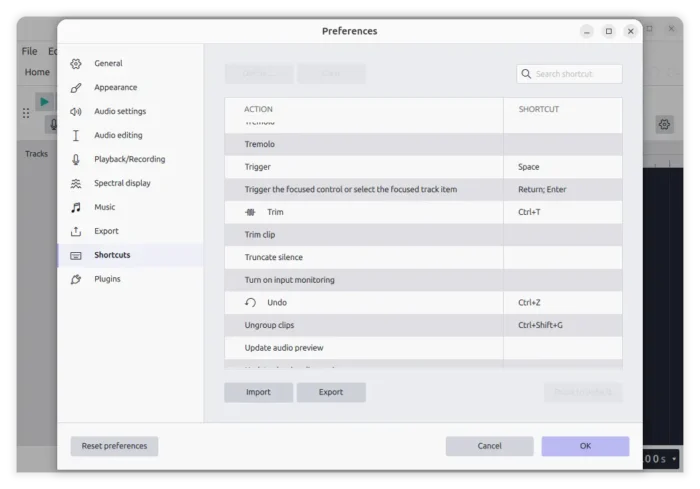
It also restores trim, clear selection, and zoom shortcuts, as well adds PgUp and PgDown timeline scrolling.
The release also includes some small improvements. They include improved playback latency from input meter display and improved the status bar layout in narrow windows.
On Linux side, the issue where File → Import did not import anything has been fixed.
Other changes in Audacity 4.0.2 include:
- Fix NTSC frame snapping.
- Fix missing metadata in certain file formats and incorrect title and artist fields.
- Fix context menu access on collapsed clips.
- And some other fixes.
How to Install Audacity 4.0.2
The official release note as well as the installer packages are available in Github project page via the link below:
For Linux, select download the AppImage, grant executable permission from file properties, finally run to launch the software.
For Ubuntu users who prefer .deb package format, I’ve built the new release into this PPA (and also this one).
You can simply launch terminal (Ctrl+Alt+T) and run the commands below one by one to install it in Ubuntu 26.04 or Ubuntu 26.10.
sudo add-apt-repository ppa:ubuntuhandbook1/audacity
sudo apt update
sudo apt install audacity