Linux Mint 27, the next major release of the popular Ubuntu based distribution, will get hibernation support!
The developer team changed the release strategy from 6-month to a yearly circle, and announced that the next Linux Mint 27 “Adrien” is scheduled for release on Christmas day.
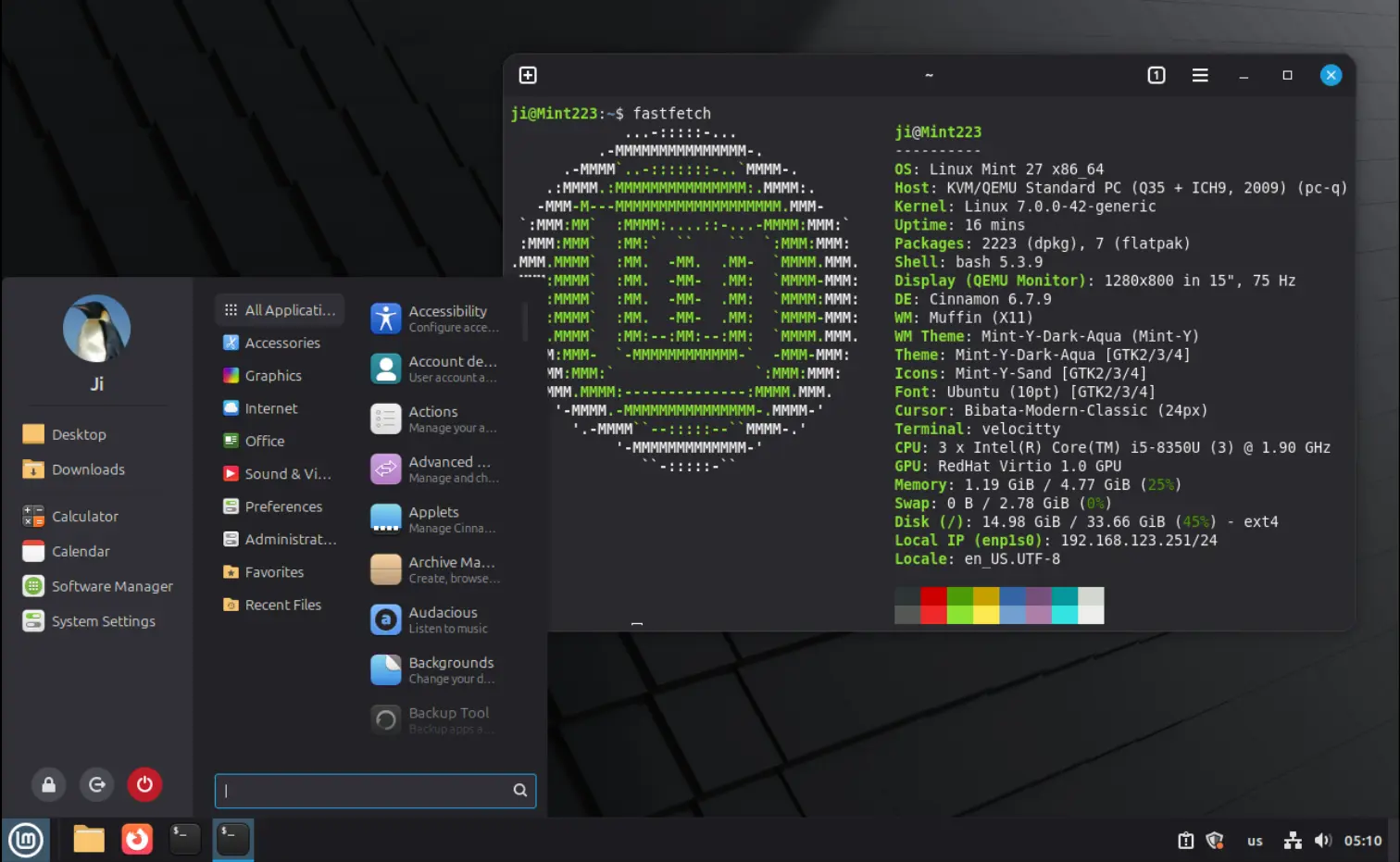
With the latest monthly news, several new features are revealed!
First, the next version features new sleep modes support. By going to the new “Sleep Modes” settings page in System Administration app, you’ll see 3 new sleep options.
Besides the default “Suspend” that keeps your session in memory (RAM) and uses a bit power, they include:
- Hibernation – save your work in disk and shut down computer completely.
- Suspend-then-Hibernate – suspend computer, then hibernate when battery level goes critical.
- Hybrid sleep – suspend, and also save the session to disk. Resume from suspend, but if runs out of battery then resume from disk.
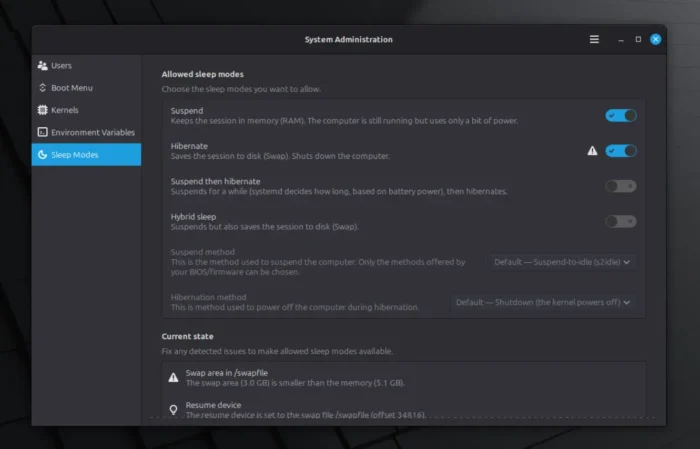
Linux Mint New Sleep Modes.
Besides new sleep modes, next version also features several new applications.
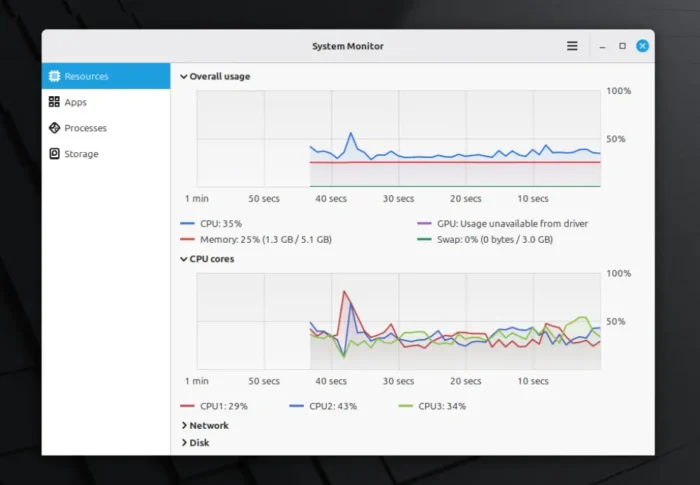
In addition to the Android inspired Alarms app introduced in last month, it also features a new system monitor called Superlight.
The new app can monitor your CPU and RAM usage, GPU, Network, Disk I/O, Temperature and Fan Speed in graphs.
It also monitors your running apps and processes with basic actions, such as end, kill, and stop.
For laptop or computer with battery, it shows the battery status and a history of charge/discharge in graph.
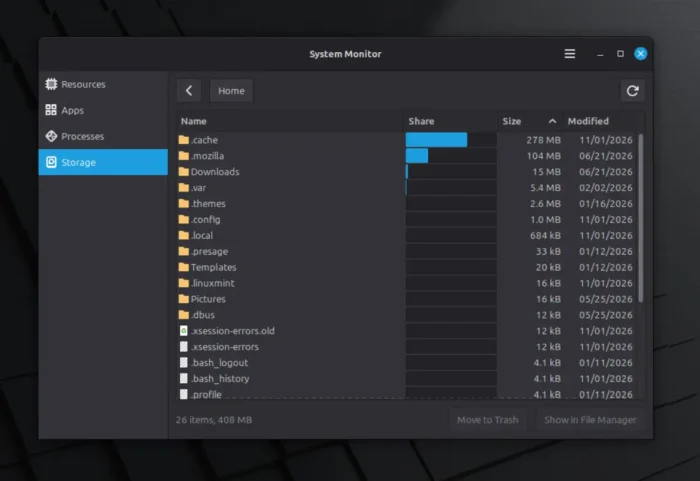
As well, it can monitor the storage usage. It makes it easy to see how much disk space is used by your Flatpak apps and cache files.
It lets you explore which user folders or system directories take up the most disk space, and provides “Move to Trash” and “Open in File Manager” options.
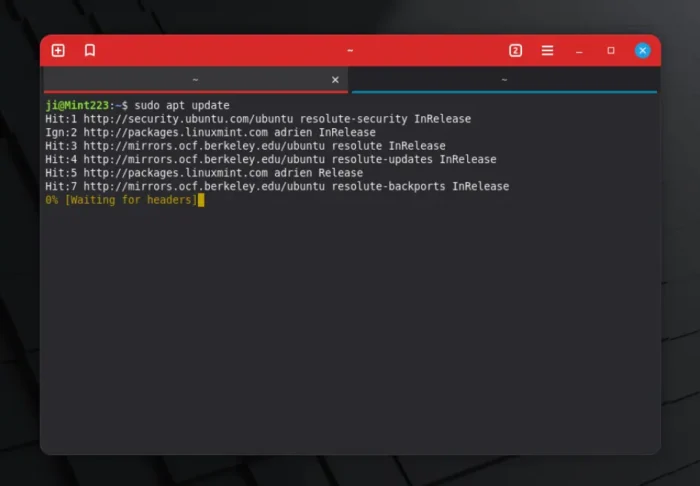
There’s also a new GTK4 terminal app called Velocitty.
Like Ubuntu’s new default Ptyxis, it supports light/dark modes and follows system color scheme. It features tab overview, theme palettes, startup command, and colored header when running specific commands, such as sudo and ssh.
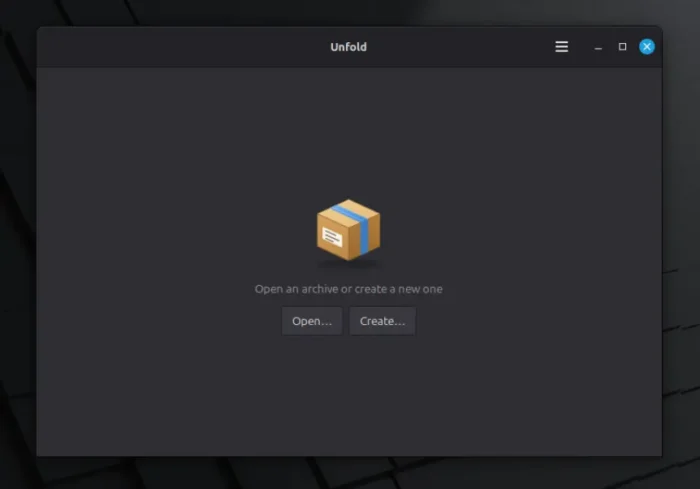
The last is Unfold, a new archive manager app. It’s a GTK3 app that uses 7zip and 7zip-RAR, providing support for viewing and creating archives, with all the encryption formats they support, including password-protected ones.
For more, see the Linux Mint’s Monthly News – October 2026.
Try out Linux Mint 27
Linux Mint does not provide testing images for develop versions.
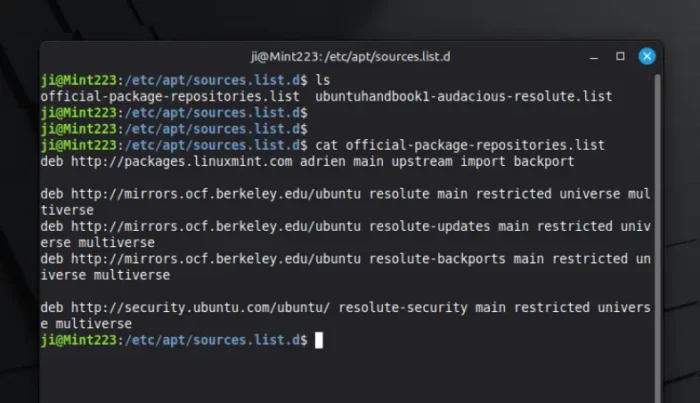
For testing, you can edit the official package repositories and re-name the mint code-name to “adrien”, and Ubuntu code-name to “resolute”, finally update to try out Linux Mint 27.