
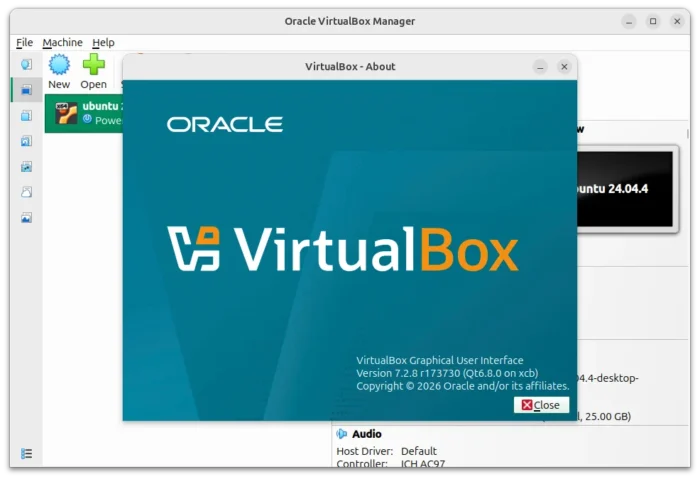
Oracle announced the new maintenance release for VirtualBox 7.2 release series yesterday.
The new version of this free open-source virtualization software added the recent Kernels support and fixed various issues.
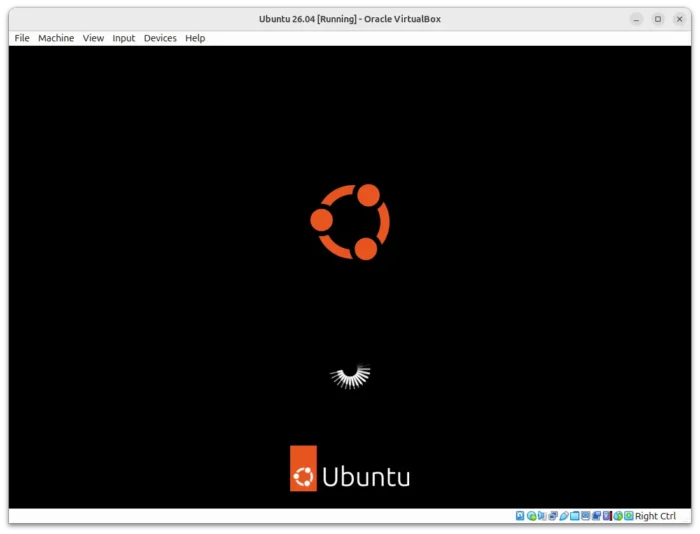
VirtualBox 7.2.8 added initial support for Linux host with Kernel 6.19 and 7.0. Meaning it now runs on the upcoming Ubuntu 26.04 and Fedora 44, and other Linux distributions with most recent Kernel.
Besides 6.19 and 7.0 kernels support, the version also added both host and guest support for the upcoming Unbreakable Enterprise Kernel (UEK) 9 kernel for Oracle Linux 9 and Oracle Linux 10.
It as well introduced fixes for installing the Guest Additions with RHEL 10.1 and 10.2 kernels. And, it deprecated vboxvideo kernel module in Linux Guest Additions for kernels 7.0 and newer. Users are recommended to use either VMSVGA graphics or the vboxvideo module comes with Linux Kernel 7.0+, while, vboxvideo will still be available for older kernels.
VirtualBox 7.2.8 also added guest time accounting support for Linux host, if the kernel supports it, so process monitor tools like htop can display it appropriately.
For Linux host and guest, it also improved the performance to make ‘rcvboxdrv/rcvboxadd setup’ and installation process faster. And, it fixed the clipboard sharing issue for Windows host and Linux Wayland guest.
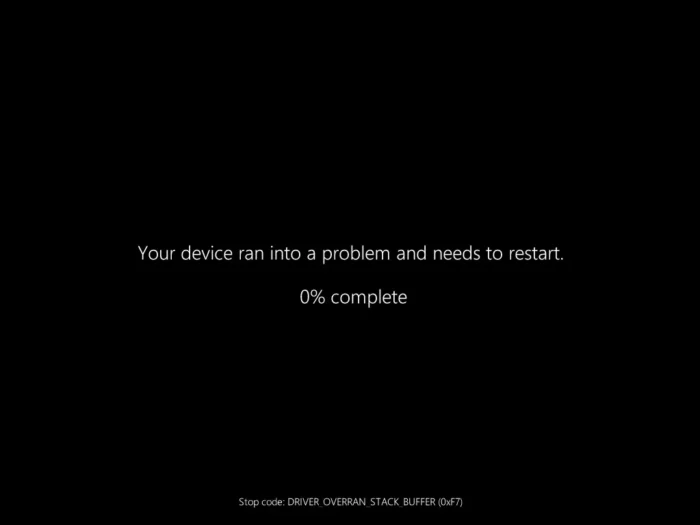
The new version also fixed the DRIVER_OVERRAN_STACK_BUFFER error and UEFI errors with secure boot certificate updates and Windows 11 guests.
Other changes in VirtualBox 7.2.8 include:
- Fix VM crash when the guest trying to execute the wrong hypercall instruction.
- Fix issue when internal DNS server could not be reached.
- Fix mouse cursor (mouse shape does not change) in Ubuntu 25.10 guest with Kernel 6.17.
- Fix shutdown crash for FreeBSD 16.0 guest with multiple devices attached.
- Fix reading BIOS System Information on Windows 10 guest.
For more, see the changelog in VirtualBox website.
Get VirtualBox 7.2.8
The official installers for Linux, Windows, macOS, and Solaris hosts, as well as the extension package are available to download in the link below:
For Ubuntu, it only provides deb installers for 22.04 ~ 25.10. For Ubuntu 26.04, try the .run installer (via All distributions link) which did install and launch in my case, though not tried to create and launch a virtual machine.