
Faugus, the simple and lightweight launcher for running Windows games in Linux using community builds of Valve’s Proton, released new 2.0.0, 2.0.1, and 2.0.2 in the past few days ago.
The new version of this free open-source application is finally ported to GTK4/LibAdwaita for modern user interface that looks native in Ubuntu, Fedora, etc distributions with recent GNOME Desktop.
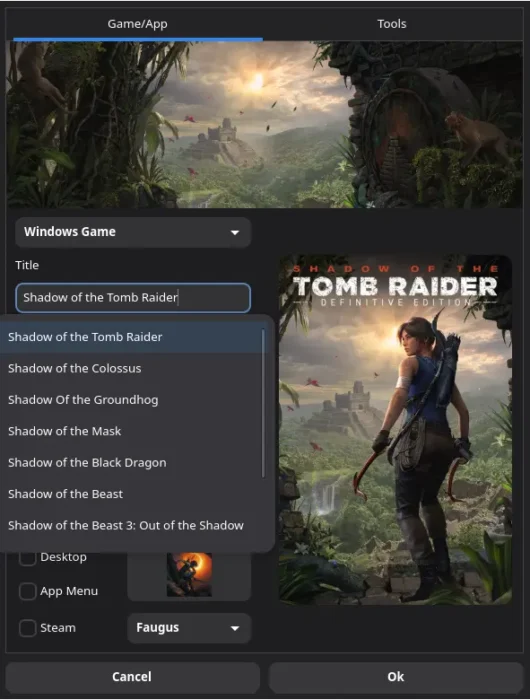
It introduced new UI customization options allowing to switch the launcher between light and dark mode, set custom accent color, and change the background color.
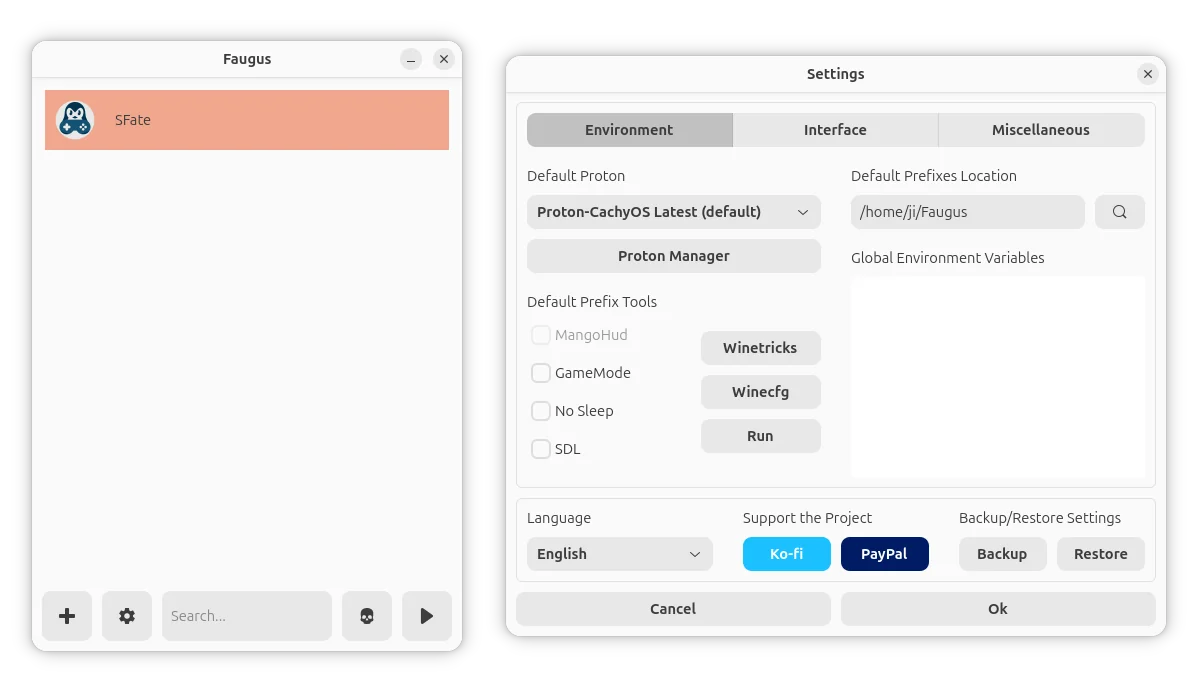
Faugus 2.0.0 also added SteamGridDB interface mode, which will automatically download assets (such as icon, cover, banner) from SteamGridDB, the community-driven website where users create and share custom artwork for Steam games.
In the mode, it will show drop-down menu suggesting games based on the title you type, and, show a picker window allowing to manually choose specific assets from SteamGridDB.
It as well added an option to select the Steam user. After that, steam games are listed based on the selected user and steam shortcuts are added for the selected user.
The new 2.0.0 version also added pre-launch and post-launch options that will automatically run commands or scripts before/after launching your game. And, it reworked gamepad navigation by using libmanette for better GTK support.
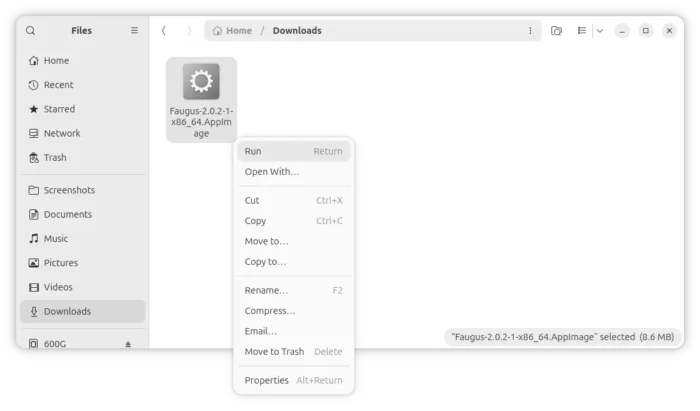
For modern AMD and Intel platform, a new AppImage package is added. Just grab the package, add executable permission, then you can run the AppImage to launch the game launcher in most Linux Distributions.
The package however does not include pygobject, gtk4, libadwaita, and libmanette dependencies in bundle. You need to install them manually before being able to run the AppImage.
In addition to version 2.0.0 and 2.0.1 with quick-fixes, the new 2.0.2 was released today which added back Epic Games support as it’s working again with Proton.
It also added GOG Galaxy launcher support, and, separate settings in tabs so it will work good on small screens. To prevent the app being stuck while loading images, it now loads images piece by piece rather than waiting until all to be loaded.
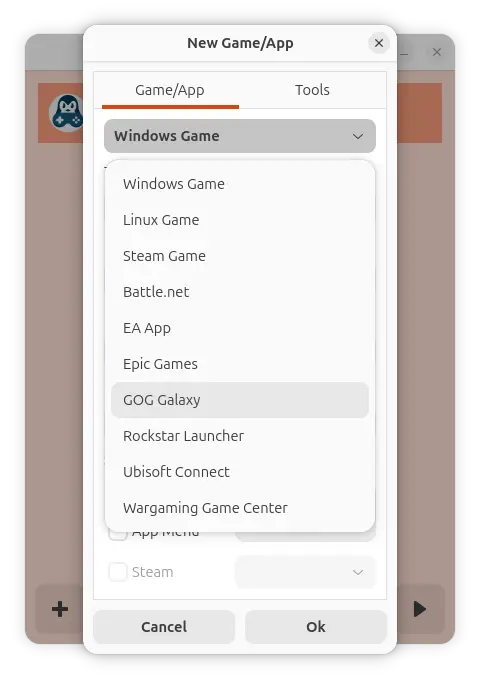
add GOG Galaxy and re-add Epic games.
Get Faugus Launcher
For more about the changes in Faugus Launcher 2.0.0 ~ 2.0.2, as well as the new AppImage, .rpm for Fedora, and .deb for Debian/Ubuntu, see the github releases page:
Besides the packages under “Assets” section in the link above, Faugus Launcher is also available to install as Flatpak package for most Linux Distributions run in sandbox.