COSMIC, the default desktop environment for System76’s Pop!_OS, released new 1.4.0 version today.
The new version of this free open-source Linux desktop, code-name “Epoch”, introduced some new features for its core system monitor app, and fixed various issues.
To make the desktop work correctly on more Linux systems, the new version now tells “I’m ready” to any compatible service manager that is listening, instead of only telling systemd.
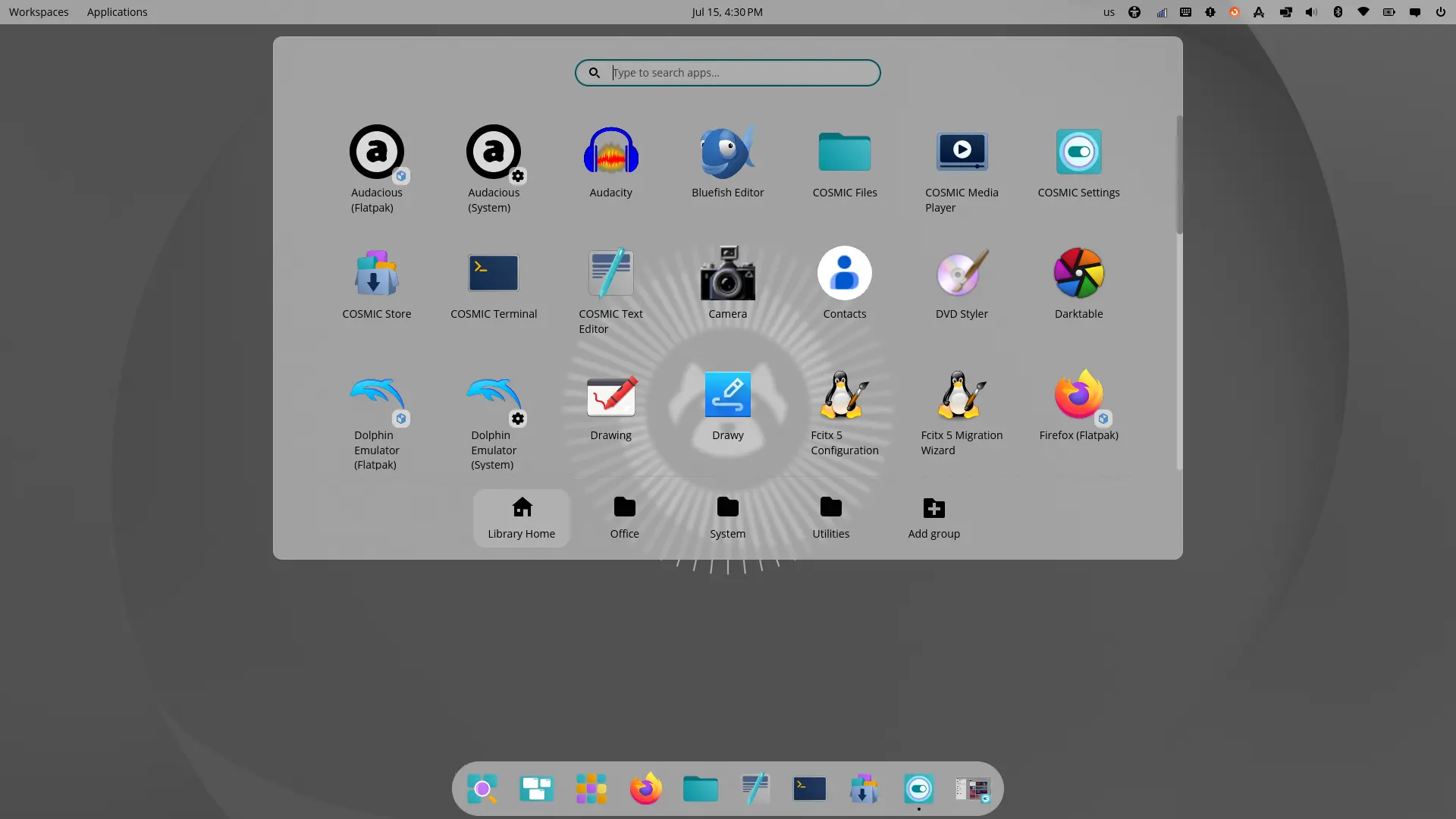
COSMIC desktop in Ubuntu 26.04
The kiosk mode that turn a general-purpose computer into a device that does one specific job, such as a web browser showing a restaurant menu, has been improved, so that COSMIC’s own command-line options are handled by COSMIC, and only the actual leftover command is launched as the kiosk application.
The monitor app has been improved with quit / force quit application or process through the right-click menu. And, it added buttons to switch CPU/GPU graph types between “Utilization”, “Speed”, and “Temperature”.
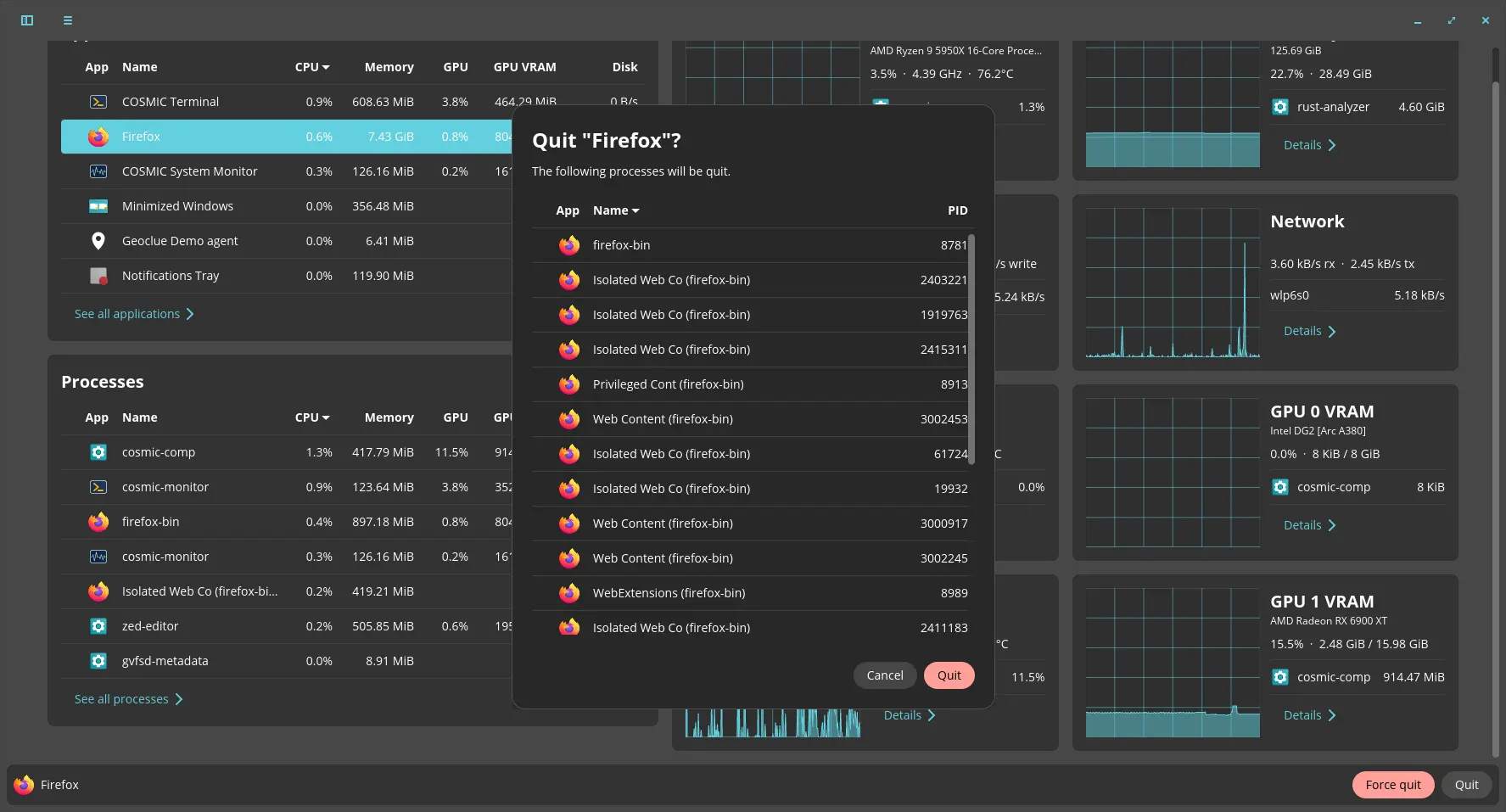
image from https://github.com/pop-os/cosmic-monitor/pull/78
For sandboxed applications (especially Flatpak apps), the xdg-desktop-protal backend now is running as a systemd service, logging with tracing/journald, and, terminate if wayland thread crashes. While, non-systemd systems will fall back to start the process with direct exe execution.
COSMIC 1.4.0 also includes new option to configure the volume step, make VPN credential prompts work without restarting the panel after NetworkManager restarts (e.g., resume from suspend), improved hidpi scaling support to make sure the mouse cursor can correctly reach the real edge of the screen, and unnecessary code removal that tried to manually refresh the screen when certain events happened.
Other changes are mostly bug-fixes. They include fixes for the following issues:
- Some games cannot entering fullscreen.
- Cannot copy files from Linux to Android device over MTP.
- Fix trash file detection.
- App launcher search results do not reset scroll position on new query.
- Active window hint can appear frozen/detached when unmaximizing an app window, while preserving panel/dock style.
- Screen flicker when switching between menus in tiled libcosmic apps.
- Fix a bug where an invisible part of a cropped tiled window could block mouse clicks from reaching the window underneath it.
For more changes and source tarball, see the release note in the Github releases page.
How to Try out COSMIC Desktop 1.4.0
Ubuntu 26.04 user may try the new desktop environment through this unofficial PPA. While, Fedora & Arch have already made COSMIC into system repositories, though a bit outdated.
For other Linux, go check this page for the COSMIC package status.