Auto-cpufreq, the automatic CPU speed & power optimizer for Linux, released new 3.2.0 version yesterday.
The new version of this free open-source software added configure option to enable/disable Intel HWP dynamic boost, improved monitoring support, and fixed various bugs.
First, Debian upstream has made the application into its official repository, meaning Ubuntu will probably include auto-cpufreq package for the next Ubuntu 27.04.
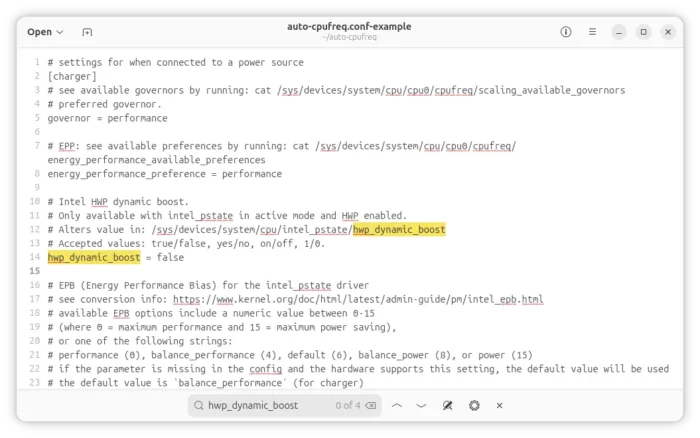
For Intel CPU since the 6 generation, the configuration file (/etc/auto-cpufreq.conf by default) now supports hwp_dynamic_boost option under the [charger] and [battery] sections.
If the option is not configured, it preserves the existing behavior. If disabled, then it sets /sys/devices/system/cpu/intel_pstate/hwp_dynamic_boost to 0, then applies EPP (favor performance or energy efficiency).
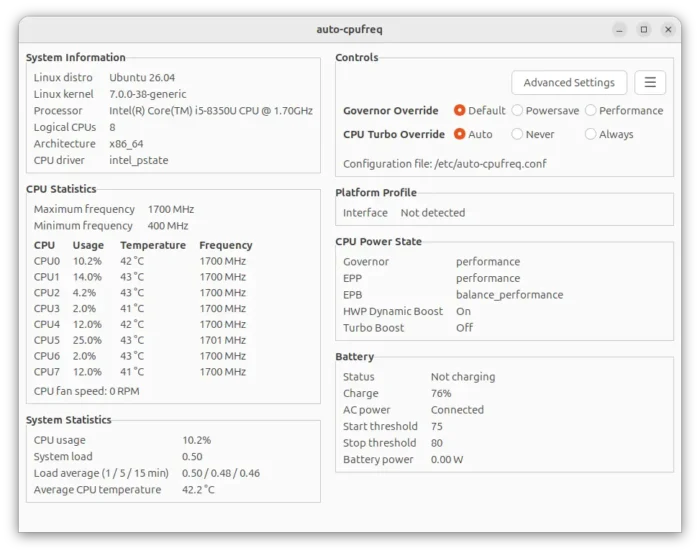
If you explicitly configure it to be true, yes or 1, it first applies EPP then sets the sysfs attribute to 1. And, in the GTK monitoring window (see the screenshot above), you’ll see its state under “CPU Power State” section.
Modern laptops may have platform profiles, allowing to change fan behavior, thermal limits, CPU/GPU power, etc through Linux Kernel. For example, Samsung Galaxy Book 4 supports pressing Fn+F11 to switch between low-power, quiet, balanced and performance in Linux.
In the new auto-cpufreq release, it added new “Platform Profile” section in both the GTK UI and monitor CLI, allowing you to take a quick glance at which firmware or platform-level performance mode is in use.
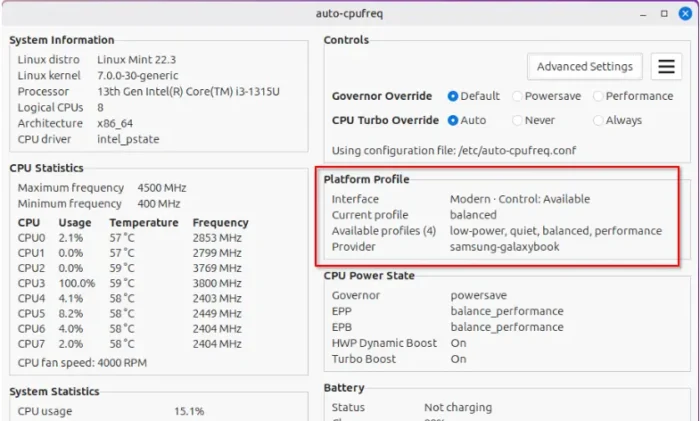
image from https://github.com/AdnanHodzic/auto-cpufreq/pull/972
In addition, the release introduced unified system reporting for the GTK dashboard, GTK Monitor mode, terminal monitor, and legacy status output, instead of collecting information in their own ways.
Other changes include:
- Align every part of the project to GNU GPL v3 or later.
- Better handling native power-profiles-daemon.
- Update idna to 3.15 with performance improvements.
Get Auto-cpufreq
The official release note as well as the source tarball is available in Github releases page via the link below:
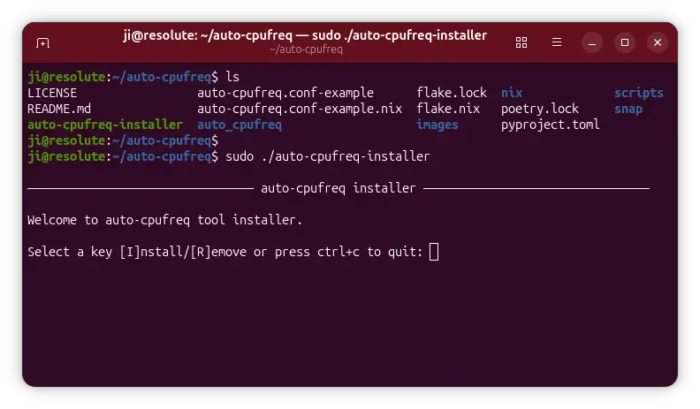
To install it, simply download the source tarball under Assets section, and run the installer script inside it.
NOTE: Auto-cpufreq will disable the default power-profiles-daemon if you enable the daemon for CPU power control. And, it’s better to remove TLP (if installed), because using both for the same functionality will lead to unwanted results.