
KeePass Password Safe, the free open-source password manager, released new 2.62 version yesterday.
The new version of this lightweight app introduced many new features and various improvements.
First, the new version improves the reliability of the automatic clipboard-clearing countdown. The {CLIPBOARD-SET:...} placeholder now also starts the automatic clipboard-clearing countdown.
And, it will retry to automatic clear clipboard, if it fails, until succeed.
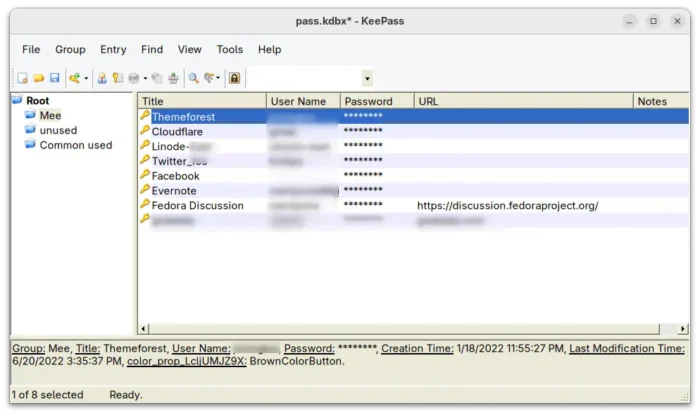
For the Search system, it will now remove the search item in the “Find” dialog, and clear the quick search terms list when closing database.
And, XPath extension gets two new functions. They include kp:matches to test whether a string matches a regular expression, and, kp:string-compare to compare two strings in character-by-character alphabetical order.
KScript, the command line tool to manage KeePass database, now runs natively on Windows 11 24H2 ARM64 and later without x64 emulation. And, it adds application manifest file that improves the activation of Windows common control theming, and various other improvements.
Other changes in KeePass 2.62 include:
- Unified clipboard access timeout.
- Disable SSL 3 support on .NET < 4.7.
- Swap Ctrl+D and Ctrl+K shortcuts in main entry list.
- Unify clipboard access timeout.
- Support opening URLs with LibreWolf and R3dfox in private mode.
For more about KeePass 2.62, see the official release note.
How to Install KeePass 2.62 in Ubuntu
The source tarball and Windows installers are available in KeePass website via the link below:
For Ubuntu, besides building from source, you may install the latest version from this unofficial PPA, which supports Ubuntu from version 20.04 to 26.10.
NOTE: Don’t know why, but the Ubuntu PPA hosting service is “busy” in recent days! You probably need to wait several hours for being able to install KeePass 2.62.
Simply launch terminal by pressing Ctrl+Alt+T on keyboard, and run the commands below one by one:
sudo add-apt-repository ppa:ubuntuhandbook1/keepass2
sudo apt update
sudo apt install keepass2
For any reason, you may remove the package by running command:
sudo apt remove keepass2
And, remove the PPA via command:
sudo add-apt-repository --remove ppa:ubuntuhandbook1/keepass2