The developer team announced the Beta release of Linux Mint 27, code-name “Adrien”, a few days ago.
Linux Mint 27 is based on Ubuntu 26.04 LTS with support until 2031. And, it so far features Kernel 7.0, Cinnamon Desktop 6.8, and several new apps.
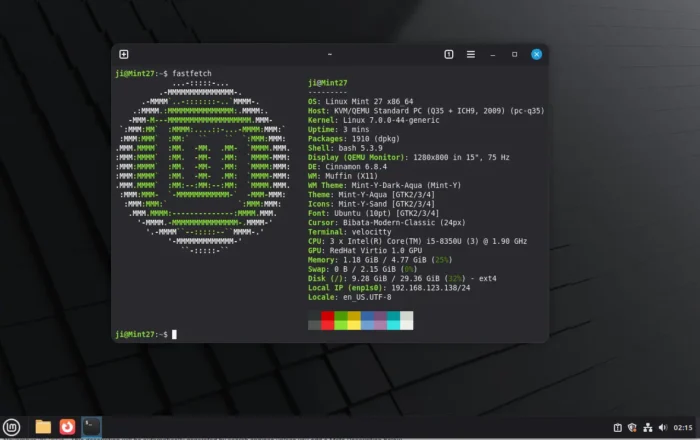
As you may know, Linux Mint has switched to a yearly release circle, and Linux Mint 27 will be the first release following the last 22.3.
The new Mint release features the latest Cinnamon 6.8, with full Wayland support, including 3D acceleration, HiDPI and fractional scaling, keyboard layouts, touch gestures, and more. Though, Xorg session is still the default.
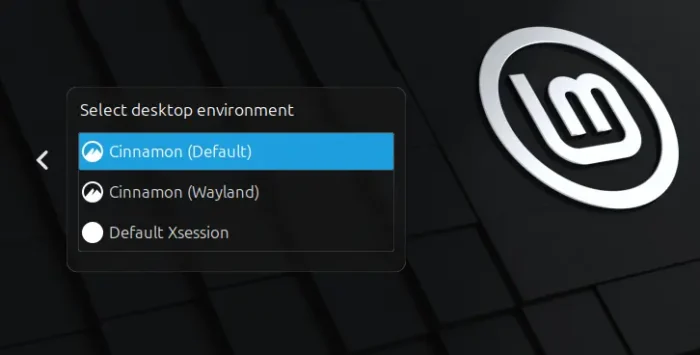
Wayland session now considers stable
The screensaver has been rewritten from scratch, built into Cinnamon with smoother experience.
Touchpad and touchscreen gestures now have animation support, so it animates when you swiping, making the process feel more responsive.
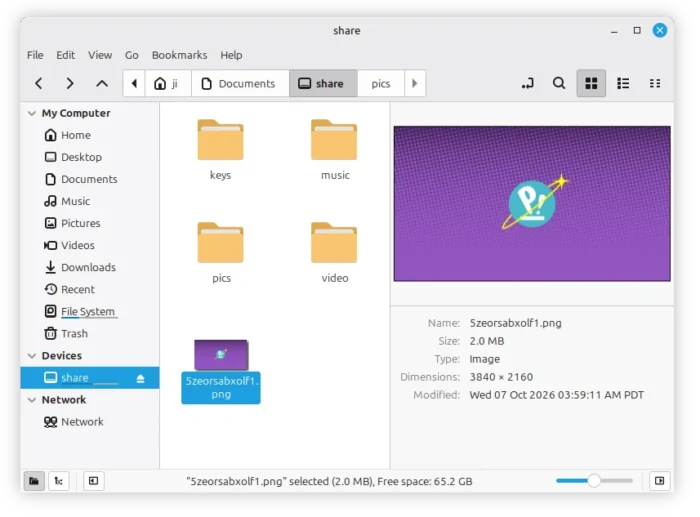
Nemo, the file manager now has a preview pane for audios, videos, and photo images. You can either press F7 or go to “View” menu to toggle on/off the pane.
And for multi-monitor setup, each monitor can now has its own wallpaper.
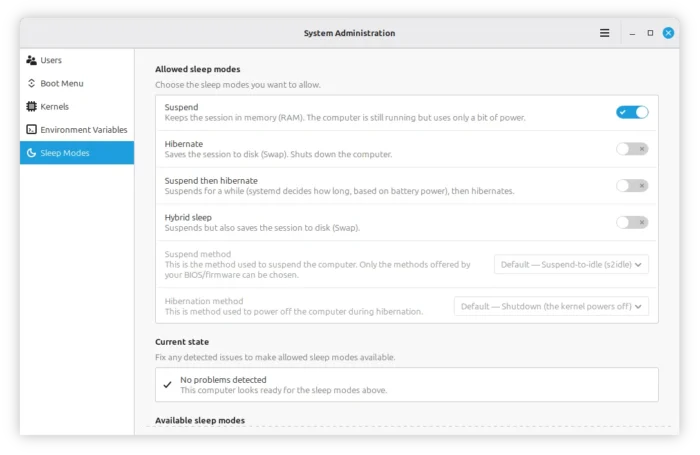
The System Administration app has been updated with several new settings pages.
In addition to boot settings, it now supports managing user accounts, kernels, and settings system-wide environment variables.
It as well introduces new sleep modes. Besides Suspend mode that saves your session RAM, it now supports hibernate that saves to disk then shutdown, Suspend-then-Hibernate that suspend then hibernate when battery goes critical, and hybrid mode that saves you session into both RAM and disk.
Linux Mint 27 also introduces several new apps.
Possibly due to disagreement with the GNOME development team, it is now developing its own calendar app called Clockenstein.
The new app supports multiple calendars and works with local calendars, Google Calendar and CalDAV services such as Nextcloud.
You can create and edit events, and it will send notification when a reminder is due. And, it has a daemon that keeps remote calendars synchronized.

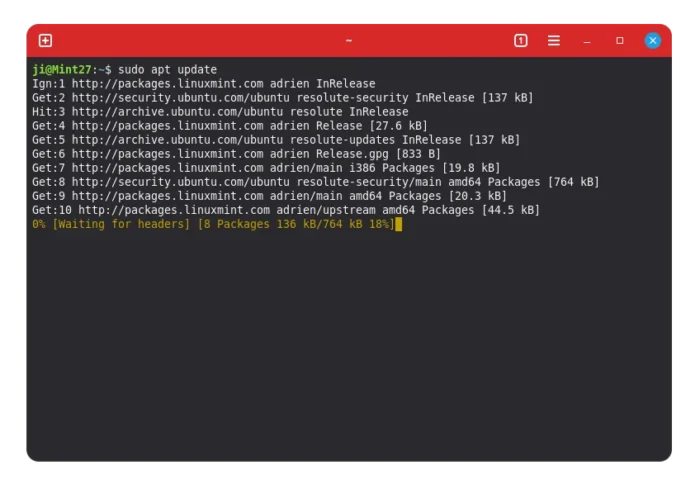
There’s also a new default terminal app. It’s Velocitty, likely a GTK4/LibAdwaita app, that features tab overview, colored header bar when running special processes, such as sudo command or ssh connection.
The terminal also supports custom tabs, color palettes, running certain commands on startup, and choosing which shell to use (e.g., bash, zsh, dash, fish).
Other changes in Linux Mint 27 include:
- New System Monitor app.
- New archive manager.
- New Android inspired Alarm app.
- New app for reading EPUB ebooks.
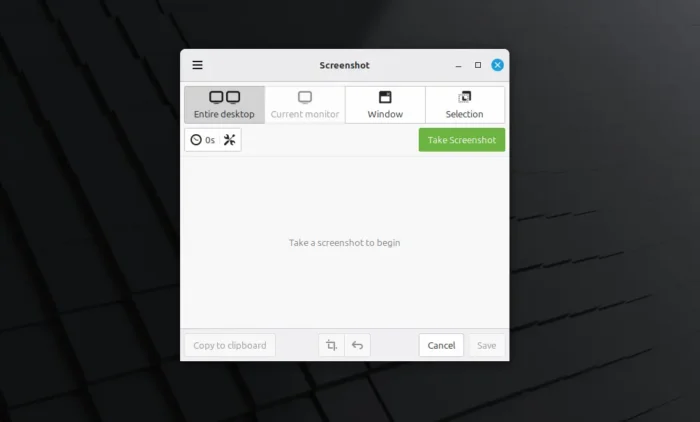
- New screenshot tool.
- New installer as Ubuntu deprecated the old default Ubiquity installer.
- Redesign the Library app.
- Interactive search and faster navigation in Nemo.
- Fcitx5 input method support.
- New keyboard layout viewer.
Get Linux Mint 27 Beta
The official announcement as well as the .iso images for Cinnamon, XFCE, and MATE editions are available in Linux Mint website via the link below:
Hardware requirements include 2GB RAM, 20GB disk space, 1024×768 resolution display, and a modern Intel/AMD processor.
NOTE: The Beta is for testing purpose! For production use, please wait the final release which is scheduled for Christmas day.