
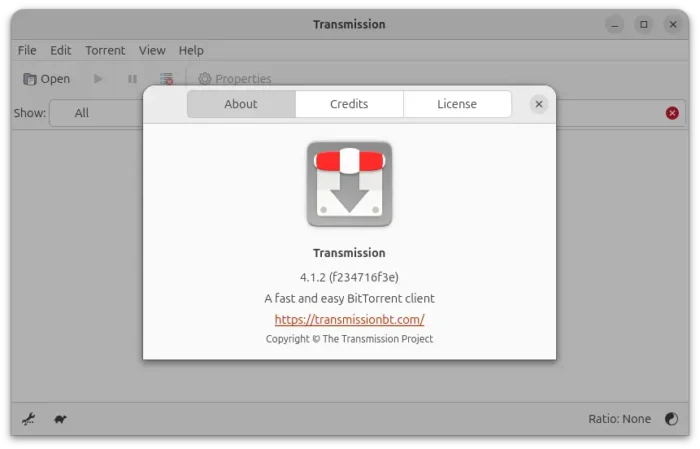
Transmission, the default BitTorrent client for Ubuntu, released new 4.1.2 version today.
This is the second maintenance update for the 4.1 release series that features a few dozens of bug-fixes, and a few performance improvements.
First, the new version fixed a bug that could cause duplicate HTTP announces to be sent to trackers. To prevent crashes and ensure integrity, Transmission now rejects benc data that has invalid characters, instead of silently ignoring.
It also fixed a bug that one torrent parsing failure during the startup would also break subsequent torrents, and, it fixed some downloads would stalled at 99%.
This version also fixed some 4.1.0 regressions or bugs. They include the TCP peer connections issue on some systems, utp_enabled and tcp_enabled settings would be override after upgrade, disk idle issue, and crash when a peer supplied reqq value smaller than 32 in LTEP handshake.
It as well added clickjack safeguards when serving http responses, which prevents attackers from creating malicious contents that embed the Transmission Web UI in a hidden iframe.
For the QT UI, it fixed a crash when parsing some RPC responses from older Transmission servers, and settings.json incorrectly save both deprecated and current settings names.
There are also a crash fix when toggling alternative speed limits, and translation fix for the GTK UI, as well as fixes for incorrect torrent status and time display issue in press dropdown in Web UI.
And for macOS app, the new version fixed memory leak and navigation focus issues in the Inspector, and improved the UI code for less CPU usage.
Other fixes include:
- SON-RPC related UI regressions.
- Torrents order preservation issue after moving their queue up/down.
- Shrink the buffer containing the decompressed blocklist data to the actual size.
- Sanitizes invalid UTF-8 client names for remote peers, to prevent malformed text and potential errors.
For more about the new version, see the Github releases page.
Install Transmission 4.1.2
The official installers for Windows and macOS, along with source tarball, they are available to download via the link below:
For Linux, besides building from source or waiting for your Linux Distribution updates, there are community maintained Flatpak package and Snap package (available in App Center) which run in sandbox environment.
And, for current Ubuntu 22.04, Ubuntu 24.04, and Ubuntu 26.04, I’ve built the new release package (.deb) into this unofficial PPA.
To add the PPA and install Transmission 4.1.2, open terminal (Ctrl+Alt+T) and run commands below one by one:
sudo add-apt-repository ppa:ubuntuhandbook1/transmission
sudo apt update
sudo apt install transmission
Optionally, you may install transmission-cli for command line use, or transmission-daemon for running in background for server use.
Uninstall
To remove the PPA and downgrade transmission to the stock versions, run the command below to install ppa-purge and use it to purge the PPA:
sudo apt install ppa-purge && sudo ppa-purge ppa:ubuntuhandbook1/transmission
Or, run the command below to manually remove the PPA:
sudo add-apt-repository --remove ppa:ubuntuhandbook1/transmission
And then remove the BitTorrent client via command:
sudo apt remove --auto-remove transmission transmission-common