OBS Studio, the popular software for desktop recording and live streaming, released new 32.2.0 version today for Linux, Windows, and macOS.
The new version of this free open-source software added native .deb package for Ubuntu 26.04 LTS, many new features, performance improvements, and various bug-fixes.
First, the new 32.2.0 version improved it’s UI/UX experience by introducing new add source dialog. Instead of using a drop-down menu, it now opens a separate window, provoding a clear interface to add sources and manage recent sources.
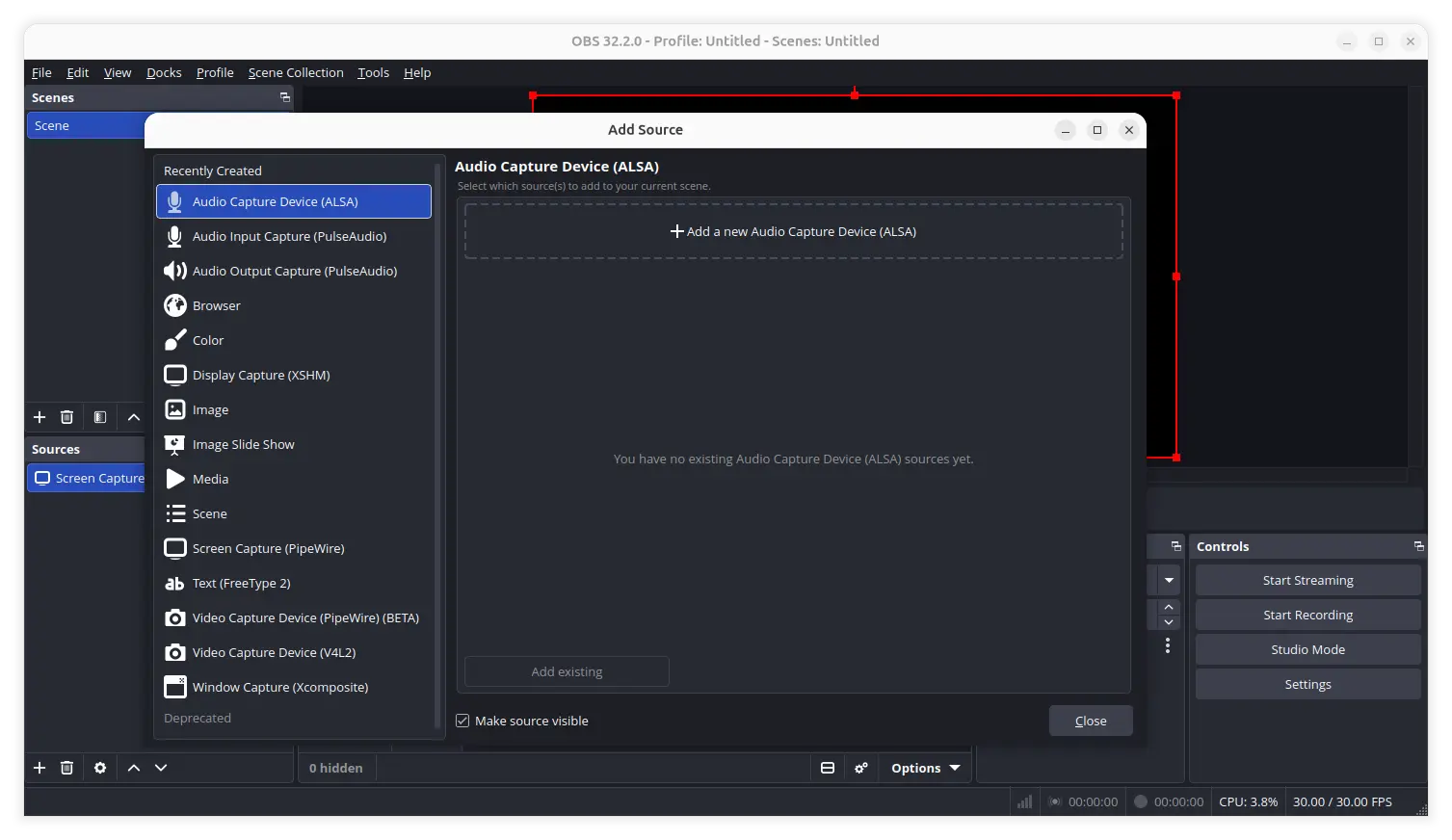
New add source dialog
It also improved the FPS selector UX. It now will use the previously selected FPS selector mode when possible. If a consumer has created extra selection modes and the stored value is out of bounds, fall back to the trailing values for the mode selector and the corresponding FPS selector.
It added copy paste functions to frontend API, allowing users from the vertical plugin to copy and paste sources from and to the main canvas. And, macOS user can now use delete keyboard key to delete sources.
The release as well added missing file support for filters. And, it now includes .webp files when adding a directory to Image Slide Show source.
As you know, multi-track video sends several video streams in parallel that uses more overall bandwidth. But in some cases the streamers’ available uplink bandwidth is not adequate for multi-track video.
In version 32.2.0, dynamic bitrate (DBR) support is added for the case that automatically modulates the video bitrate based on network bandwidth to avoid dropping frames.
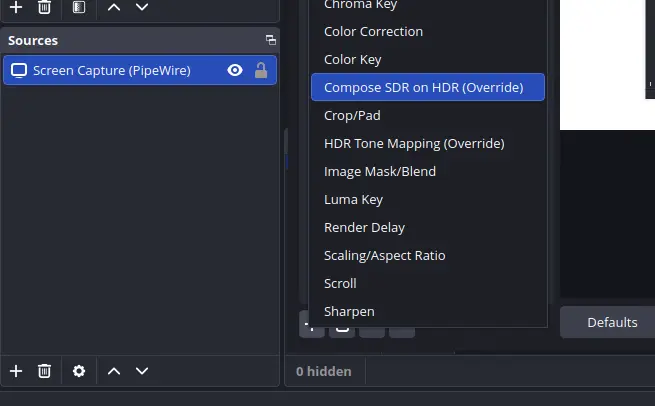
The release as well added new filter that can perform SDR (Standard Dynamic Range) to HDR (High Dynamic Range) composition automatically, providing greater brightness range for grading and effects.
For Apple Silicon Macs, which installed OBS Studio versions built for Intel-based Macs, it will automatically update to the build for Apple Silicon. However, third-party plugins will NO longer load until replaced with Apple Silicon versions.
Other changes in OBS Studio 32.2.0 include:
- Allow plugins to set custom icons for new source types.
- Improve OpenGL performance on low-end machines.
- Fix NVENC (NVIDIA Encoder) using incorrect bitrate in CQVBR mode.
- Fix VAAPI AV1 not working when streaming with WHIP.
- Deprecate
bs_properties_add_button()plugin API function.
Get OBS Studio 32.2.0
The release also includes many other changes and fixes. Along with the installer packages for Linux, Windows, and macOS, they are available in the Github via the link below:
For Ubuntu, besides download & install the .deb package from the link above, there’s also an official PPA which is however not updated at the moment of writing.
And, other Linux may install the latest OBS Studio through the official Flatpak package, which runs in sandbox environment.