GNOME 51, the default desktop for Ubuntu 26.10, Fedora Workstation 45, and optional for Arch etc Linux Distributions, was released!
The new version of this popular Linux Desktop environments introduced many performance enhancements to overall desktop experience and core applications.
It reworked the scheduling and screen frame delivery system, making the desktop animation runs more smoothly. It added video bitrate/quality control for screen recordings or screen sharing using the GPU’s VA-API H.264 encoder.
And, it now remembers your monitor’s brightness level across reboots and HDR toggling.
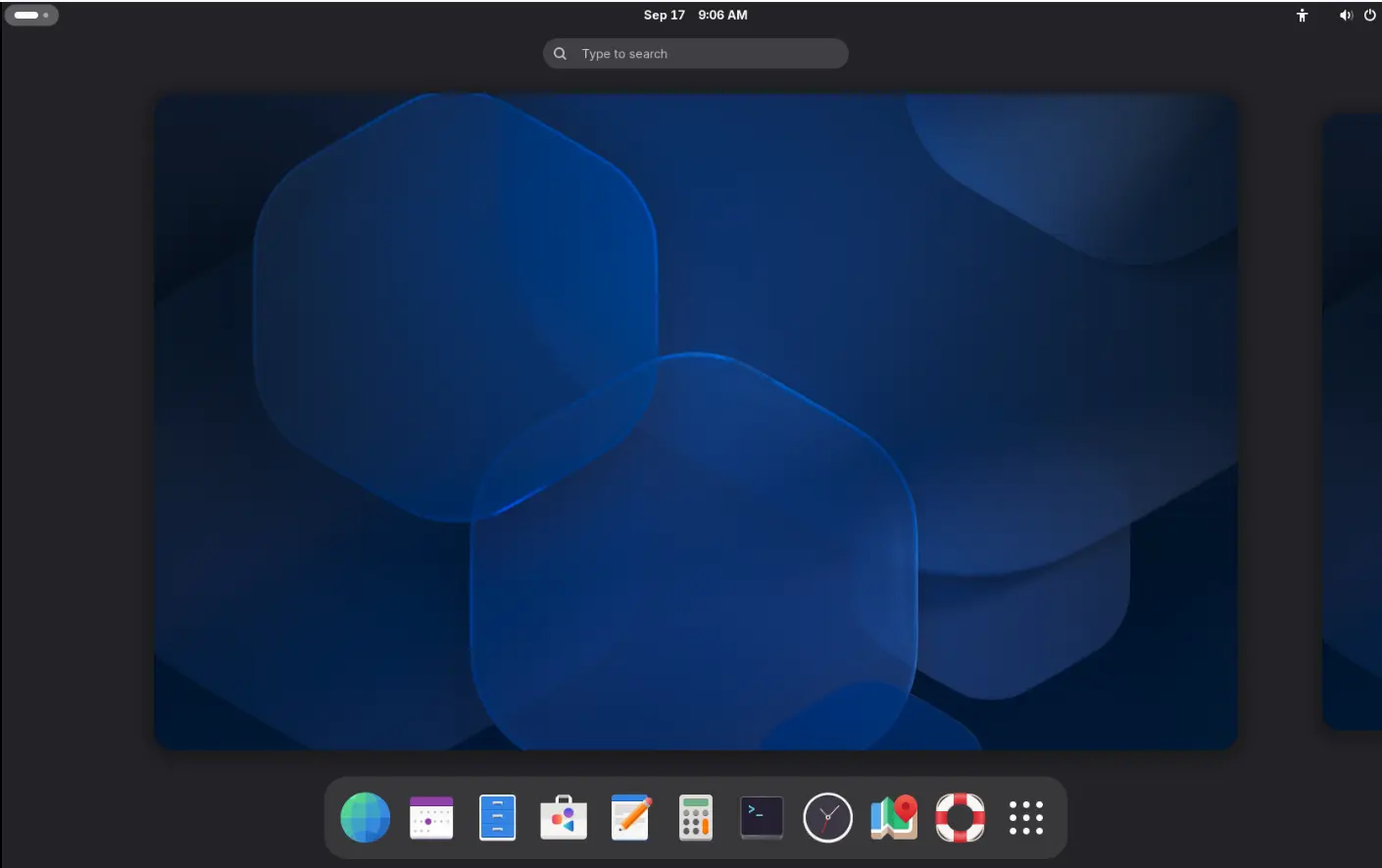
GNOME 51 on Arch Linux
The Settings App
GNOME Control Center, aka the settings, now provides an option to disable touchpad while a mouse is plugged in that’s useful for laptop users.
For devices that have an accelerometer, it now includes a “Auto Rotate” row in Displays settings. It automatically switches the screen between portrait and landscape orientation as the device is turned, while, a orientation lock option is available.
The Network setting page now provides DNS domain search option. Remote Login now supports SSH socket servers.
Others include revamped Fingerprint interface in User setting page, app icons in default-apps drop down options, release note link in the About page.
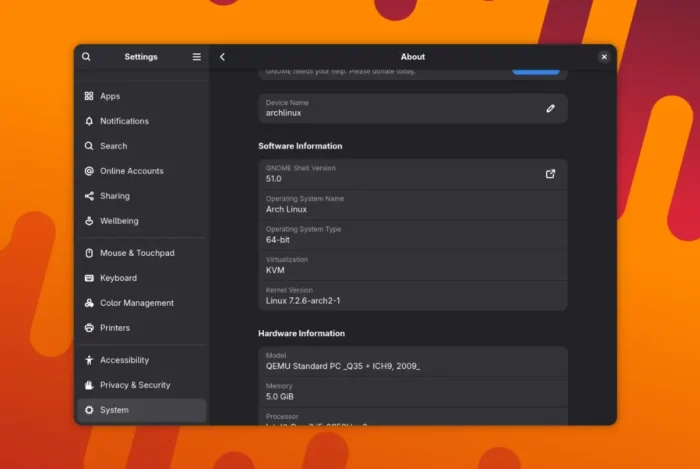
There are as well a few new hidden options that can be configured via either “Dconf Editor” or gsettings command. They include the options to change touchpad scroll speed and set disable while typing timeout.
The Files
GNOME Files, aka Nautilus, finally added “New Documents” context menu out-of-the-box, allowing to right-click on blank area to create an empty file. While, user can still create custom options by adding files to “Template” folder.
Large folders are now loading faster. Dragging multiple files now shows a small badge indicating how many items being dragged. And, locations from other apps are now open in Nautilus in new tabs by default.
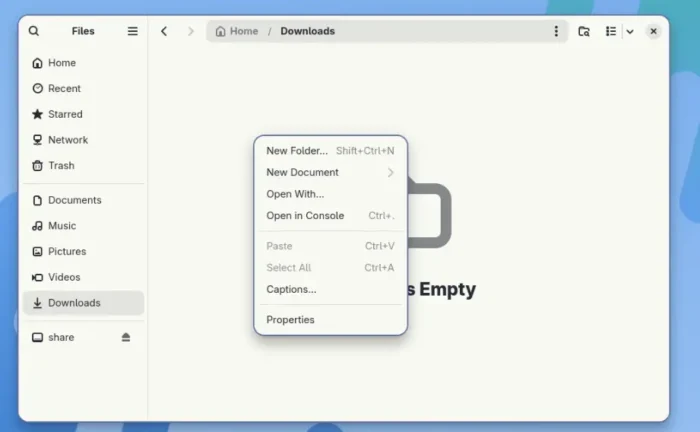
GNOME Files finally provides graphical option to create new documents
Others
The remote desktop feature now supports Kerberos multi-user remote login, allows multiple users to establish their own GNOME sessions on a Linux machine.
It also added smartcard redirection support, that allows a smartcard connected to the client computer to be made available to the remote GNOME session.
Glycin, the image loading library, is now used to handle the desktop background images. It also added support animated AVIF and HEIC files, loading XMP metadata in SVG, and extracting more metadata.
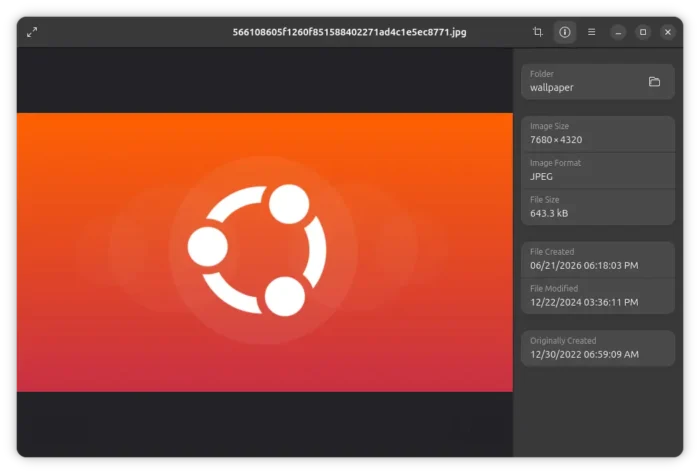
And, the default Loupe image viewer has been updated with ability to show a human-readable description of an image/video’s color profile.
For users who rely heavily on the keyboard, the built-in screenshot area selection now support using Arrow keys to resize selection, Ctrl+Arrow to resize in very small steps, Shift + Arrow to extend to screen edge, or Alt + Arrow to move the selection area, and R to reset.
Other changes in GNOME 51 include:
- Remove the code for legacy NVIDIA drivers support.
- Hardware accelerated Gnome Remote Desktop support for AMDGPU.
- Add standard API for background blur in app window.
- SVG-based mouse cursor.
- Replace gnome-keyring with new Rust-based oo7-daemon.
- Sign via visual signatures in Documents app.
- Port GNOME file previewer to GTK4/LibAdwaita with more functions.
- Option to set custom pointer acceleration profile.
There are as well many other changes in the release. See the announcement for details.
Get GNOME 51
As mentioned, GNOME 51 will be default in Ubuntu 26.10 and Fedora Workstation 45, and optional in Arch etc Linux Distributions.
For choice, you may try the most recent GNOME Desktop features by running GNOME OS in either VM or bare-metal machine.