Scrcpy, the popular application for mirroring / controlling Android screen on your computer, released new 5.0 version yesterday.
The new version of this free open-source application finally added hardware decoding support, which uses your computer’s GPU to accelerate the video playback.
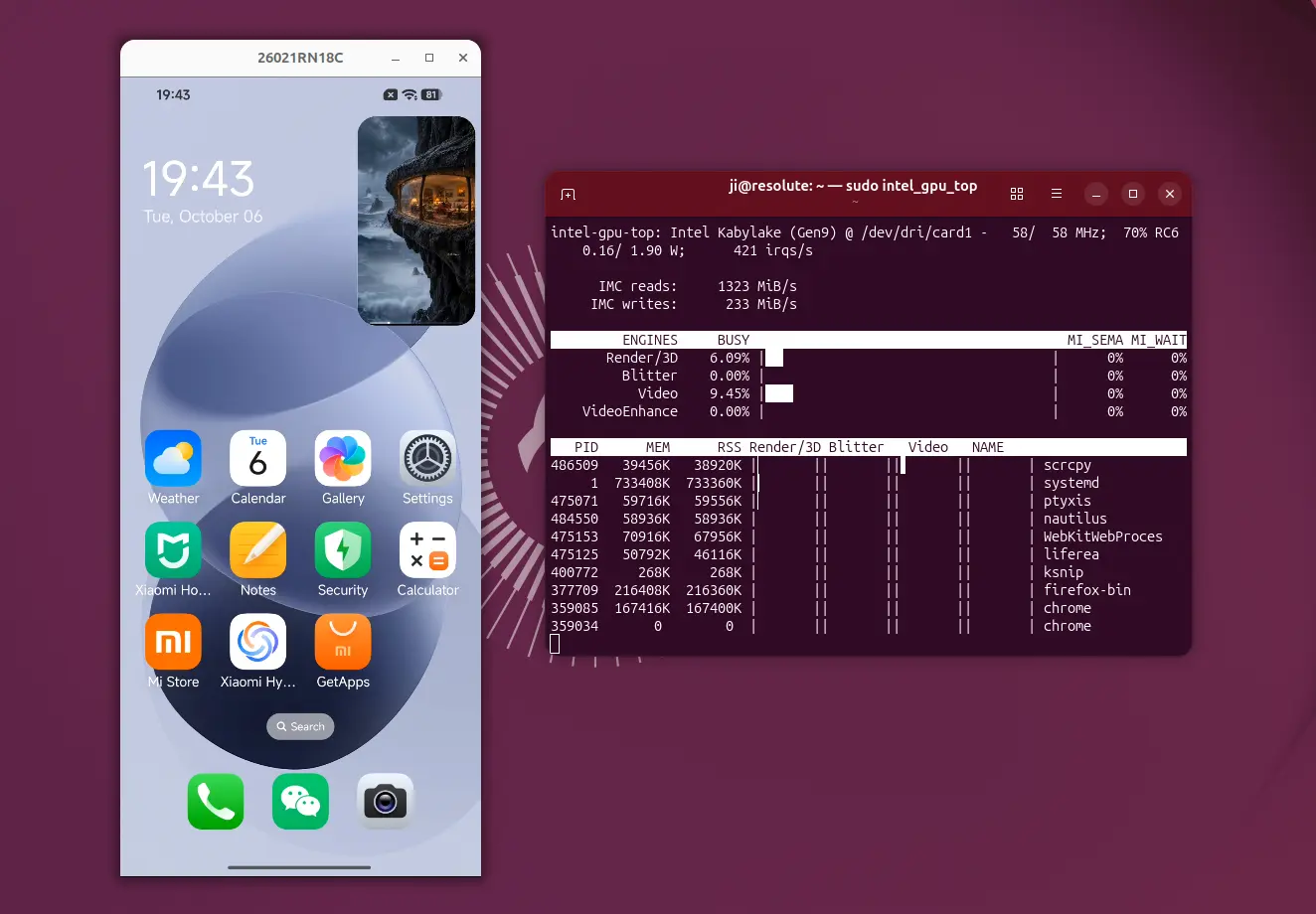
Thus, it noticeably reduces CPU usage and power consumption while also improving video playback performance.
The new hardware decoding is enabled by default when possible. And, user can manually configure it by passing --hwdec command option:
--hwdec=auto– use hardware decoding if possible (default).--hwdec=disabled– disable the feature and use software decoding.--hwdec=vaapi– use VA-API, Linux only.--hwdec=d3d11va– D3D11VA, Windows only.--hwdec=videotoolbox– VideoToolbox, macOS only.
For Linux, it so far supports on VA-API. If your computer has only a dedicated NVIDIA GPU running with a proprietary driver, then try NVIDIA VA-API Driver.
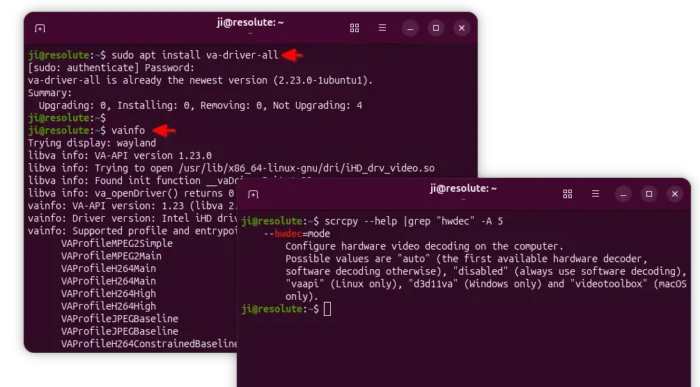
install & verify va-api in Ubuntu
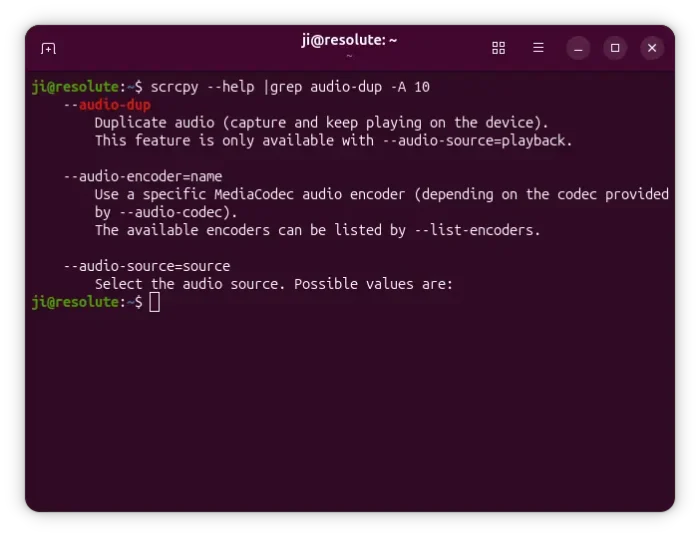
The new 5.0 also improved the audio capturing support with new --audio-dup option. When using it along with --audio-source=playback:
--audio-dup– only capture audio marked by Android asUSAGE_MEDIA, e.g., music and video players, while game audio ignored.--audio-dup=game– capture media (USAGE_MEDIA) + game audio.scrcpy --audio-dup=game,voice-communication– capture media + game audio + voice communication.scrcpy --audio-dup=all– capture all.
Other possible values include unknown, game, alarm, notification, assistant, sonification, accessibility, navigation and voice-communication.
Scrcpy 5.0 also added support using ANDROID_SERIAL=<serial> to tell which Android device to use when running Scrcpy in OTG mode, which uses PC’s mouse and keyboard as Android input devices via USB.
Other changes include:
- Support Windows on ARM64, e.g., XPS 13 etc Snapdragon X Elite laptops.
- Fix some keys not working in UHID keyboard mode.
- Toolkit updates: adb 37.0.1, FFmpeg 9.0.1, SDL 3.4.18, and dav1d 1.5.4.
- Other bug-fixes.
Get Scrcpy Android Screen Mirroring & Controlling Software
The official release note as well as the Linux, Windows, and macOS packages are available in Github via the link below:
For Linux, select download “scrcpy-linux-x86_64-v5.0.tar.gz” and extract to get all the executable files and icons.
And beginners can see this step by step guide that shows how to install and use it in Ubuntu.