



GDM Settings, the settings app for GNOME’s login screen (aka GDM Display Manager), is officially paused!
The main developer and maintainer of the project, Mazhar Hussain, announced the project is on old in last week via this issue:
So, for now, the development of this app is on hold, and I’m not sure for how long. It could be few months, or it could be more than a years. I might not even come back to this project specifically.
However, I love Open Source, and I love GNOME. So, I will be back some time in the future for some of my open source projects (maybe/possibly even this app).
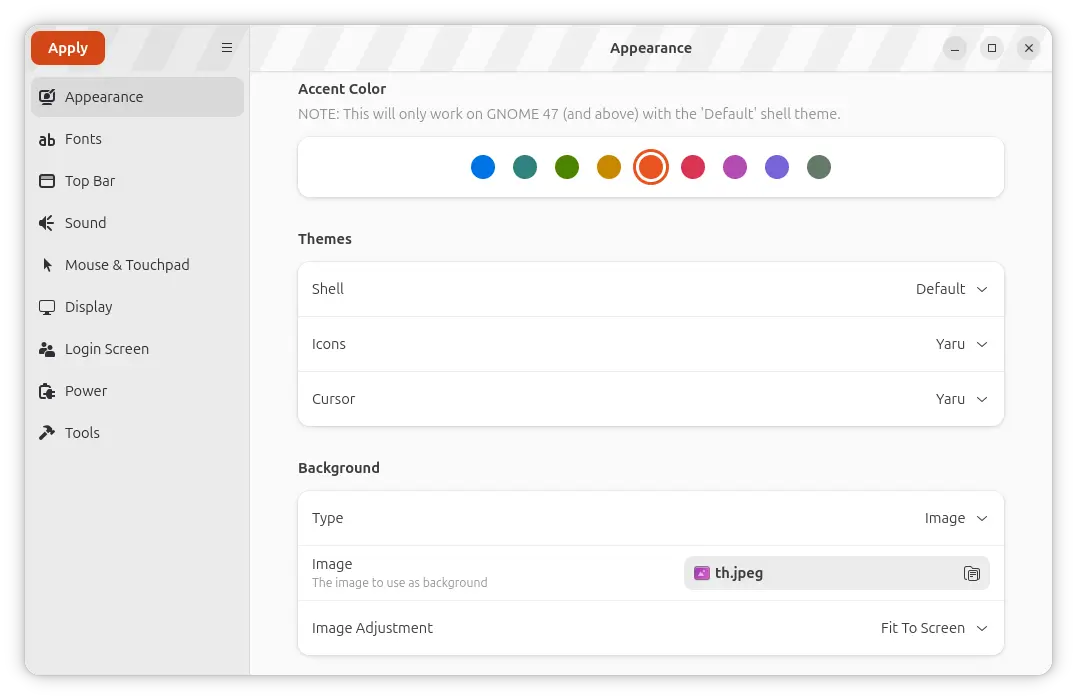
GDM Settings App
In case you never heard of GDM Settings, it’s a free open-source community maintained application that provides an easy to use GUI for configuring the login screen appearance and behavior in Ubuntu, Fedora, other Linux with GNOME Desktop.
With it, you can change the themes, fonts, background, accent color, and top-bar appearance in the login screen, and, configure the power, logo, welcome message, as well as mouse and touchpad behaviors.
In my case, I use the app in every Ubuntu desktops for custom login screen background image. And, some Linux Distributions, e.g., Ubuntu (24.04 only), ALT Linux, and OpenMandriva, include gdm-settings package in their official repositories.
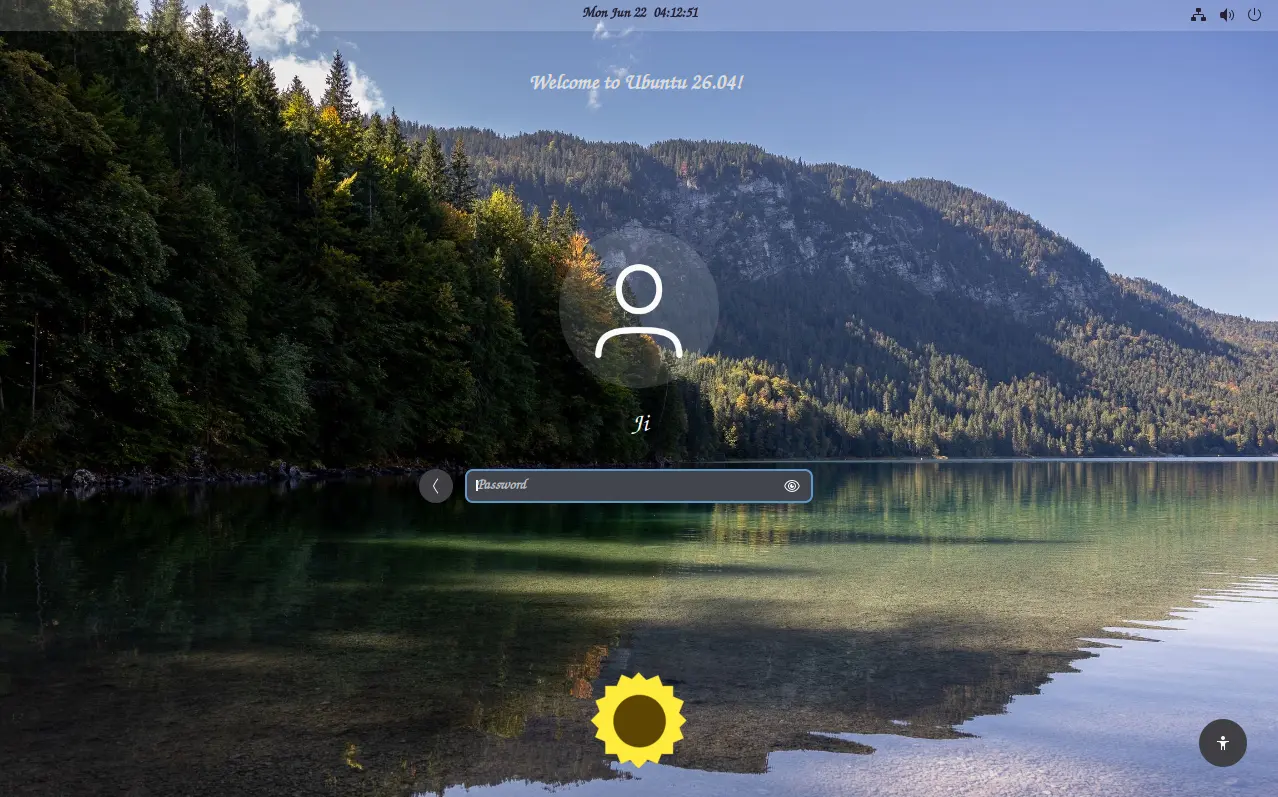
Ubuntu 26.04 custom login screen adjusted by GDM Settings
Since the last 5.0 version, the work on the application has slowed down. Now some features, typically the “Apply current display settings” option, stop working in GNOME 50 due to the change of the default monitor configuration file location.
As the main developer explained, he was very tiring and burnt out due to a 9 to 6 job, and now recovering from the burn out. So, the development of the app is on hold!
GDM Settings is still working (the most functions) in Ubuntu:
Except the “Apply current display settings” that applies the resolution, refresh rate, etc settings from Gnome Control Center to login screen, most other functions still work in my case in Ubuntu from 22.04 to 26.04.
For Ubuntu 24.04, simply open terminal (Ctrl+Alt+T) and run the command below to install it from system repository:
sudo apt install gdm-settings libglib2.0-dev-bin
Then you may start the app from the Gnome overview or app grid.
For other Ubuntu releases, you may try the official Flatpak package, which may or may not work because it runs in sandbox and stuck at GNOME 49 runtime.
Or, use this unofficial PPA, by running the commands below one by one:
sudo add-apt-repository ppa:ubuntuhandbook1/gdm-settings
sudo apt update
sudo apt install gdm-settings libglib2.0-dev-bin
(Optional) To uninstall the deb package, use command:
sudo apt install --remove gdm-settings
Also run the command below to remove the PPA:
sudo add-apt-repository ppa:ubuntuhandbook1/gdm-settings --remove
















It’s a pity that there isn’t gdm settings app in the official Ubuntu 26.04 repositories.
Anyway, I recently stumbled across this application to configure gdm settings
https://github.com/paolocalosso/gdm-custom
I tested briefly in an Ubuntu 26.04 VM – seems pretty good so far