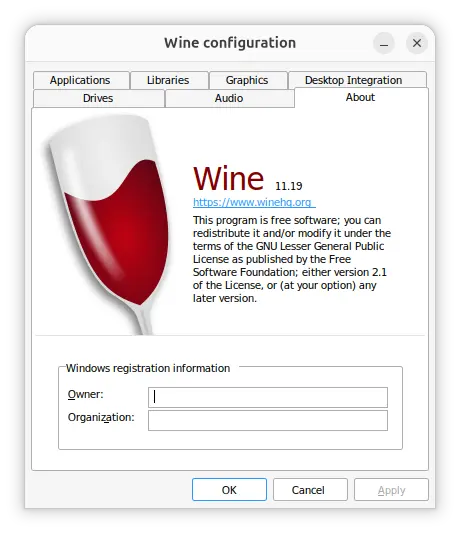
Wine, the compatibility layer for running Windows apps / games in Linux, macOS & BSD, released new 11.19 development release today.
The new version of this free open-source software introduced some new features and fixed various bugs for many Windows games and apps.
First, the new wine 11.19 added support for vertical text rendering in GDIPlus. Meaning it can now draw text vertically when running Windows apps that use the GDI+ Windows graphics API for text drawing.
It can now remember the results of DNS lookups instead of performing a new lookup every time an application asks for the same hostname, which improves network performance.
And, the unicode character tables updated to Unicode 18.0.0, improving support for newer Unicode characters.
Other changes are mostly bug-fixes for apps and games, including Time clock SBE 1.2 and 2.2, ArcGIS Pro, Command Post, Zombie Army 4, Paint.net 5.2, Euro Truck Simulator 2, Desperados 2, and Final Fantasy XI Online.
For more about Wine 11.19, see the official release note.
How to Install Wine 11.19
Wine provides official packages for Debian, Ubuntu, Fedora, and macOS, which are available to install through the official guide in the link below:
For Ubuntu users, the current 3 LTS releases (22.04, 24.04, and 26.04) are support. And, you need to install the winehq-devel package in the final step to get wine 11.19.