Audacity 4.0.1, the first maintenance update for the new major 4.0 series, was released yesterday.
The new version of this free open-source audio editor brings back some features missing from Audacity 3.x, and fixes various bugs.
First, the new version added back multi-file export, the options in “Export” dialog allowing to export audio tracks and or labeled regions as separated audio files.
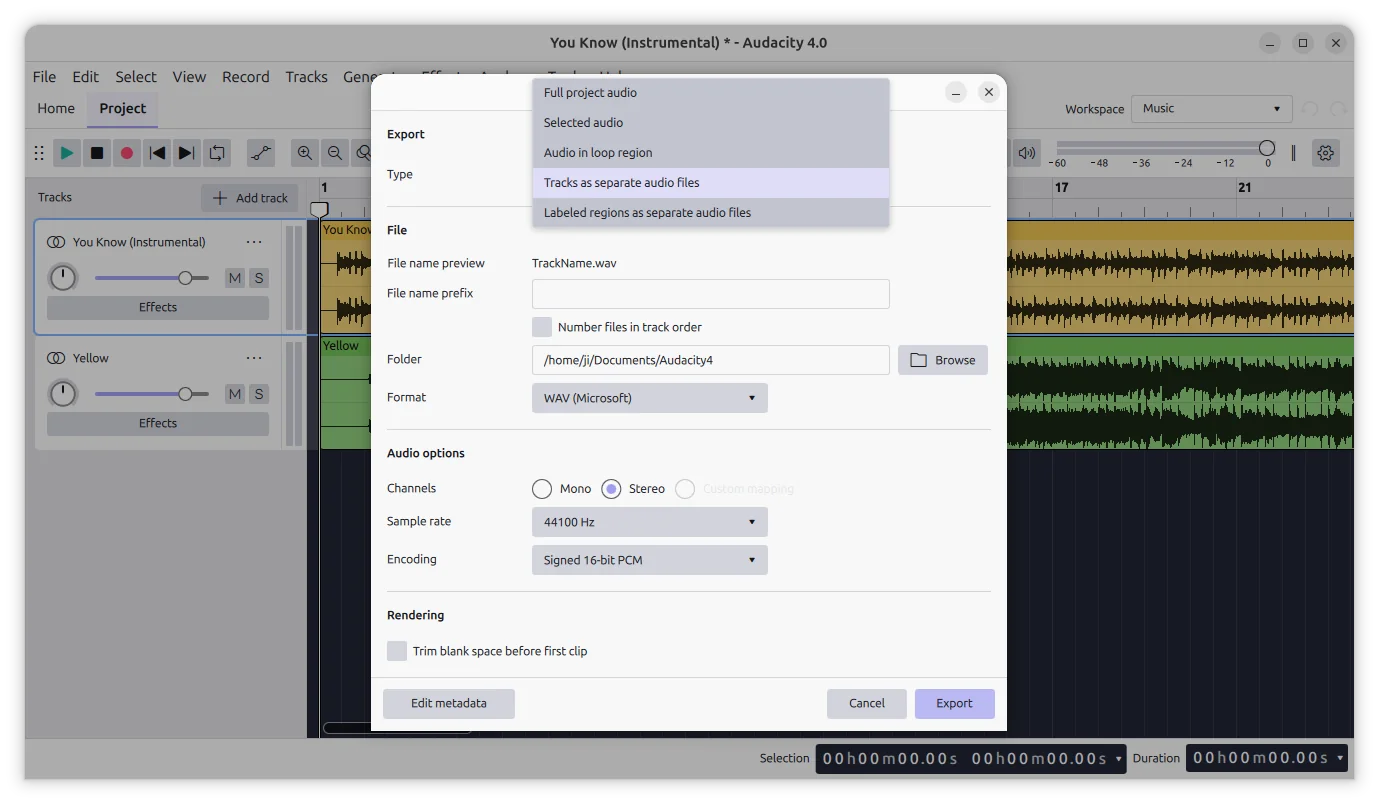
add back export tracks as separated files
For Windows, the portable package is back. It’s .7z package that includes the executable as well as all runtimes, allowing to run the audio editor without installation. It as well fixed the non-ASCII text issues and app launch failure when Smart App Control is enabled.
Audacity 4.0.1 also includes some user experience and accessibility improvements.
The carousel dots (the small row of dots) in welcome dialog is now clickable, letting you navigate back/forward.
The project under “Cloud projects” in Home tab now provides an ‘Open in file manager‘ context menu option through the three vertical dots (⋮) menu.
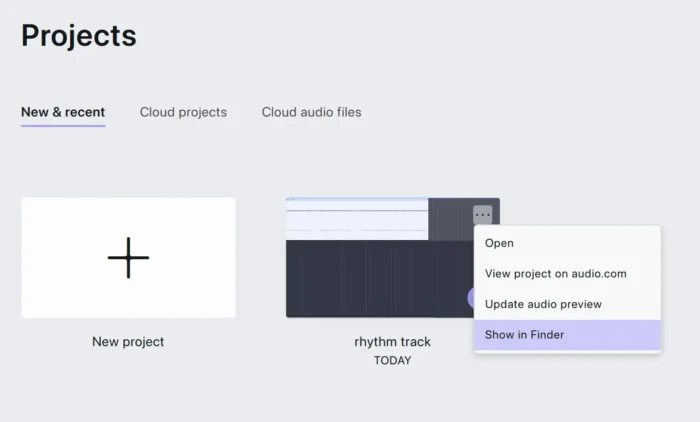
image from https://github.com/audacity/audacity/issues/11801
For keyboard users, some missing AU3 shortcuts (such as W to play selection, Home and End for rewind to start / end) are added back.
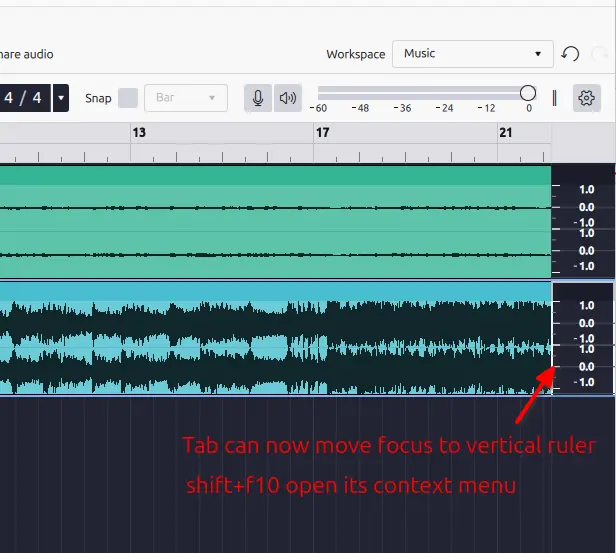
The Tab navigation key can now move focus to track’s vertical ruler. And, when it’s focused, you may press Shift+F10 to open its context menu, and use Up/Down to move focus to the vertical ruler of the previous or next track.
Toast notifications are now announced by screen readers and reachable by keyboard. And, opening the Effects panel now focuses the “Add effect” button.
Other changes include:
- Add Liquid Glass icons in macOS.
- Fix AppImage launch issue in some Linux Distributions.
- Faster clip dragging and undo/redo experience.
- Various bug-fixes.
Get Audacity 4.0.1
The official release note as well as the installer packages are available in Github via the link below:
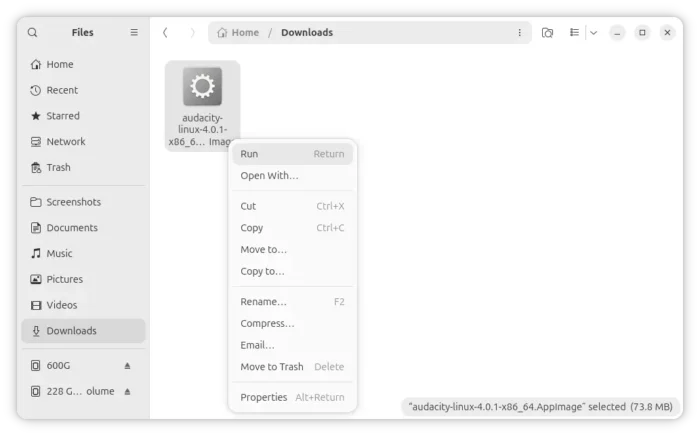
For Linux, scroll down and select download AppImage under Assets section, x86_64 for modern Intel/AMD or aarch64 for Snapdragon X Elite.
Then, add executable permission from file properties dialog. Finally, run to launch the software.
For Ubuntu user who prefer native .deb package, I’ve built the new version into this PPA for Ubuntu 26.04 and Ubuntu 26.10, though not well tested.
To add the PPA and install the package, launch terminal (Ctrl+Alt+T) and run commands below one by one:
sudo add-apt-repository ppa:ubuntuhandbook1/audacity4
sudo apt update
sudo apt install audacity